As an Amazon Associate, we earn from qualifying purchases. Some links on this site are affiliate links at no extra cost to you. Our recommendations are based on thorough research and editorial judgment.

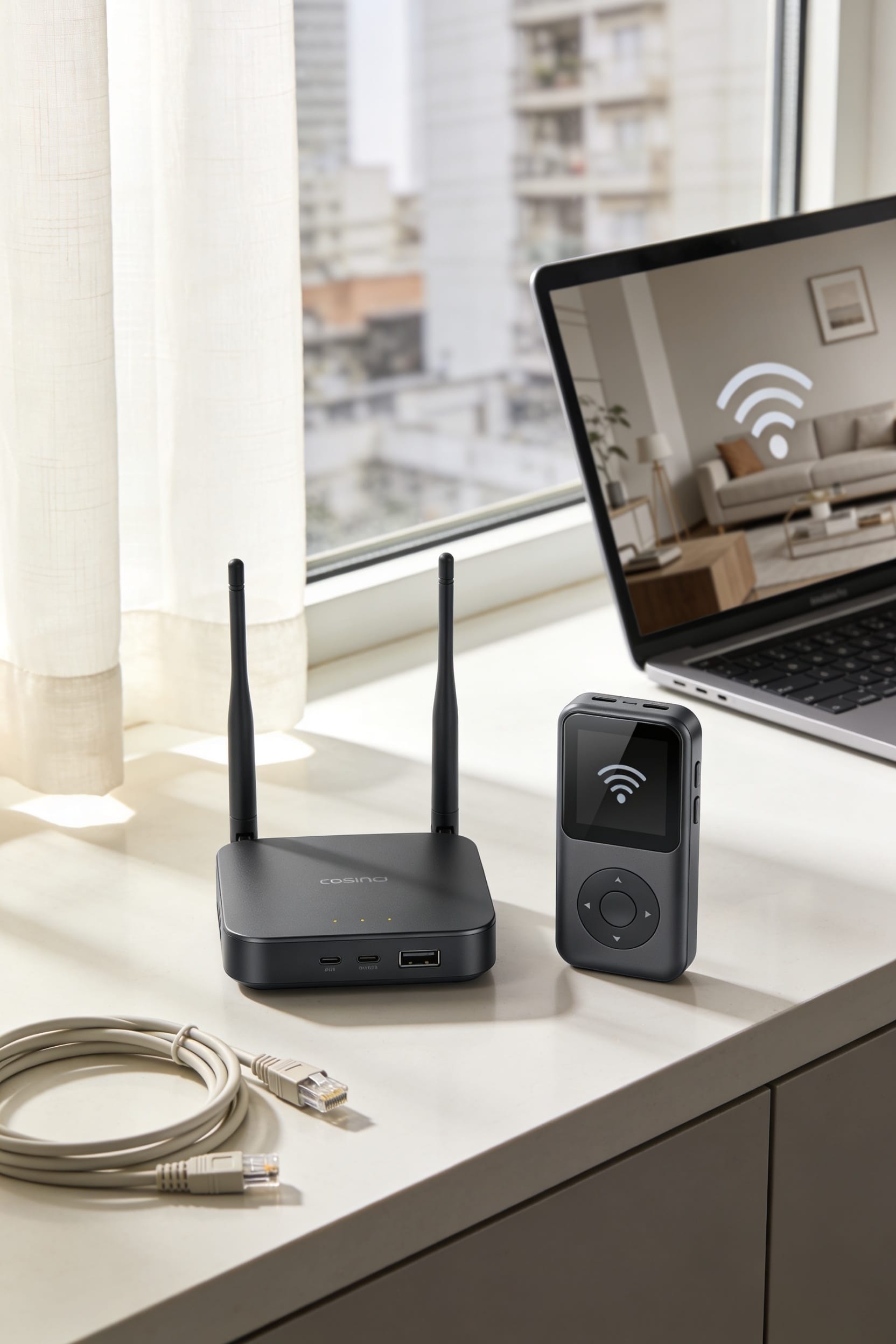
How to Get WiFi Without Cable in an Apartment

Look, you’ve got solid options beyond cable. Fiber-optic‘s your speediest bet if available—think glass strands transmitting data as light signals. 5G home internet and fixed wireless (radio signals from city antennas) skip the cables entirely and activate in minutes. Satellite reaches anywhere but comes with higher lag. Community mesh networks blanket apartments using multiple WiFi nodes. Before choosing, confirm your building’s approved providers, grab landlord permission for installations like satellite dishes, then compare speeds, costs, and timelines. The right pick depends on what your building allows and what matters most to you.
Key Takeaways
- Fiber-optic, 5G home internet, fixed wireless, satellite, and community mesh networks are all viable cable-free options for apartments.
- 5G home internet and fixed wireless are plug-and-play solutions that activate in minutes without requiring landlord permission or technician visits.
- Community mesh networks using multiple WiFi nodes across apartment complexes are ideal for multifamily buildings and reduce dead zones.
- Confirm building-approved providers with your leasing office and check ISP websites by address for speed, cost, and availability.
- Obtain landlord permission before installation for options requiring property modifications like fiber or satellite; use temporary hotspots during technician delays.
Five Internet Options Faster and Easier Than You’d Think
Look, I know the idea of getting WiFi without cable sounds like a setup for a joke—and honestly, it kind of is, because the punchline is that you’ve got real options now. Five solid ones, actually. You could go fiber-optic if your building’s got it—fastest speeds around. 5G home internet and fixed wireless both work without cables, though signal quality depends on where you live. Satellite reaches practically anywhere, even remote spots. And community mesh networks, which use multiple WiFi nodes throughout apartment complexes, are honestly perfect for apartments. Sure, some options come with data caps or speeds vary like portable hotspots do, but you’re not stuck choosing between cable or nothing anymore.
Fiber-Optic: The Fastest Apartment Internet Option
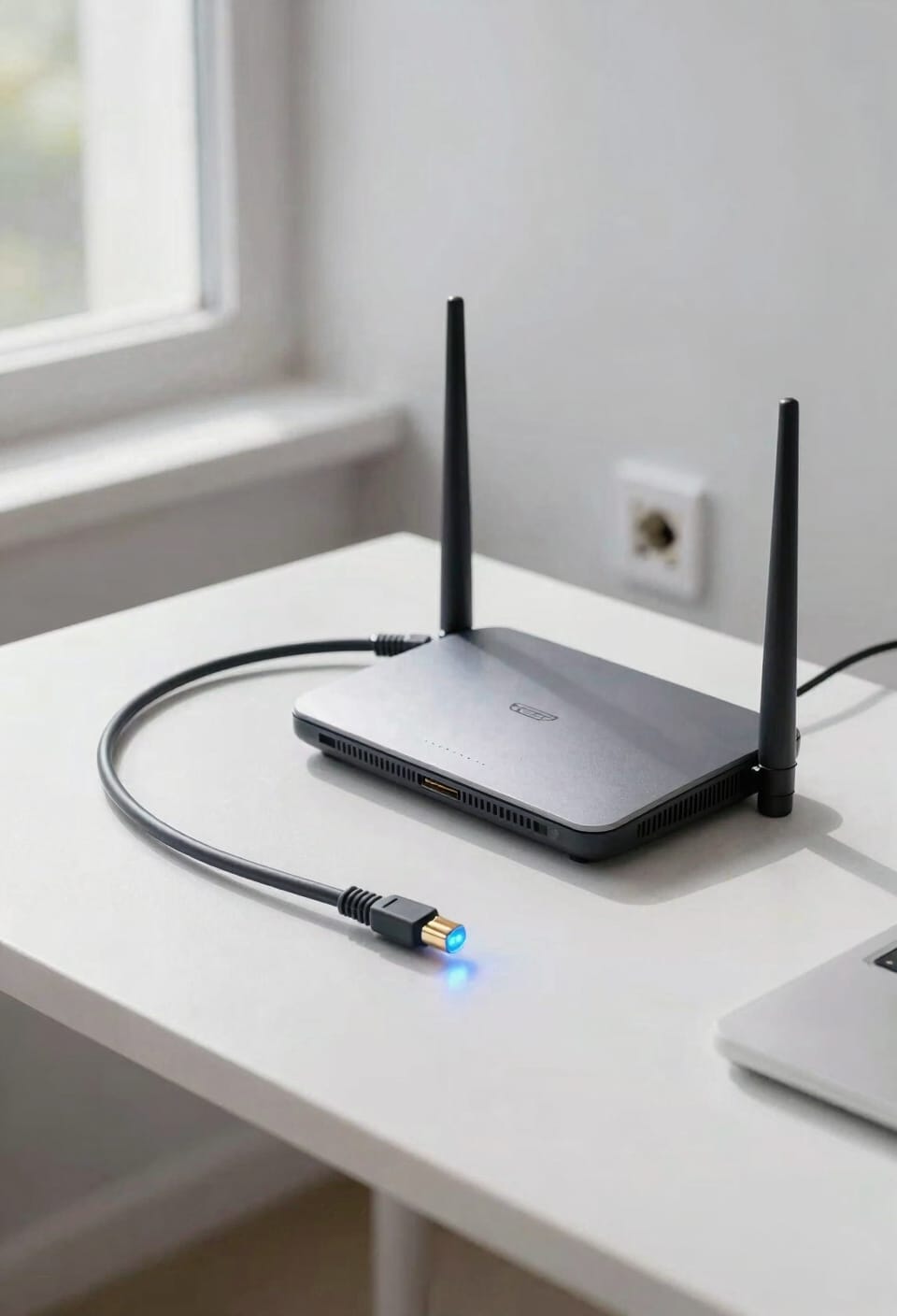
If you’ve got fiber-optic internet available in your building, you’ve basically won the apartment WiFi lottery. I’m talking download speeds hitting 10 gigabits per second—that’s genuinely fast. Here’s the thing: fiber uses actual strands of glass or plastic to beam data as light signals, which sounds like science fiction but delivers real-world reliability you won’t get elsewhere.
Now, availability varies by building. Check your address on provider websites like Glo Fiber first. If you’re lucky enough to have it, installer coordination is straightforward since most buildings are already pre-wired. Maintenance costs stay low because there’s minimal equipment to fuss with. You’ll have the bandwidth capacity to handle whatever your future throws at you—streaming, working from home, gaming marathons. It’s genuinely worth the hunt.
5G Home Internet for Apartments: Wireless Speed, No Cables
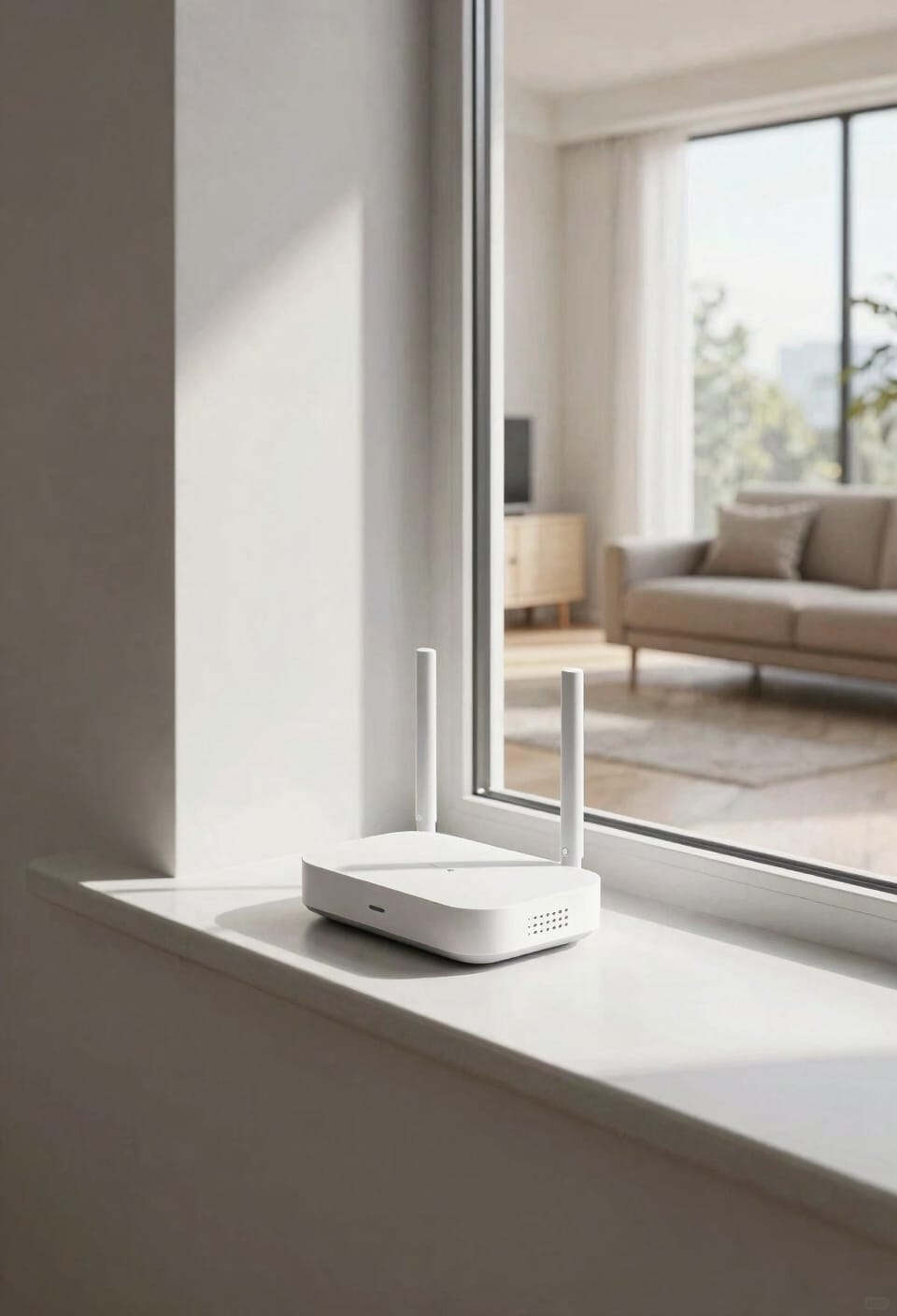
Most apartment dwellers don’t realize they have another option entirely: 5G home internet, which is basically a wireless connection beamed directly to a small box you plug into your wall—no cables strung through your building, no technician drilling holes, no landlord drama.
Here’s the thing: your modem selection matters because not all 5G boxes handle signal interference the same way. Walls, metal fixtures, even your neighbor’s microwave can mess with performance. The upside? Installation takes minutes. You unbox it, plug it in, and you’re online. Speed and strength depend on where you live and your apartment’s construction materials, but honestly, that’s true with most wireless setups anyway.
Fixed Wireless: Ground-Based Coverage Without Fiber
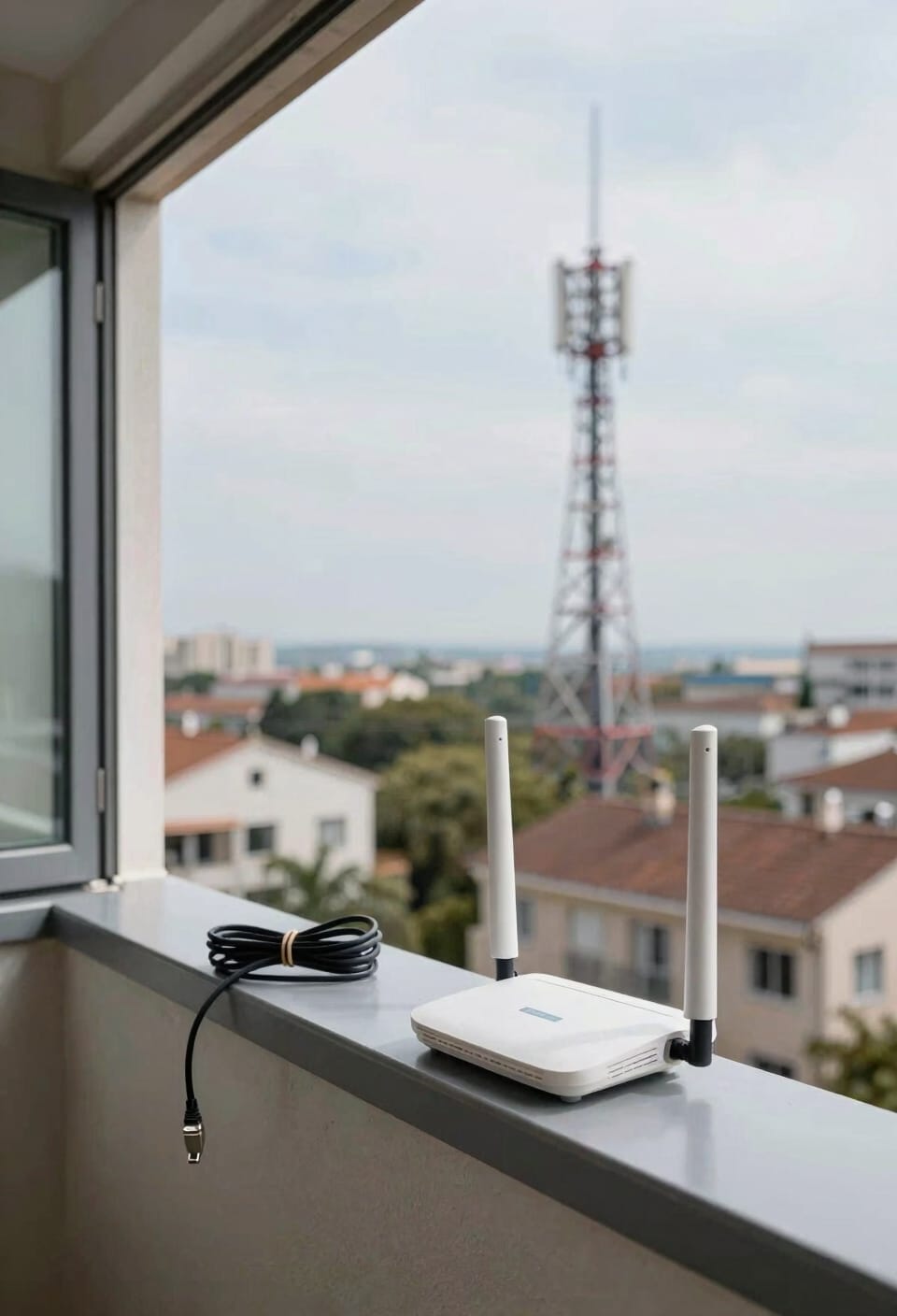
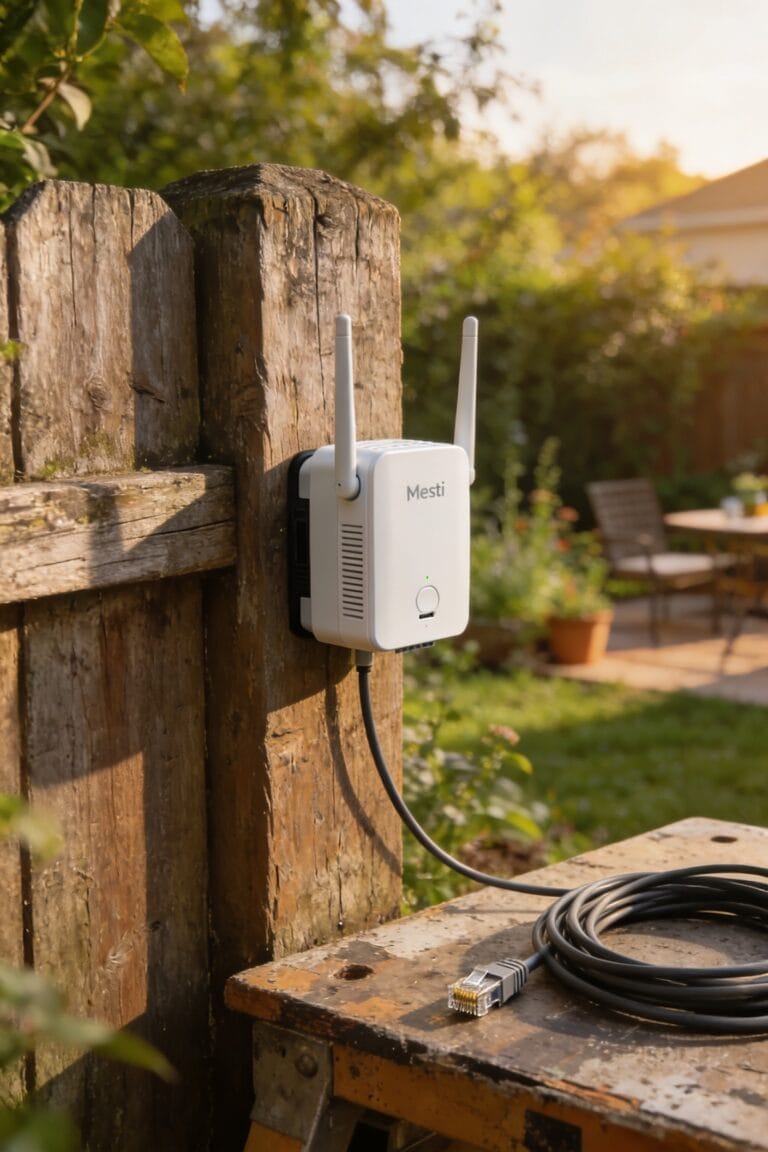
Fixed wireless internet works like this: radio signals beam down from antennas planted around your city, and your apartment picks up that signal without needing cables running through your walls. You’re basically catching internet out of the air.
Now, antenna placement matters big time. The closer you live to those transmission towers, the stronger your signal. If you’re tucked behind buildings or surrounded by dense construction, you’ll likely experience signal interference that slows things down. Think of it like trying to hear someone across a crowded room—obstacles get in the way.
You’ll typically see download speeds between 5 to 50 Mbps, which works for casual browsing and streaming. It’s not fiber-fast, but it’s wireless-simple. No technician needed. Just plug in the receiver, and you’re online.
Satellite Internet: Connectivity Where Nothing Else Reaches
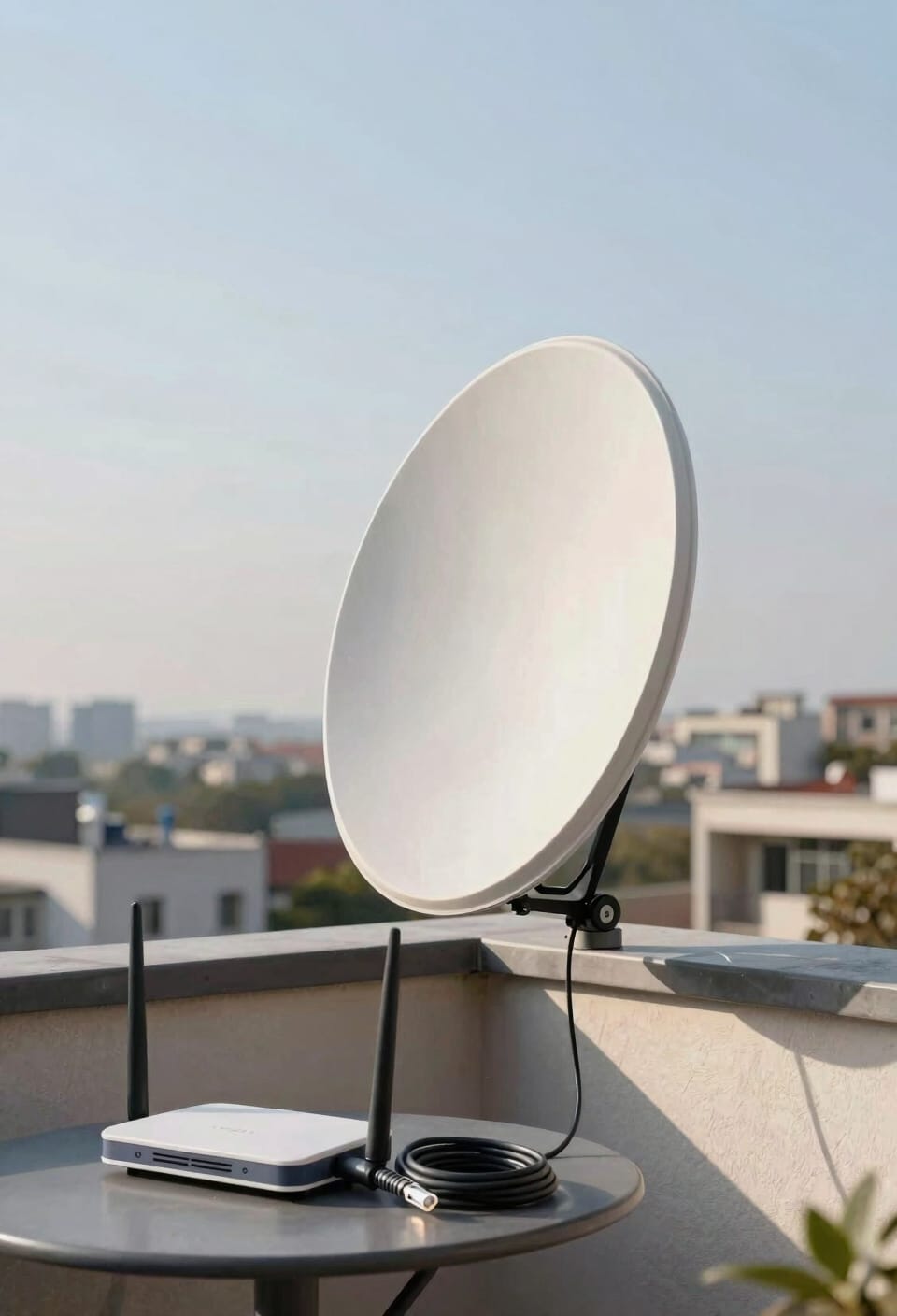
When fixed wireless and fiber aren’t available in your area, satellite internet‘s your backup plan—and honestly, it’s pretty remarkable technology. Signals bounce off satellites orbiting thousands of miles above Earth to reach you anywhere, even remote locations where other options simply don’t exist. You’re looking at download speeds between 12 to 100 Mbps depending on where you live.
Now, here’s what matters for apartment living: you’ll need roof mount requirements handled by your landlord first—that’s the dish installation outside your unit. Signal latency considerations are real too; satellite has inherent delays since data travels so far. But if nothing else reaches your building? It’s genuinely your most widely available wireless option, and sometimes good enough beats perfect on paper.
Community Mesh WiFi: The Built-In Solution for Apartments
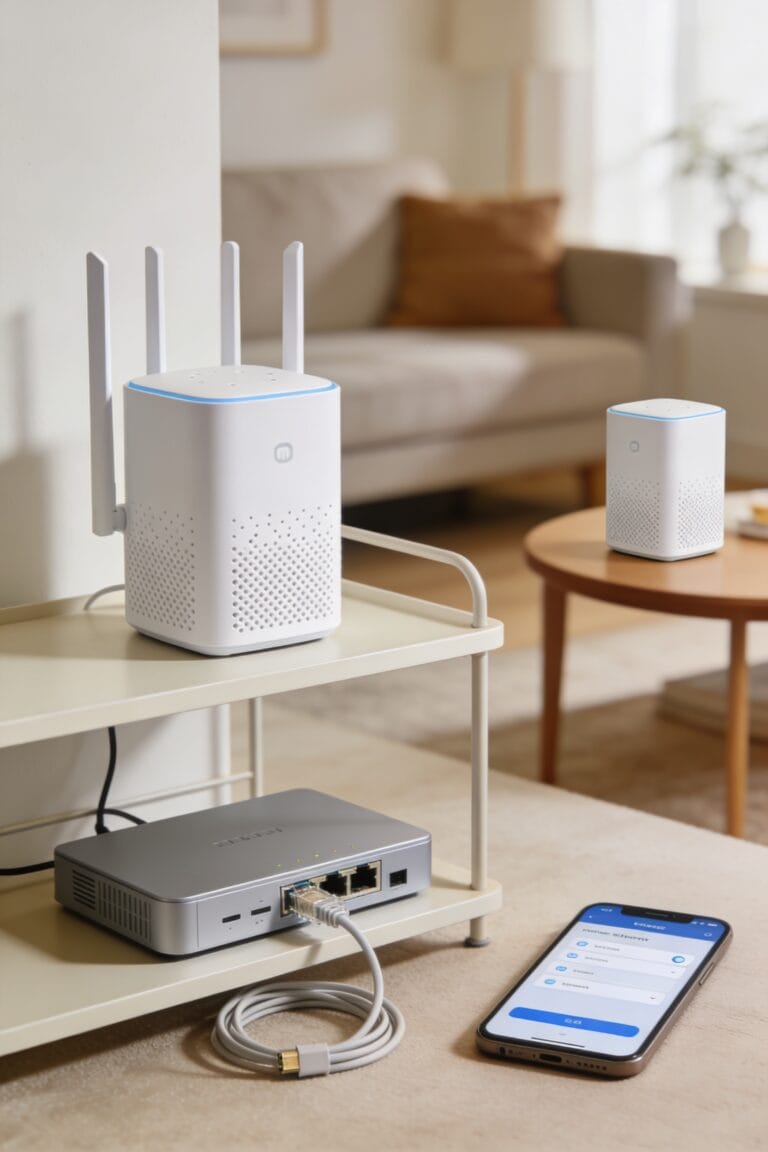
apartment mesh-networks might be the smartest move you haven’t heard about yet. A mesh system uses multiple access points—think of them as relay stations—positioned throughout your building to blanket everything in strong WiFi coverage.
What makes this setup brilliant for apartments is network resiliency. If one access point goes down, your connection doesn’t vanish because data finds another route automatically. You get fewer dead zones and stronger signals in every corner.
Plus, there’s built-in tenant collaboration. Your landlord handles the heavy lifting, and you just pay a WiFi fee rolled into rent. No drilling holes. No wrestling with installation cables. No technician visits eating your Saturday.
It’s honestly the best option for multifamily living. Less hassle, more reliability.
Check Your Building’s Approved Providers First
Before you start shopping around for internet providers, you’ll want to find out which ones your building actually allows. Your leasing office has the real answer. They’ll tell you about contract stipulations—basically the rules and restrictions your landlord’s put in place for what services can operate in the building.
Check the ISP websites directly with your address too. You’ll get instant feedback on what’s available at your exact location. Look at tenant reviews while you’re at it; they’ll give you the honest truth about speed and reliability from people actually living there.
Some buildings partner with specific providers exclusively. Others let you choose freely. Either way, you’re not wasting time pursuing options that won’t work anyway.
Landlord Permission and Installation: What You Need to Know
Once you’ve narrowed down your options, you’ll need to figure out what your landlord will actually allow you to install. Here’s the thing: some services like 5G home internet require virtually nothing—just plug it in and you’re done. Others, like satellite or fiber, need drilling or external equipment, which means you’re asking for tenant consent before proceeding.
Now, don’t skip this step. Most leases require landlord permission for any modifications, and installation timeline matters too. Some providers can activate service within days, while fiber might take weeks for a technician visit. Check your lease, contact your leasing office, and be upfront about what you’re planning. Getting approval now beats dealing with complications later.
Speed, Cost, and Reliability: Which Option Fits Your Needs?
Since you’ve figured out what your landlord will allow, here’s the real question: which option actually delivers what you need without draining your wallet?
Look, fiber-optic internet wins on speed and reliability—we’re talking gigabit downloads—but it’s pricey and often unavailable. 5G Home Internet costs less and installs faster, though performance depends on your apartment’s location and construction materials. Fixed wireless splits the difference: cheaper than fiber, decent speeds around 5 to 50 Mbps, but watch for data caps that might throttle you mid-month.
Here’s the thing: Community Mesh WiFi networks often beat everything for apartments because multiple access points eliminate dead zones. Check whether your building offers this through rent payments. Compare actual speeds, device prioritization policies, and any hidden fees before committing. Your needs matter more than marketing hype.
Activating Your Service: How to Get Connected This Week
After you’ve picked your internet type and gotten landlord approval, it’s time to actually flip the switch. Most providers offer a self activation checklist that walks you through everything—it’s genuinely easier than assembling IKEA furniture. For plug-and-play options like 5G or fixed wireless, you’re looking at minutes, not days. If you’re stuck waiting for a technician, keep temporary hotspots from your phone handy so you’re not completely disconnected. With fiber or cable, activation might take longer since someone needs to physically connect your line. Check your provider’s website for exact timelines. Once your modem arrives, follow their setup instructions carefully—they usually include a quick diagram. You’ve got this. I promise the hardest part’s already behind you.
Frequently Asked Questions
Can I Switch Internet Providers if I’m Unhappy With My Current Apartment Wifi Service?
Yes, you can switch internet providers, but you’ll need to review your lease implications first. Contact your leasing office to confirm which approved providers serve your building, then compare options before switching providers.
Will My Internet Speed Decrease if Multiple Neighbors Use the Same Community Network?
Yes, your speed can decrease when multiple neighbors use the same community network. Bandwidth sharing means you’re splitting available resources, and peak congestion times will noticeably slow your connection.
What Happens to My Connection During Bad Weather With Satellite or Wireless Internet?
Your connection becomes a house of cards in bad weather. Satellite internet weakens markedly due to signal interference, while fixed wireless suffers similar degradation. I’d recommend weather-resilient fiber or 5G, as satellite latency spikes unpredictably during storms.
Are There Additional Fees Beyond Monthly Rent for Wifi in Apartment Complexes?
You’ll likely encounter installation fees upfront and utility charges beyond rent. Some community mesh networks integrate WiFi costs into your monthly payment, while others bill separately. I’d recommend checking with your leasing office about specific fee structures.
How Long Does It Typically Take to Activate Service After Ordering?
Like Prometheus bringing fire to mortals, I’ll illuminate your timeline: service activation varies wildly. 5G and fixed wireless enable plug-and-play connection within minutes. Fiber installation timing depends on provisioning and technician scheduling, while account setup typically completes within days.
Conclusion
Look, I didn’t have internet for three days once—felt like 1995. That’s when I realized choosing the right apartment WiFi option isn’t about picking the fastest; it’s about picking what actually works where you live. You’ve got real choices now. Fiber, 5G, fixed wireless—they’re not mythical anymore. Pick one, get it installed, and actually enjoy your connection. You won’t regret it.