As an Amazon Associate, we earn from qualifying purchases. Some links on this site are affiliate links at no extra cost to you. Our recommendations are based on thorough research and editorial judgment.


What Internet Speed Do You Need for Online Gaming?

You don’t actually need crazy-fast internet to game online—you need *stable* internet. Here’s the thing: 3–4 Mbps gets you playing, but 25–50 Mbps keeps casual gaming smooth. What really matters? Ping, which is how fast your connection responds. Aim for under 50 milliseconds, especially on a wired Ethernet cable instead of Wi‑Fi. Competitive gamers? You’ll want 50–100+ Mbps download and low ping. If multiple people are gaming at home, bump that up to 100–300 Mbps. Speed tests show you what you’re actually getting, not what your ISP promises.
Key Takeaways
- Minimum 3–4 Mbps download enables basic online gaming; casual play needs 25–50 Mbps for smooth experience.
- Ping matters more than speed—target under 50 ms for responsive gameplay; wired Ethernet beats Wi‑Fi.
- Competitive gamers need 50–100+ Mbps download, 10+ Mbps upload, and prioritize low latency over peak speed.
- Multiple household devices sharing bandwidth cause ping spikes; aim for 100–600 Mbps depending on concurrent usage.
- Cloud gaming requires 15–25 Mbps for 1080p or 35–50+ Mbps for 4K with sub-100 ms latency.
Minimum Internet Speeds for Console Gaming
Look, if you’re picking up a PlayStation 5, Xbox Series X/S, or Nintendo Switch and you’re wondering what internet speed you actually need to make the thing work, the answer might surprise you—it’s way lower than you’d think. You’re looking at a bare minimum of 3 Mbps download and 0.5 to 1 Mbps upload just to get online and play. That’s it. Now, here’s where it gets interesting: those minimums keep your console stable, but they won’t handle firmware updates smoothly. For those background installations and patches that happen while you’re gaming, you’ll want closer to 4 Mbps download. The FCC actually recommends 4 Mbps for online gaming specifically. If you’ve got that, you’re golden for most casual play.
Casual Gaming: Finding Your Sweet Spot
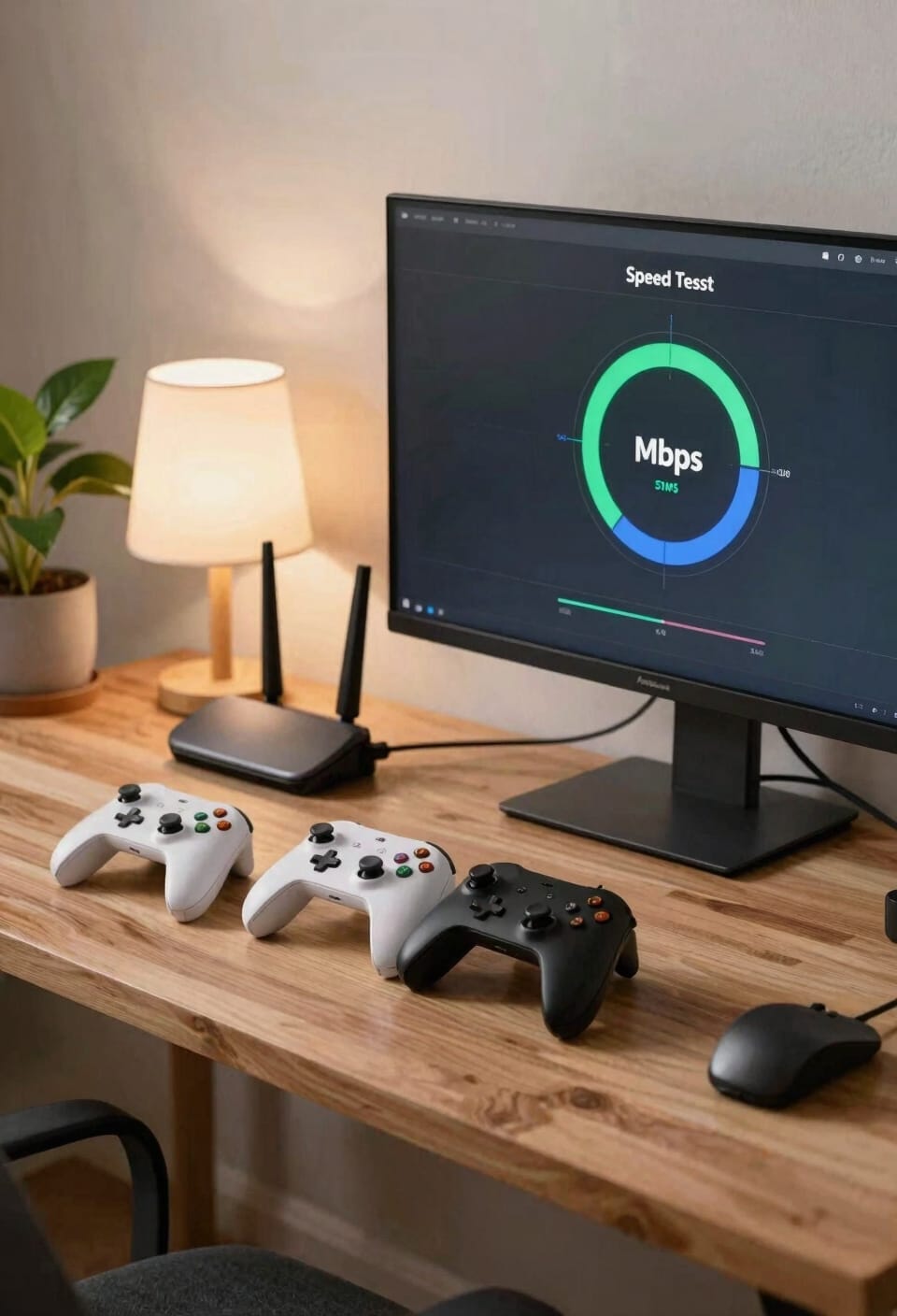
Now that you’ve got your console online, let’s talk about what actually feels good to play on—because there’s a big difference between “technically works” and “I can actually enjoy this without wanting to throw my controller.” For casual gaming, you’re looking at a download speed of around 25 to 50 Mbps, with upload speeds somewhere in that 0.5 to 1 Mbps range, though if you’re planning to stream your gameplay or do anything that sends data back to the internet, you’ll want to bump that upload to 3 to 5 Mbps.
Here’s the thing: network congestion matters more than you’d think. Peak hours hit hard. Good router placement—away from walls and interference—keeps your connection stable when everyone’s online. That sweet spot isn’t about raw speed; it’s about consistency.
Why Ping Matters More Than Download Speed
You’ve probably noticed that your friend with a slower internet connection sometimes destroys you in multiplayer games, and it doesn’t make sense—until you understand ping, which is basically the time it takes for your controller input to reach the game server and come back. Lower ping wins. Here’s the thing: ping matters way more than your download speed for competitive play. You could have 500 Mbps download but 150 ms ping, and you’ll still lag behind someone with 25 Mbps and 20 ms ping. Latency mitigation—reducing that delay—directly impacts your reaction times. Wired Ethernet crushes Wi-Fi here because it’s more stable. Aim for under 50 ms ping. That’s where your fingers feel connected to your screen.
Competitive Gaming: Speed and Latency Requirements
When you’re grinding ranked matches in Call of Duty or Apex Legends, the speed requirements shift dramatically from casual gaming—you’re now looking at 50-100+ Mbps download and 10+ Mbps upload just to keep pace. But here’s the thing: pro level setups prioritize ping under 20-50 ms over raw speed. That millisecond difference between your shot and theirs? Everything hinges on that. Latency tuning matters more than bragging about your download numbers. You’ll want a wired Ethernet connection—no Wi-Fi excuses here—because fiber connections give you that crispy 11-14 ms latency. Cable runs 15-35 ms, which works but feels sluggish when you’re chasing esports dreams. Buckeye Broadband recommends 200+ Mbps for serious competitors, though honestly, stable low ping beats speed every time.
Cloud Gaming: Bandwidth by Resolution
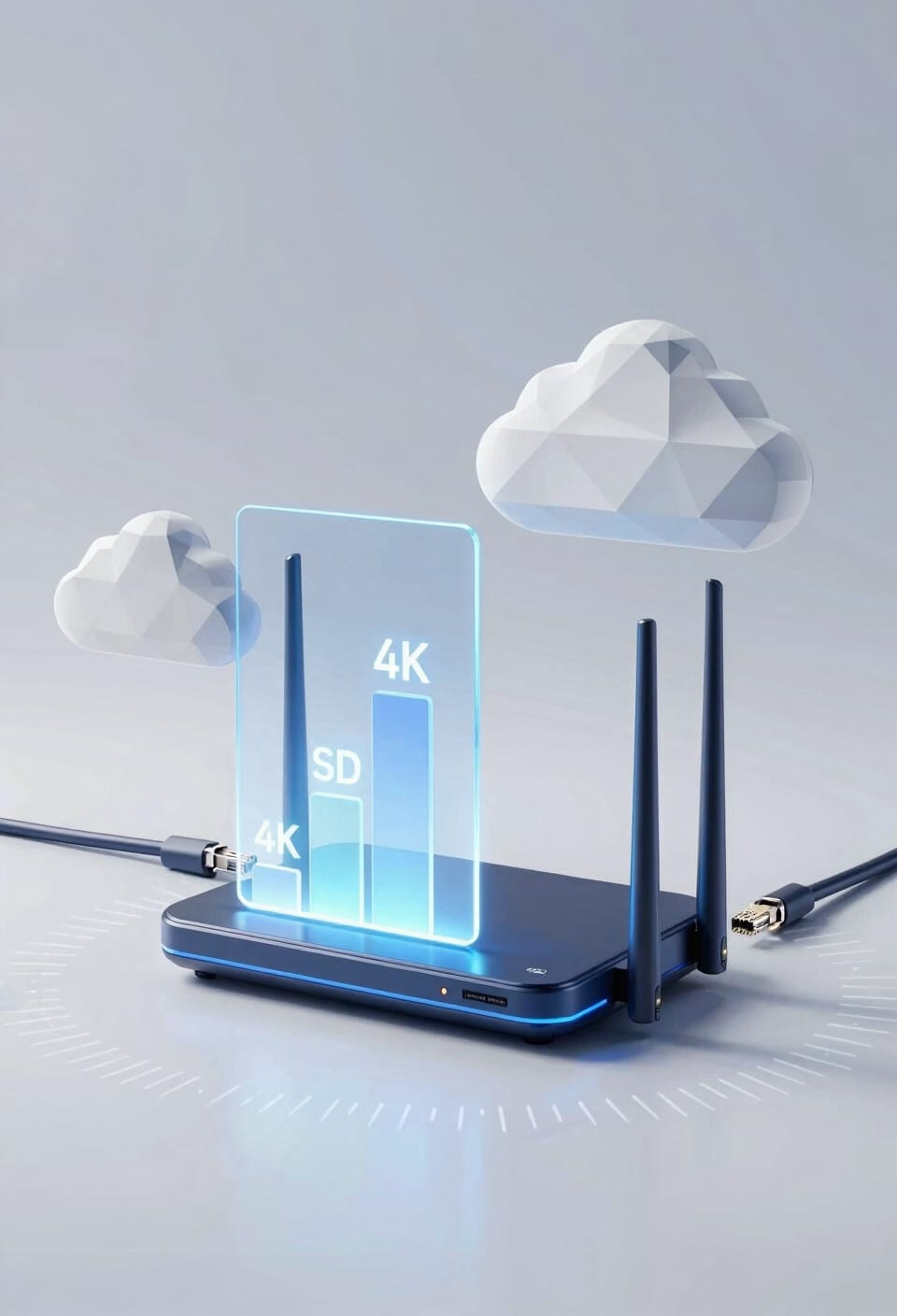
If you’re thinking about ditching your console and just streaming games straight to your TV instead, here’s where things get interesting: the resolution you’re chasing completely changes how much bandwidth you’ll actually need. For 1080p cloud gaming, you’re looking at 15–25 Mbps download with 3–5 Mbps upload. Bump that up to 4K, and suddenly you need 35–50+ Mbps download and 5–10 Mbps upload. Now here’s the thing: streaming codecs—the technology that compresses video—handle the heavy lifting, and adaptive bitrate automatically adjusts quality if your connection hiccups. Latency matters too. You’ll want under 100 milliseconds, ideally much lower. Fiber connections typically deliver 11–14 ms, which keeps your gameplay smooth and responsive.
Wired vs. Wi-Fi: Why Connection Type Wins
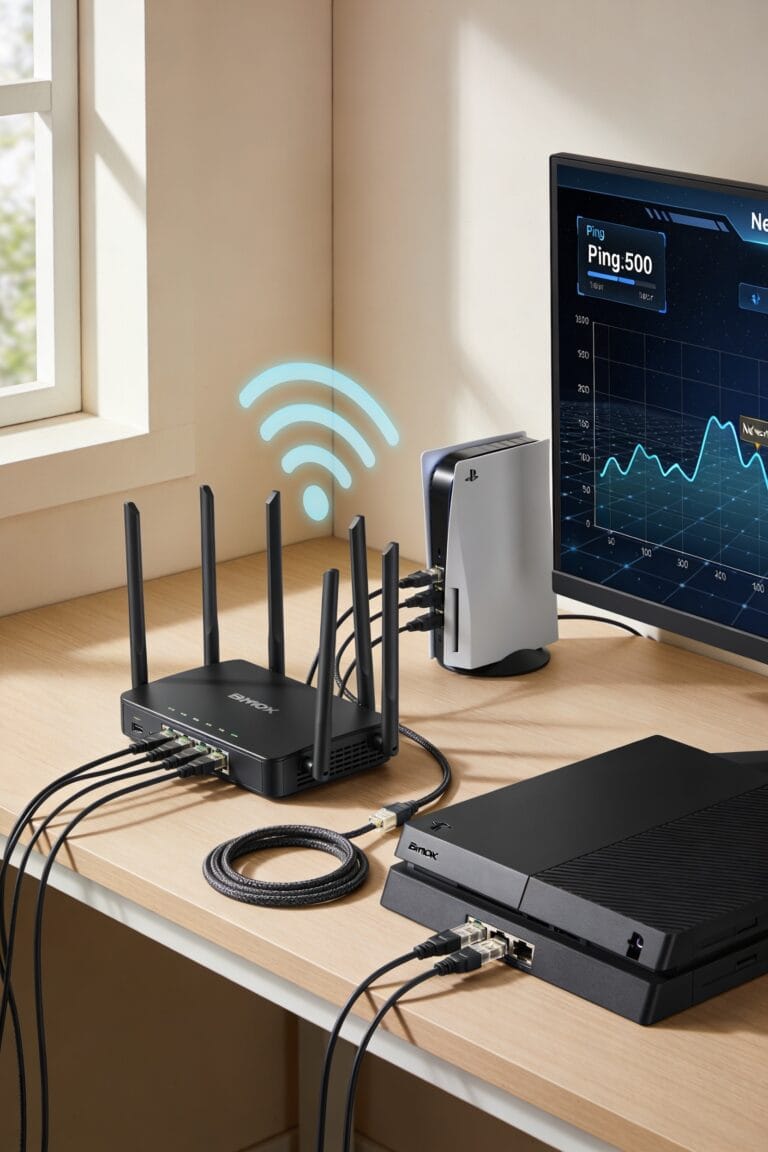
All right, so we’ve been talking about the bandwidth you need for different resolutions and latencies, but here’s the thing: raw speed means almost nothing if your connection can’t actually deliver it to your gaming device. That’s where Ethernet benefits shine. A wired connection—that’s a cable plugged directly into your router—gives you stable, consistent speeds without interference. Wi-Fi? It’s convenient, but signal interference from walls, microwaves, and neighboring networks creates dead zones and lag spikes that’ll wreck your gameplay. You might have 100 Mbps available, but Wi-Fi might only deliver 60. Grab an Ethernet cable. Your ping times will drop, your connection stabilizes, and you’ll actually feel the difference between good and great gaming performance.
Right-Sizing Internet for Multiple Gamers
Envision this: you’ve got a solid 100 Mbps connection, your Ethernet cable’s plugged in, and you’re ready to dominate—then your roommate starts streaming Netflix, your partner queues up a work video call, and suddenly your ping spikes like a porcupine.
That’s household concurrency in action. Multiple devices sharing bandwidth simultaneously tank your gaming performance faster than you’d think. Here’s the thing: you need to size your connection around peak usage, not just your gaming needs.
For light use with one or two gamers, 100–200 Mbps download works fine. Mixed households? Jump to 300–600 Mbps. Heavy users with streaming and tons of devices should aim for 800 Mbps or higher.
Also consider parental controls—they help manage which devices hog bandwidth during your competitive matches. Smart prioritization keeps everyone happy.
Fiber, Cable, and Satellite: Trade-Offs Explained
The connection type you choose shapes everything—and I mean *everything*. Fiber gets you that lightning-fast 10 Gbps with ridiculously low 11-14 ms latency, but fiber drawbacks include availability—it’s simply not everywhere yet, and installation can be pricey. Cable sits in the middle: solid speeds up to 2 Gbps and reasonable 15-35 ms latency without breaking the bank. Then there’s satellite, which sounds convenient until you realize satellite limitations make it nearly unusable for gaming. We’re talking 594-624 ms latency—that’s basically playing in slow motion. For multiple gamers, I’d honestly push for fiber if it’s available in your area. Cable’s your reliable backup. Skip satellite entirely if gaming matters to you.
Running Speed Tests and Choosing Your ISP
Before you commit to an ISP and drop serious cash on a plan, you’ve got to know what you’re actually getting—and that means running a speed test. Use free tools like Speedtest.net or your router’s built-in diagnostics to measure your download and upload speeds, plus your ping (that’s the delay between sending data and getting a response). Run tests at different times of day since speeds fluctuate.
Now, here’s where ISP selection gets real. Match the speeds you’re testing against what you actually need. If you’re a casual gamer, 25–50 Mbps download handles it fine. Competitive players? You’ll want 50–100+ Mbps. Don’t just chase the biggest number—check latency too. A fiber connection with great ping beats raw speed every time.
Frequently Asked Questions
How Does Gaming Bandwidth Usage Differ Between Single-Player and Multiplayer Modes?
I’ll tell you that single-player gaming offers resource predictability since you’re only managing local data, while multiplayer demands higher bandwidth due to network variability from constant server communication and player synchronization requirements.
Can I Improve My Gaming Experience by Upgrading My Router Without Changing ISP?
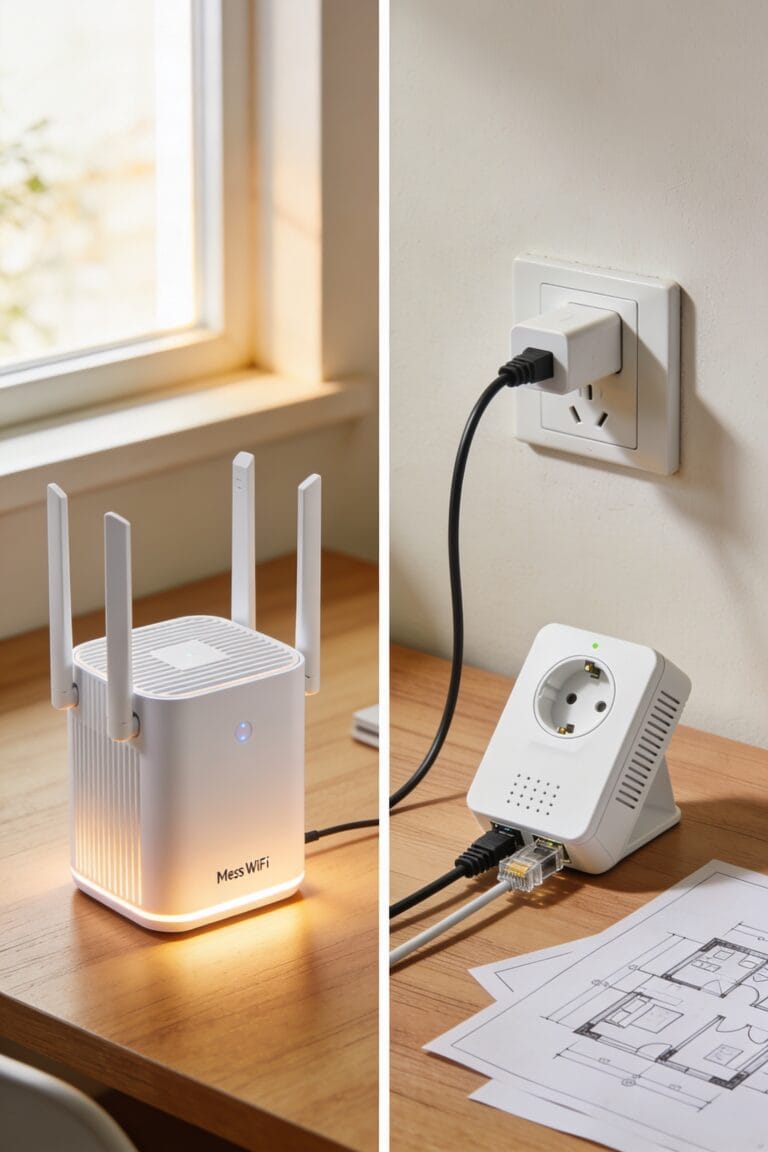
Yes, you can markedly improve your experience. Wired Ethernet connections outperform Wi-Fi dramatically. I’d recommend upgrading to mesh networking and installing the latest firmware updates—they’ll optimize your connection’s stability and reduce latency substantially.
What Speed Improvements Will I Notice When Switching From Wi-Fi to Ethernet?
You’ll notice dramatic improvements: lower jitter, stable throughput, and reduced interference. Your consistent latency drops markedly—I’d estimate 5-15ms improvement—giving you faster response times and smoother gameplay than Wi-Fi offers.
How Do Background Downloads Affect My Gaming Performance During Active Gameplay Sessions?
Background downloads markedly degrade your gaming performance by consuming bandwidth you need for gameplay. I’d recommend enabling QoS settings on your router to prioritize gaming traffic and implement background throttling to prevent lag spikes during active sessions.
Which Gaming Titles Are Most Sensitive to High Latency and Packet Loss?
I’ve found that real-time shooters like Call of Duty and competitive MOBAs such as League of Legends are incredibly sensitive to high latency and packet loss. They demand sub-50ms ping for peak performance.
Conclusion
Look, getting your internet speed right for gaming is like tuning a guitar—you need the right tension, not just more strings. I’ve walked you through the numbers, the gear, and why your connection type matters more than you’d think. Now grab those speed tests, pick an ISP that won’t ghost you, and you’re golden. You’ve got this.