As an Amazon Associate, we earn from qualifying purchases. Some links on this site are affiliate links at no extra cost to you. Our recommendations are based on thorough research and editorial judgment.

What Is Ping and How Do You Reduce It for Gaming?

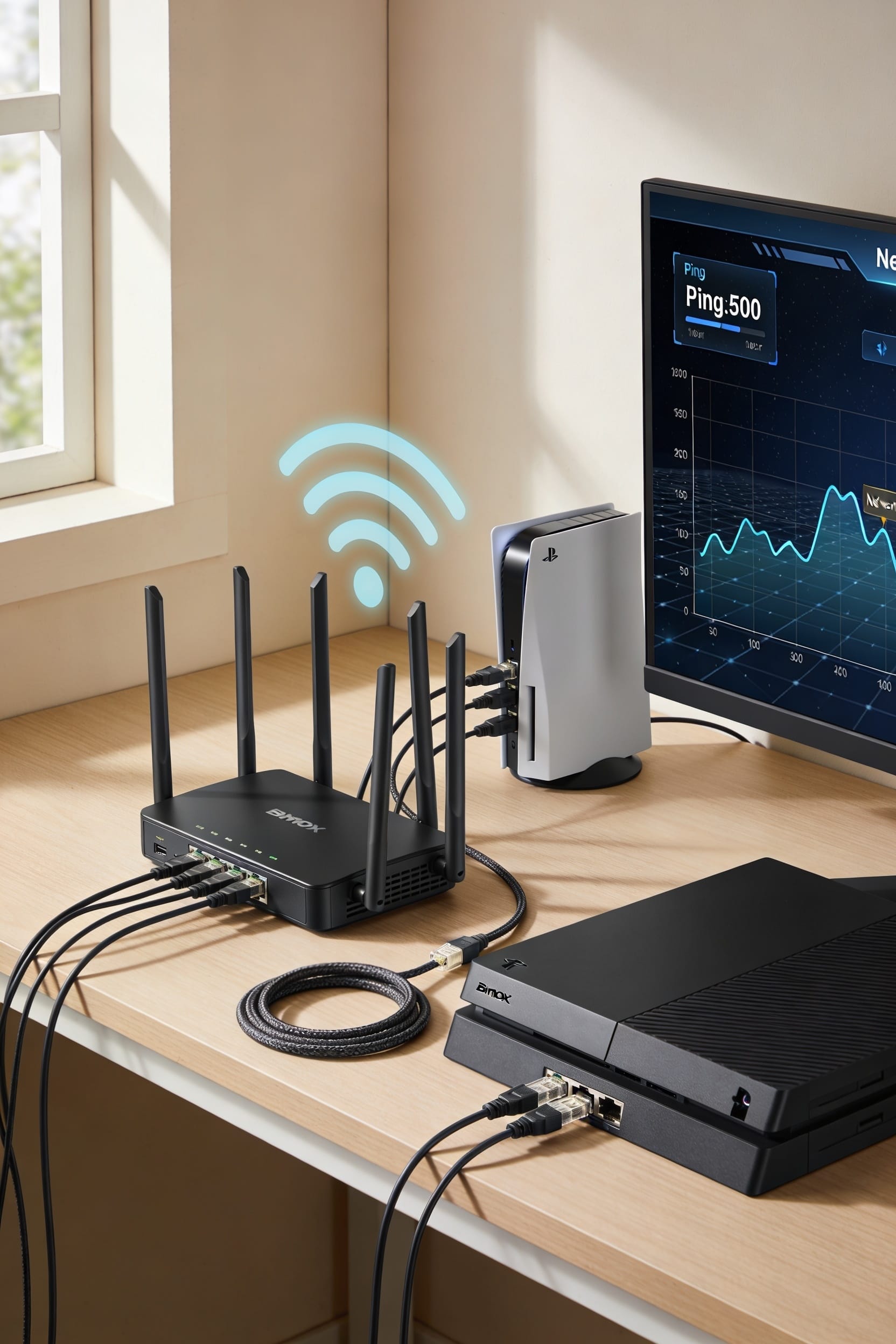
Ping is basically how long your controller command takes to reach the game server and bounce back—measured in milliseconds. You’ll feel every millisecond above 50ms as sluggish, unresponsive gameplay. The culprits? Wireless interference, background apps hogging bandwidth, server congestion, or your ISP throttling you. Start by switching to a wired Ethernet connection and closing unnecessary apps running in the background. From there, router tweaks and QoS settings can squeeze out more performance improvements.
Key Takeaways
- Ping is the round-trip time for data to reach a server and return, measured in milliseconds and affecting gameplay responsiveness.
- Network jitter (inconsistent connection speed) is worse than steady high ping because unpredictability undermines competitive advantage and skill execution.
- Competitive shooters require under 50 ms ping for optimal play, while most games feel smooth under 100 ms.
- Use wired Ethernet connections, close background applications, and enable Quality of Service on your router to reduce ping effectively.
- Geographic distance to servers, ISP throttling, and wireless interference from neighbors are common causes of high ping during gaming.
What Ping Actually Is and Why It Kills Your Game?
When you press a button in your game, you’d think that action happens instantly—but here’s the thing: it doesn’t. That delay you’re experiencing is ping, the round-trip time it takes for your command to reach the server and come back to you, measured in milliseconds. Even tiny delays feel enormous to human perception. Your brain expects instant feedback, so when lag creeps in, everything feels sluggish and unresponsive.
Now, here’s where network jitter enters the picture. That’s the inconsistency in your connection—sometimes fast, sometimes slow, never stable. It’s worse than steady high ping because you can’t predict how your game will respond. In competitive shooters or fighting games, this unpredictability kills your edge. You’ll miss shots you should’ve landed or get hit by opponents who seemed far away. High ping doesn’t just annoy you; it fundamentally breaks the connection between your skill and the result on screen.
Good Ping vs. Bad Ping: Where’s the Cutoff?
Since you’re now stuck with lag ruining your games, you’re probably wondering: what ping number actually matters? Here’s the thing—it depends on what you’re playing. For competitive shooters like Valorant, you’ll want under 50ms. MMOs? You can stretch to 150ms and still compete in PvP, though regional standards vary by server location. Matchmaking thresholds often separate players by ping to keep things fair, so your connection quality directly affects who you’re paired against. Anything under 100ms feels smooth for most games. Over 150ms and you’re fighting the server itself. The cutoff isn’t magic—it’s practical. Your ping determines whether you react first or second. That millisecond gap? It’s everything.
Why Your Ping Stays High (Common Causes)
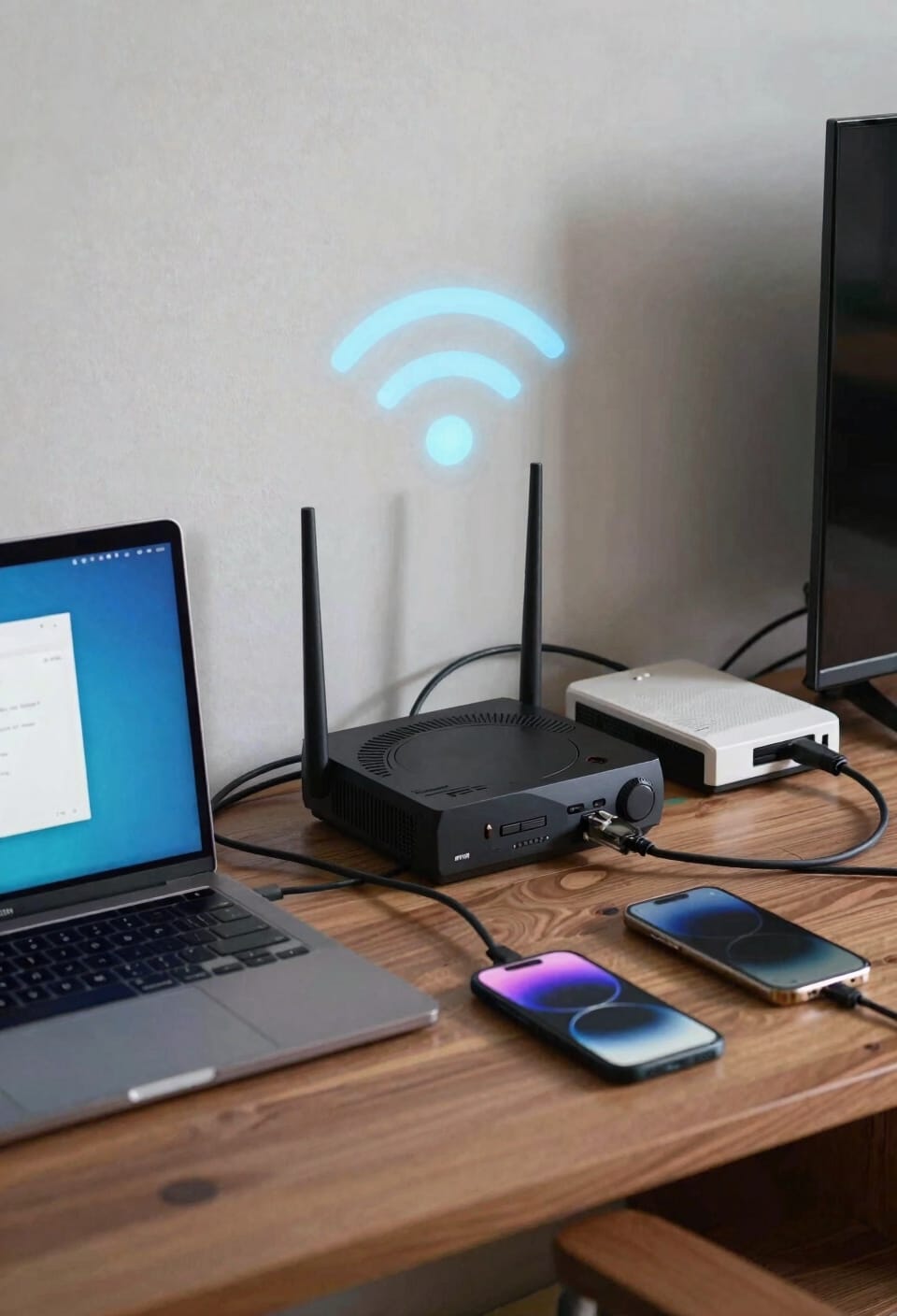
Understanding that millisecond gap matters doesn’t help much if you don’t know why your ping refuses to budge. Look, sometimes it’s not your fault. Server congestion—when too many players hammer the same game server simultaneously—can bottleneck everyone’s connection equally. Your ISP throttling (that’s your internet provider deliberately slowing speeds) might kick in during peak hours or if you’ve hit data caps. Then there’s the stuff you can actually control: background apps stealing bandwidth, multiple devices hogging your network, or wireless interference from your neighbor’s router. Outdated DNS cache clogs things up too. The real culprit? Usually it’s a combination. You’ve got geographical distance, network strain, and maybe some mysterious program updating silently in the background. Start investigating there.
Wired Connection and Closing Apps: Your Biggest Wins
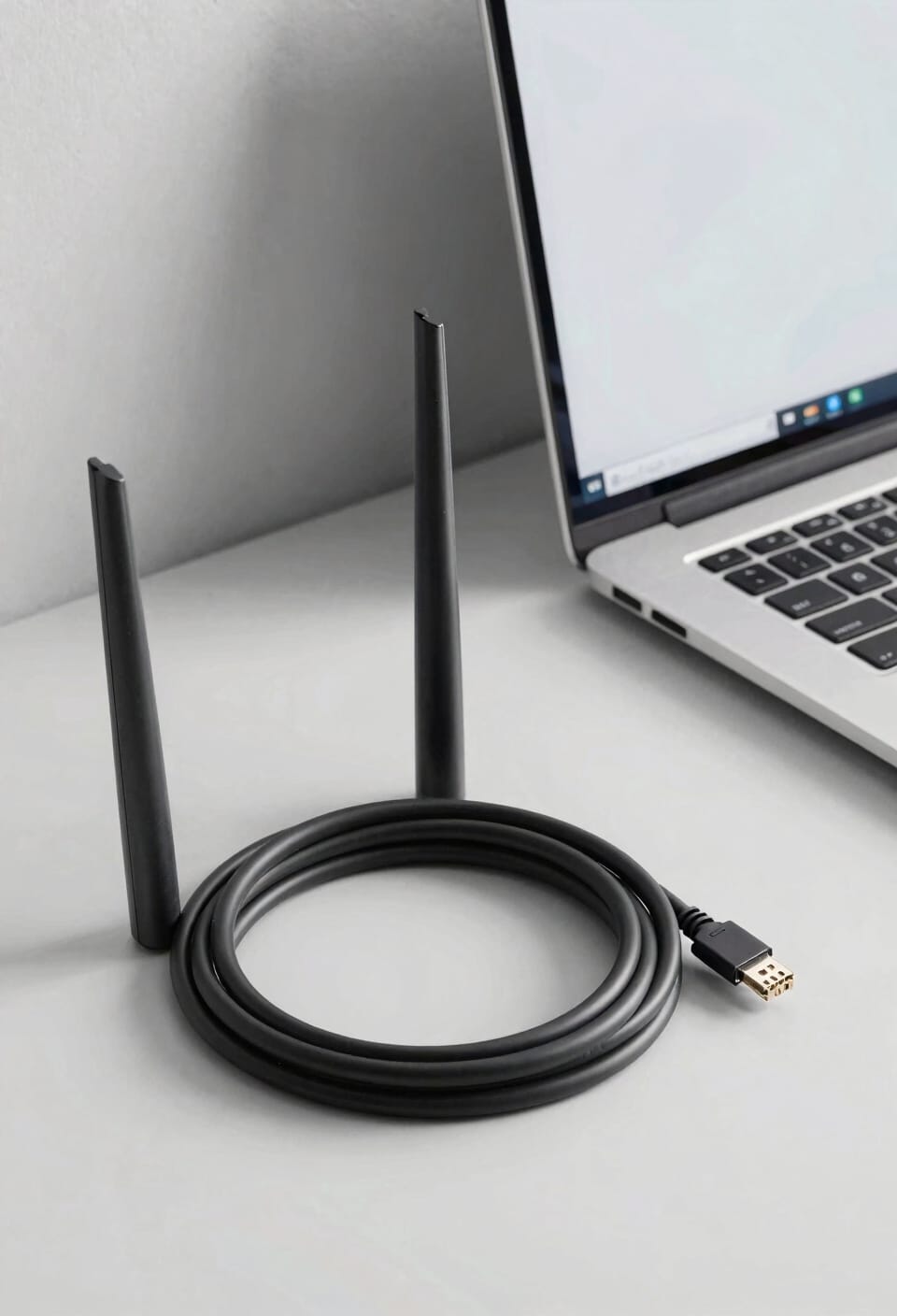
Plug an ethernet cable directly into your router and watch your ping plummet—I’m not exaggerating when I say this single move solves more lag problems than anything else you’ll try. Ethernet priority means your gaming data takes a direct highway instead of fighting wireless interference. Wi-Fi bounces signals through walls and air; wired connections don’t. You’ll notice the difference immediately in competitive shooters.
Now, close those background apps draining your bandwidth. App bandwidth gets consumed by updates, cloud syncing, and streaming services running quietly. Each one steals speed from your game. Check your task manager, shut down anything unnecessary, and disconnect devices you’re not using. These two changes—going wired and killing background noise—will transform your gaming experience faster than tweaking server settings ever could.
Seven Total Fixes: Your Complete Ping Optimization Checklist
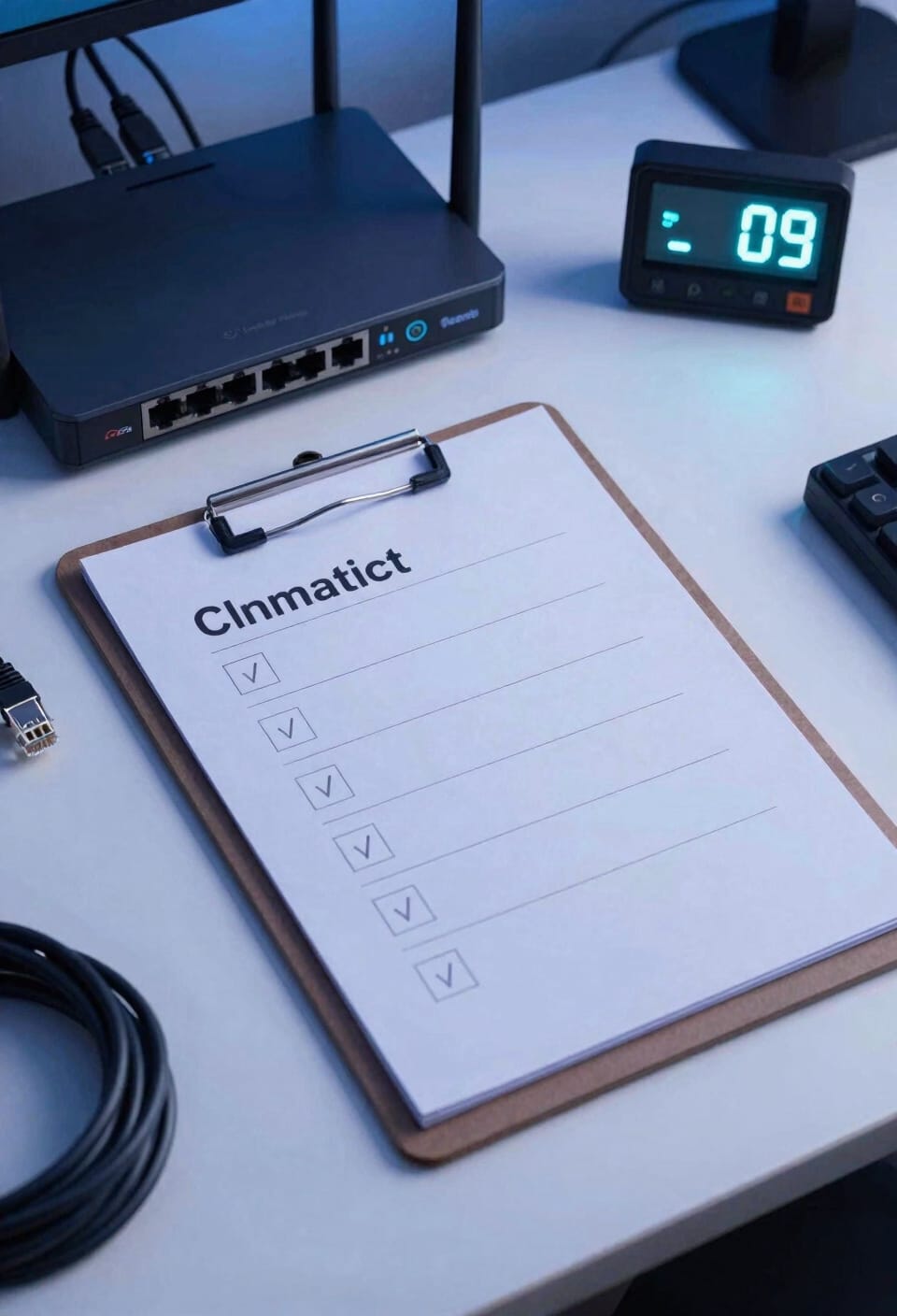
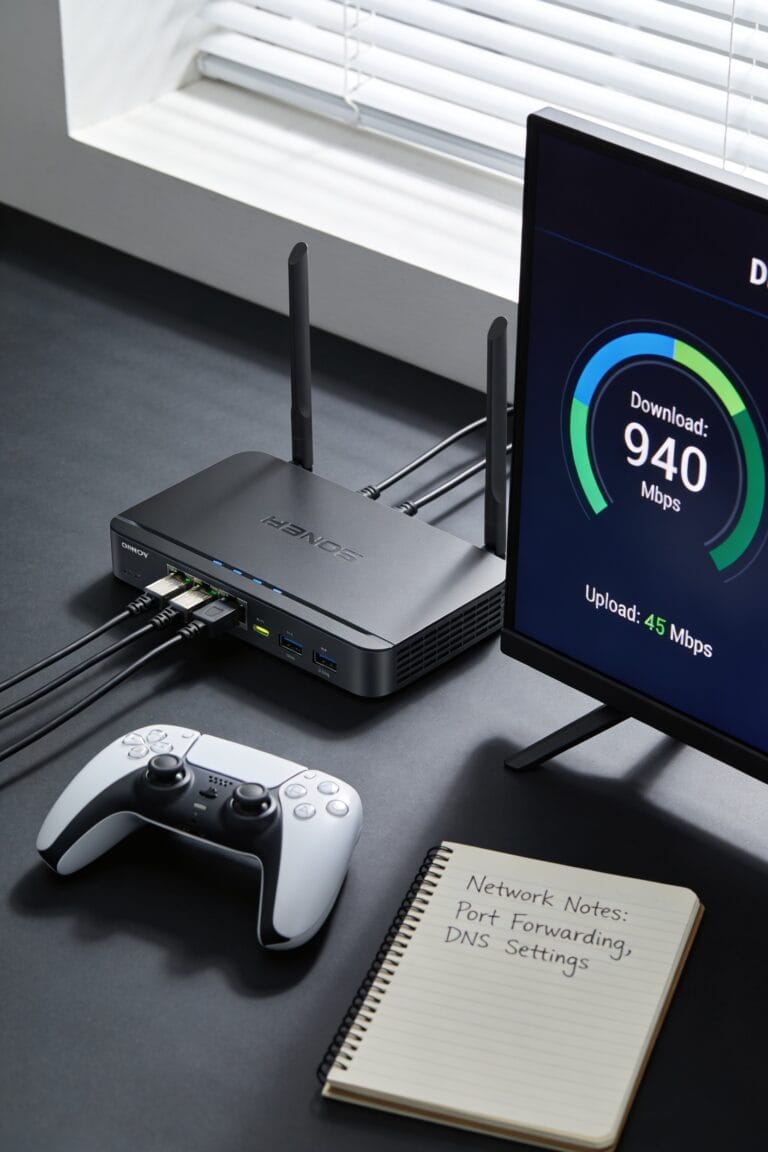
You’ve tackled the two heaviest hitters—ethernet and background apps—but there’s still low-hanging fruit sitting right in front of you. Here’s the thing: your router’s settings hold real power. Enable QoS setup, which stands for Quality of Service and basically lets your router treat gaming traffic like VIP guests, pushing it ahead of other data. Update your router firmware—those are the instructions your router runs on—to patch lag issues and improve performance. Consider network prioritization, which means telling your router which devices matter most. Delve into packet inspection settings if your firewall’s deep-diving into your data packets. These five steps, combined with your ethernet cable and closed apps, create a solid foundation. You’re basically giving your ping nowhere to hide now.
Frequently Asked Questions
Does Ping Differ Between Game Types, and What’s Acceptable for My Specific Game?
Yes, ping requirements vary by game type. For competitive genres like shooters, I’d recommend under 50ms to minimize input lag. MMOs tolerate higher ping, but PvP demands lower latency for responsiveness.
Can I Improve Ping on Wireless Connection Without Switching to Ethernet?
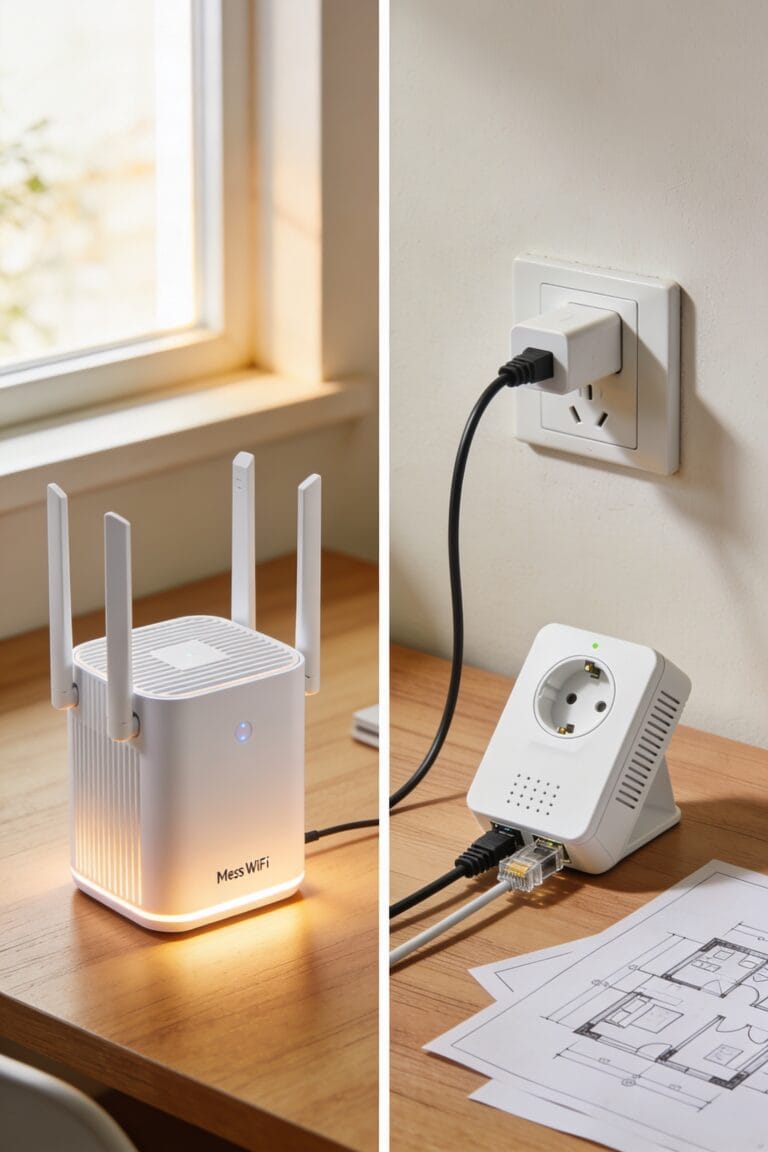
Yes, you can. Like climbing a mountain without the direct path, it’s possible but harder. I’d optimize your router placement centrally, enable signal boosters, close background apps, and disconnect unused devices to maximize wireless performance.
How Do I Check My Current Ping While Gaming?
I’ll show you how to check your ping while gaming. Most games display it in-game through network stats or overlay settings. You can also monitor jitter and check latency using third-party tools like Speedtest or network monitoring software for detailed metrics.
Will Upgrading My Internet Plan Reduce My Ping?
Upgrading your internet plan won’t directly reduce ping—it’s mainly about bandwidth capacity. Your router quality matters more. I’d suggest upgrading your router or switching to a wired connection first before paying for a pricier plan.
Does Server Location Affect Ping, and How Do I Choose the Best One?
Yes, server location directly affects your ping through server proximity and regional routing. I’d recommend choosing the geographically closest server available, as it minimizes data travel distance and improves your connection responsiveness markedly.
Conclusion
Look, I’ve thrown everything at my ping like spaghetti at a wall, and you know what stuck? The fixes that address your connection at its source—wired cables and clearing out bandwidth hogs. Your ping won’t transform overnight into a speed demon, but you’ll notice the difference in your gameplay. Start with the basics, work through the checklist, and you’ll be competitive again before you know it.