As an Amazon Associate, we earn from qualifying purchases. Some links on this site are affiliate links at no extra cost to you. Our recommendations are based on thorough research and editorial judgment.

What Internet Speed Do You Need to Stream 4K?

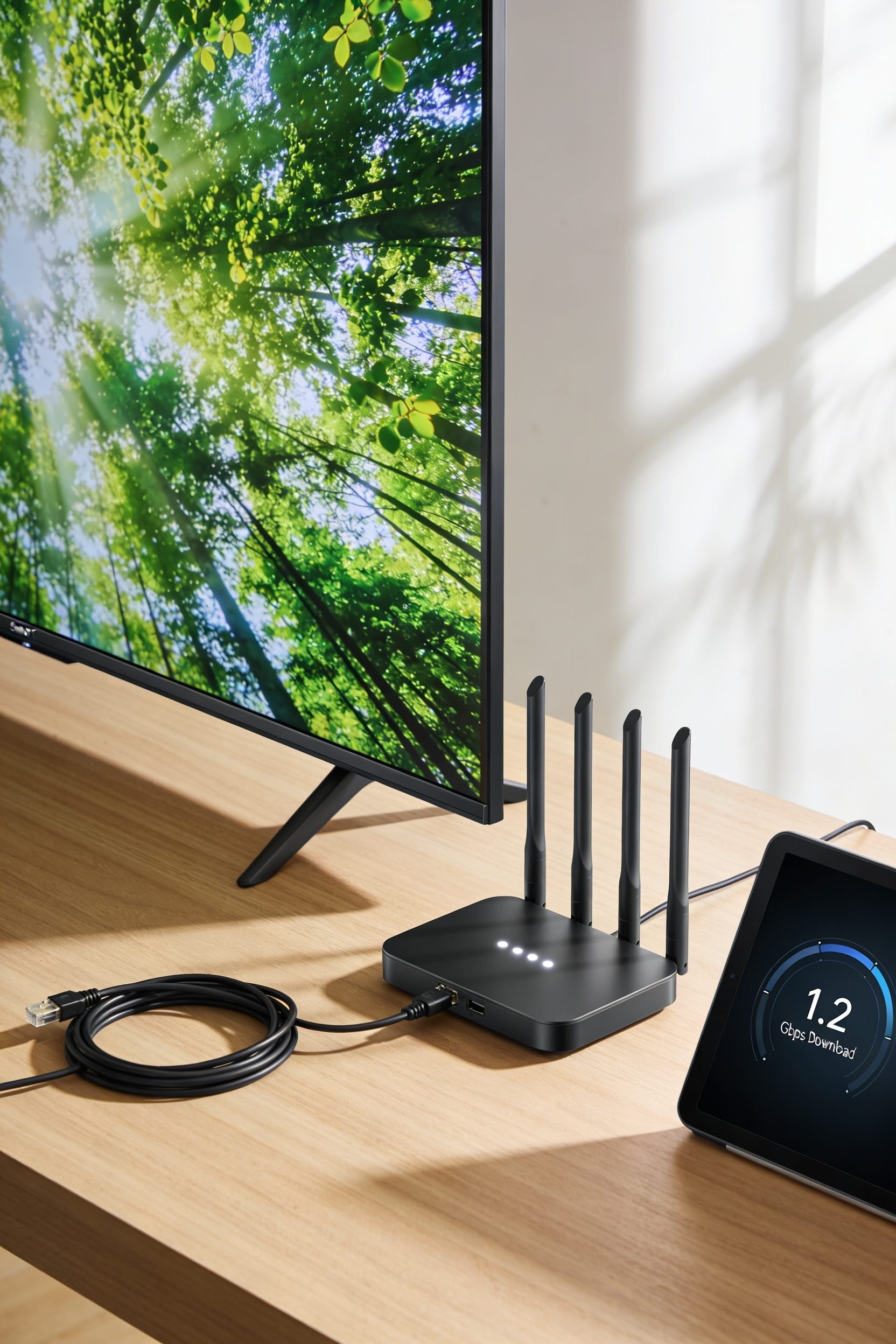
You’ll want at least 25 Mbps to stream 4K without constant buffering, but that’s honestly the bare minimum. If you’ve got multiple devices running simultaneously or you’re actually serious about smooth playback, aim for 50 Mbps or higher. Here’s the thing—connection type matters just as much as speed. A wired ethernet connection beats Wi-Fi every time because it’s more stable. One more thing: test your actual speeds instead of trusting your ISP’s marketing promises, because the real picture gets more complicated depending on what else is happening on your network.
Key Takeaways
- Netflix recommends 25 Mbps minimum for smooth 4K streaming; 50 Mbps ensures reliable, buffer-free viewing.
- Use wired ethernet for stable 4K streaming; Wi-Fi introduces latency and dropout risks, especially during peak usage.
- Multiple devices quickly increase bandwidth needs; budget approximately 25 Mbps per concurrent streaming device to avoid buffering.
- Live 4K uploads require 25–50 Mbps minimum depending on frame rate; wired connections provide better reliability.
- 4K streaming consumes 7–10 GB per hour; test actual speeds via Speedtest.net rather than trusting ISP claims.
How Much Download Speed Do You Need for 4K?
Most people I’ve talked to assume that if their internet *feels* fast enough for regular streaming, they’re golden for 4K—and that’s where things get a little tricky. Here’s the thing: Netflix recommends 25 Mbps for smooth 4K, though they’ll technically work with 15 Mbps if codec efficiency—that’s how smartly the video compresses—works in your favor. The real problem? ISP throttling, where your provider intentionally slows speeds during peak hours, can tank your experience fast. You’ll want 50 Mbps if you’re serious about reliable 4K viewing without buffering. If you’ve got multiple devices streaming simultaneously, bump that to 50-100 Mbps. Test your actual speeds, not just what your provider promises. Reality matters more than marketing.
Does Connection Type Matter More Than Speed?
While you’ve got your download speeds dialed in, here’s the thing: connection type matters just as much as—sometimes even more than—the raw numbers your speed test shows you.
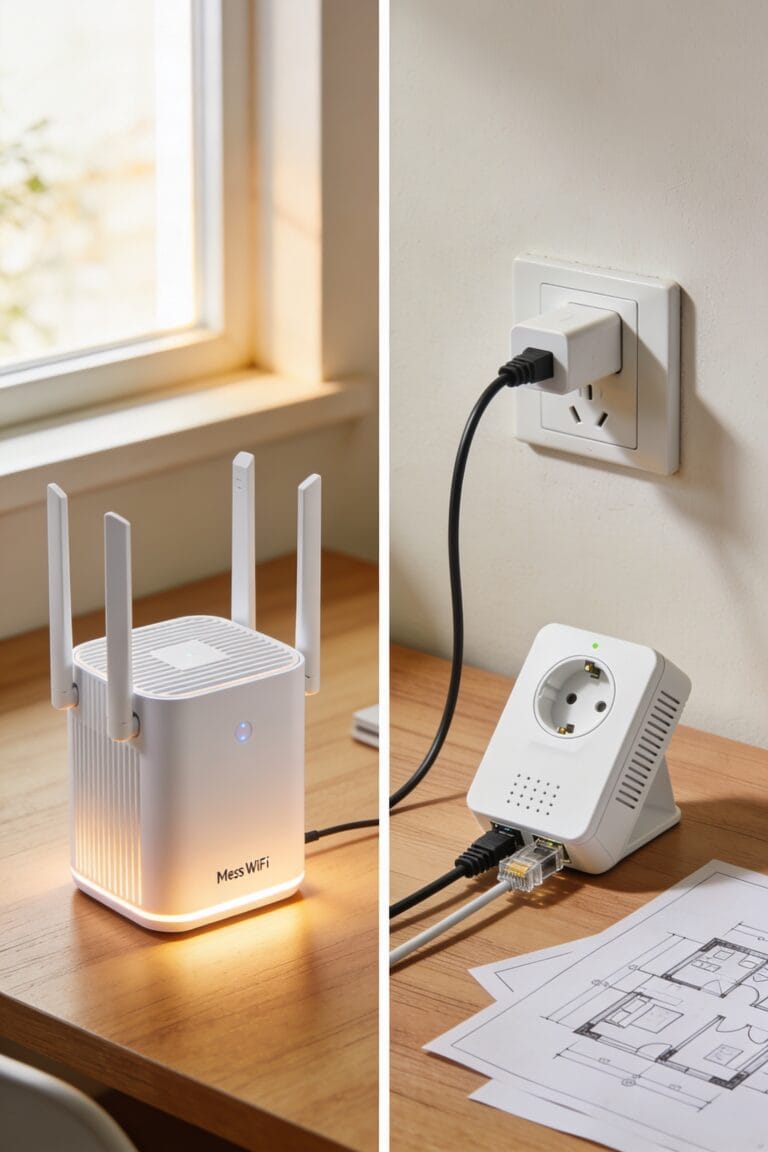
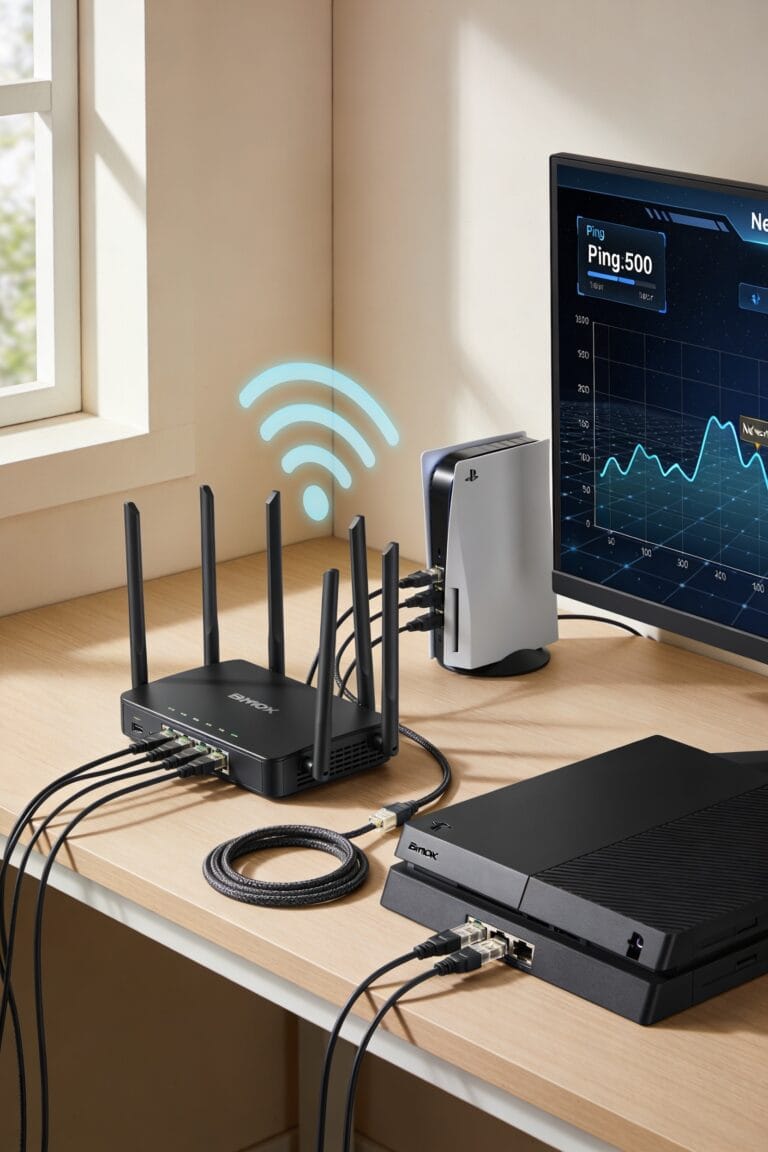
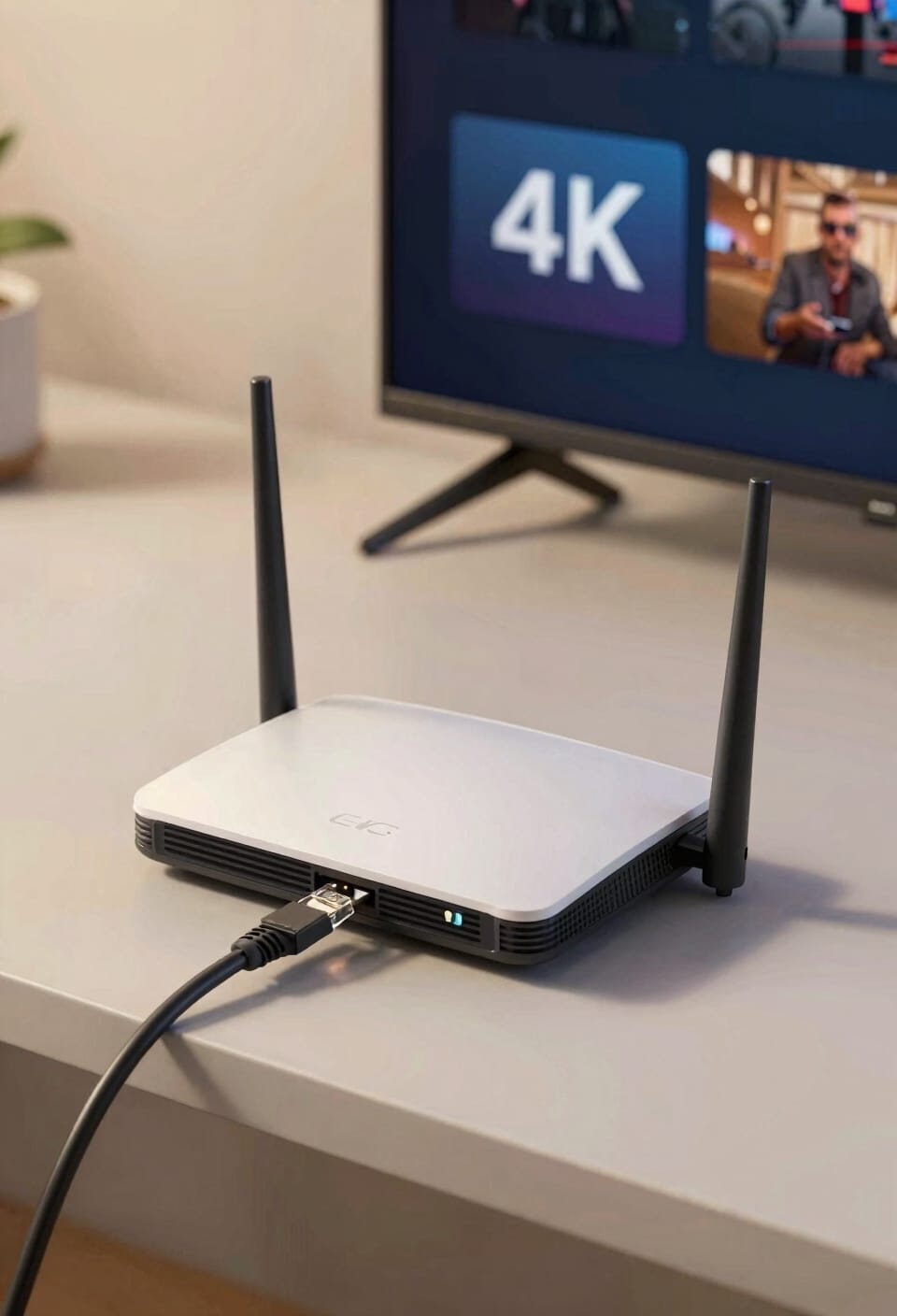
A wired connection—meaning an ethernet cable plugged directly into your router—gives you wired reliability that Wi-Fi simply can’t match. You’re getting a stable, consistent pathway for data. Wi-Fi bounces signals through air, which introduces latency reduction issues and potential dropouts, especially during peak household usage.
For 4K streaming on a single device, solid Wi-Fi works fine if your router’s strong. But here’s where connection type shines: live uploading or multiple 4K streams demand that wired connection. Fiber with ethernet beats Wi-Fi every time for stability. When you’re serious about 4K, plug in. Your stream will thank you.
How Many Devices Are You Streaming On?
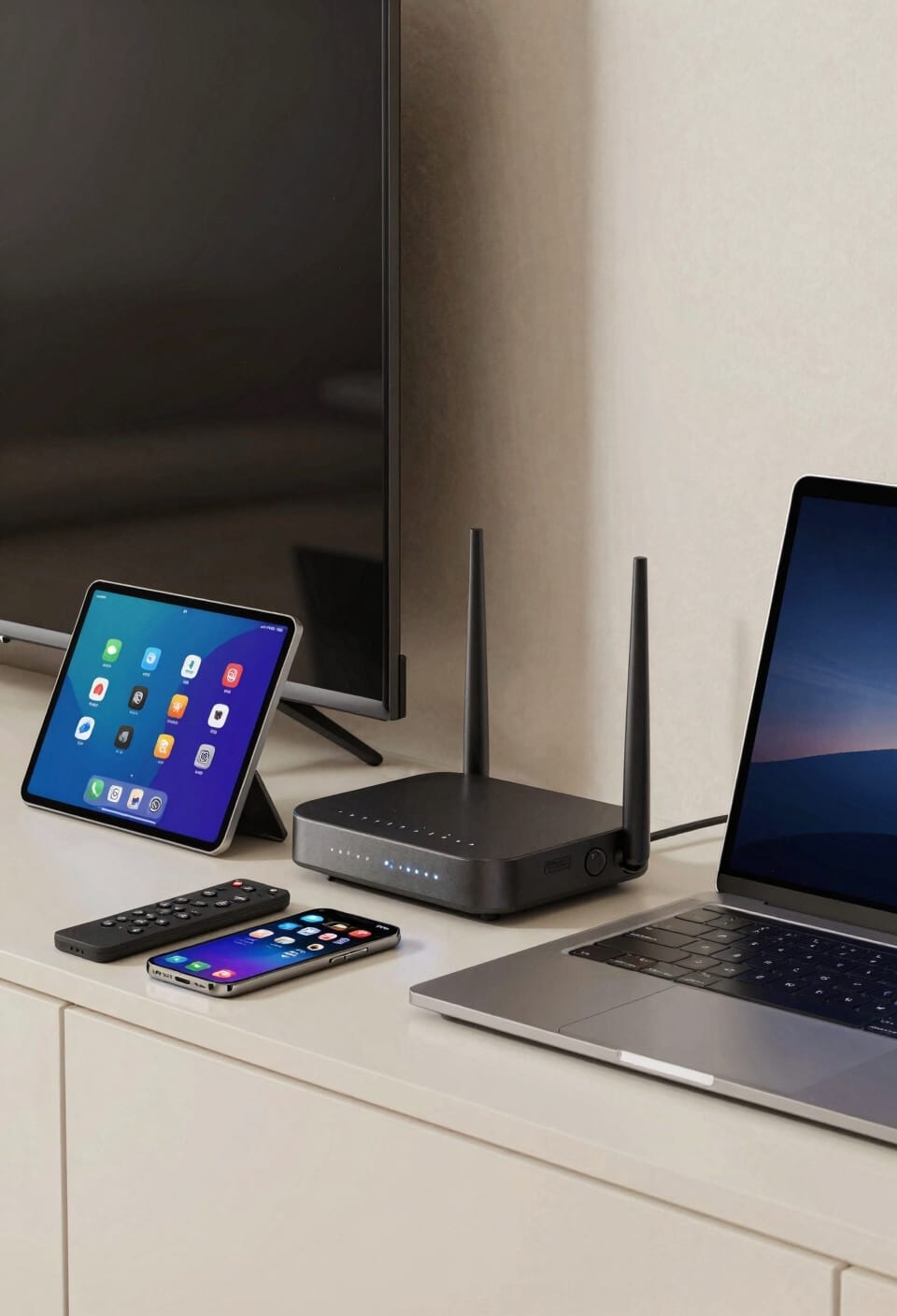
Your bandwidth needs aren’t just about one person watching Netflix anymore—they scale up fast once you factor in everyone else in your household. Device density matters way more than most people realize. One or two people streaming? You’re fine with 25 Mbps. But add a few more concurrent streams—that’s multiple devices pulling data simultaneously—and you’ll need 50 to 100 Mbps just to avoid buffering nightmares. Five or more devices? You’re looking at 150 to 200 Mbps, especially if someone’s gaming while others stream 4K. I recommend budgeting 25 Mbps per device as a rough rule. It’s not just about speed; it’s about not watching your family’s connection collapse during peak hours.
What Upload Speed Do You Need for Live 4K?
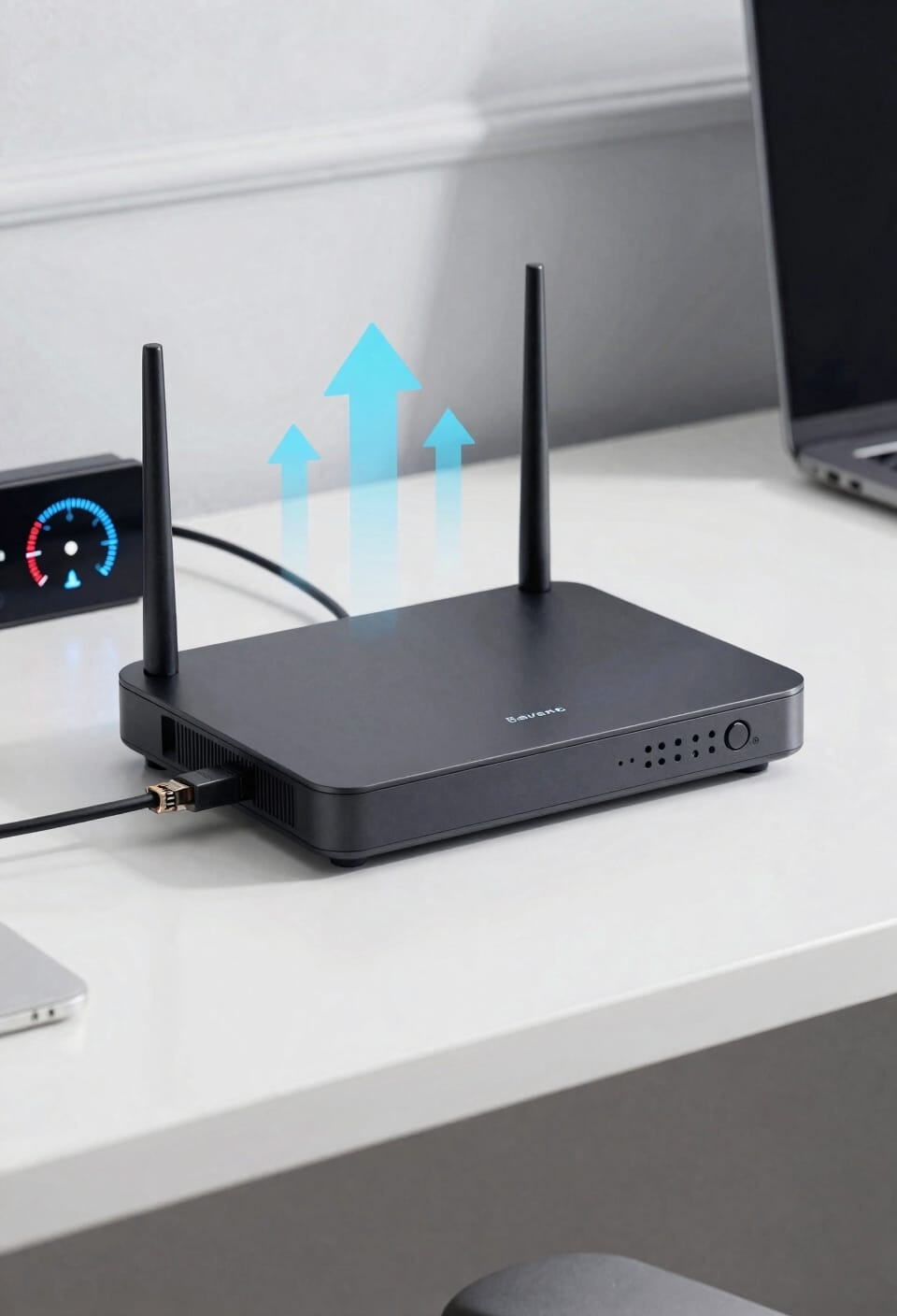
If you’re planning to broadcast 4K video live—whether that’s streaming to YouTube, Twitch, or your own platform—upload speed becomes your new best friend (or worst enemy, depending on what your ISP sold you). You’ll need at least 25 Mbps upload for 4K at 60 frames per second. YouTube recommends 34 Mbps for 4K at 30fps, bumping to 50 Mbps for 60fps. Now, here’s where encoder settings matter. Your streaming software lets you adjust bitrate and resolution, which directly impacts upload demands. For latency mitigation—keeping delay between you and your viewers minimal—aim higher than the minimum. A wired connection beats Wi-Fi every time for live broadcasting. Buffer some extra bandwidth too; aim for 50% above your target bitrate for disruption protection.
Netflix, YouTube, and Other Platforms: Speed Breakdowns
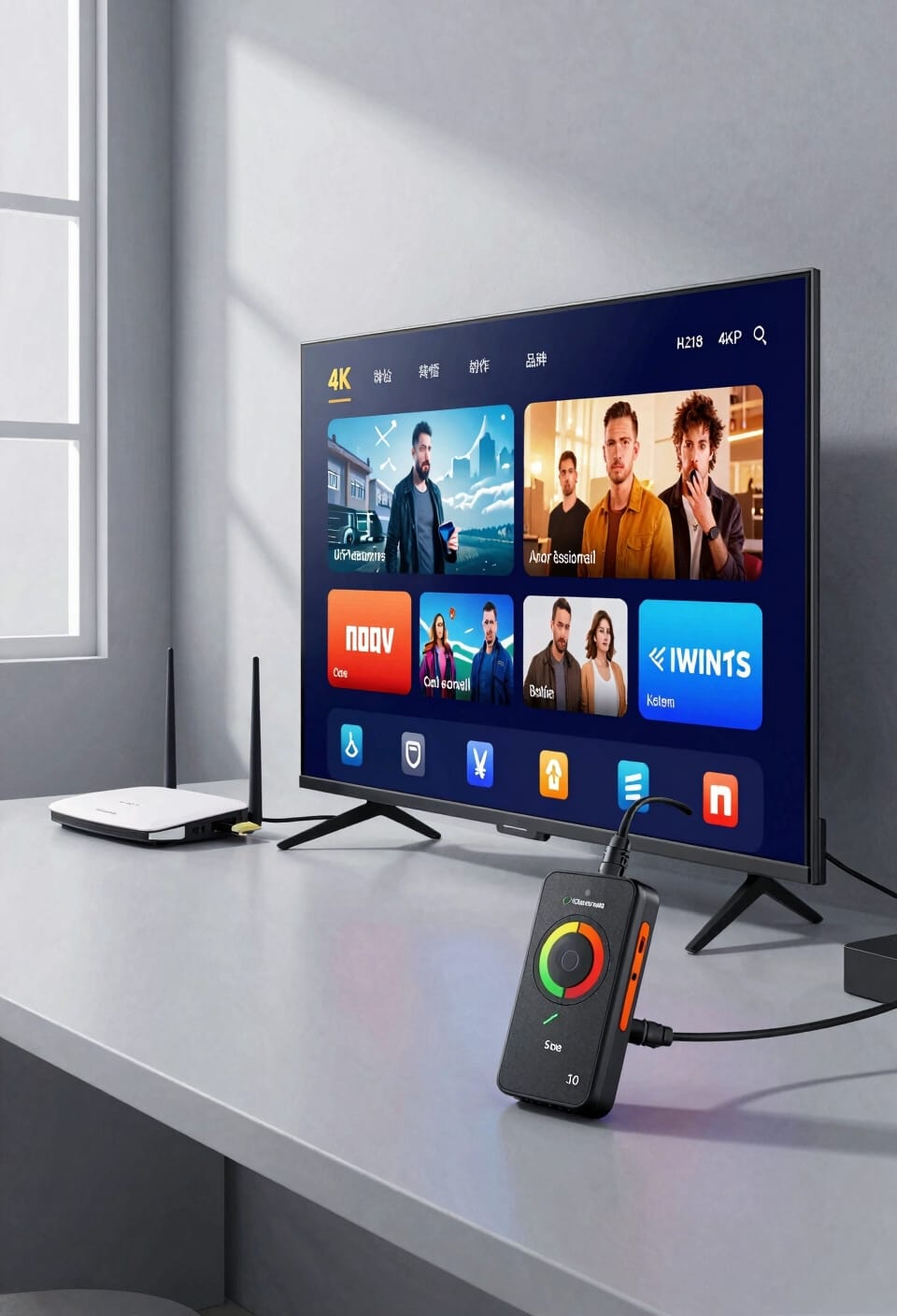
How much speed you actually need depends entirely on which streaming service you’re using—and that’s where things get interesting. Netflix wants 25 Mbps for Ultra HD on their Premium plan, while YouTube demands 34 to 50 Mbps for 4K uploads depending on frame rate. Here’s the thing: codec efficiency—basically how smartly each platform compresses video—varies wildly between them. Netflix is remarkably efficient; YouTube less so. Platform latency, or the delay between what you send and what viewers see, also matters for live streaming. General OTT services want 25 Mbps minimum for 4K HDR. You’ll notice patterns emerge, but honestly, your best move is testing your actual speeds and watching for buffering. That tells you everything.
What Does 4K Actually Cost You in Data?
Once you know you’re getting enough speed to actually stream 4K without constant buffering, the next reality check hits you in the data bill—because 4K gobbles bandwidth like I demolish pizza on Friday nights. We’re talking 7 to 10 GB per hour, which means your data consumption adds up fast. The bitrate variability depends on what you’re watching: action scenes demand more bandwidth than static talking heads, and codec impact matters too—different compression methods use different amounts of data. For storage planning, that’s roughly 84 to 120 GB per day if you’re streaming nonstop. Most people don’t realize this until they hit their data cap. So before upgrading to 4K, check your plan’s limits. You might need to adjust your strategy.
Red Flags: When Your Speed Isn’t Enough
You’ll start noticing problems long before your internet completely tanks—and that’s actually good news, because you can catch them early and fix things before 4K streaming becomes a slideshow. Look for constant buffering, where your video pauses every few minutes while loading. Signal drops happen when your router can’t maintain a stable connection, usually because you’re too far away or there’s interference. You might also see your picture quality downgrade automatically—that’s your device hitting codec limits, meaning your connection can’t handle the data load for true 4K. If you’re seeing any of these, you’re probably running below 25 Mbps. Time to troubleshoot your setup or consider upgrading your plan.
Test Your Speed and Fix Buffering Fast
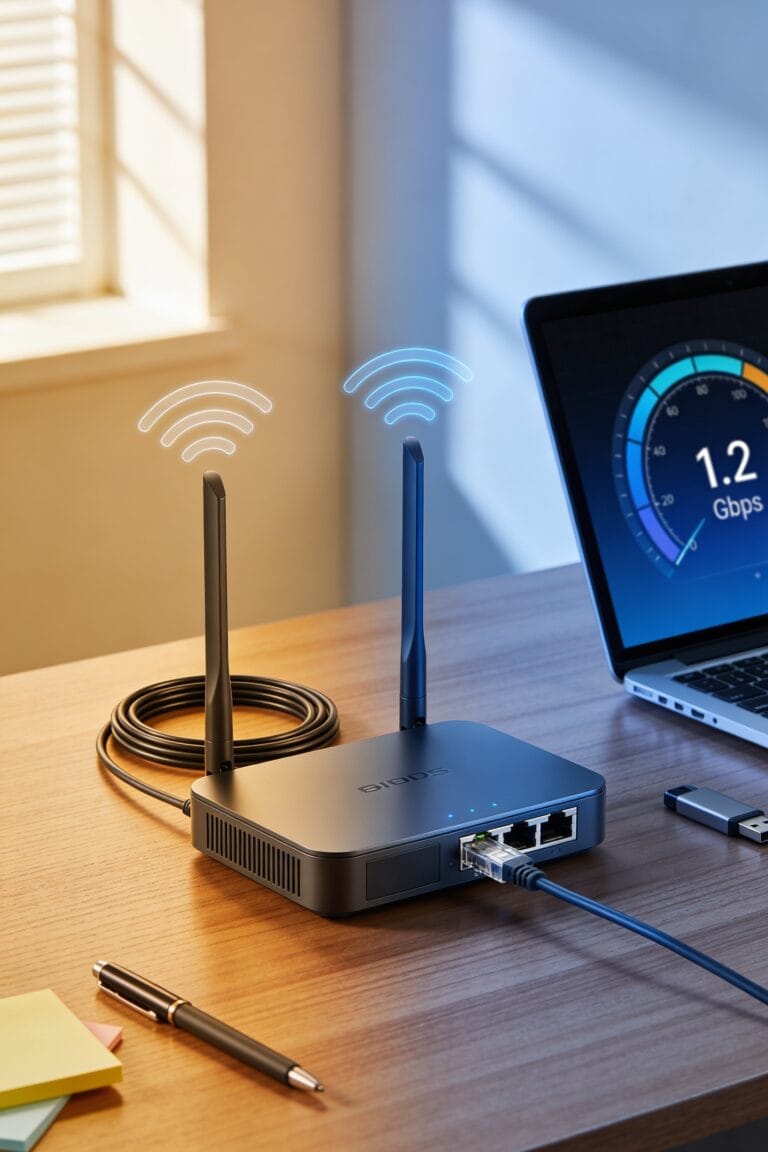
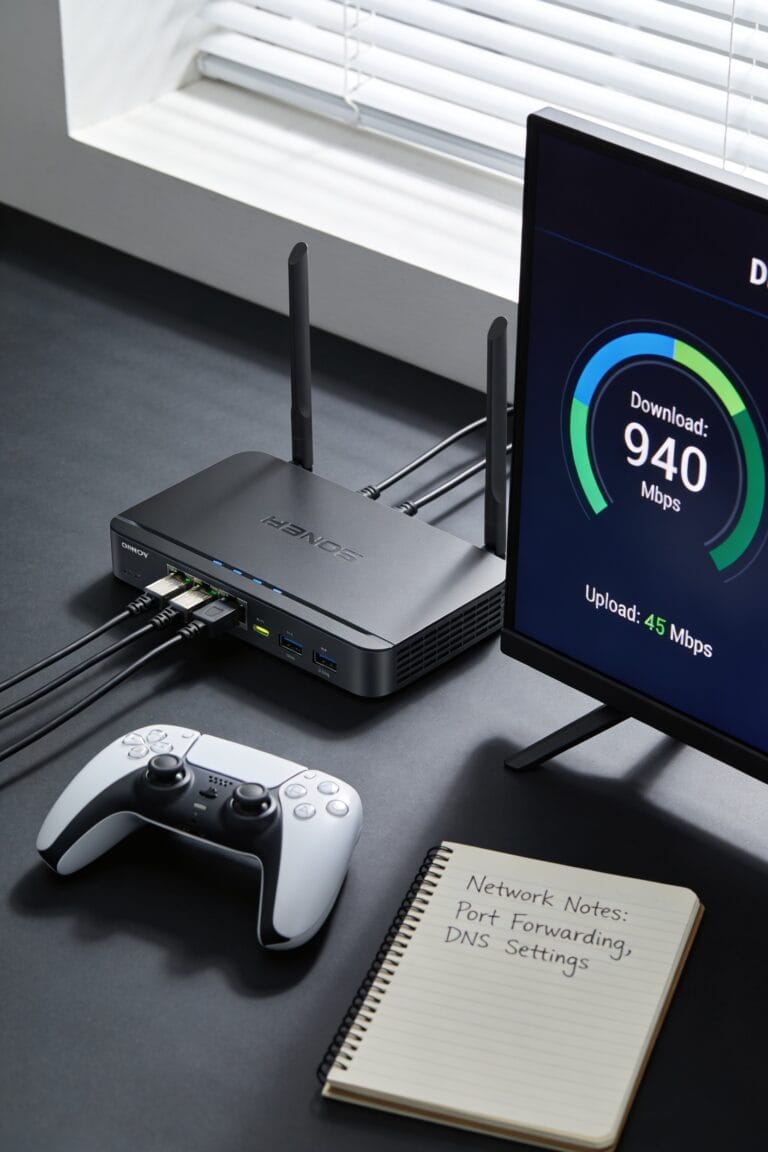
Before you blame your internet provider or shell out cash for a faster plan, I’d recommend running a speed test to see what you’re actually getting—because the difference between what you’re paying for and what’s showing up at your door can be eye-opening. Head to Speedtest.net and check your download speeds a few times throughout the day. Notice anything consistently below 25 Mbps? That’s your culprit. Now, before you call your ISP, move your router to a central location—placement matters way more than people think. High shelves, away from walls, work best. If speeds still lag, you might be dealing with ISP throttling, where your provider intentionally slows your connection. Document those results and contact them. Sometimes just asking gets things moving.
Frequently Asked Questions
Does HDR Content Require Higher Internet Speeds Than Standard 4K Streaming?
Yes, HDR content demands higher speeds than standard 4K. I’d recommend exceeding 25 Mbps because HDR’s expanded color depth and metadata requirements consume more bandwidth, especially during fast scenes. You’ll need robust speeds for smooth playback.
How Much Bandwidth Does Audio Contribute to Overall 4K Streaming Requirements?
I’ll tell you that audio bandwidth contributes 128-320 Kbps to your overall 4K streaming needs. The codec impact matters too—different audio formats consume varying amounts of data, but you’re looking at minimal overhead compared to video bitrate requirements.
Can I Stream 4K Reliably Over Wi-Fi With a Strong Router?
I’d say yes, you can stream 4K over Wi-Fi with a strong router if you’ve got 30-50 Mbps. Your router placement matters—keep it central and away from wireless interference. For live uploads though, I’d stick with wired connections instead.
What’s the Difference Between Minimum and Recommended 4K Streaming Speeds?
I’d say the minimum vs. recommended speeds differ markedly. You’ll need 25 Mbps minimum for 4K, but I recommend 50 Mbps for reliability. That speed margin guarantees you’re buffered against disruptions and multiple devices streaming simultaneously.
How Does Buffering Affect Video Quality on Slower Internet Connections?
I’ve found that buffering occurs below 25 Mbps, triggering adaptive bitrate technology that automatically downgrades your quality. You’ll notice buffering artifacts—pixelation and stuttering—as the stream struggles to maintain playback smoothly.
Conclusion
Look, I’m not gonna sugarcoat it—4K streaming’ll absolutely obliterate a weak connection. You’ll need at least 25 Mbps, but honestly, I’d aim for 50 to sleep soundly at night. Test your speeds today, upgrade if you’re limping along, and for heaven’s sake, position that router somewhere it’s not hiding in a closet like it’s ashamed. You’ve got this.