As an Amazon Associate, we earn from qualifying purchases. Some links on this site are affiliate links at no extra cost to you. Our recommendations are based on thorough research and editorial judgment.

Starlink vs Mobile Hotspot for RV: Which Is Better?

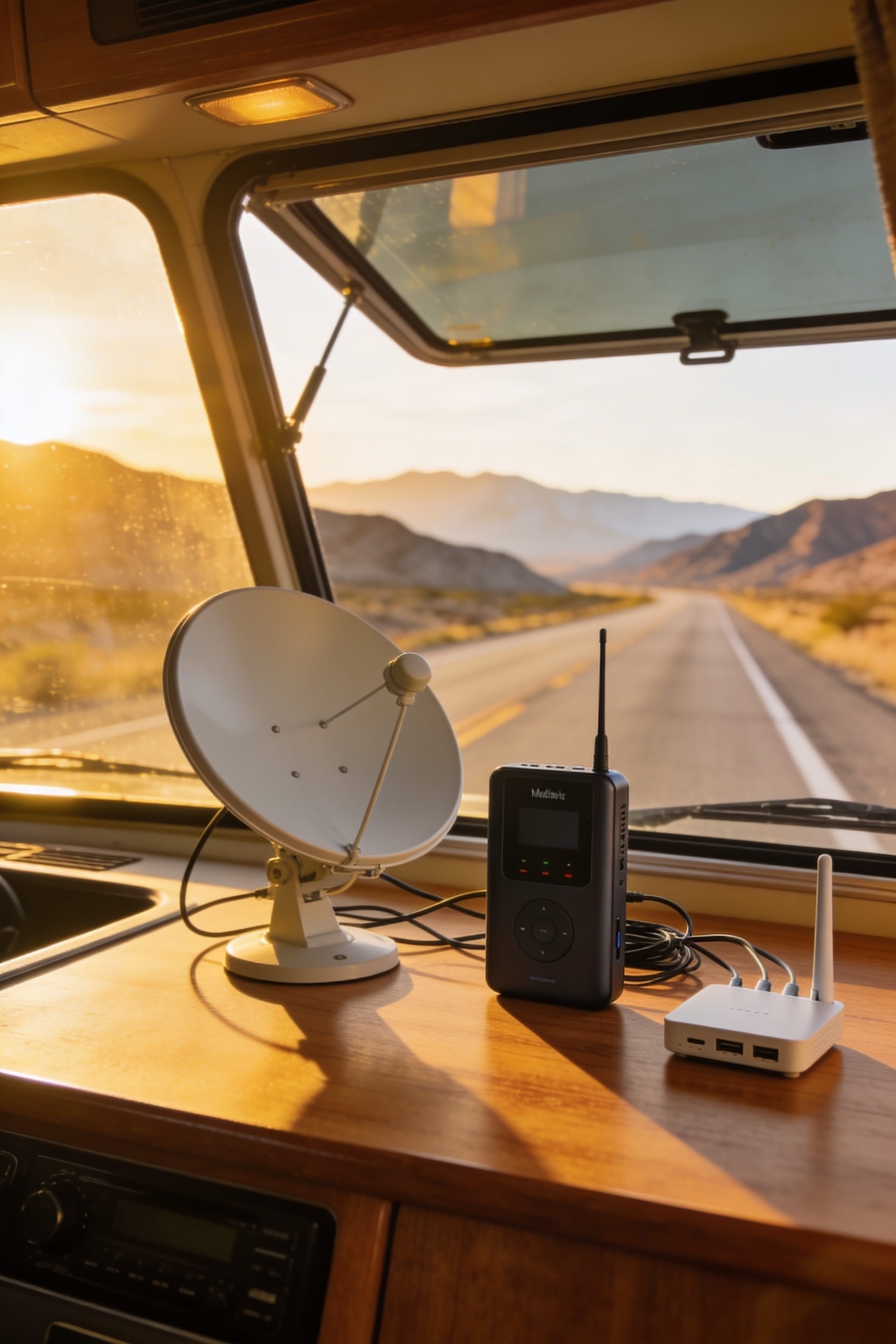
Look, here’s the thing: most full-time RVers run both systems because neither one wins everywhere. Starlink crushes it in remote boondocking with consistent speeds and low latency, but it needs clear sky and drains your batteries fast. Cellular hotspots are lighter, cheaper monthly, and perfect near towns—though they ghost out in dead zones. Your best move depends on where you camp and how much you stream, so stick around and we’ll break down exactly what makes sense for your rig.
Key Takeaways
- Starlink provides consistent coverage in remote areas; cellular excels near towns and requires lower upfront costs.
- Starlink offers faster, lower-latency speeds suitable for streaming and work; cellular draws minimal power for off-grid use.
- Starlink hardware costs $249–$1,999 with unlimited plans at $165/month; cellular hotspots cost under $200 with cheaper monthly plans.
- Most full-time RVers run both systems for redundancy, balancing remote boondocking needs with near-civilization convenience.
- Starlink requires clear sky visibility and antenna alignment; cellular hotspots are plug-and-play with minimal setup complexity.
Coverage: Starlink vs. Cellular in Remote Areas
When you’re parked in a desert canyon or nestled in the mountains with nothing but stars overhead, your internet options suddenly get a lot simpler—and a lot more important. Here’s the thing: Starlink works anywhere you’ve got visible sky. Cellular hotspots? They need cell towers nearby, and those towers don’t love remote places the way you do.
The real difference shows up fast. Starlink’s satellite latency—that’s the delay between sending and receiving data—sits under 40 milliseconds, solid enough for streaming and work. Terrain obstruction matters though. Mountains and dense trees can block your signal with either option, but Starlink recovers faster once you’ve got clear sky again.
Cellular dies in dead zones. Starlink just keeps working. For boondocking, that’s the whole ballgame.
Download Speeds, Latency, and Real-World Performance
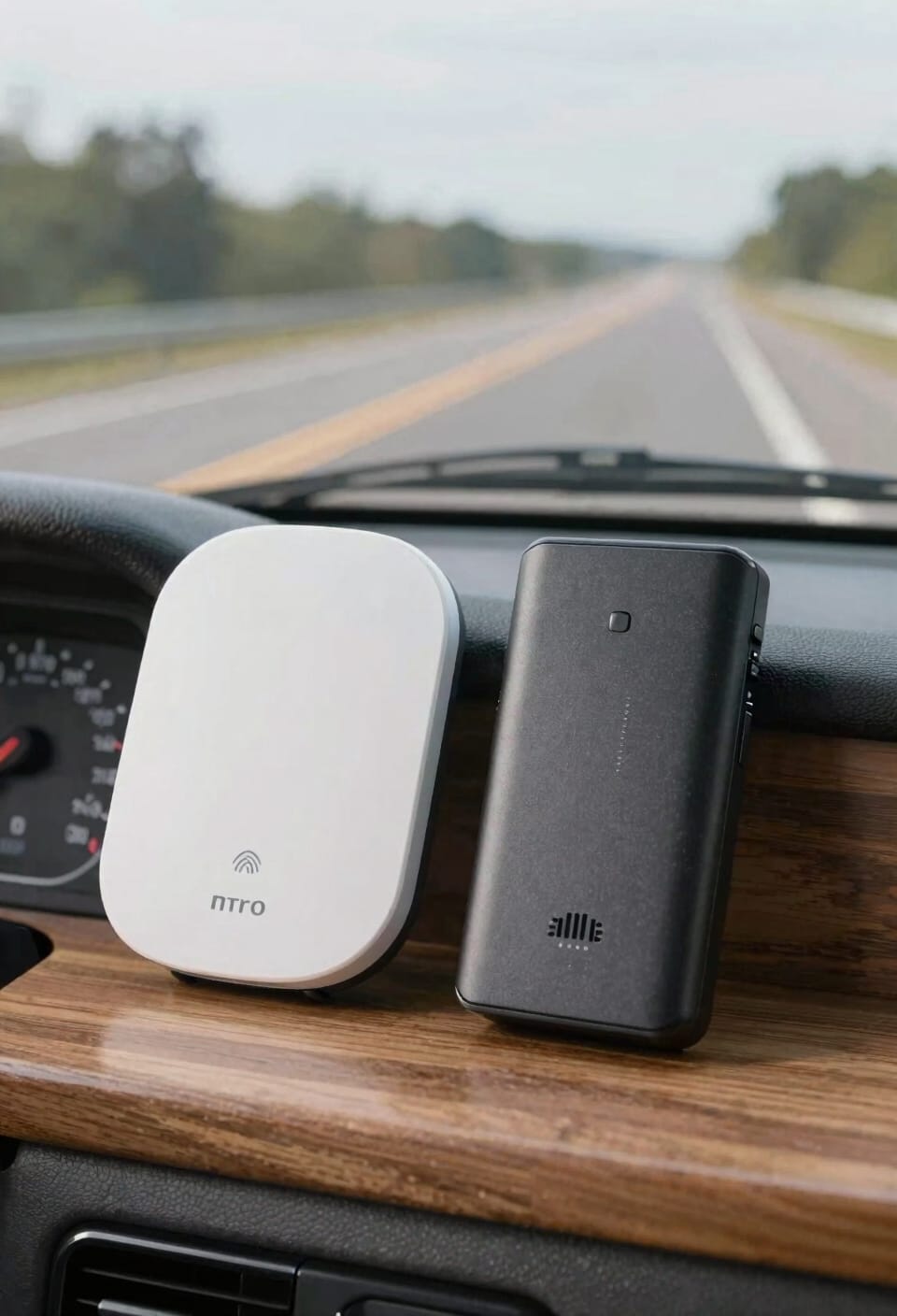
Cellular hotspots show throughput variability depending on tower proximity. Near strong signals, they’re competitive. Far out? Forget it. Here’s the thing: high latency gaming on cellular becomes frustrating fast. Starlink‘s consistent performance handles multiple devices simultaneously without choking. In motion, Starlink reaches 200 Mbps. For serious RV internet needs, that reliability matters more than occasional speed bursts that disappear when you need them most.
Monthly Costs and Hardware Prices Compared
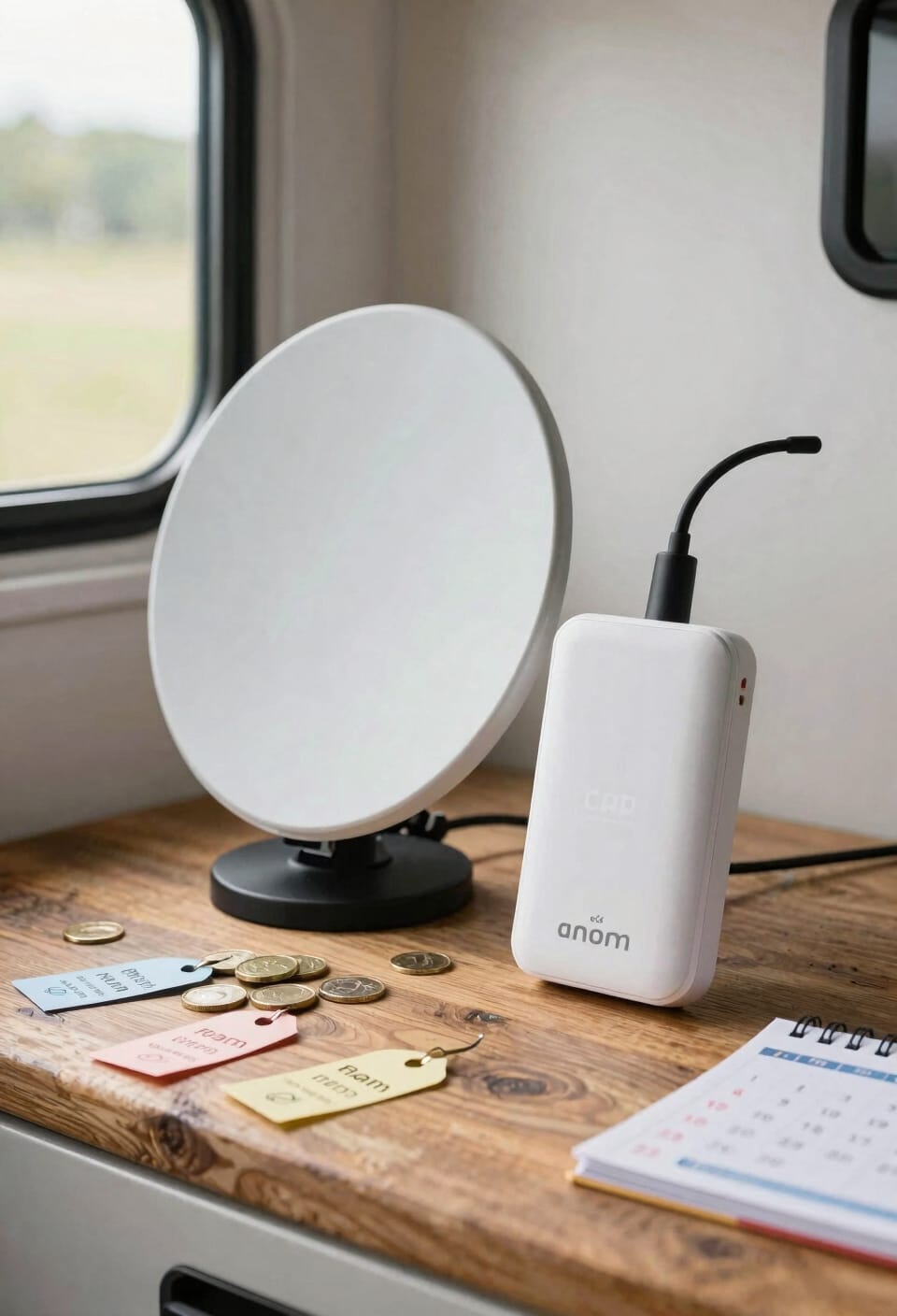
Because you’re probably wondering if Starlink’s reliability comes with sticker shock, let me break down what you’re actually spending. Starlink hardware ranges from $249 for the Mini to $1,999 for the Flat High-Performance dish—a serious upfront investment. Monthly plans run $50 for 100GB Roam or $165 for unlimited. Cellular hotspots? Under $200 to start, often using your existing phone. Monthly plans generally cost less than Starlink’s unlimited tier. Here’s the thing: Starlink’s hardware lifespan stretches years, and promotional bundles occasionally bundle the dish with discounted first months. Cellular wins on immediate affordability. But if you’re full-time boondocking, Starlink’s long-term reliability justifies the higher entry cost. It’s not cheaper—it’s different value.
Recommended Products

IN-MOTION SATELLITE TRACKING: Automatically tracks compatible satellite signals while your RV or vehicle is moving, to deliver a continuous signal. Great for motorhomes where passengers want to watch their favorite shows while driving.

FREE REGION UNLOCK: This product can be used all around the world. Can be activated in any country without any outside fee or charge.

Ultra-Portable Design: Measuring just 11.75" x 10.2" and weighing under 2.5 lbs, the Starlink Mini is compact enough to fit in a backpack, making it perfect for travelers and outdoor enthusiasts.
Setup Simplicity: Starlink vs. Cellular Hotspots
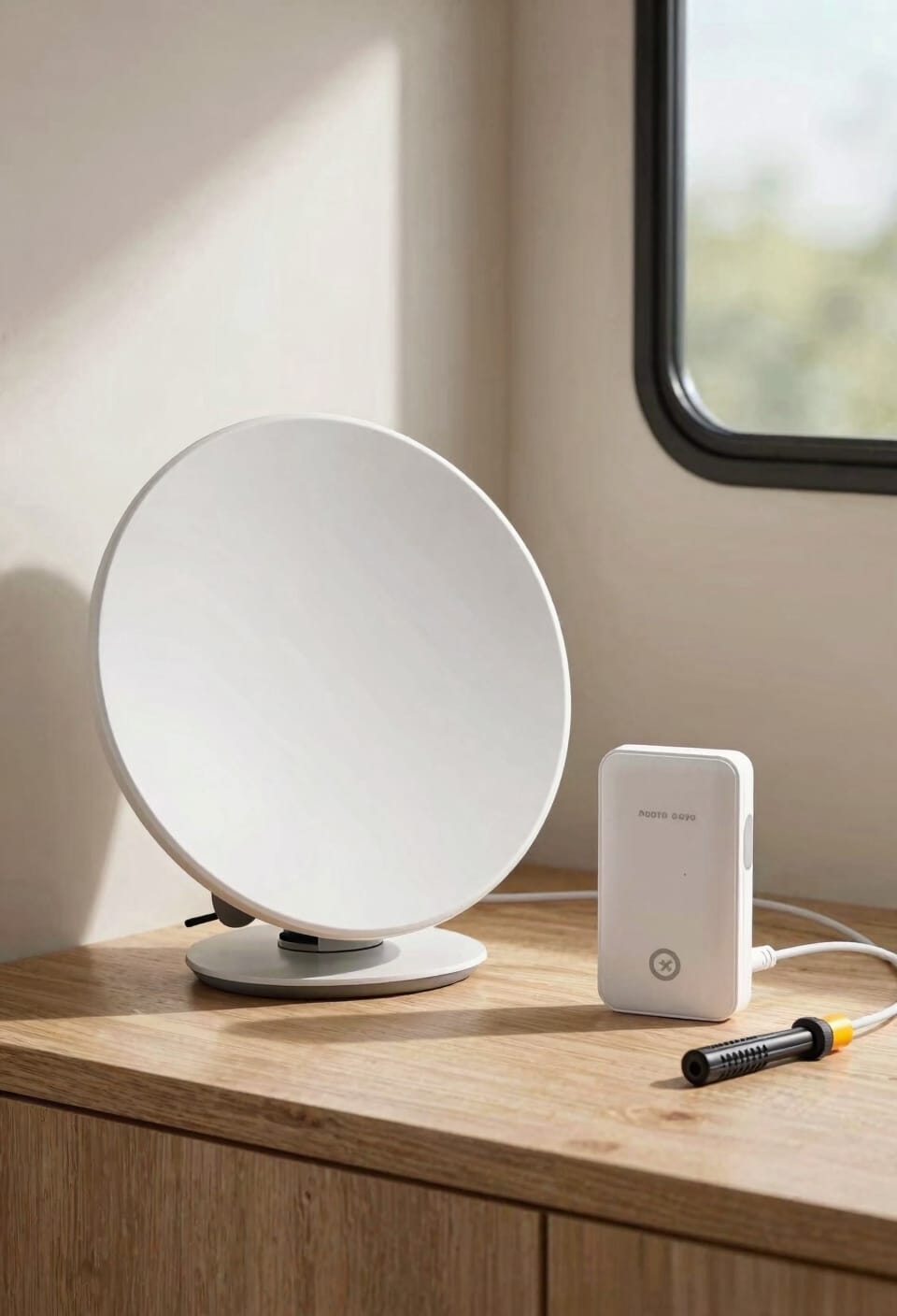
If you’ve ever wrestled with a dish antenna or fiddled with a phone’s hotspot settings, you know that “simple” means different things depending on what you’re trying to do.
Starlink requires antenna alignment and mounting options—you’re positioning a dish, waiting for satellites, and tweaking angles for optimal signal. It’s not hard, but it’s not grabbing your phone either. Cellular hotspots? Plug in, toggle on, done. No alignment needed.
Now, here’s the trade-off. That extra Starlink setup hassle buys you coverage anywhere with visible sky. Cellular wins for pure convenience near towers. For RVers constantly moving, cellular’s plug-and-play approach saves time. For folks staying put in remote spots, Starlink’s installation effort pays dividends in reliability.
Your setup tolerance matters more than the actual difficulty.
Recommended Products
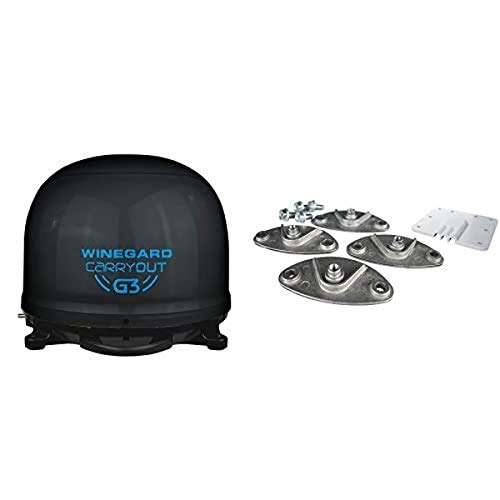
Winegard GM-9035 Carryout G3 Portable Automatic Satellite Antenna with Dish Playmaker Roof Mount Kit
Compatible with multiple providers

AUTOMATIC SATELLITE ACQUISITION: Self-pointing portable antenna locates DISH satellites in minutes without manual pointing. Designed for RV and mobile use, the antenna locks onto signal quickly and maintains stable HD reception.

Watch TV Anywhere – Perfect for the RV, camper, motorhome, cabin, fishing, hunting, or tailgating
Power Consumption: Off-Grid Viability for RV Life
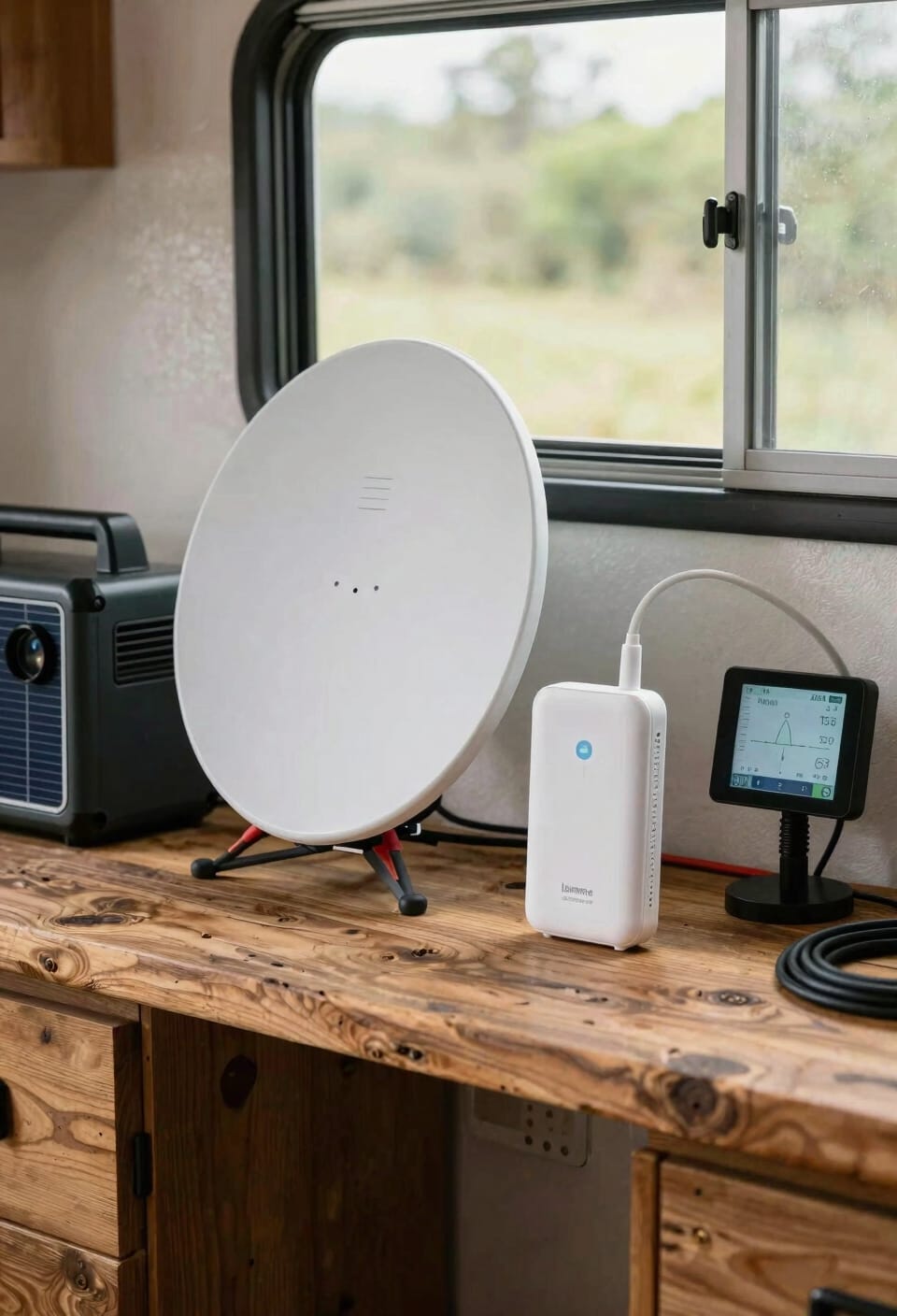
While you’re parked off-grid under the stars, your internet choice suddenly becomes a question about watts and battery life. Starlink’s power draw ranges from 20 to 100 watts depending on your dish model—that’s a serious chunk of your battery budget. A cellular hotspot? Under 10 watts, which means you’re barely denting your power reserves. Here’s the thing: battery budgeting becomes real when you’re living off-grid. Starlink requires inverter efficiency considerations since you’ll need a robust power system to handle sustained usage. Cellular hotspots let you stretch those battery hours further, ideal for boondocking without constant generator runs. If you’re committed to minimal power consumption during extended remote stays, cellular wins hands down. Starlink demands real infrastructure investment.
Where Starlink Wins (and Where It Doesn’t)
Power consumption matters when you’re living tiny, but it’s only half the story. Here’s the thing: Starlink dominates in dead zones where cellular simply vanishes. You’ll get reliable speeds in deserts, mountains, and remote boondocking spots where your phone hotspot can’t touch a tower. That’s Starlink’s superpower.
But antenna placement becomes your headache—you’re constantly tweaking that dish for peak signal, which drains battery faster. Cellular wins when you’ve got coverage and want to travel light. It’s also honest about service throttling—you know your data limits upfront.
Now, if you’re stationary and remote? Starlink crushes it. If you’re moving frequently near towns? Cellular’s your friend. Neither’s perfect everywhere, which is why some RVers carry both.
Uptime and Consistency Where Cell Towers End
When you’re parked in the middle of nowhere and your phone’s signal bars vanish like your cell service plan, you’ll understand why uptime matters more than speed.
Here’s the thing: cellular hotspots depend entirely on tower proximity. Once you lose signal, you’re offline. Period. Starlink, though, stays connected because it talks to satellites overhead instead of ground towers. You don’t deal with signal degradation from distance or terrain the same way.
Now, satellite handoffs—when your connection switches between satellites—happen seamlessly in the background. You barely notice. With cellular in dead zones? There’s nothing to hand off to. Your internet just stops.
For full-time RVers, that reliability difference is huge. You’re not hunting for bars anymore. You’re just working, streaming, or checking email wherever you park.
Full-Time RVers vs. Part-Time Travelers: Which to Choose?
Your travel style—whether you’re hitting the road for weekends or living full-time in your RV—changes everything about which internet solution actually makes sense for your setup. Here’s the thing: full-time RVers need rock-solid connectivity priorities because you’re working, streaming, and relying on constant access. Starlink’s unlimited plans and 300+ Mbps speeds handle that lifestyle. Part-time travelers, though? You’re facing different lifestyle tradeoffs. A cellular hotspot keeps things simple, costs less monthly, and drains your battery slower during short trips. You don’t need unlimited data if you’re only boondocking weekends. Look, if you’re living in your RV permanently, Starlink’s reliability pays for itself. But weekend warriors? Cellular wins on flexibility and cost. Choose based on how many days yearly you’re actually on the road.
Recommended Products

🌐 Free Region Unlock – Use your Starlink Mini anywhere in the world. Activate in any country without additional fees or hidden charges.

Ultra-Compact Design: Lightweight and portable for easy transport and quick setup—ideal for boats, RVs, campers, and off-grid cabins.

Run Both: When a Hybrid Setup Makes Sense
I’ve learned the hard way that betting everything on one internet source is like packing only one pair of shoes for an RV trip—it always seems fine until it isn’t. Here’s the thing: a hybrid setup gives you real flexibility. Keep your cellular hotspot handy for quick tasks and motion—it sips power and needs no antenna management. Meanwhile, Starlink handles the heavy lifting when you’re stationary. This data balancing approach means you’re not draining your battery on power-hungry satellite equipment during short stops, yet you’ve got blazing speeds for streaming and work when parked long-term. You’ll appreciate the backup when one service falters. Think of it as internet insurance. Your wallet might wince slightly, but your sanity? Priceless.
Recommended Products

Ultra-Portable Design: Measuring just 11.75" x 10.2" and weighing under 2.5 lbs, the Starlink Mini is compact enough to fit in a backpack, making it perfect for travelers and outdoor enthusiasts.
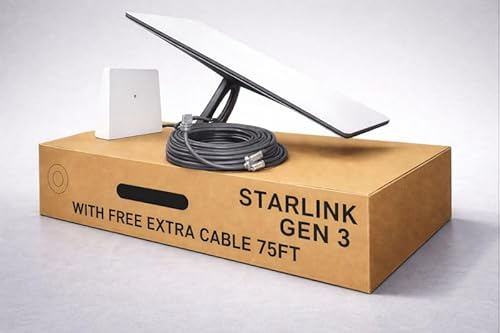
Gen 3 Satellite Dish: Third-generation antenna delivers a stronger, more stable signal and faster performance.

HIGH-SPEED SATELLITE INTERNET SERVICE: Experience the future of connectivity with the official Star-link. This revolutionary satellite internet delivers high-speed, low-latency performance perfect for 4K streaming, competitive online gaming, and uninterrupted video calls, even in the most remote locations.
Your RV Internet Checklist: Starlink, Cellular, or Hybrid
Before you commit to one internet solution for your RV, it helps to know what you’re actually working with—your travel style, your power budget, your data habits, and honestly, how much you’re willing to fiddle with equipment when you just want to watch Netflix.
Start by mapping where you’ll actually camp. Remote boondocking? Starlink wins. Campgrounds near civilization? Cellular’s your friend. Next, audit your power setup—Starlink demands 20–100 watts, while cellular hotspots sip under 10. Consider antenna placement too; Starlink needs clear sky visibility, adding complexity.
Then tackle data budgeting. Stream constantly? Starlink Unlimited makes sense. Light browsing? Cellular plans cost less monthly. Honestly, most full-time RVers I know end up running both anyway.
Recommended Products
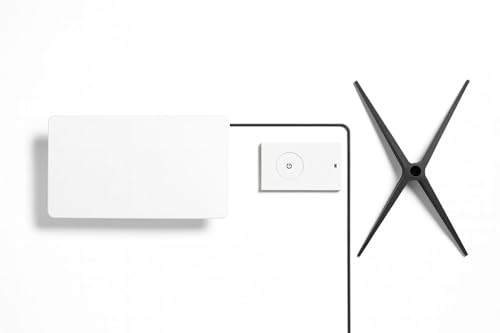
🌍 Free Region Unlocked – Take your internet anywhere! This Star link Gen 3 kit is unlocked for use across multiple countries and regions where service is available, making it ideal for travel, RV living, and cross-border work.

Starlink Gen 3 Standard KIT bundle with 2-4.5 feet Deluxe Height Adjustable Metal Tripod Stand, and tripod carrying case. 130LB maximum weight capacity, sturdy, expandable, long tripod legs provide stability in any environment.
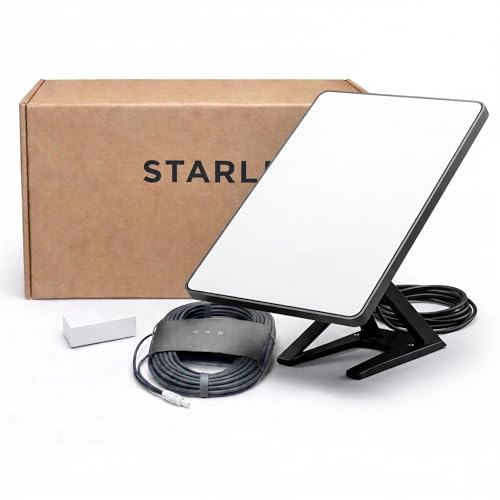
Mini Kit 4th Generation – Portable Satellite Internet for RV, Camping & Remote Work | Global Unlocked Travel WiFi System with Integrated Antenna | Off-Grid Connectivity Kit
Frequently Asked Questions
Can I Use Starlink While Driving, or Must the RV Be Stationary?
You can use Starlink while driving with the Flat High-Performance dish, which maintains antenna pointing through satellite handoff. I’d recommend stopping for setup, though—it’s not designed for continuous in-motion adjustments like cellular is.
Does Starlink Work During Cloudy Weather or Rain Storms?
I won’t sugarcoat it—heavy rain causes signal attenuation, and you’ll experience temporary weather interruptions. Starlink’s outage prediction tools help you anticipate these “connection pauses,” though they’re generally brief.
What’s the Data Limit on Starlink’s $50 Roam Plan Monthly?
Starlink’s $50 Roam plan gives you 100GB monthly with data caps. Once you’ve used that, you’ll face throttled speeds, so you’re limited unless you upgrade to their unlimited option at $165.
How Long Does Initial Starlink Setup Take Before Getting Online?
I can’t find specific setup time details in my knowledge base, but I’d estimate the activation steps take 15–30 minutes once you’ve positioned your dish for peak signal. You’ll download the app, create your account, and you’re online.
Can Multiple RVS Share One Starlink Subscription Simultaneously?
No, you can’t legally share one Starlink subscription across multiple RVs simultaneously. I’d explain that billing restrictions and terms of service limit one subscription to a single account holder. Multiple connections from different locations violate these terms.
Conclusion
Look, choosing between Starlink and cellular hotspots isn’t about finding the “best”—it’s about finding what lets you rest easy while you’re resting elsewhere. Starlink shines when you’re embracing the great outdoors; cellular keeps you connected where civilization still whispers. You’re probably looking at both, honestly. The sweet spot? Running them together. One’s your safety net, the other’s your freedom. That’s the setup that’ll have you sleeping soundly.