As an Amazon Associate, we earn from qualifying purchases. Some links on this site are affiliate links at no extra cost to you. Our recommendations are based on thorough research and editorial judgment.

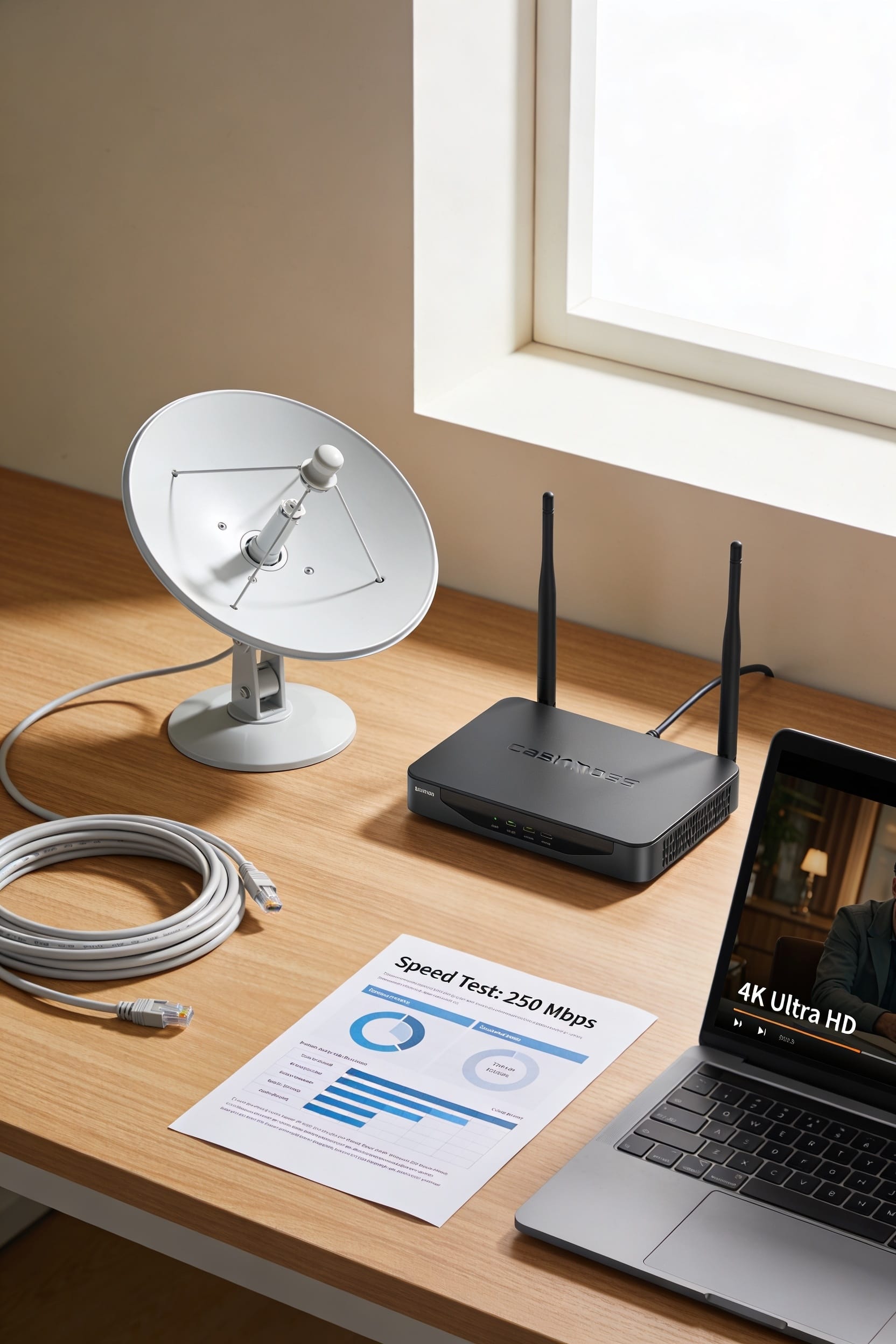
Starlink vs Xfinity: Which Internet Service Is Better?

All right, here’s the truth: neither’s objectively better—it’s about where you live. Xfinity crushes it in cities with faster speeds and lower latency, perfect for gaming. Starlink wins in rural areas where cable doesn’t reach, plus you get unlimited data and no contracts. Cost-wise, Xfinity starts cheaper monthly, but Starlink requires a pricey upfront equipment fee. Your location and what you actually do online should drive your choice, not hype.
Key Takeaways
- Xfinity offers higher speeds and lower latency for urban areas; Starlink provides satellite coverage for rural and remote locations.
- Starlink costs $120 monthly plus $599 equipment; Xfinity starts at $19.99–$30 monthly with promotional pricing advantages for budget-conscious users.
- Xfinity excels for competitive gaming with low latency; Starlink suits streaming and remote work but suffers weather disruptions.
- Starlink includes unlimited data; Xfinity lower tiers may impose data caps depending on chosen plan tier.
- Choose based on location availability, speed requirements, gaming needs, data usage, and whether you prioritize affordability or performance.
Choose Based on These Factors
Start by asking yourself where you live. If you’re in a city or suburb with cable infrastructure, Xfinity’s probably available and worth considering. Living rurally or planning to travel with mobile hotspots? Starlink‘s your answer. Next, think about speed needs. Streaming and casual browsing? Either works. Hardcore gaming demands low latency, which Xfinity handles better. Check service contracts too—some lock you in, others don’t. Finally, consider your budget. Starlink costs more upfront but offers unlimited data. Xfinity might seem cheaper initially, then prices climb after promotions end.
Recommended Products

FLEXIBLE AIRTIME OPTIONS FOR GLOBAL USE - The Iridium GO! Exec Satellite Hotspot includes a free SIM card. To activate your device, you’ll need to purchase an airtime plan for the provided SIM. Prepaid plans offer a fixed number of minutes with a one-time payment, and additional minutes can be added anytime. Postpaid plans provide ongoing service with a fixed monthly fee for uninterrupted use. Details on available plans will be provided after your purchase.

Ultra-Compact Design: Lightweight and portable for easy transport and quick setup—ideal for boats, RVs, campers, and off-grid cabins.

🌐 Free Region Unlock – Use your Starlink Mini anywhere in the world. Activate in any country without additional fees or hidden charges.
Coverage: Where You Can Actually Get Service
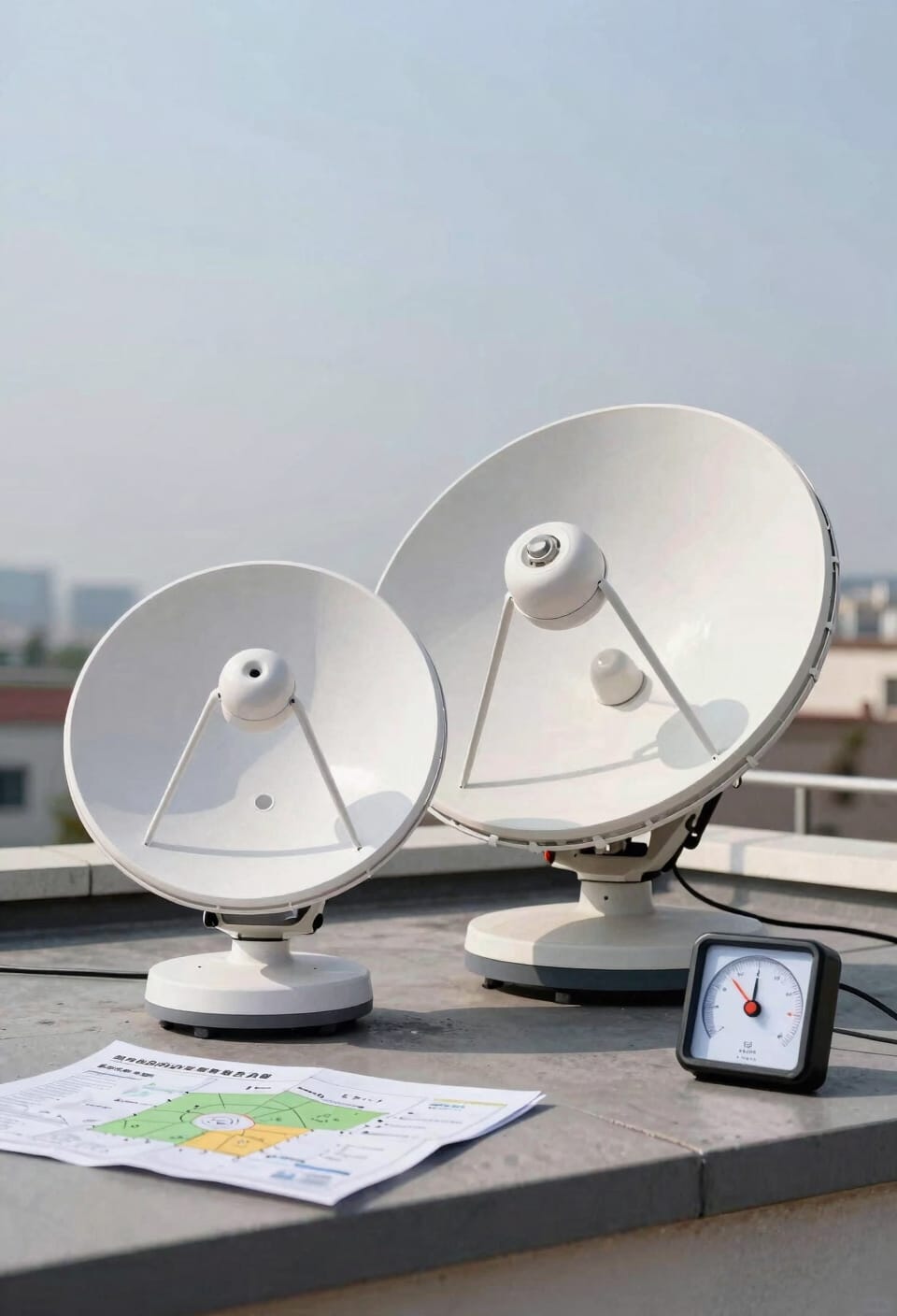
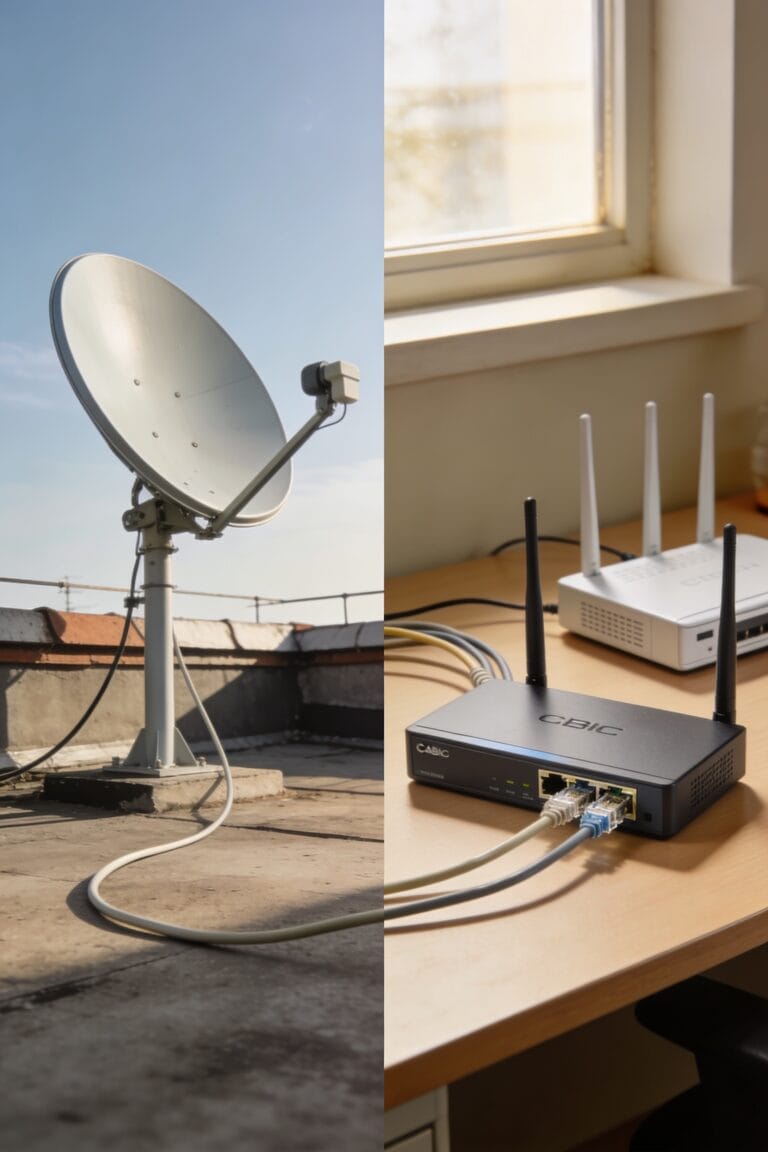
Now here’s where things get real, because the best internet plan in the world means nothing if you can’t actually get it where you live. Xfinity’s got you covered if you’re in their urban footprint—basically cities and suburbs where cable lines already exist. But venture outside that? You’re out of luck. Starlink flips the script entirely. Since it uses satellites instead of cables buried underground, you can grab service almost anywhere. That satellite mobility is huge if you’re in rural areas or thinking about life in an RV. You won’t find faster speeds with Starlink, but you will find actual internet where Xfinity simply doesn’t reach. Location genuinely matters here.
Speed, Data, and Monthly Costs Compared
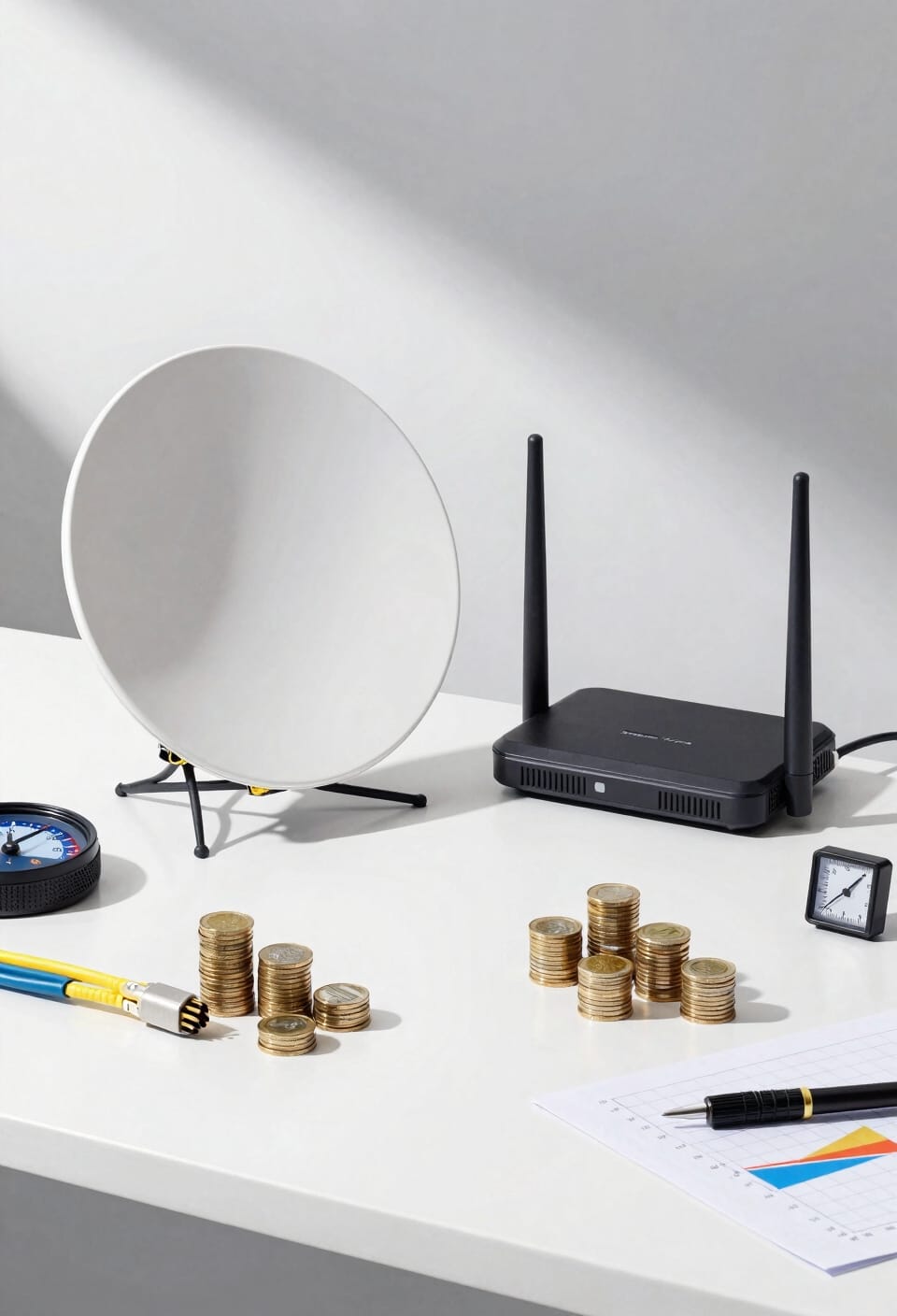
Once you’ve figured out where you can actually get internet, the real question becomes: what’ll it cost you, and what speeds are you actually paying for?
Starlink runs $120 monthly for residential service, plus $599 upfront equipment. You’re looking at 50–200 Mbps typically—solid for streaming and remote work. Xfinity starts cheaper at $19.99–$30 monthly, though you’ll hit data caps on lower tiers. Their gigabit plan costs $65 and delivers actual speeds to match.
Here’s the thing: Xfinity wins on raw speed where available. Starlink wins on unlimited data and availability in rural spots. Both offer decent network security and customer support, though your experience depends on location and plan. What matters most depends on your actual usage habits.
Recommended Products

Ultra-Portable Design: Measuring just 11.75" x 10.2" and weighing under 2.5 lbs, the Starlink Mini is compact enough to fit in a backpack, making it perfect for travelers and outdoor enthusiasts.


Ultra-Portable Design: Measuring just 11.75" x 10.2" and weighing under 2.5 lbs, the Starlink Mini is compact enough to fit in a backpack, making it perfect for travelers and outdoor enthusiasts.
Reliability Across Gaming, Streaming, and Remote Work
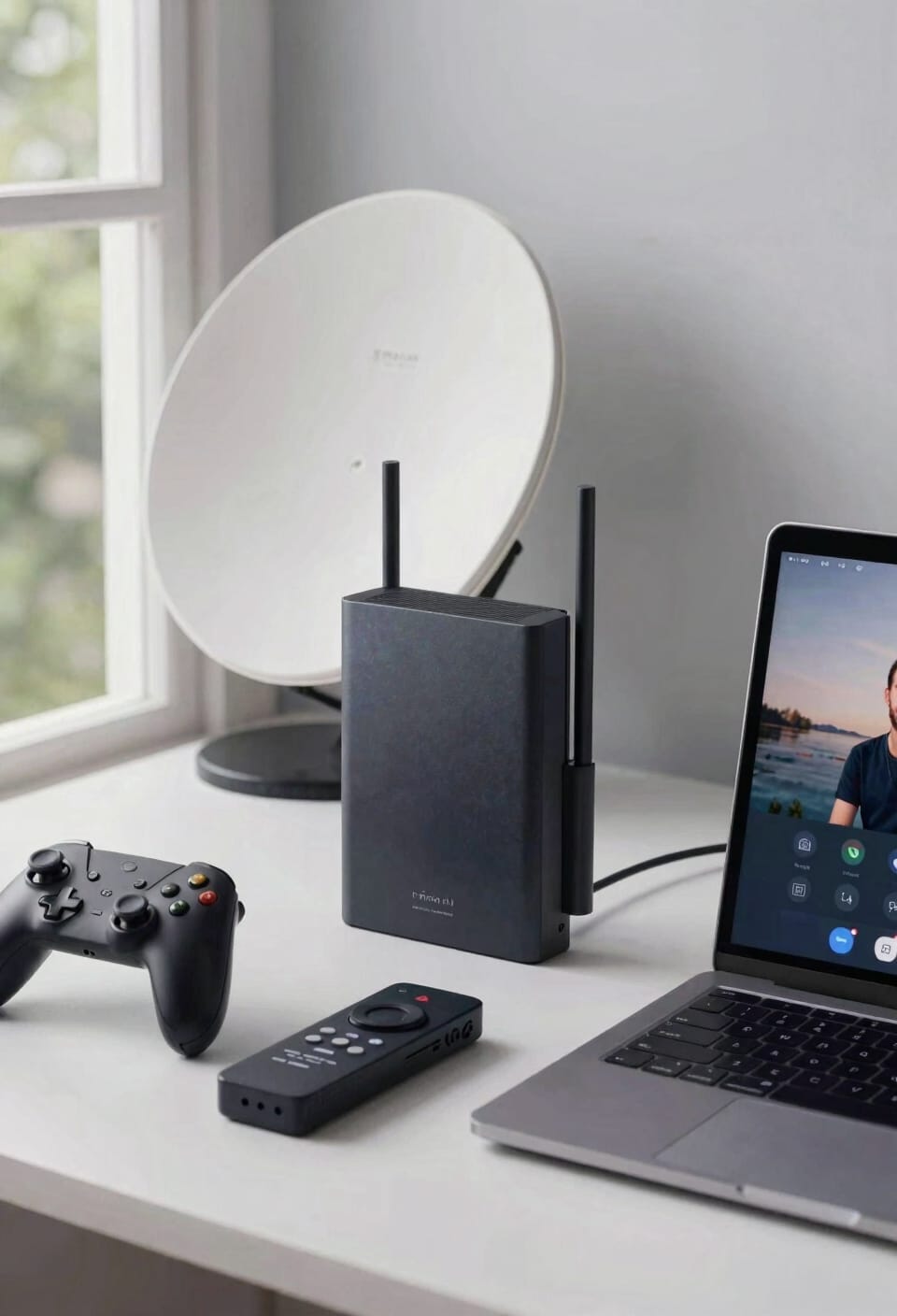
Xfinity crushes it here. Its low latency—the delay between sending data and receiving a response—means fewer latency spikes that’ll wreck your gaming session. You won’t deal with packet loss, those dropped bits of information that make video stutter. Xfinity’s bandwidth allocation, how much speed reaches different devices, stays rock-solid.
Starlink works fine for streaming and remote work, but weather disrupts things. Gaming? You’ll manage casual play, though hardcore competitive stuff gets dicey. For reliability that doesn’t quit, Xfinity’s got real service redundancy built into existing infrastructure. You’re covered.
Making Your Final Decision

After weighing speed against coverage, reliability against cost, you’re probably wondering which one actually fits your life. Here’s the thing: there’s no universal winner. If you’re remote or rural, Starlink’s your answer—unlimited data, portability, and subscription flexibility mean you’re not locked into infrastructure that doesn’t exist yet. But if you’re urban and gaming matters, Xfinity‘s low latency crushes it. Consider the environmental impact too. Starlink’s satellite network uses more energy per user, while Xfinity’s cable infrastructure is established. Honestly, pick based on what you actually do online and where you live. Speed doesn’t matter if coverage doesn’t reach you. Coverage doesn’t matter if you need gigabit speeds. Match the service to your reality, not the other way around.
Recommended Products

Starlink Gen 3 Standard KIT bundle with 2-4.5 feet Deluxe Height Adjustable Metal Tripod Stand, and tripod carrying case. 130LB maximum weight capacity, sturdy, expandable, long tripod legs provide stability in any environment.

【𝐒𝐮𝐩𝐩𝐨𝐫𝐭𝐬 𝐀𝐥𝐥 𝐔𝐒 𝐂𝐚𝐫𝐫𝐢𝐞𝐫𝐬】Hiboost cell phone booster compatible with all U.S carriers , including Verizon, AT&T, T-Mobile, Sprint, U.S. Cellular, Straight Talk, and Band 2/4/5/12/13/17/25/66. Hiboost only support 5G only that's largely deployed in current 4G bands by DSS (Dynamic Spectrum Sharing) by carriers. If you need 5G, ensure the carriers have deployed 5G in the 4G bands before purchase.

HIGH-SPEED SATELLITE INTERNET SERVICE: Experience the future of connectivity with the official Star-link. This revolutionary satellite internet delivers high-speed, low-latency performance perfect for 4K streaming, competitive online gaming, and uninterrupted video calls, even in the most remote locations.
Frequently Asked Questions
Can I Take Starlink With Me When I Travel or Move to a New Location?
Yes, you can take Starlink with you when you travel or move. I find its portable design ideal for RVs and remote sites. You’ll just need the satellite dish and modem, making travel portability straightforward and convenient.
What Are the Upfront Equipment Costs for Both Starlink and Xfinity Services?
I’ll break the bank telling you Starlink costs $599 upfront for equipment, while Xfinity charges $14 monthly for their gateway. Starlink’s self-installation eliminates extra fees; Xfinity’s infrastructure means no equipment purchase, just rental fees.
Does Starlink or Xfinity Offer Better Customer Service and Technical Support?
I can’t definitively say which offers better customer service based on the knowledge provided. Both have different support channels and response times, but you’ll want to research current reviews since my information doesn’t specify their technical support quality comparisons directly.
How Does Weather Impact Starlink’s Performance Compared to Xfinity’s Reliability?
I’ve found that weather markedly impacts Starlink through signal degradation and latency spikes during storms, while Xfinity’s cable infrastructure remains largely unaffected. You’ll experience more consistent reliability with Xfinity in adverse conditions.
Are There Contract Requirements or Early Termination Fees With Either Service?
I’ve found that Starlink doesn’t impose contract lengths or early termination fees, making it flexible month-to-month. Xfinity typically requires contracts with potential termination fees, though terms vary by plan and location.
Conclusion
Here’s the truth: you’re not choosing between perfect options—you’re choosing which trade-off you can live with. Starlink wins if you’re rural and tired of waiting; Xfinity wins if you’ve got coverage and want reliability without a satellite dish. Neither’s a villain. Your location decides this more than anything else. Check what’s actually available at your address, then pick the one that doesn’t make you want to throw your router out the window.