As an Amazon Associate, we earn from qualifying purchases. Some links on this site are affiliate links at no extra cost to you. Our recommendations are based on thorough research and editorial judgment.

What Is Beamforming WiFi and Does It Really Help?

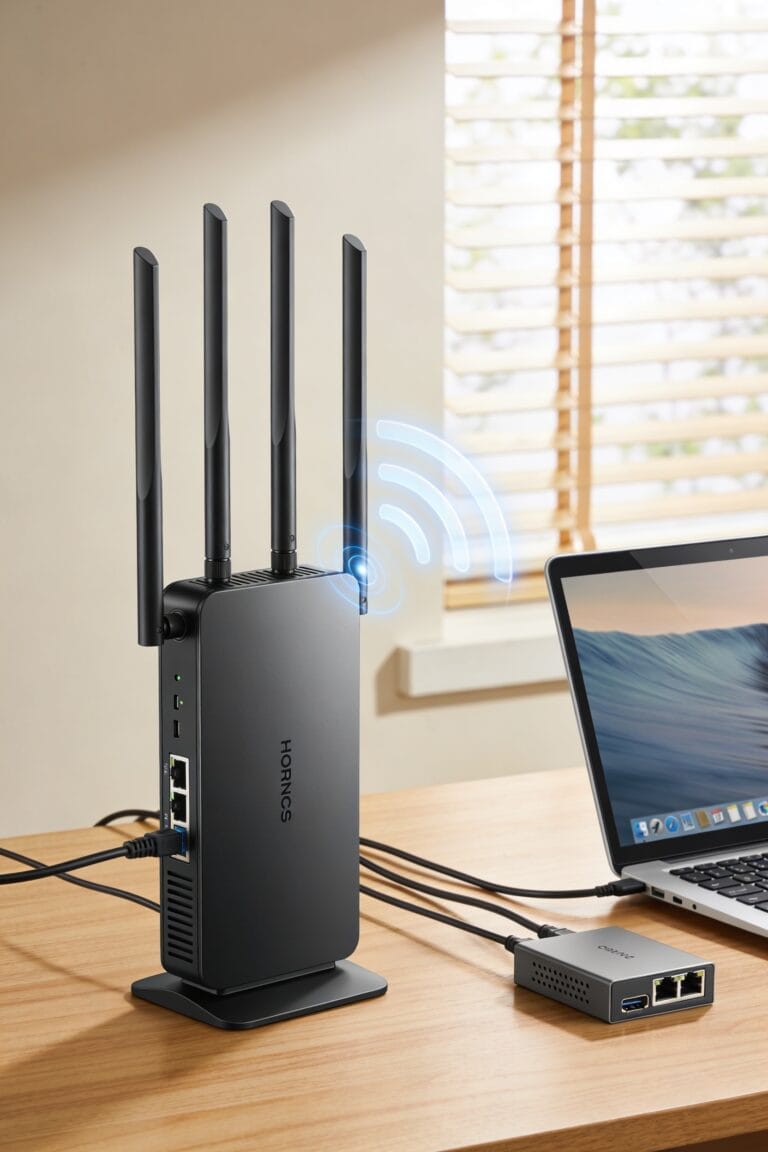
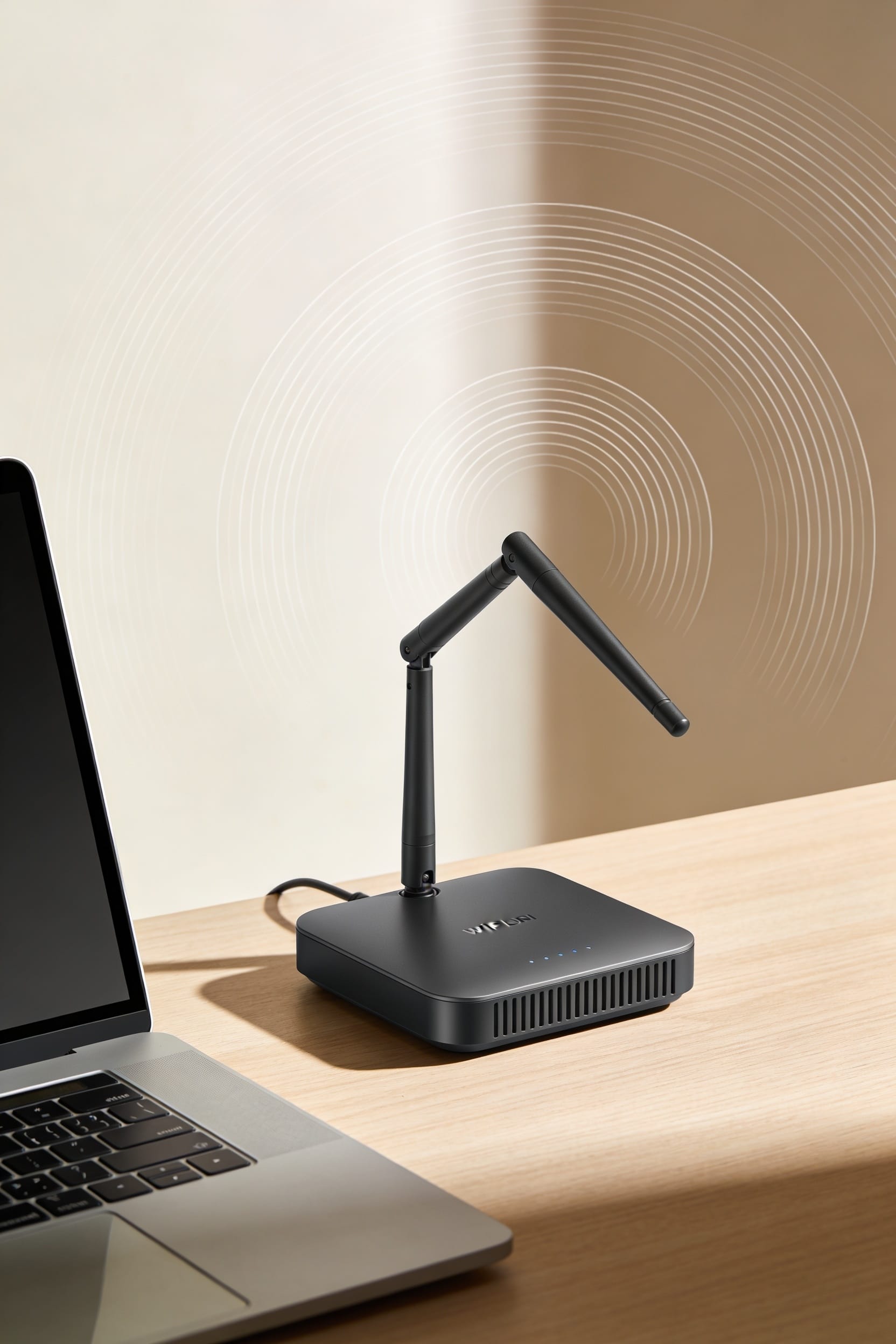
Look, beamforming focuses your router’s WiFi signal like a flashlight beam aimed straight at your devices instead of broadcasting everywhere like a lightbulb. It’s automatic—no setup needed. You’ll likely see faster speeds, less lag, and fewer dropped connections because the signal reaches you more directly. Does it actually help? Yeah, but only if your router’s placed reasonably well. Dead zones from poor placement or thick walls? Beamforming can’t fix those alone. The real magic happens when you understand what’s actually holding your network back.
Key Takeaways
- Beamforming focuses WiFi signals like a flashlight beam toward specific devices instead of broadcasting omnidirectionally in all directions.
- It improves performance by reducing packet loss, latency, and interference while strengthening signal strength to connected devices.
- WiFi 5 standardized beamforming in 2016, making it reliable across routers and devices from that era onward.
- Beamforming cannot overcome poor router placement, thick walls, or extremely high device density situations.
- Yes, beamforming genuinely helps most modern devices by delivering faster speeds and more stable connections without additional setup.
What Is Beamforming WiFi and How Does It Work?
By focusing your WiFi signal like a flashlight beam instead of letting it scatter like a lightbulb, beamforming targets wireless signals directly toward your devices rather than broadcasting in all directions. It’s a signal processing technique using smart antennas to steer radio waves where they’re actually needed.
Here’s the thing: your router uses directional algorithms to figure out where you’re sitting, then concentrates energy in that specific direction. Think of it like antenna calibration on steroids—your router’s constantly adjusting its transmitters to aim at you rather than your neighbor’s apartment.
The result? Stronger signals reach your devices, less energy wastes going everywhere, and you get faster speeds without cranking up broadcast power. No manual setup required. Your router handles it automatically.
Why Does Beamforming Deliver Faster Speeds and Better Signals?
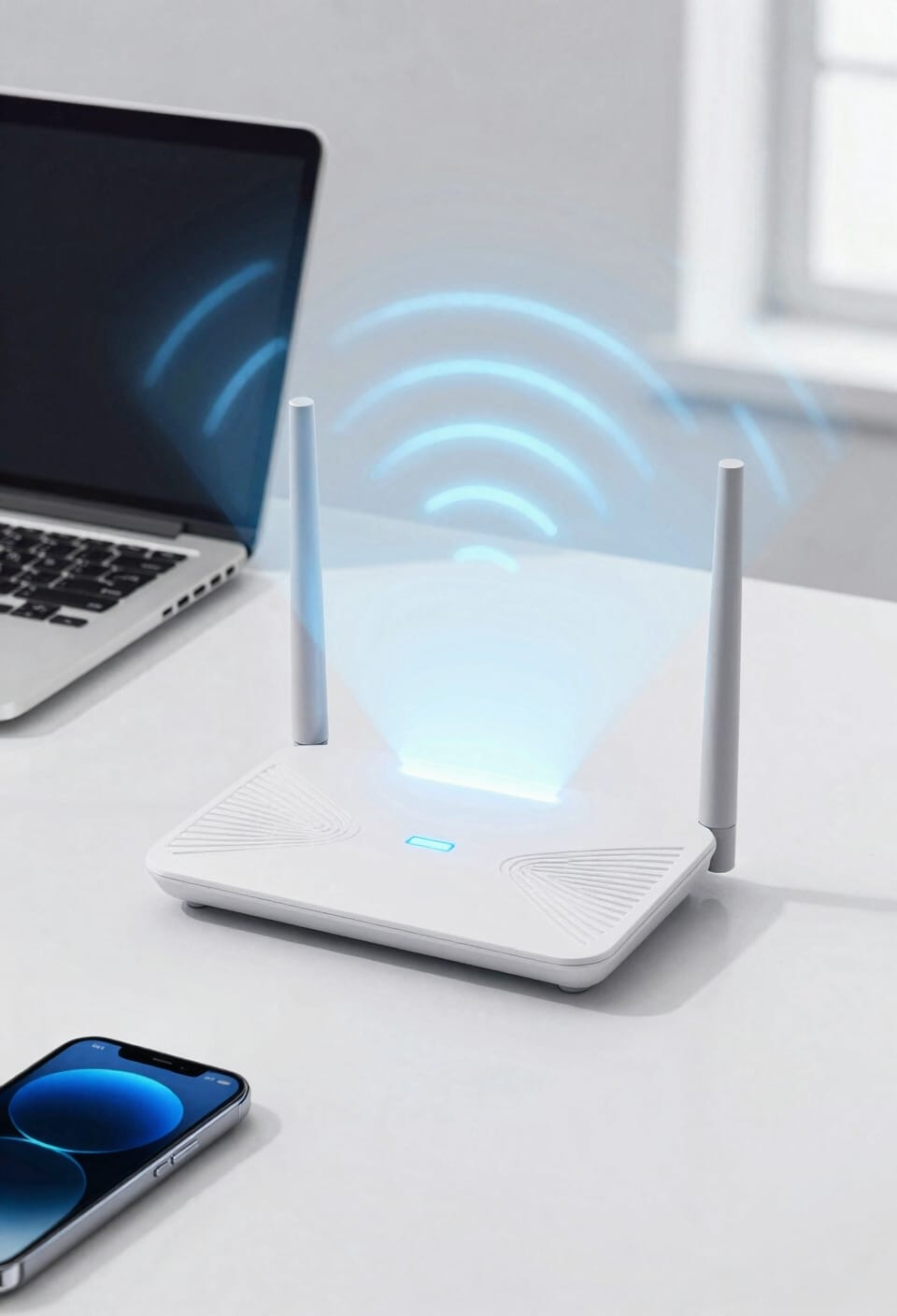
When your router concentrates its signal beam toward you instead of spraying it everywhere, something pretty straightforward happens—you get a cleaner, stronger connection with fewer errors along the way. That’s signal coherence in action—basically, your antennas working together so the waves arrive organized instead of chaotic. You’ll notice faster speeds because less energy gets wasted broadcasting to empty corners of your apartment. Beamforming also cuts latency reduction, meaning data travels quicker between you and your router. Think of it like this: instead of shouting across a noisy room to everyone, your router whispers directly to you. The focused approach means stronger signals at distance, fewer retransmissions when packets get lost, and noticeably snappier performance where you actually sit.
How Beamforming Differs From Traditional WiFi
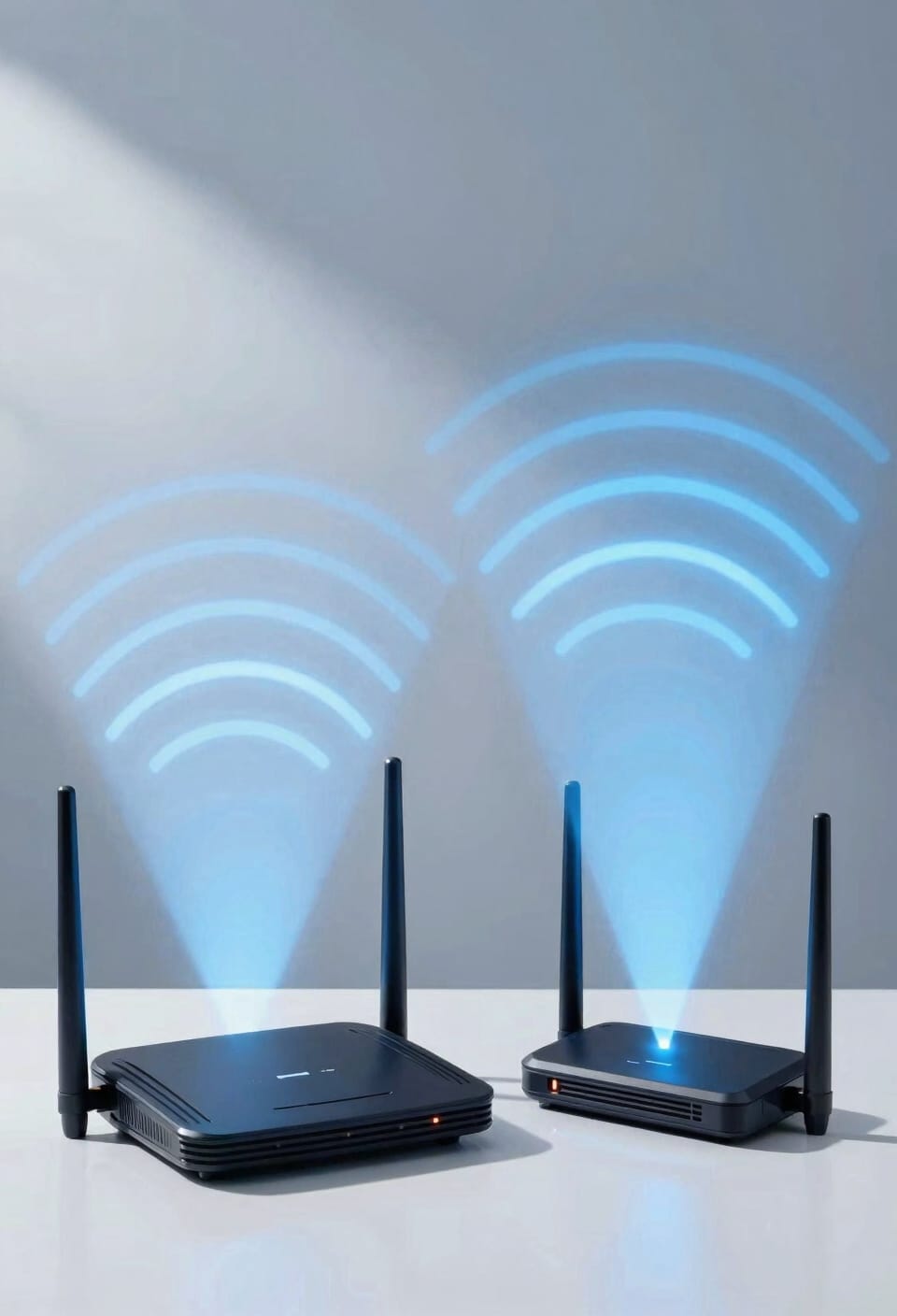
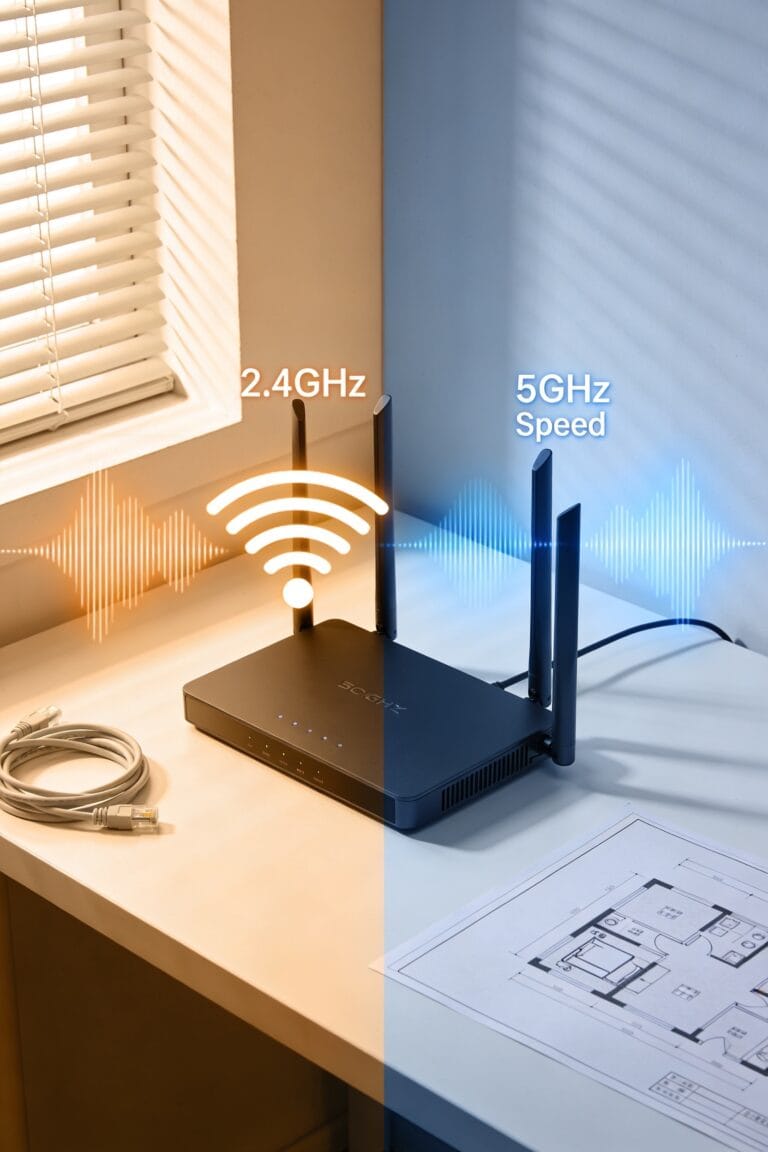
The focused beam approach we just covered works so differently from how WiFi used to operate that it’s almost like comparing a laser pointer to a lightbulb. Traditional WiFi broadcasts omnidirectionally—meaning it spreads signals equally in all directions, wasting energy on areas where nobody’s actually sitting. Beamforming uses directional antennas and signal shaping to concentrate that same power toward your specific device instead. You’re not boosting the overall broadcast strength; you’re just aiming it smarter. Old routers had no idea where you were, so they’d shout into the void hoping you’d hear them. Modern beamforming-enabled routers? They actively locate your device and steer signals right at you, eliminating dead zones and reducing interference from neighbors’ networks simultaneously.
How Beamforming Eliminates Dead Spots in Your Home
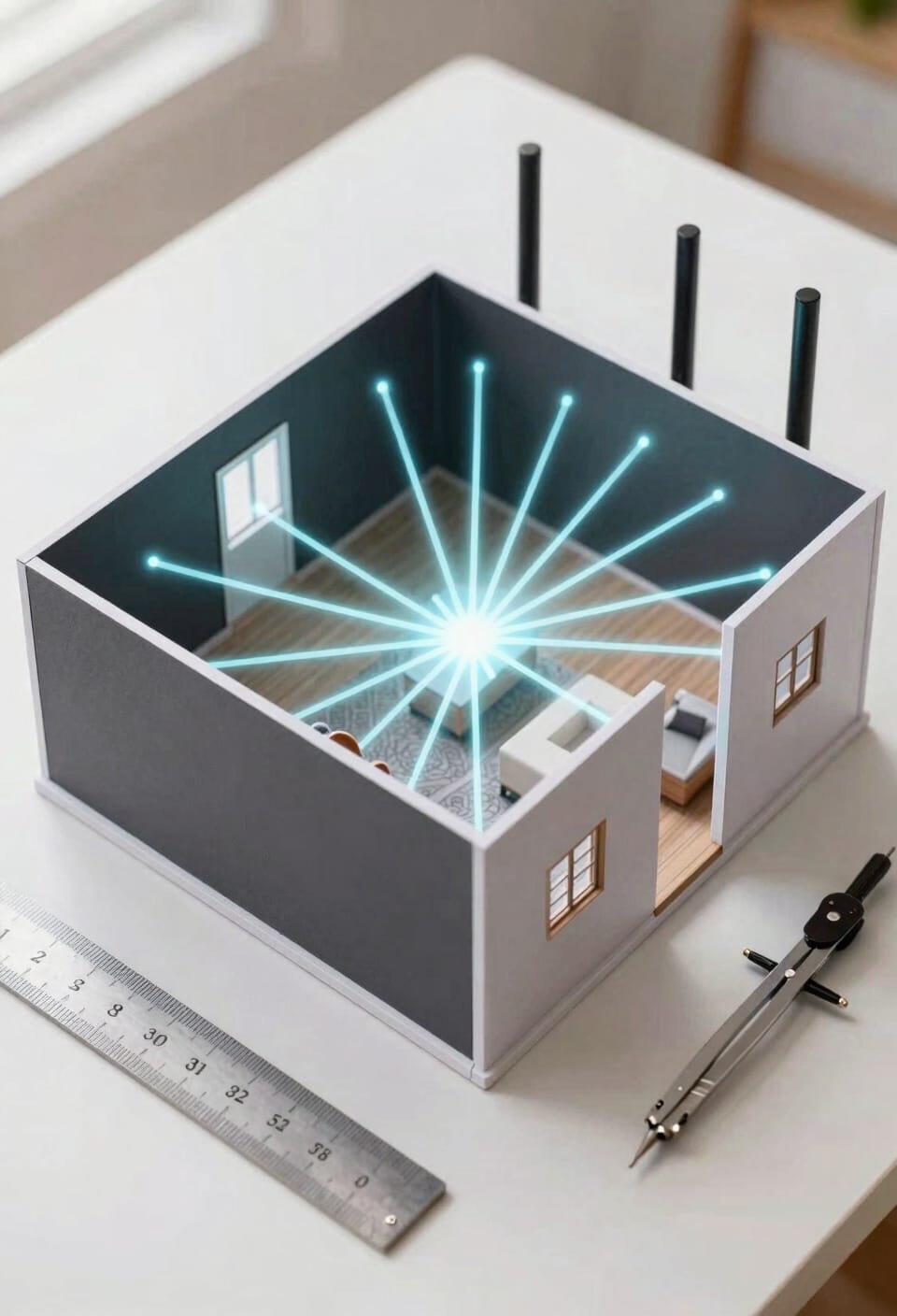
If you’ve ever stood in your bedroom wondering why the WiFi signal dies the moment you close the door, beamforming is basically your router’s answer to that frustration. Here’s the thing: instead of broadcasting signals equally in all directions like a lighthouse, beamforming uses signal mapping to identify where you’re actually located, then focuses the beam directly toward you. Your router fundamentally learns the room placement of your devices and steers concentrated energy their way rather than wasting it on empty corners. This focused approach eliminates those dead zones where you’d normally get nothing but buffering and despair. No more standing by the window hoping for bars. The router just finds you and strengthens the connection automatically.
Recommended Products
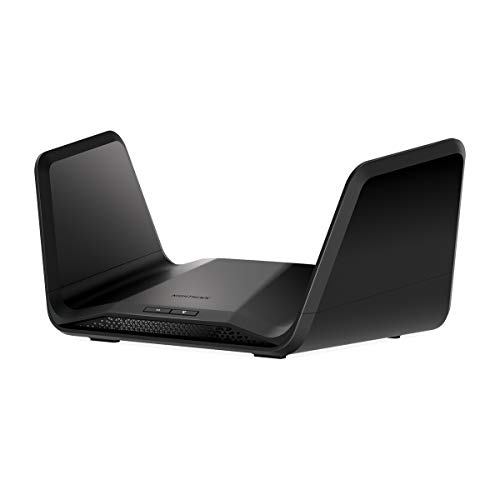
Coverage up to 2,500 sq. ft. and 40 devices

NO MORE DEAD ZONES: Whole home mesh WiFi coverage up to 7,500 square feet and 60+ devices. Mesh technology helps you stay connected as you roam around your home using a single network name. Expand coverage up to 2,500 square feet with additional satellites (sold separately).

Blazing-fast WiFi 7 speeds up to 9.3Gbps for gaming, smooth streaming, video conferencing and entertainment
Does Beamforming Actually Improve Your WiFi Performance?
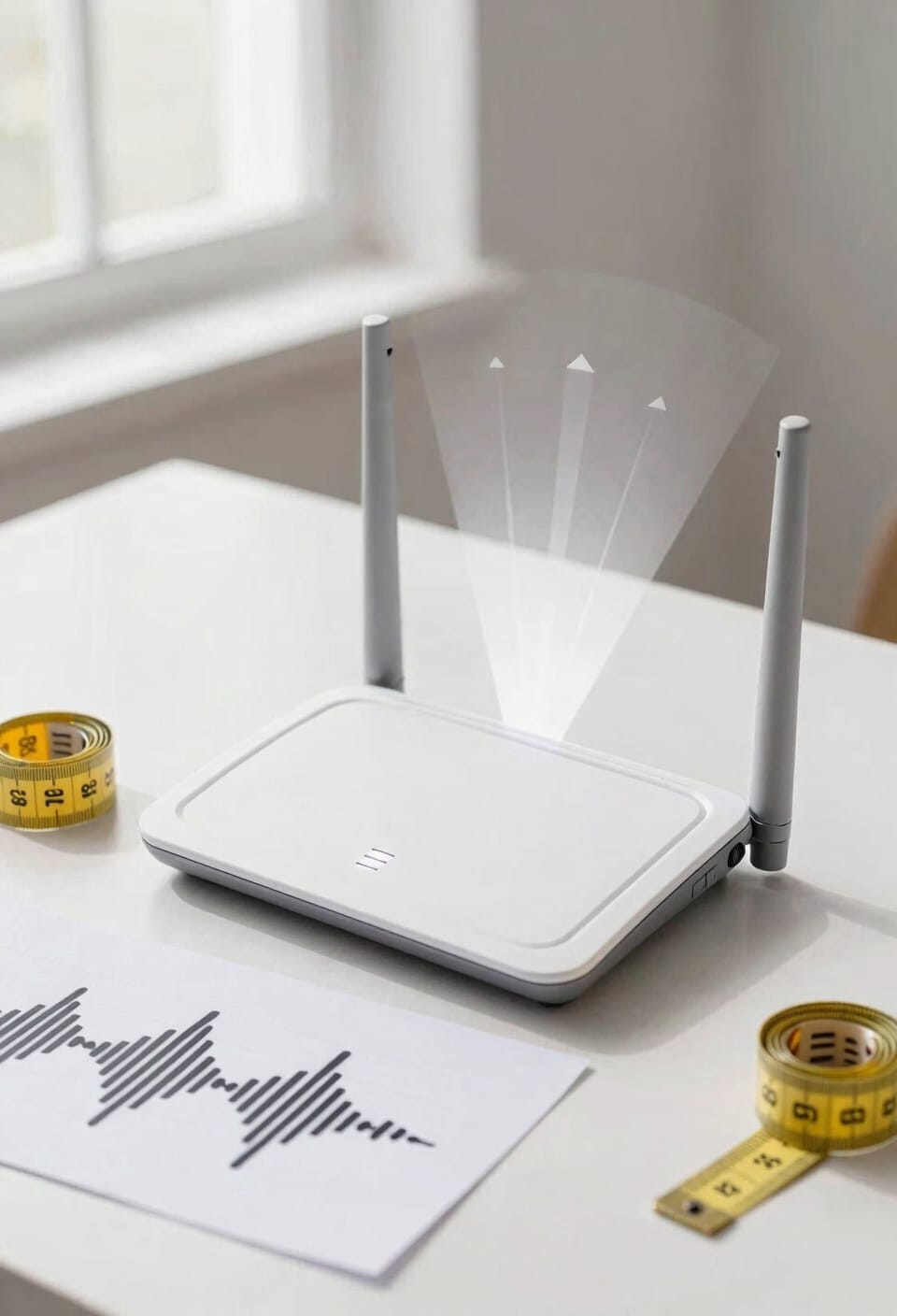
All right, so you’ve probably heard someone swear that beamforming changed their WiFi game completely, and I’m here to give you the honest answer: it does improve performance, but maybe not in the way you’re imagining. Here’s the thing—beamforming works by using device localization, which means your router figures out where you are and aims its signal directly at you instead of broadcasting everywhere like a confused speaker at a concert. That focused approach genuinely delivers faster speeds and stronger signals in your direction. The real magic happens with interference mitigation. By narrowing that beam, you’re dodging neighboring networks and electromagnetic noise that’d otherwise trash your connection. You won’t see miraculous results, but you’ll absolutely notice better performance where it counts.
Recommended Products

802.11ac Multi-User MIMO (MU-MIMO)


High Gain Dual Band WiFi Antenna: 2.4GHz (2400 - 2485 MHz),5GHz/5.8GHz (5150 - 5850 MHz); Gain: 9dBi (max.); Direction: Omni-directional; Feature: Magnetic Base Mounting; Cable: 3m RG174 Coaxial Cable; Antenna Connector: RP-SMA Male Connector(hole in center);
Do You Need a New Router for Beamforming?
Now here’s where I’ve gotta be honest with you: you don’t automatically need to buy a brand-new router to get beamforming, but it really depends on what you’re currently working with. If your router’s from the WiFi 5 era or newer, you’ve probably got beamforming built in already. Before dropping cash on a router upgrade, do a quick compatibility check—look up your model online and see if beamforming’s supported. Sometimes a simple firmware update is all you need. Your antenna placement matters too; make sure they’re not tucked behind your TV gathering dust. If your gear’s ancient, though, a new router makes sense anyway. Beamforming’s just one perk of modernizing.
Recommended Products


𝐅𝐞𝐚𝐭𝐮𝐫𝐞-𝐑𝐢𝐜𝐡 𝐖𝐢-𝐅𝐢 𝐁𝐮𝐢𝐥𝐭 𝐭𝐨 𝐋𝐚𝐬𝐭: Get expansive whole-home coverage, fast Wi-Fi 7 speeds, and a future-ready 10G WAN/LAN port that stays ahead as your network grows. Ideal for both everyday users and performance-focused homeowners.

【BE22000 Tri-Band Wi-Fi 7】 11520 Mbps (6 GHz) + 8640 Mbps (5 GHz) + 1376 Mbps (2.4 GHz). Buffering will no longer be a problem.
Which WiFi Standards Use Beamforming?
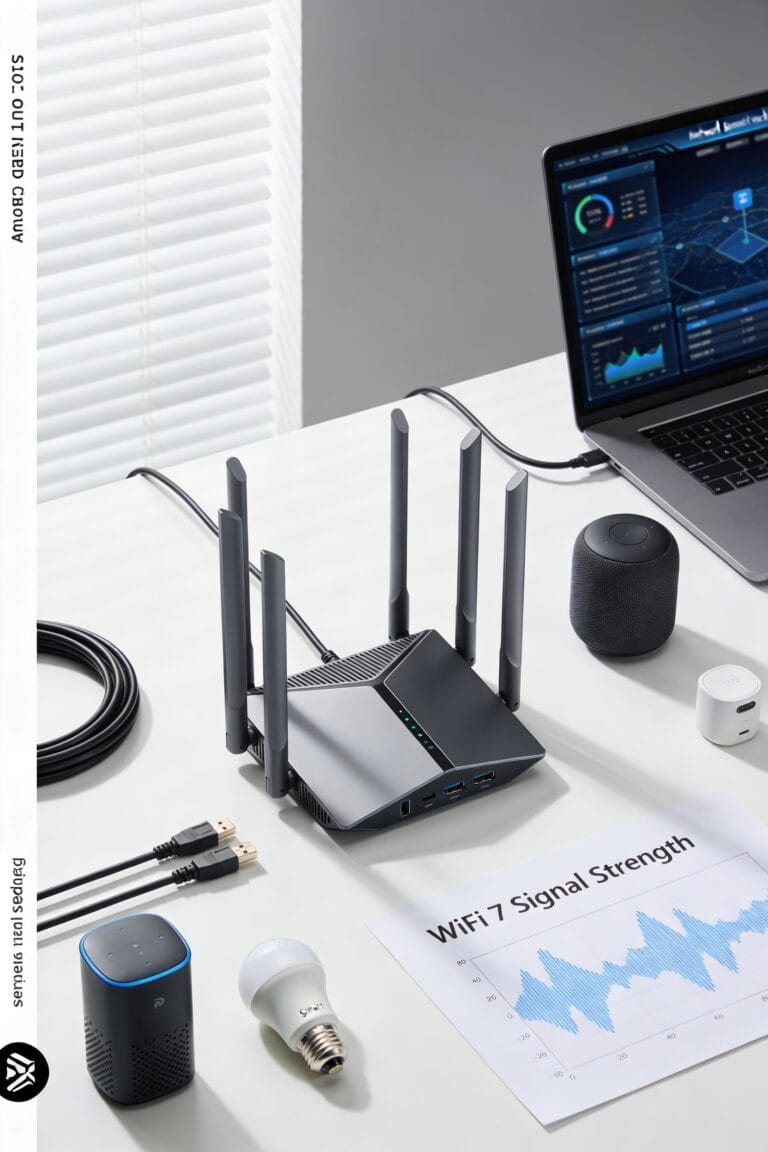
Beamforming didn’t just appear overnight in your router—it’s been rolling out gradually across WiFi standards over the past couple decades, which means you’re probably using it without even knowing it. WiFi 4 introduced early beamforming, but here’s the thing: it wasn’t standardized, so different manufacturers did their own thing. WiFi 5 changed that in 2016 with explicit standardization and vendor interoperability, meaning your devices actually work together smoothly now. WiFi 6 took it further, doubling antenna support from four to eight, which cranks up both speed and range. Now we’re seeing 802.11ax adoption picking up steam, bringing beamforming improvements to more homes. The bottom line? If you’ve got a WiFi 5 router or newer, beamforming’s already working for you.
Recommended Products


6GHz WiFi band dedicated to WiFi 6E devices including Samsung Galaxy S21 Ultra 5G. Enjoy 4K/8K video streaming, AR/VR gaming and HD videoconferencing
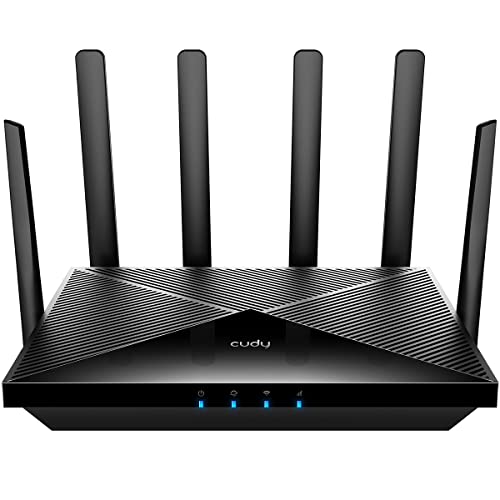
P5 with Qualcomm Snapdragon SDX62 CPU supports 5G NR downlink speeds of up to 3.4 Gbps(NSA) and 2.4 Gbps(SA).
When Doesn’t Beamforming Solve Your WiFi Problems?
While a WiFi 5 router with beamforming working in your favor sounds like a complete WiFi victory, I’d hate to leave you thinking it’s a cure-all for every signal headache you might encounter. Here’s the thing: beamforming can’t fix poor placement strategy. If your router’s buried in a closet surrounded by metal filing cabinets, no amount of signal steering helps. Similarly, high device density—when you’re connecting twenty gadgets simultaneously—can overwhelm even smart beamforming. It’ll distribute signals better, sure, but it won’t create bandwidth that doesn’t exist. Thick walls, interference from neighboring networks, or genuinely ancient devices that don’t support beamforming standards? Beamforming shrugs at those problems. Sometimes you need repositioning, fewer connected devices, or additional hardware instead.
Recommended Products

SonicWall Essential Protection Service Suite for TZ670 - 5 Year License (02-SSC-5057)
SonicWall Essential Protection Service Suite for TZ570 - 5 Year License (02-SSC-5141)

Robust App Ecosystem: TIBURN Smart board 65" ultra with Windows 11 Pro and Android 13 dual system allows you to seamlessly integrate popular apps you already use in your workflow, such as AutoCAD, Matalb, solidworks, Dropbox, Google Suite, Slack, Miro, Microsoft Teams and Figma for increased productivity
Frequently Asked Questions
Can Beamforming Work Effectively Across Different Router and Device Brands?
I’d say beamforming’s effectiveness across different brands depends on vendor compatibility. WiFi 5’s explicit standardization in 2016 improved cross-branding interoperability considerably, though earlier implementations sometimes struggled with incompatibility issues between manufacturers’ equipment.
How Much Does Beamforming Technology Increase Wifi Router Costs Compared to Traditional Routers?
I can’t give you exact figures, but I’d say beamforming routers typically cost more due to their hardware complexity—you’re paying a price premium for the advanced antenna arrays and signal processing capabilities required.
Does Beamforming Consume More Power Than Omnidirectional Wifi Broadcasting Methods?
I’d say beamforming actually consumes less power than omnidirectional broadcasting. By focusing signals toward specific devices, you’re directing energy efficiently rather than spreading it wastefully, reducing battery drain and thermal impact on your router.
Can Beamforming Improve Signal Quality Through Walls and Multiple Floor Levels?
I’ll tell you yes, though beamforming’s strength becomes its weakness here. While it concentrates signals toward devices, wall penetration and multi-floor obstacles still degrade that focused beam considerably compared to omnidirectional coverage.
What Specific Setup Requirements Must Users Complete to Enable Beamforming on Their Devices?
I’ve found that you’ll need minimal setup—most modern routers handle beamforming automatically. You might perform firmware updates to optimize performance and guarantee antenna calibration occurs during router initialization, but manual configuration isn’t typically required.
Conclusion
Look, beamforming won’t literally beam your WiFi through walls like a superhero power, but it’s genuinely useful. If you’ve got dead zones or your signal drops the moment you leave the room, a beamforming router could transform your setup. You don’t necessarily need to replace everything—check if your current devices support it first. It’s not a magic fix for every problem, but it’s definitely worth considering when you’re upgrading anyway.