As an Amazon Associate, we earn from qualifying purchases. Some links on this site are affiliate links at no extra cost to you. Our recommendations are based on thorough research and editorial judgment.

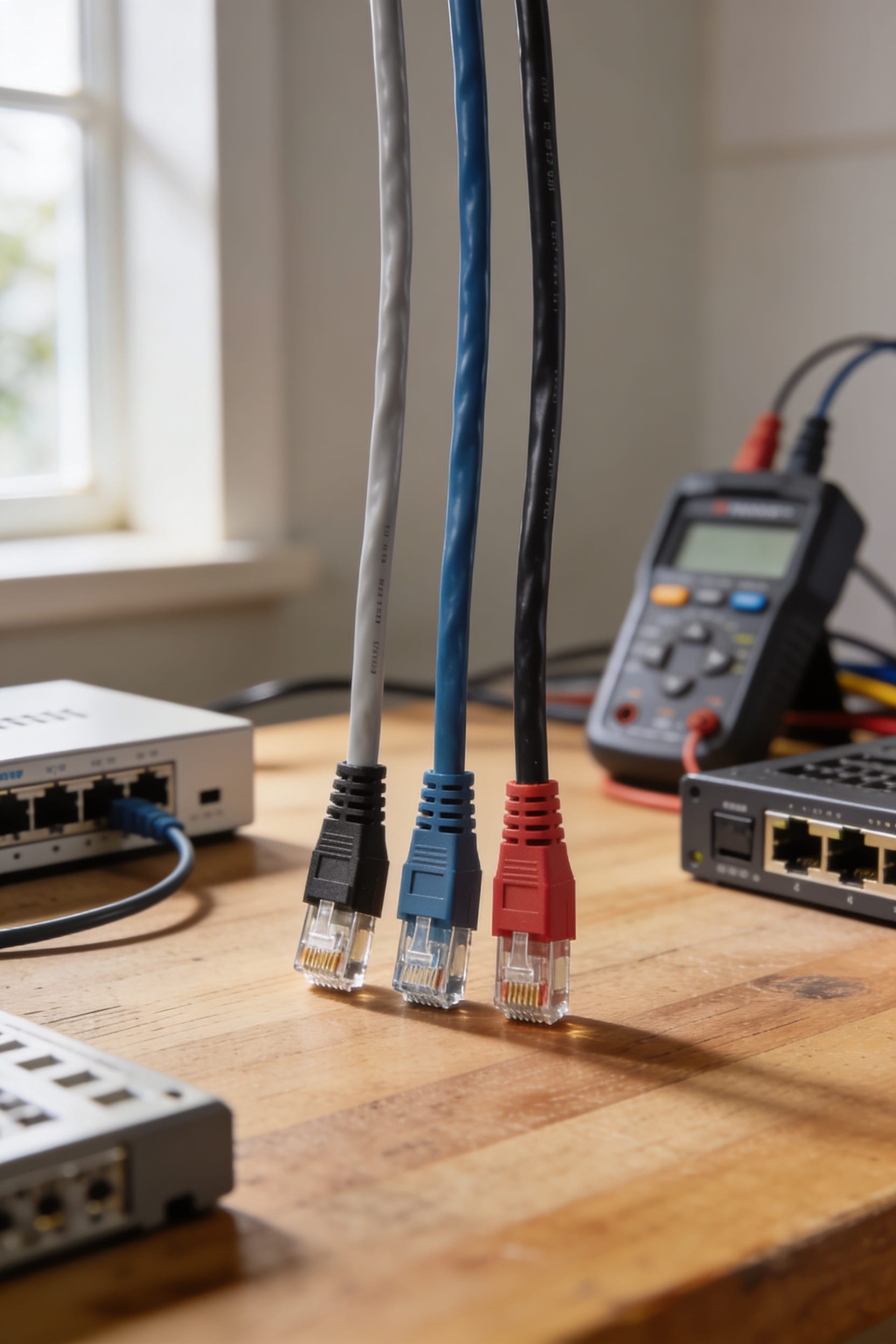
Cat6 vs Cat7 vs Cat8 Ethernet Cable: Which Should You Buy?

Cat6 works great for most homes—it hits 10 Gbps up to 55 meters and costs next to nothing. Cat7 stretches that distance to 100 meters if you need future-proofing, but honestly, you’re paying more for insurance you might not need. Cat8 is overkill unless you’re running a data center from your bedroom. The real trick? Nail your installation, keep connections tight, and match the cable to your actual distance. Get those details right, and the performance differences become way clearer.
Key Takeaways
- Cat6 delivers 10 Gbps up to 55 meters and offers cost-effective performance for typical home and office setups.
- Cat7 sustains 10 Gbps across the full 100-meter standard run with superior shielding against electromagnetic interference.
- Cat8 handles 40 Gbps but only for approximately 30 meters, making it impractical for whole-house installations.
- Cat6A provides a middle-ground option balancing future-proof performance and longer 10 Gbps distances without excessive cost.
- Proper termination and installation practices matter more than cable grade; sloppy termination severely degrades performance regardless of type.
Bandwidth and Speed: Which Cable Delivers Your Required Performance
So here’s the thing—when you’re picking an Ethernet cable, bandwidth is basically the amount of data your cable can handle at once, measured in megahertz (MHz), and it directly determines how fast your connection actually is. Cat6 tops out at 250 MHz and delivers 10 Gbps up to 55 meters. Cat7 reaches 600-1000 MHz, sustaining that same 10 Gbps over the full 100-meter distance. Cat8 is the speed demon with 2000 MHz bandwidth, handling 40 Gbps for shorter runs. When you’re doing frequency scaling—basically pushing more data through the same wire—you need that higher bandwidth to keep up. That’s why throughput testing matters before you buy. Pick based on your actual distance and speed needs, not just what sounds fanciest.
Distance Limits: Where Each Cable Peaks and Drops
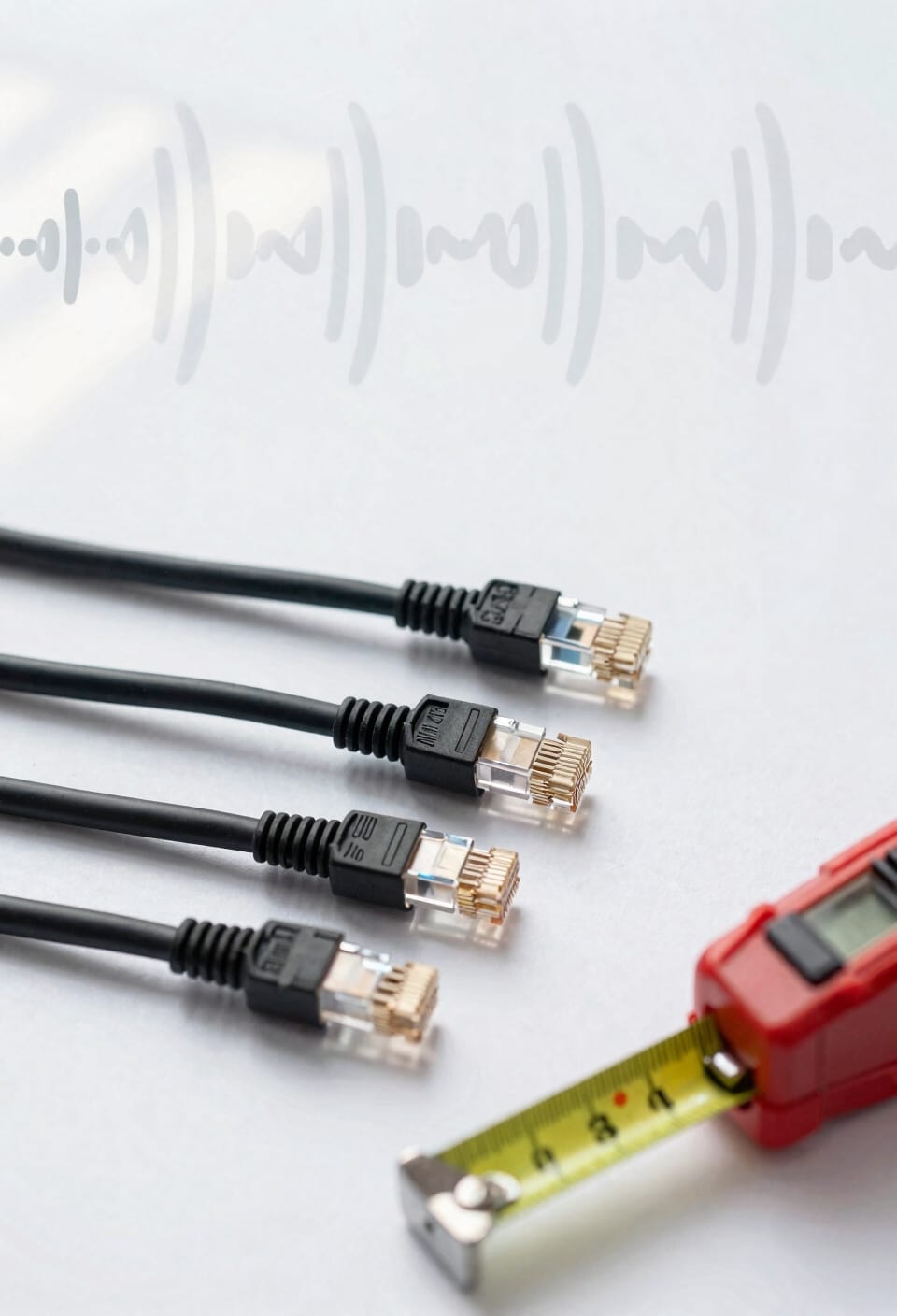
Now that you understand what each cable can theoretically deliver, distance is where things get real—because bandwidth doesn’t mean much if you’re running 150 meters across your house and the signal tanks halfway there. Cat6 holds 10 Gbps for 55 meters, then starts losing steam. Cat7 pushes that to a full 100 meters without speed loss, which covers most homes. Cat8 is the sprinter—it handles 40 Gbps but only for 30 meters, making it impractical for whole-house runs. Here’s the thing: proper installation practices matter more than you’d think. Loose connections and cable aging degrade performance faster than distance alone. Run your cables straight when possible, and you’ll squeeze every meter of performance out of whatever category you choose.
Shielding: When EMI Protection Actually Matters
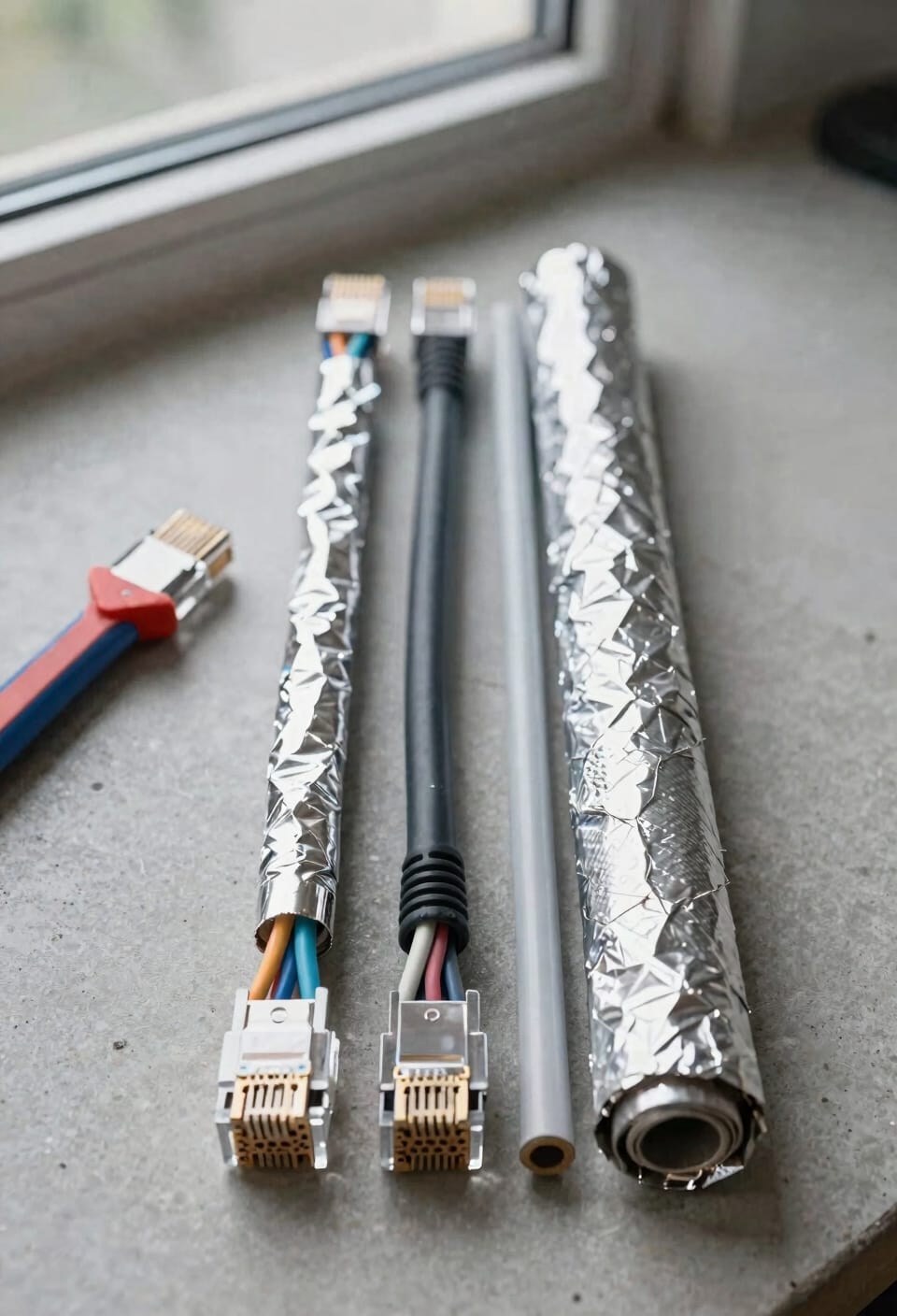
Beyond the 100-meter mark, you’re really just choosing between cables designed for different jobs—but here’s where shielding enters the picture and actually starts to matter. Cat6 typically comes unshielded, relying on tight twists to reduce crosstalk, which is interference between wire pairs. Cat7 wraps itself in foil or braided mesh shielding that actively blocks electromagnetic interference. Cat8 takes this further with high-frequency shielding for maximum noise resistance. Now, for your home setup, you probably don’t need this. But industrial environments or data centers with heavy electrical equipment? That’s where shielded connectors and fully shielded designs become worth the extra cost. You’re basically paying for peace of mind in genuinely noisy spaces.
Cat6: The Budget Baseline for Homes and Offices
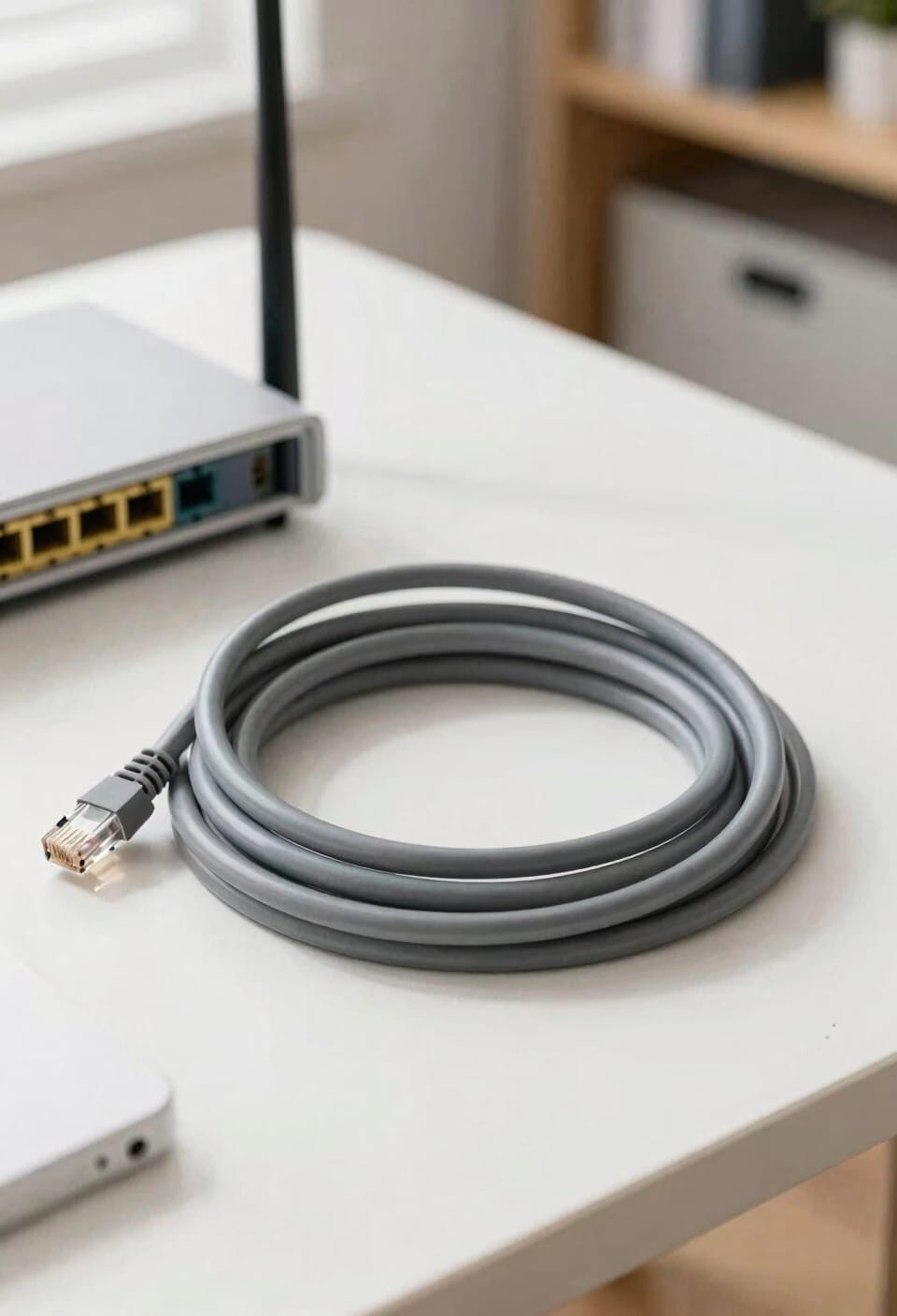
If shielding feels like overkill for your situation, that’s because it probably is—and that’s where Cat6 comes in. I’m talking about your home office, your living room, basically anywhere you’re not running cables next to heavy machinery. Cat6 gives you solid 10 Gbps speeds up to 55 meters without the premium price tag. For most of us, that’s more than enough.
Installation’s straightforward—standard RJ45 connectors work fine, same as older cables. You’ll want to avoid sharp bends during setup and keep runs away from power lines when possible. Cat6 meets building codes, costs way less than Cat7 or Cat8, and honestly, it’s the sweet spot for anyone who just wants reliable internet without overthinking it.
Cat7: High-Performance Networks and Future-Proofing
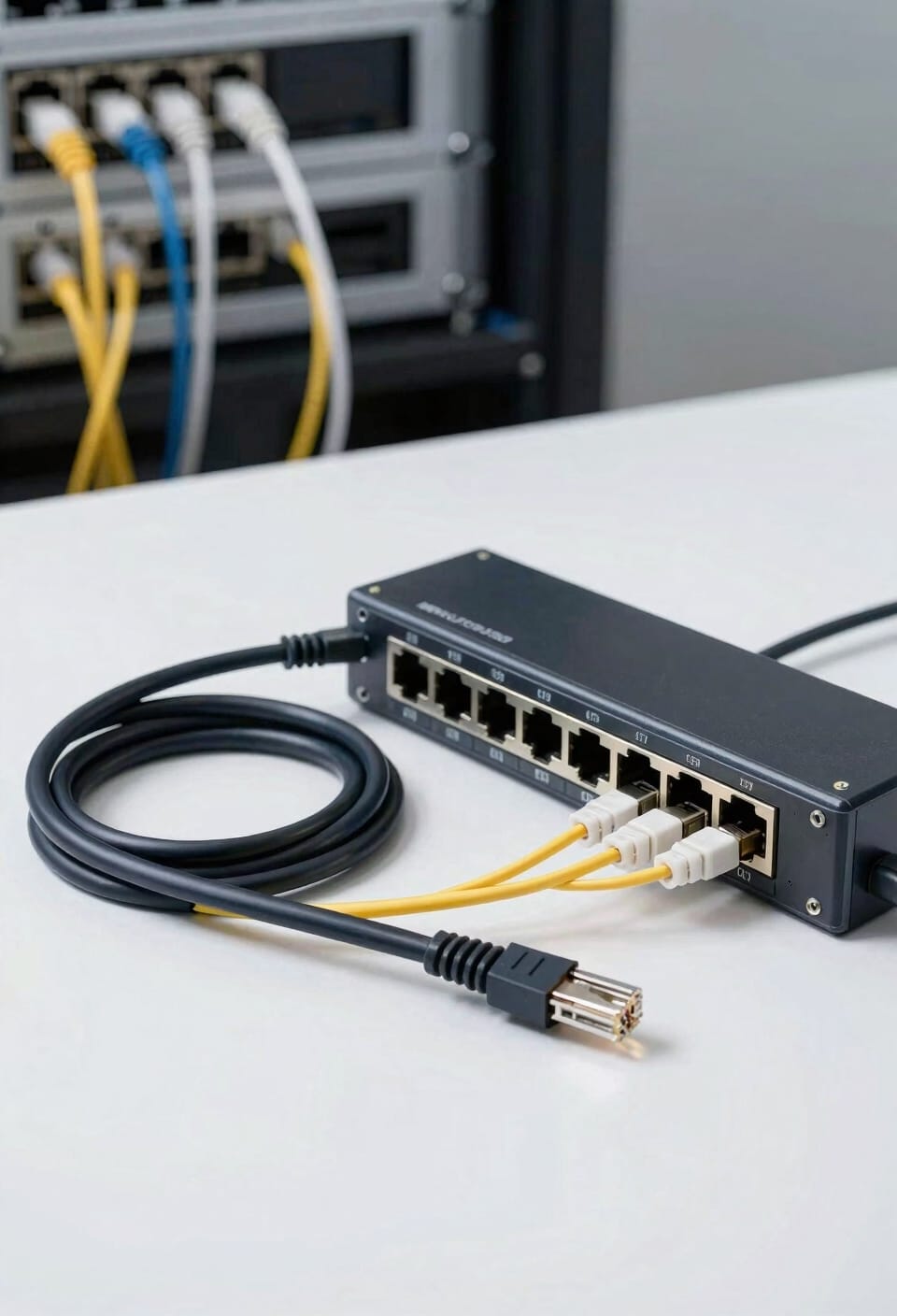
When you’re ready to squeeze more performance out of your network—or you’re just tired of waiting for files to transfer—Cat7 enters the chat with some serious upgrades. I’m talking about cables that hit 600-1000 MHz bandwidth, which means they handle 10 Gbps speeds over a full 100 meters. That’s double the distance Cat6 manages at the same speed.
Now, here’s where it gets smart: Cat7‘s fully shielded design protects against electromagnetic interference—basically noise from other electronics that can slow things down. If you’re thinking about future scalability or running an enterprise adoption strategy for your growing home network, Cat7 gives you breathing room. You’re paying more upfront, sure. But you’re buying peace of mind and performance that’ll last.
Cat8: Data Centers and Server Rooms
Designed for the speed demons who think 10 Gbps is yesterday’s news, Cat8 cables push things to another level entirely—we’re talking 40 Gbps of bandwidth that’ll make your data center hardware actually sweat. Now, Cat8 isn’t meant for your home office. Instead, you’ll find it connecting servers to switches in data center cabling setups where every millisecond matters. The trade-off? That blazing speed only holds for 30 meters. Beyond that, you’re looking at 25 Gbps, which honestly still crushes most needs. The shielding here is serious business too, protecting against electromagnetic interference in those dense server room cooling environments where equipment gets packed tighter than sardines. For short, high-throughput runs between your most demanding hardware, Cat8 delivers.
Cat6 vs Cat7 vs Cat8: Which Fits Your Distance and Budget?
Picking the right cable comes down to two things you actually care about: how far it needs to run and how much you’re willing to spend. Cat6 works great for most homes—it’s cheap and handles 10 Gbps up to 55 meters. If you need that speed over longer distances, Cat7 stretches to 100 meters at the same speed, though it’ll cost you more. Cat8 is basically overkill unless you’re running server-to-switch connections in a data center. Here’s the thing: for installation tips, check if your walls are already wired—retrofitting gets expensive. Grab Cat6A if you want future-proof performance without breaking the bank, and always check warranty considerations before buying bulk cable.
Termination Mistakes That Destroy Cable Performance
You can buy the best cable money offers, but sloppy termination—that’s the process of connecting and securing cable ends to connectors or ports—will tank your network speed faster than a cheap router in a concrete bunker. I’ve seen it happen countless times. Overcrimped connectors crush the tiny wires inside, breaking connections and introducing interference. Improper grounding creates electrical noise that eats your bandwidth alive. When you terminate a Cat6, Cat7, or Cat8 cable, those wires need to sit in their connectors with precision—not squeezed to death, not loose, just right. Get this wrong and you’re basically downgrading your expensive cable to something barely better than Cat5. Do yourself a favor: learn proper termination techniques or hire someone who knows them.
Frequently Asked Questions
Are Cat6, Cat7, and Cat8 Cables Backward Compatible With Older Networking Equipment?
Yes, I can confirm that Cat6, Cat7, and Cat8 cables are backward compatible with older equipment. They’ll work fine, though you’ll experience speed limitations based on your device’s firmware constraints and connector types.
What Environmental Factors Besides EMI Affect Ethernet Cable Performance and Longevity?
I’ve found that 87% of cable failures stem from environmental stress beyond EMI. Temperature extremes cause insulation brittleness, while moisture exposure corrodes connectors and degrades performance. You’ll want proper conduit protection in harsh conditions.
How Does Cable Installation Method Impact Overall Network Performance Across Different Categories?
I’d say installation method markedly impacts performance. Proper conduit routing protects cables from physical damage and interference, while termination quality directly affects signal integrity—poor connections cause data loss across all categories.
What Are the Typical Lifespan and Degradation Rates for Each Cable Category?
I’ll tell you that most cables last 20+ years indoors. Cat6’s attenuation rates exceed Cat7’s, so it degrades faster over distance. You’ll find Cat8 maintains signal integrity longest, though its expected lifespan mirrors Cat7’s in typical installations.
Can You Mix Different Ethernet Cable Categories in the Same Network Infrastructure?
You can mix different ethernet cable categories, but I’d recommend performance testing to verify throughput expectations. Proper cable labeling helps identify mixed categories, preventing bottlenecks where slower cables limit network speeds.
Conclusion
you’ll probably buy Cat6 anyway, despite knowing Cat7 and Cat8 exist. You’ll tell yourself it’s future-proof enough, that you’re being smart and practical. But deep down, you’ve already accepted that your ethernet cable’ll outlast your router, your patience, and maybe your relationship with your ISP. Pick what fits your wallet today—you’ll upgrade before it matters.