As an Amazon Associate, we earn from qualifying purchases. Some links on this site are affiliate links at no extra cost to you. Our recommendations are based on thorough research and editorial judgment.

What Is MU-MIMO WiFi and Does It Matter?

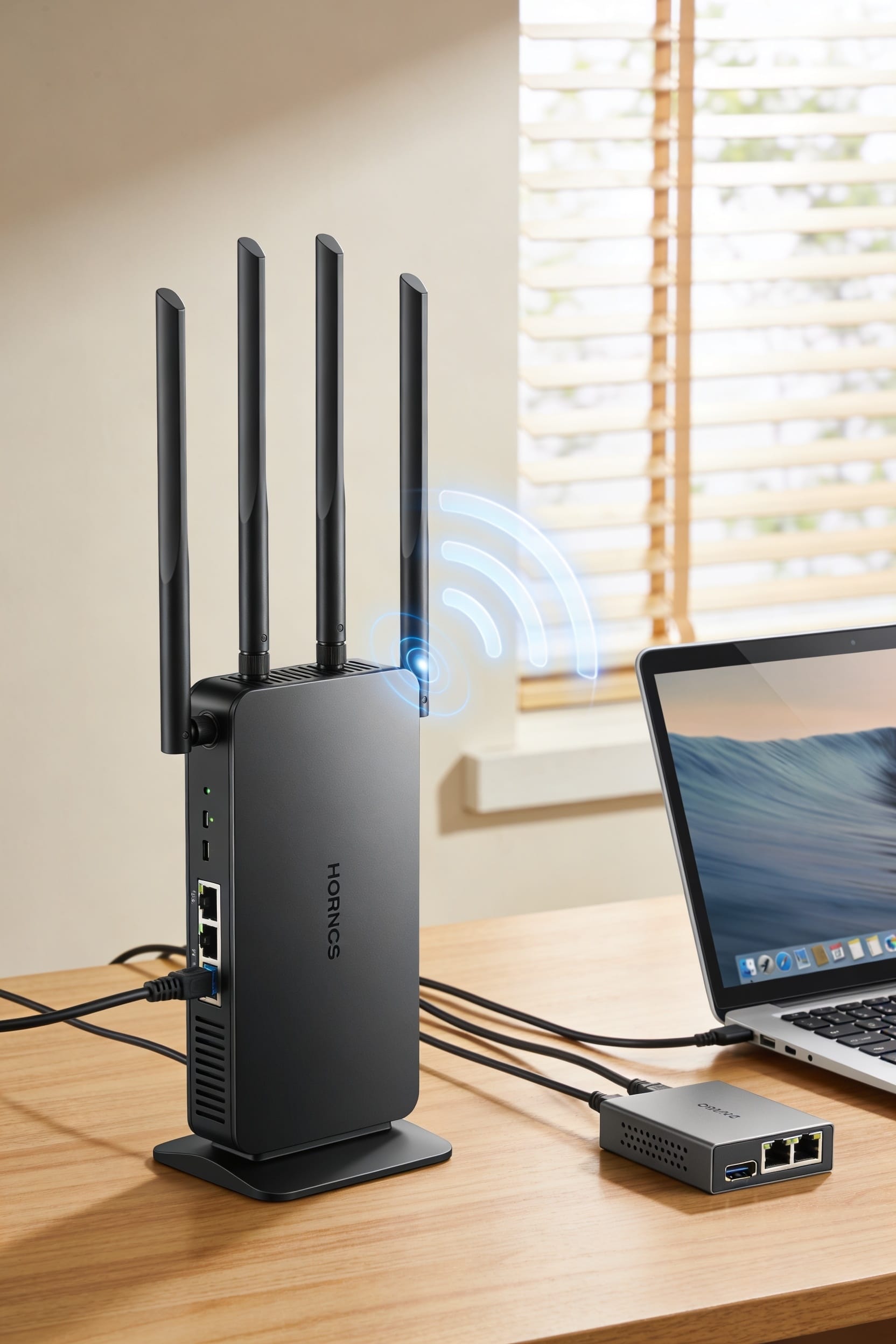
MU-MIMO is a router feature that talks to multiple devices simultaneously instead of one at a time—think of it as your WiFi actually multitasking rather than playing favorites. Whether it matters depends on your household. If you’ve got fewer than seven devices or everyone’s doing their own thing, you probably won’t notice much difference. But when multiple people are streaming, gaming, and video calling at once, MU-MIMO keeps things snappier and less congested. The catch? Your router and devices both need to support it, which means WiFi 5 or newer.
Key Takeaways
- MU-MIMO lets routers send data to multiple devices simultaneously instead of serving one device at a time.
- Both your router and devices must support WiFi 5 (802.11ac Wave 2) or WiFi 6 for MU-MIMO functionality.
- MU-MIMO reduces buffering and lag during concurrent streaming, gaming, or video conferencing among multiple household users.
- Benefits become noticeable around seven or more connected devices; fewer devices typically don’t justify upgrading routers.
- Physical constraints, signal interference, and older incompatible devices can limit real-world MU-MIMO performance gains.
What Is MU-MIMO and How Does It Work?
Picture your WiFi router as a postal worker, except instead of delivering mail one house at a time, it can now slip letters into multiple mailboxes simultaneously—that’s basically MU-MIMO in action. MU-MIMO, or Multi-User Multiple-Input Multiple-Output, lets your router talk to several devices at once instead of serving them one by one.
Here’s how it works: your router’s antenna arrays split into separate lanes for different devices. Through spatial multiplexing—basically dividing your signal pathways among multiple clients—the router beams data to each device simultaneously. Think of it like a teacher talking to four students at different desks instead of waiting for each one to finish listening. Beamforming technology steers these signals precisely where they need to go, making everything faster and less stuttery.
MU-MIMO vs. SU-MIMO: Why Simultaneous Matters
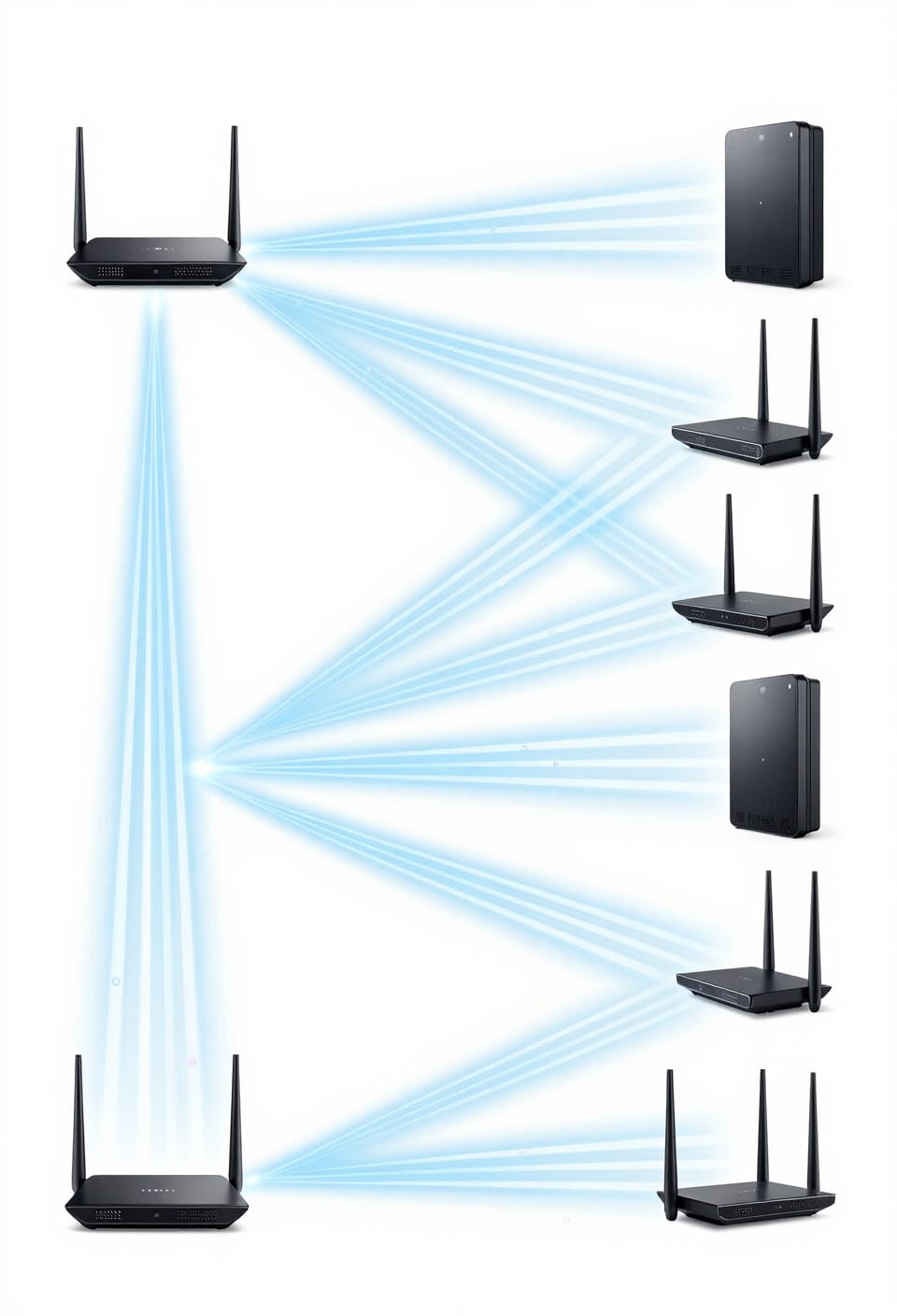
Before MU-MIMO came along, your router operated under a pretty frustrating limitation: it could only talk to one device at a time, even if it had the antenna capability to do more. That’s SU-MIMO—Single-User MIMO—and it meant your devices queued up like they’re waiting for coffee. While your router served one phone, your laptop and tablet just sat there twiddling their thumbs.
MU-MIMO changes this through smart antenna coordination. Instead of making devices wait, your router splits its antenna power among multiple clients simultaneously. Think of it like a teacher helping several students at once rather than one at a time. Client scheduling—how your router decides who gets bandwidth when—happens so fast you’ll never notice the difference. Your network stops feeling sluggish.
WiFi Standards That Support MU-MIMO
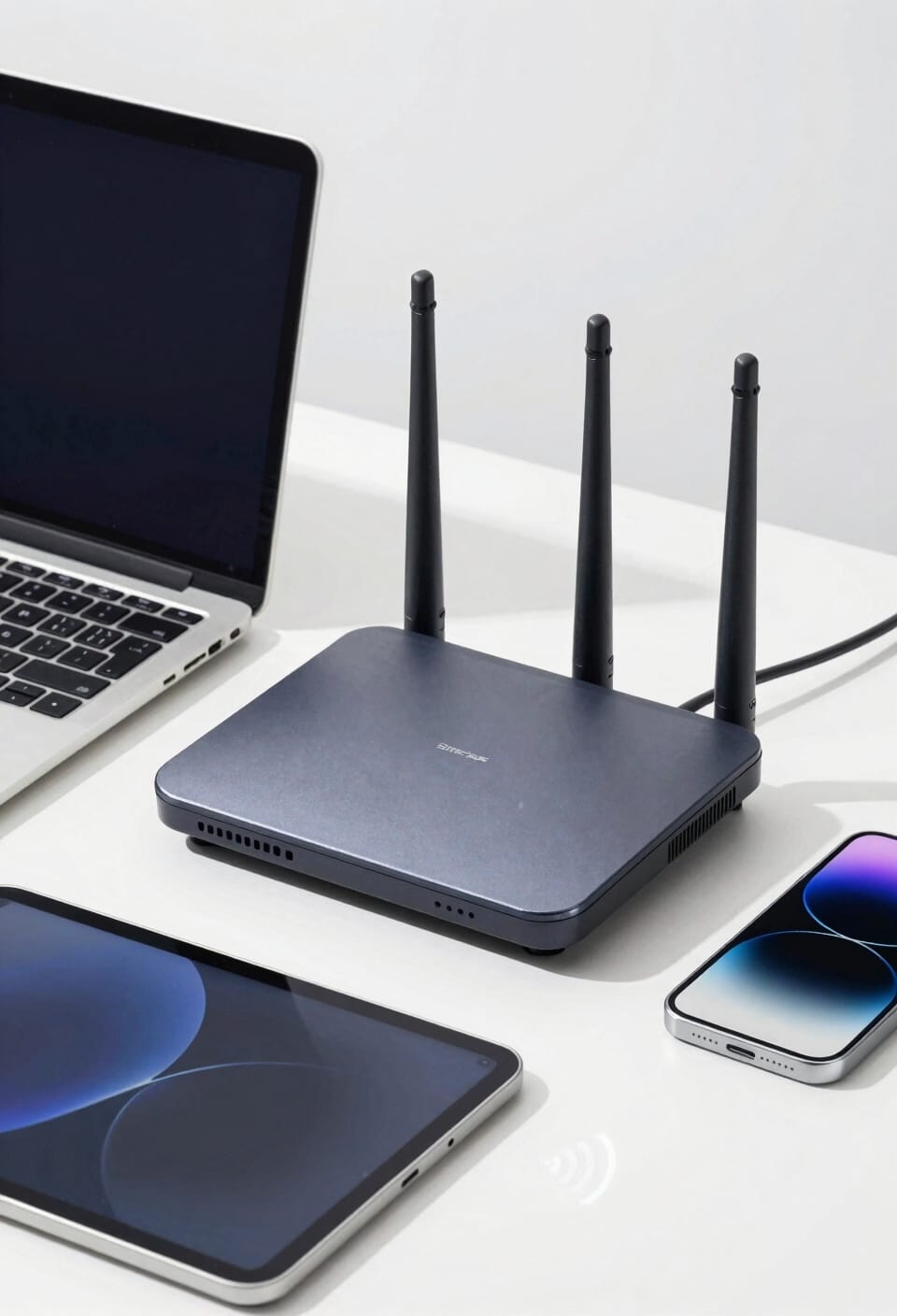
Not every WiFi standard supports MU-MIMO, and that’s actually important to know if you’re trying to figure out whether your router can handle multiple devices without turning into a bottleneck. Here’s the thing: you need 802.11ac Wave 2 or newer to get this technology. That’s when WiFi 5 introduced downlink MU-MIMO, letting routers talk to multiple devices at once instead of waiting in line like it’s the DMV.
WiFi 6 kicked things up by adding uplink MU-MIMO too. WiFi 6E Support means you’re getting the same multi-device magic on those newer frequencies. Now, older standards like 802.11n? They’re stuck with single-user MIMO. Your devices queue up, and everything slows down. So if you’ve got that ancient router gathering dust, it’s time.
The Device Threshold for MU-MIMO Benefits
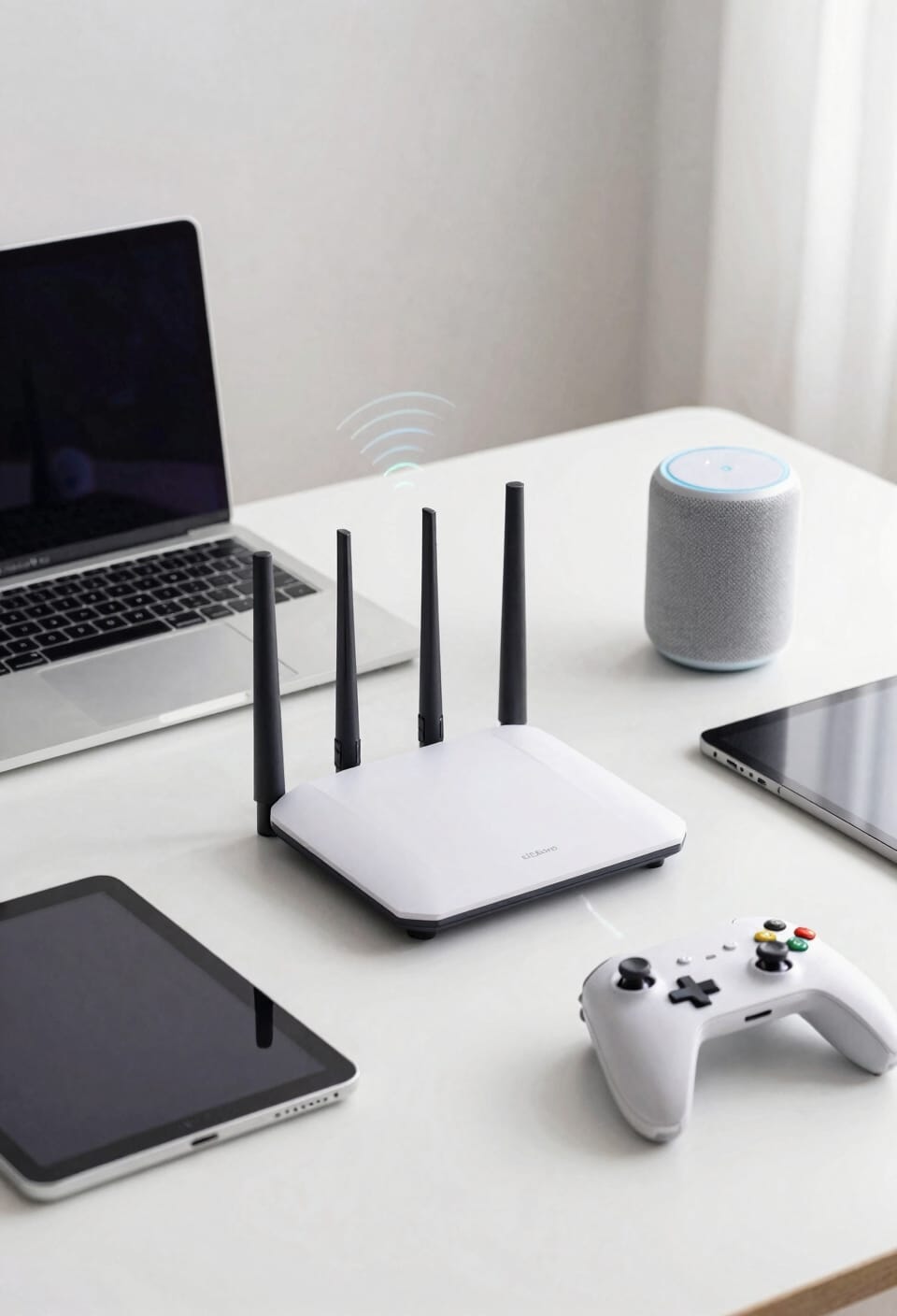
Less buffering, snappier response times, and the kind of peace where nobody’s blaming the WiFi for their laggy video call. Here’s the thing: you’ll feel MU-MIMO’s magic around seven devices, though honestly, it depends on your room density and what everyone’s actually doing online. If you’ve got four people streaming, gaming, and video conferencing simultaneously in a smaller space, MU-MIMO becomes your best friend fast. The device count matters less than how demanding those devices are. One person downloading files while another scrolls? You won’t notice the difference. But pack your home with multiple simultaneous users who actually tax your bandwidth, and MU-MIMO stops devices from queuing up like they’re waiting for concert tickets. That’s when it genuinely changes your network experience.
Will MU-MIMO Actually Improve Your Network Speed?
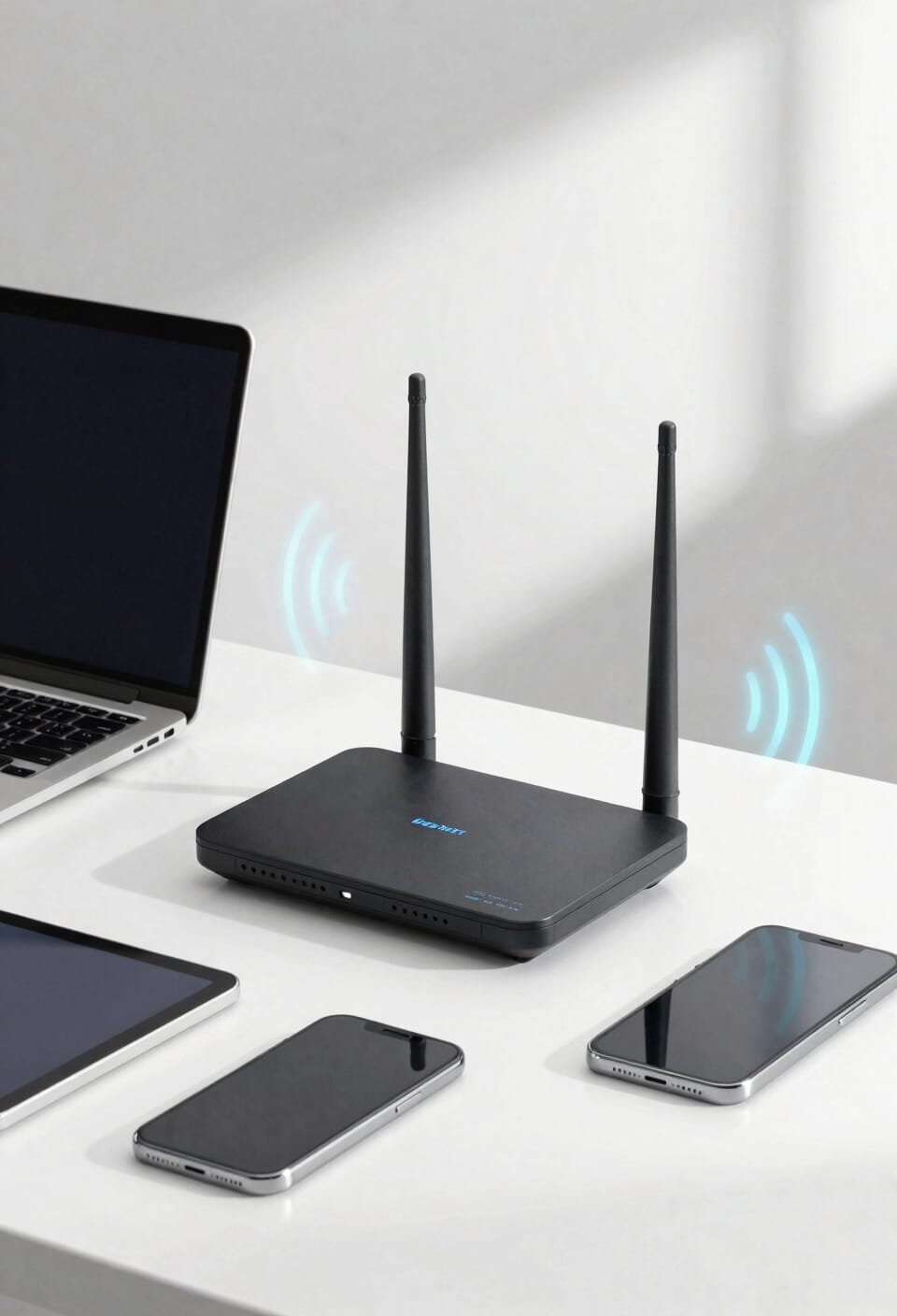
Your video call stops stuttering while someone’s downloading, your gaming doesn’t lag when the smart home cameras start streaming, and that’s where you’ll feel the difference most. Look, MU-MIMO won’t magically make your internet faster—it won’t suddenly give you more speed from your ISP. What it does is manage the chaos. Instead of devices queuing up and waiting their turn, MU-MIMO lets your router talk to multiple devices at once. This reduces signal interference and enables traffic prioritization, so bandwidth-hungry tasks don’t bottleneck everything else. You’ll notice smoother performance, fewer slowdowns during peak usage, and less of that frustrating buffering. It’s not about raw speed—it’s about how efficiently your network handles simultaneous demands.
MU-MIMO’s Real Limitations
MU-MIMO sounds like the answer to every multi-device household’s prayers, but here’s where I’ll level with you: it’s not a silver bullet. The technology relies on perfect antenna calibration—meaning your router’s physical setup matters enormously—and signal interference from walls or nearby networks can tank performance. Client coordination is trickier than it sounds; not every device plays nicely with MU-MIMO, especially older gadgets. Firmware limitations plague plenty of routers too. Even with MU-MIMO enabled, you’re still bottlenecked by your internet speed itself. You can’t magically create bandwidth that isn’t there. Think of it this way: MU-MIMO helps your router juggle multiple conversations better, but it can’t make slow internet fast.
Should You Upgrade Your Router for MU-MIMO?
Before you start shopping for a shiny new router with all the MU-MIMO bells and whistles, let’s figure out if you actually need one.
Here’s the thing: if your current router’s still humming along and you’ve got fewer than seven devices, upgrading might be throwing money at a problem you don’t have. Budget prioritization matters here. That older router might have years left in its router lifespan, and MU-MIMO won’t magically fix a weak signal in your bedroom.
Now, if you’re streaming on multiple devices simultaneously, gaming while someone’s video calling, or you live in a dense apartment building, that’s different. Then you’re looking at real performance gains. But honestly? Most people upgrade because they want to, not because they need to.
Frequently Asked Questions
Can MU-MIMO Work With Older Wifi Devices That Don’t Support It?
No, I can’t use MU-MIMO with older devices lacking support. Backward compatibility isn’t possible because those devices have device limitations preventing them from connecting to multiple simultaneous streams. They’ll revert to standard single-user mode instead.
Does MU-MIMO Require Specific Configuration or Setup on My Router?
I’ll guide you through the streamlined setup process. Most routers enable MU-MIMO automatically, though you’ll want checking router settings and installing firmware updates to guarantee it’s activated and optimized for your devices.
How Does MU-MIMO Perform With Interference From Neighboring Wifi Networks?
I’ve found that MU-MIMO’s interference-aware beamforming helps mitigate neighboring AP coordination challenges, though performance does degrade in congested spectrum environments. Your router’s ability to steer signals precisely around interference becomes essential for maintaining throughput.
Can MU-MIMO Improve Performance on 2.4ghz Band Connections?
You might think 2.4GHz’s wider range limits MU-MIMO’s value, but I’d argue it actually shines here. With higher device density on this band, I’ve found MU-MIMO dramatically reduces congestion and improves responsiveness.
What’s the Difference Between Downlink and Uplink MU-MIMO Performance?
I’ll tell you straight: downlink MU-MIMO handles multiple devices better due to downlink fairness, but uplink struggles with hardware asymmetry. Your router’s transmit power outmatches devices’ receive capabilities, creating performance imbalances.
Conclusion
Look, you don’t need MU-MIMO to fix your WiFi. I get it—the feature sounds like a magic bullet. But here’s the thing: it only helps if you’ve got multiple devices hammering your router simultaneously, which most of us don’t. Skip the upgrade unless you’re running a genuinely crowded network. Your money’s better spent on router placement or switching bands.