As an Amazon Associate, we earn from qualifying purchases. Some links on this site are affiliate links at no extra cost to you. Our recommendations are based on thorough research and editorial judgment.

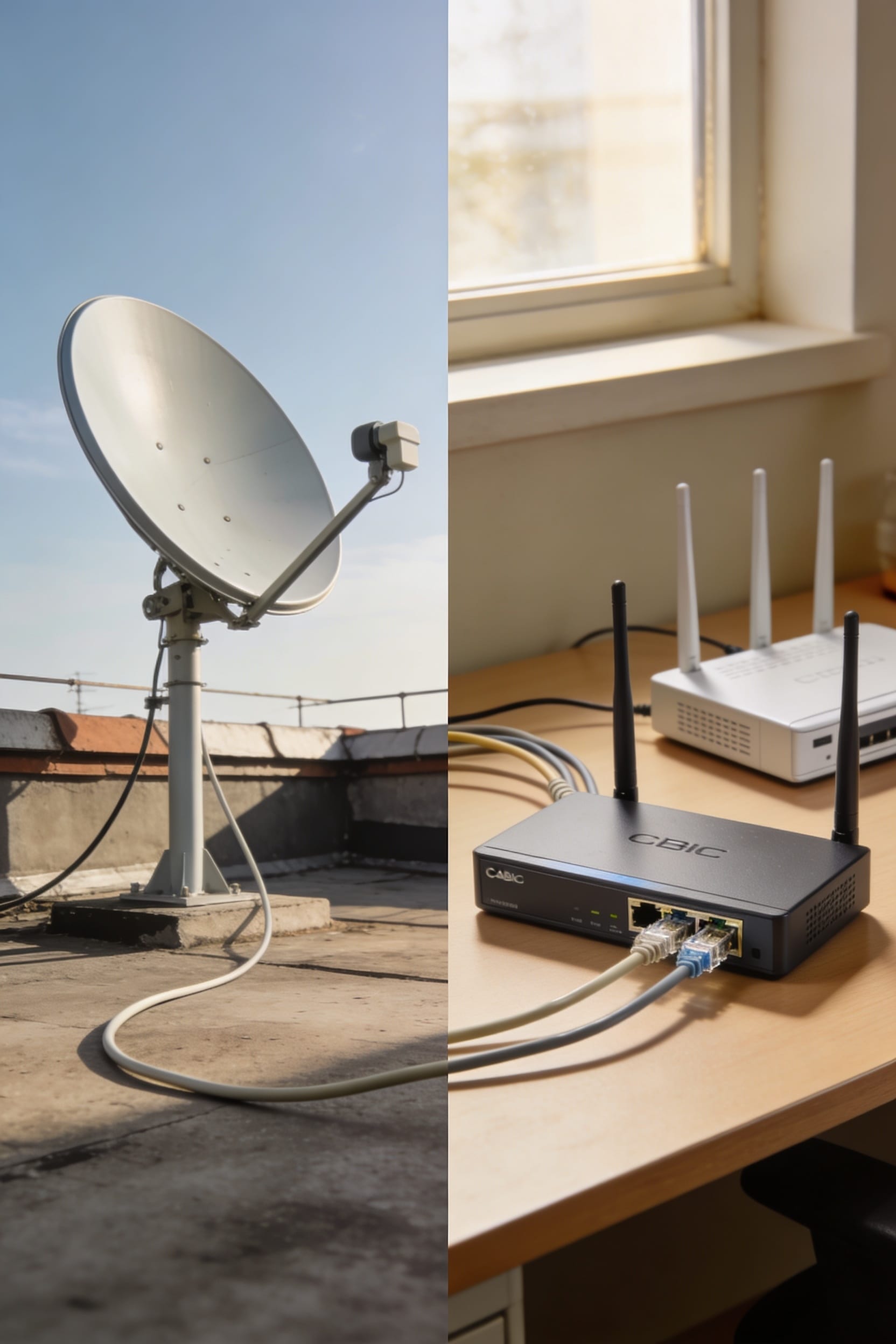
Starlink vs Spectrum: Which Should You Choose?

if Spectrum reaches your place, you’ll probably want it for the speed and reliability—we’re talking 1,000 Mbps versus Starlink’s 100–250. But if you’re rurally situated where cable never bothered showing up, Starlink’s your only real shot at decent internet. Spectrum’s got lower latency for gaming and work calls, costs less upfront, and won’t drop out when clouds roll by. Pick based on what’s actually available where you live, then match it against whether you need blazing speed or just something that works.
Key Takeaways
- Choose Spectrum if you need high speed (1,000 Mbps) and low latency (20–30ms) for gaming and work-from-home reliability.
- Choose Starlink if you live in rural areas without cable access and prioritize coverage over raw speed performance.
- Spectrum offers better value with included Wi-Fi equipment and monthly plans under $70; Starlink has higher upfront equipment costs.
- Starlink provides contract-free flexibility and nationwide availability; Spectrum may have early termination fees but delivers rock-solid uptime.
- Consider your location first: Spectrum dominates urban/suburban areas, while Starlink excels where traditional cable infrastructure doesn’t reach.
Coverage: Where Each Service Actually Works
When you’re shopping for internet, coverage is honestly the first thing that determines whether you even *have* a choice—and that’s where Starlink and Spectrum diverge pretty dramatically. Spectrum’s available mainly in suburban and urban areas, which means if you live in a city or developed neighborhood, they’ve probably got you covered. Starlink, though, operates almost anywhere you’ve got a clear sky view. No long-term contracts required. That rural accessibility is huge if you’re somewhere traditional cable lines never reached. The trade-off? Spectrum avoids urban interference issues that plague satellite connections, while Starlink thrives where cable simply doesn’t exist. Your location basically decides this round before anything else matters.
Recommended Products

FLEXIBLE AIRTIME OPTIONS FOR GLOBAL USE - The Iridium GO! Exec Satellite Hotspot includes a free SIM card. To activate your device, you’ll need to purchase an airtime plan for the provided SIM. Prepaid plans offer a fixed number of minutes with a one-time payment, and additional minutes can be added anytime. Postpaid plans provide ongoing service with a fixed monthly fee for uninterrupted use. Details on available plans will be provided after your purchase.

🌐 Free Region Unlock – Use your Starlink Mini anywhere in the world. Activate in any country without additional fees or hidden charges.

Starlink Gen 3 Standard KIT bundle with 2-4.5 feet Deluxe Height Adjustable Metal Tripod Stand, and tripod carrying case. 130LB maximum weight capacity, sturdy, expandable, long tripod legs provide stability in any environment.
Download Speed: Real-World Performance Comparison
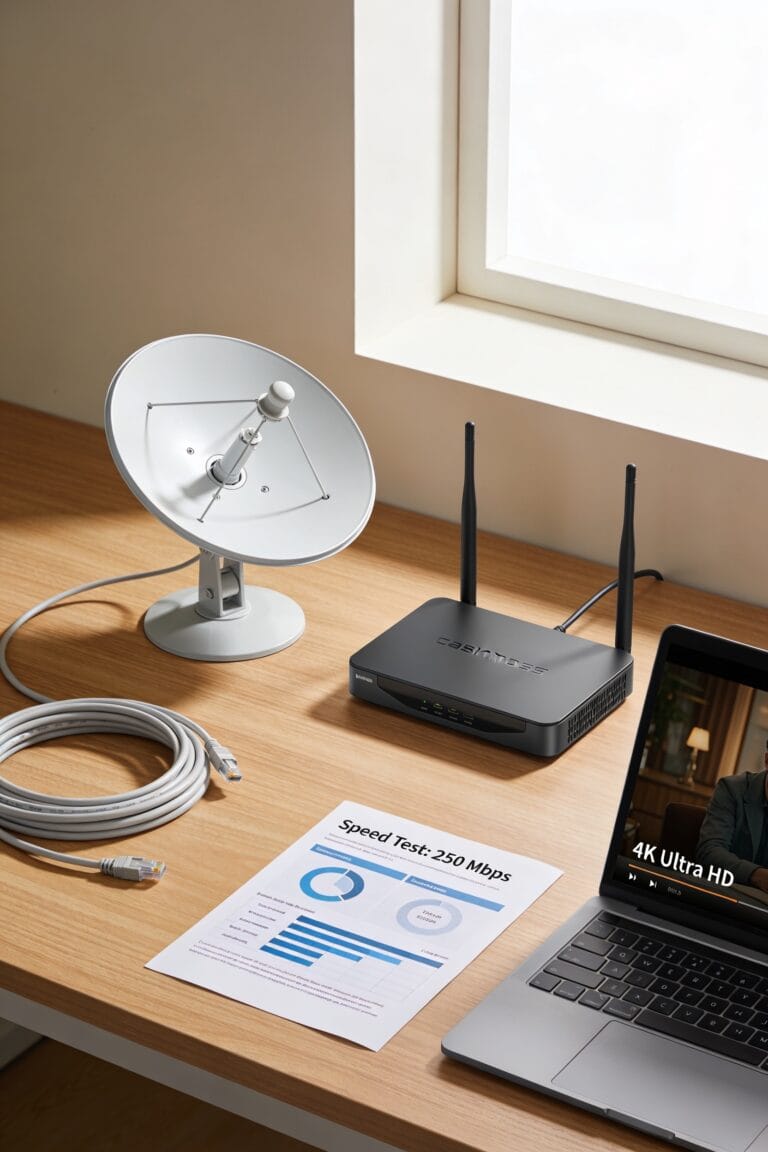
Speed matters, and you’ll find a pretty significant gap between what Spectrum and Starlink can actually deliver to your home. Spectrum’s top plans hit up to 1,000 Mbps—that’s genuine peak throughput, meaning the maximum data flow your connection can handle. Their budget option? Still three times faster than Starlink’s standard service. Starlink’s improved to around 100–250 Mbps depending on where you live and how congested your local satellite is. Now, here’s the thing: Spectrum uses packet prioritization—essentially giving your important data a faster lane through the network—which keeps things snappy during heavy use. For streaming, gaming, and video calls simultaneously, Spectrum’s just got more muscle. Starlink’s respectable if you’re in rural areas with no cable access, but speed-wise, it’s the clear underdog.
Latency and Real-Time Performance: Gaming, Calls, and Work

While download speed gets all the attention, latency—that’s the time it takes for data to make a round trip from your device to the internet and back—is what actually determines whether your video call freezes, your game stutters, or your cursor lags when you’re typing.
Spectrum’s around 20 to 30 milliseconds of latency makes it the clear winner here. That low number means minimal packet loss and excellent jitter control, so your Zoom calls stay crystal clear and your gaming stays smooth. Starlink’s improved to 40 to 60 milliseconds, which honestly isn’t terrible anymore, but it’s still noticeably higher. For competitive gaming or real-time work demands, Spectrum’s cable connection keeps you ahead. If you’re doing casual stuff, Starlink works fine. The difference? You’ll feel it.
Reliability: Which Connection Stays Online
Since you can’t use the internet if it keeps dropping out on you, reliability might actually matter more than speed—and that’s where cable and satellite start to show their real differences. Spectrum typically stays stable unless something damages local lines or causes outages in your area. Starlink, though, is more prone to brief dropouts during bad weather or when satellites hand off your connection to each other. The good news? Starlink’s reliability has improved steadily thanks to more satellites launching and SpaceX’s software updates. For equipment maintenance and outage mitigation, cable still holds a slight edge overall. Both services work decently now, but if you need rock-solid uptime for work-from-home situations, Spectrum’s the safer bet.
Total Cost: Upfront Equipment and Monthly Plans

When you’re comparing internet services, don’t let the monthly bill fool you—what you pay upfront can matter just as much as what hits your credit card each month. Starlink requires higher initial equipment costs, though equipment financing options can ease that burden. Spectrum, meanwhile, includes Wi-Fi equipment at no extra charge across all plans, and you’ll find promotional bundles that sweeten the deal even further. Monthly-wise, Spectrum’s 1,000 Mbps plans run under $70, while both services offer unlimited data. If you’re budget-conscious and already in a covered area, Spectrum’s lower upfront investment makes sense. But if you’re rural and willing to finance Starlink’s gear, the long-term value might justify that initial hit.
Recommended Products

Ultra-Portable Design: Measuring just 11.75" x 10.2" and weighing under 2.5 lbs, the Starlink Mini is compact enough to fit in a backpack, making it perfect for travelers and outdoor enthusiasts.

FREE REGION UNLOCK: This product can be used all around the world. Can be activated in any country without any outside fee or charge.

Ultra-Portable Design: Measuring just 11.75" x 10.2" and weighing under 2.5 lbs, the Starlink Mini is compact enough to fit in a backpack, making it perfect for travelers and outdoor enthusiasts.
Which Provider Fits Your Needs
Choosing between Starlink and Spectrum really comes down to answering one question: where do you live, and what are you actually doing online?
If you’re in a city or suburb, Spectrum’s your answer. You’ll get faster speeds, lower latency for gaming and video calls, and better customer support options when something goes wrong. Setup’s straightforward too—they’ll handle most of it.
Now, if you’re rural or completely off-grid? Starlink’s genuinely your only real choice. Cable lines don’t reach you, so this isn’t really a decision at all.
For everyone in between, think about your priorities. Need blazing speeds and rock-solid reliability? Spectrum. Can live with slightly higher latency for coverage nobody else offers? Starlink wins. Both have their lane.
Recommended Products

One-touch activities: touch an activity like "watch a movie" to automatically power on and switch devices to the right settings

【2000W Pure Sine Wave Inverter】True rated continuous 2000Watts pure sine wave continuous power, featuring 2 AC outlets, 2 USB ports, with a hardwire terminal, LCD display and remote control

【2000W Pure Sine Wave Inverter with 4100W Surge Peak Power for 2 Seconds】This is 2000W continuous output power inverter pure sine wave with 4100W surge peak power for 2 seconds, converting 12V DC to 110V/120V AC, very suitable for high-power inductive loads, such as air conditioning, double door refrigerators, water pumps, microwave, and other electric tools. More stable than other peak 4000 watt inverter.
Spectrum vs. Starlink: Quick Decision Guide
To figure out which service actually works for your life, you’ll want to run through a few quick questions—and I’ll be honest, the answers are pretty straightforward for most people. First, check if Spectrum reaches your address. If it does and you’re in a city or suburb, Spectrum’s faster speeds and lower latency win for gaming, streaming, and video calls. You’ll also appreciate their included Wi-Fi equipment and solid customer support.
Now, if Spectrum isn’t available where you live, Starlink becomes your answer. Rural and off-grid locations benefit most from satellite coverage. Yes, installation tips matter—you’ll need clear sky access—but SpaceX’s customer support has improved markedly. The tradeoff? Accept slightly higher latency for genuine connectivity where cables simply don’t reach.
Recommended Products

Ultra-Compact Design: Lightweight and portable for easy transport and quick setup—ideal for boats, RVs, campers, and off-grid cabins.

HIGH-SPEED SATELLITE INTERNET SERVICE: Experience the future of connectivity with the official Star-link. This revolutionary satellite internet delivers high-speed, low-latency performance perfect for 4K streaming, competitive online gaming, and uninterrupted video calls, even in the most remote locations.

Next-Generation Satellite Internet Kit – Gen 3 satellite dish and Wi-Fi 6 router deliver faster speeds, stronger signal stability, and low latency for a seamless online experience.
Making the Switch: What to Expect
Switching from Spectrum to Starlink (or vice versa) involves more than just canceling one bill and starting another—you’re effectively rewiring how your home connects to the internet. The installation timeline differs dramatically between them. Spectrum typically arrives within a week or two, while Starlink’s equipment ships first, but setup takes only minutes once it arrives. Check your contract considerations before you leap—Spectrum sometimes charges early termination fees, whereas Starlink has no long-term contracts binding you down. Service transfer means coordinating overlap so you’re not stuck offline for days. Don’t forget hardware disposal either. You’ll need to return Spectrum’s modem and router, but your Starlink dish stays yours. Plan ahead, and you’ll sidestep most headaches.
Recommended Products

Unrivaled WiFi 7 speeds up to 17 Gbps for real-time gaming, 4K/8K streaming, UHD video conferencing, and AR/VR entertainment with easy setup using the Nighthawk App

Compatible with all major cable internet providers with internet speed up to 1Gbp. Currently certified with Spectrum and Cox (up to 1Gbps) and Xfinity (up to 800Mbps). Future speeds with these service providers may change over time. Not compatible with Verizon, AT&T, CenturyLink, DSL providers, DirecTV, DISH and any bundled voice service

Compatible with major cable internet providers including Xfinity, Spectrum, Cox and more. NOT compatible with Verizon, AT&T, CenturyLink, DSL providers, DirecTV, DISH and any bundled voice service.
Frequently Asked Questions
Do Starlink and Spectrum Both Offer Unlimited Data Without Additional Charges?
Yes, both services offer unlimited data at no extra cost. However, I’d note that Starlink may implement fair use policies during peak times, while Spectrum’s unlimited caps remain straightforward without additional restrictions.
What Happens to Starlink During Severe Weather Conditions or Storms?
I’ll tell you that Starlink experiences brief dropouts during severe weather because storm interference blocks your satellite signal. Heavy rain and clouds cause antenna slewing issues, temporarily disrupting your connection until conditions improve.
Are Long-Term Contracts Required to Use Either Starlink or Spectrum Services?
No lengthy locks limit you! Starlink’s service requires no contract with flexible terms, while Spectrum similarly skips long-term commitments. You’ll own Starlink’s equipment outright, enabling early termination whenever you’d like.
Can I Add Premium Wi-Fi Features to My Spectrum Plan Monthly?
Yes, you can add premium Wi-Fi features to your Spectrum plan monthly. Advanced Wi-Fi, including a premium router or mesh upgrade, can be added to Spectrum Premier plans for just $10 per month.
How Do Satellite Handoffs Affect Starlink’s Connection Stability and Performance?
Like Icarus steering shifting winds, you’ll experience latency spikes during beam handoffs as Starlink’s satellites shift coverage zones. I’d say these brief dropouts can disrupt your connection stability, though they’re becoming less frequent with SpaceX’s expanding constellation.
Conclusion
Look, here’s the thing: you’ve got to pick based on where you live and what you actually do online. Starlink wins if you’re rural and tired of dial-up speeds—yes, I said dial-up, showing my age—while Spectrum makes sense if it’s available and you want rock-solid reliability. Neither’s perfect, but one’ll definitely beat your current frustration. Check your address, crunch those numbers, and commit already.