As an Amazon Associate, we earn from qualifying purchases. Some links on this site are affiliate links at no extra cost to you. Our recommendations are based on thorough research and editorial judgment.

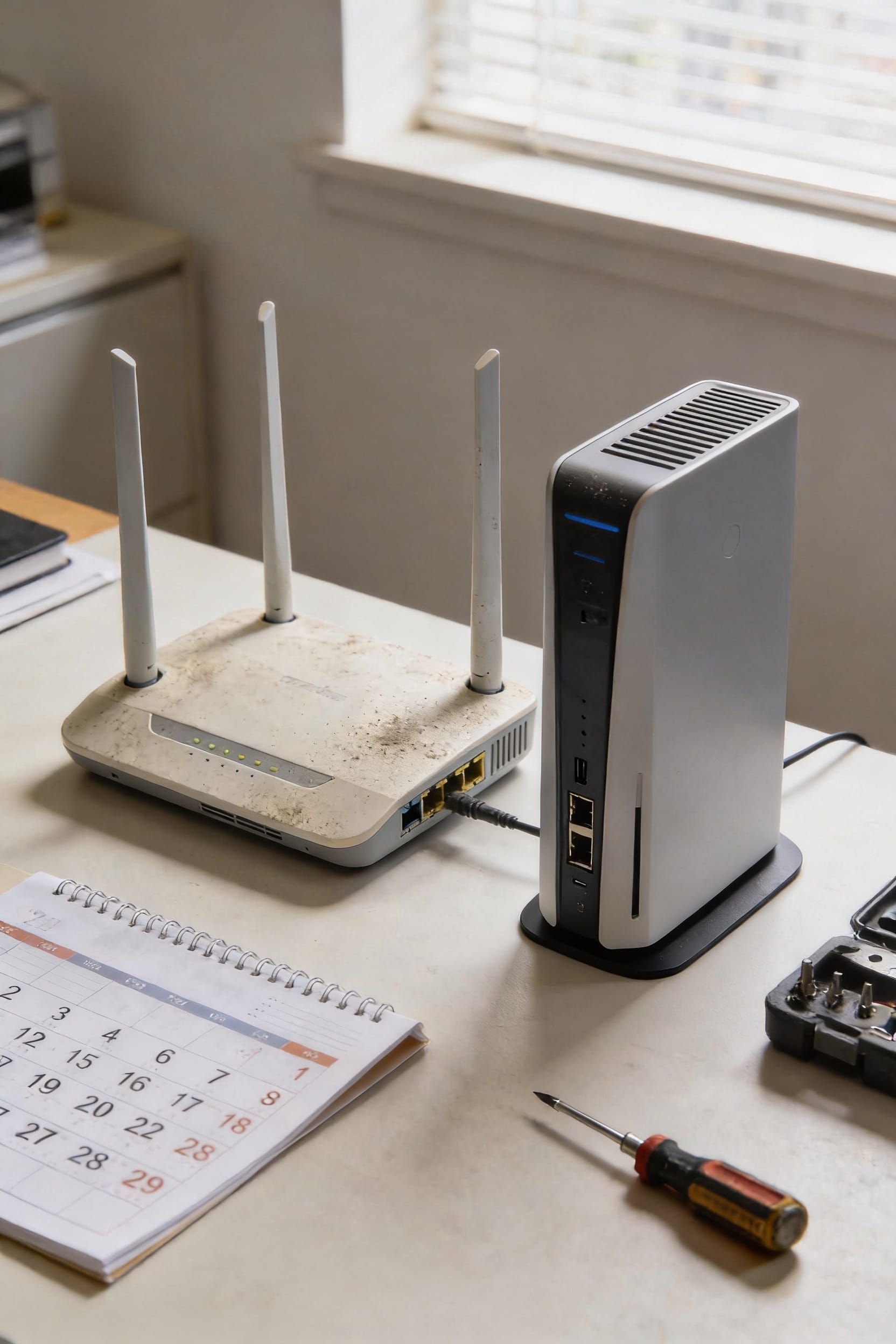
How Long Do WiFi Routers Last Before Replacing?

Most household routers hit their expiration date somewhere between three and five years, though that timeline depends heavily on how hard you’re pushing yours. Light users can sometimes stretch it to five years, but heavy streamers and gamers should plan on replacing theirs every two to three years. Here’s the real kicker: even if your router still powers on, it might be a security liability if the manufacturer stopped releasing firmware updates. Stick around to find out what actually kills routers fastest and when obsolescence sneaks up on you.
Key Takeaways
- Most household WiFi routers last 3–5 years under normal conditions before performance and reliability decline significantly.
- Heavy users and gamers should replace routers every 2–3 years due to increased workload and heat generation.
- Replace your router once the manufacturer stops releasing security firmware updates to prevent network vulnerabilities.
- Environmental factors like heat, dust, humidity, and power instability can reduce router lifespan by one to two years.
- Routers become obsolete when they can’t support modern WiFi standards, causing compatibility issues with newer devices.
Red Flags Your Router Needs Replacement Now
once your manufacturer stops releasing security updates, you’re basically running an unlatched door. That’s when replacement isn’t just nice—it’s necessary for keeping your home network safe.
Your Router’s Typical Lifespan: 3–5 Years
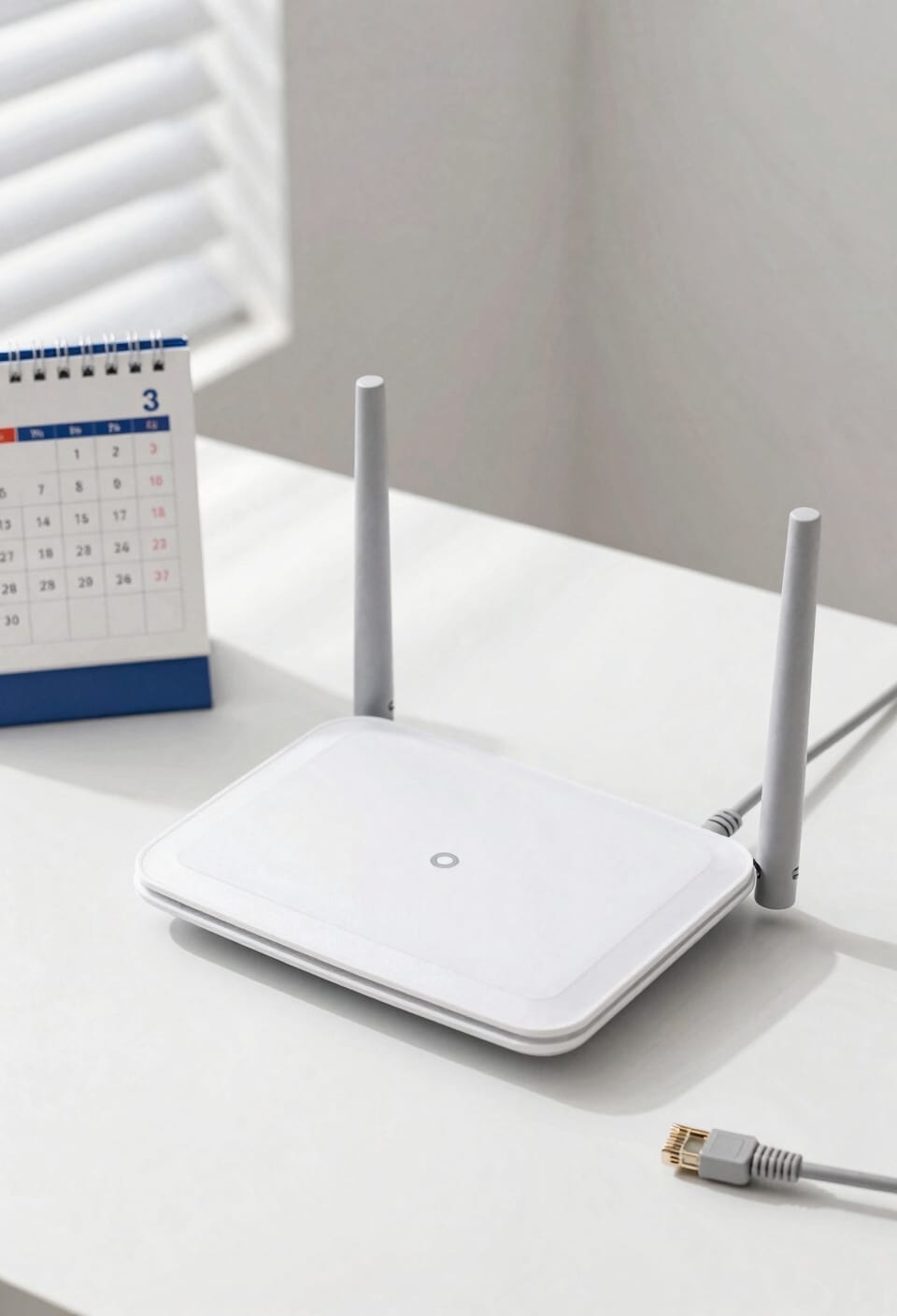
While it’d be nice if your router lasted forever, the reality is that most household WiFi routers hit their expiration date somewhere between three and five years. That’s the sweet spot where you’ll see reliable performance under normal conditions. Now, manufacturing variability plays a huge role here—some routers are built tougher than others, and higher-end models might stretch past five years. Check your warranty coverage too; most manufacturers back their gear for one to three years, which hints at their expected lifespan. After that five-year mark? Failure rates climb fast because internal components like solder joints and capacitors start giving up. You’re not looking at sudden death necessarily, but more like a slow decline into frustration.
What Drains Router Lifespan Faster?
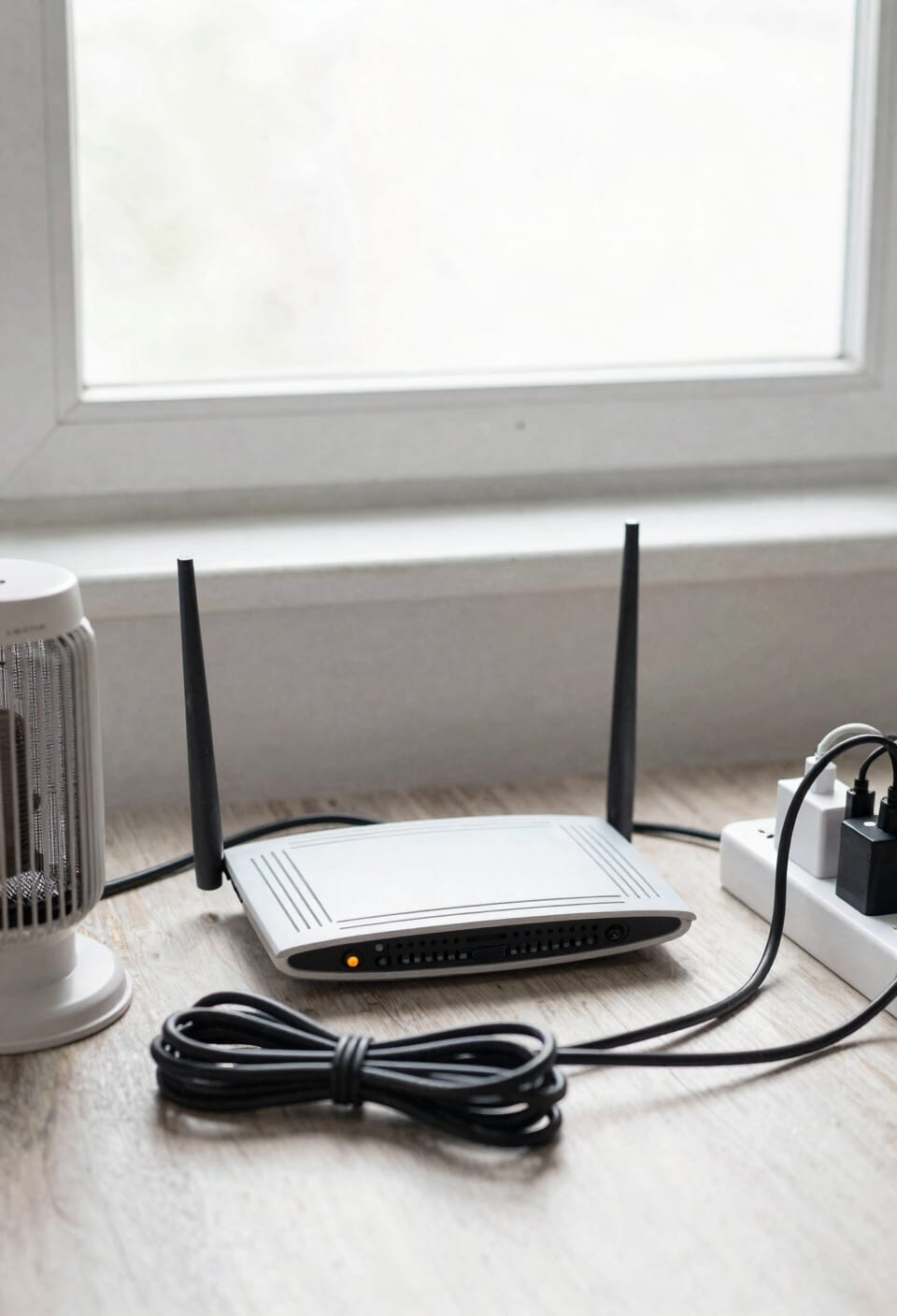
Heavy usage is the biggest culprit. When you’re gaming, streaming, and running multiple devices simultaneously, your router works overtime, generating serious heat that degrades internal components faster. That high temperature exposure alone can knock a year or two off its life. Unstable power in your area makes it worse—frequent power cycling (turning on and off repeatedly) stresses the hardware even more.
Environmental factors matter too. Dust buildup, humidity, and temperature swings all accelerate aging. If you live somewhere with questionable electrical infrastructure, consider adding a surge protector or battery backup. It’s cheap insurance.
When WiFi Standards Make Your Router Obsolete
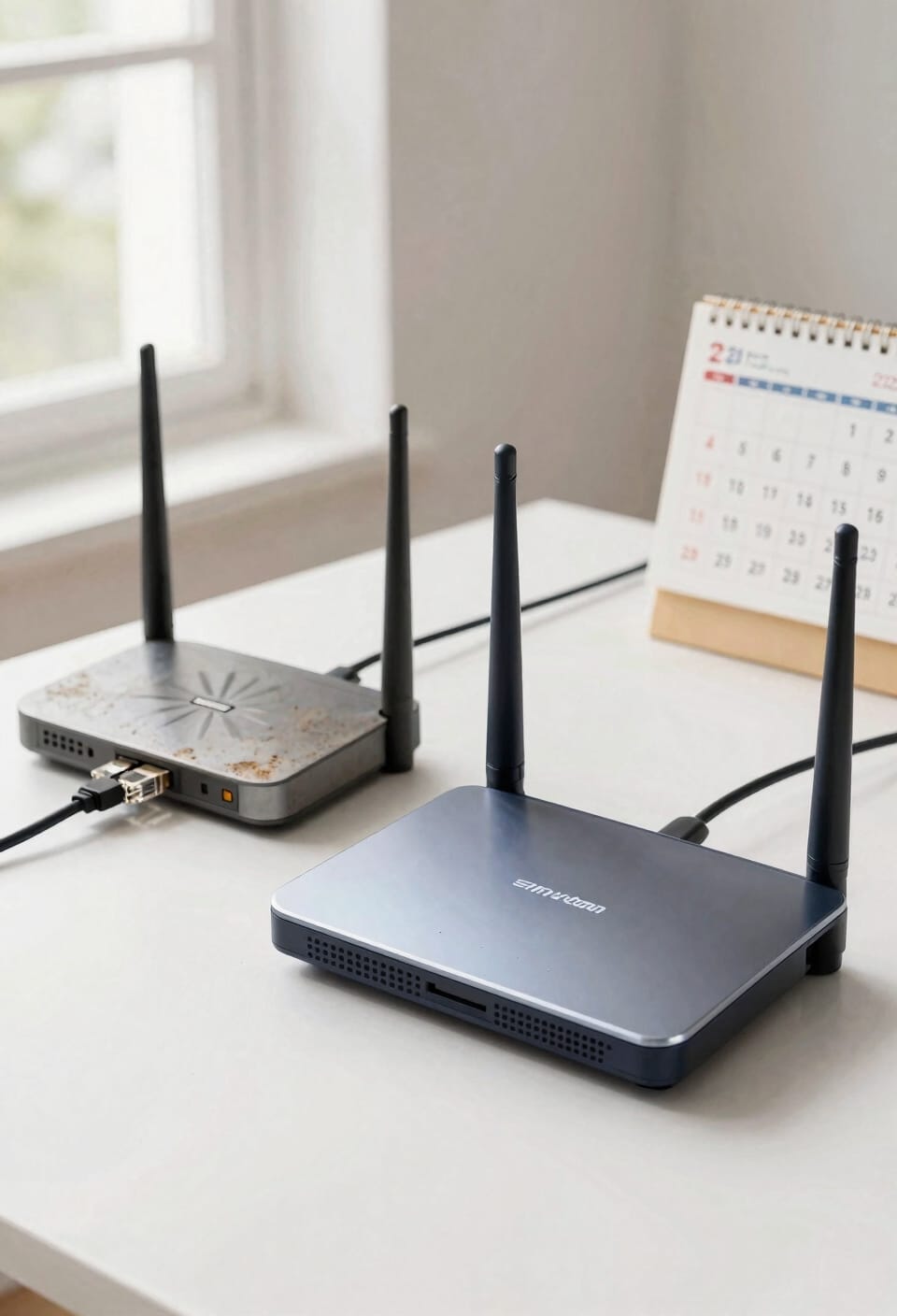
Even if your router’s still humming along and hasn’t dropped a single connection all week, it might already be obsolete—and I’m not being dramatic. WiFi standards evolve faster than fashion trends, and older routers running outdated protocols create protocol gaps that leave you vulnerable. If your router predates 2020-2021, it’s probably not receiving firmware updates anymore, which means security features aren’t getting patched. That’s a problem.
Here’s the thing: newer devices expect faster speeds and better efficiency that ancient routers simply can’t deliver. Your smart home gadgets might barely function. You’re not just fighting slower internet—you’re fighting incompatibility and accumulating security risks. It’s like driving a car without airbags. Eventually, staying current isn’t about luxury; it’s about keeping your network actually safe and functional.
Replacement Timeline Based on Your Usage
So you know your router’s outdated and probably shouldn’t be trusted anymore, but here’s where it gets practical: the timeline for actually swapping it out depends entirely on what you’re doing with it.
Light users—just casual browsing and the occasional video call—can stretch a router to four or five years without much complaint. But here’s the thing: your usage tiers matter enormously. Heavy streamers, gamers, and people running smart home setups should plan on replacing every two to three years. Device density plays a huge role too. If you’ve got fifteen connected gadgets competing for bandwidth, that router’s working overtime and aging faster. More devices mean more heat stress on internal components. So count your connected stuff, assess your habits, and replace accordingly.
Frequently Asked Questions
Can I Extend My Router’s Lifespan Through Proper Maintenance and Care?
I’ll help your router gracefully mature by practicing regular maintenance. You can genuinely extend its operational window through firmware updates, proper cable management, clearing vents, and dust removal—potentially adding valuable years to its service.
How Do Business-Grade Routers Differ From Consumer Routers in Durability?
I’ll explain that business-grade routers outlast consumer models through superior components and extended firmware support. They handle heavy workloads with advanced packet inspection capabilities, lasting five to seven years versus three to five for consumer versions.
What Role Does Electrical Power Stability Play in Router Longevity?
You might think your router’s lifespan depends solely on usage, but I’d argue electrical stability matters equally. Power surges and voltage fluctuations can reduce your router’s life by two to three years without protective measures like uninterruptible power supplies.
Are Refurbished or Older Routers Safe to Purchase Secondhand?
I’d recommend caution with secondhand routers. You’ll want to verify they’re receiving current firmware updates and check refurbished warranties carefully. Older models may lack security patches, leaving your network vulnerable to threats.
Does Router Placement and Ventilation Significantly Impact Its Operational Lifespan?
Like a horse needing proper stabling, I’d say yes—placement and ventilation absolutely matter. I’ve found that poor antenna orientation and signal interference from confined spaces drastically reduce lifespan by forcing components to work harder, generating excessive heat that degrades internal hardware faster.
Conclusion
Look, I know you’re thinking, “But my router still works fine!” And yeah, it probably does—until it doesn’t. That’s exactly why you shouldn’t wait for total failure. Replacing your router every three to five years keeps your network humming and you ahead of tech changes. Your future self will thank you for not streaming through a dinosaur.