As an Amazon Associate, we earn from qualifying purchases. Some links on this site are affiliate links at no extra cost to you. Our recommendations are based on thorough research and editorial judgment.

How Often Should You Replace Your Router?

most routers start showing their age around three to five years in, but your actual deadline depends on what you’re doing. If you’re gaming, streaming 4K, or working from home constantly, that clock moves faster—maybe two to three years. Watch for weakening WiFi signals, dead zones, or devices dropping off your network. When your router stops getting security updates from the manufacturer, that’s your real red flag. The good news? I’ll walk you through exactly how to spot when yours is done for.
Key Takeaways
- Replace your router every 3–5 years or when the manufacturer ends support and firmware updates.
- Watch for performance red flags: weakening WiFi signal, dead zones, frequent dropouts, and overheating.
- Outdated routers lack security patches, leaving your network vulnerable to known exploits and threats.
- Older routers cannot handle modern WiFi standards, smart devices, or higher internet speeds efficiently.
- Upgrade urgently if gaming, streaming 4K, or working remotely—older models cause lag and drops.
The 3–5 Year Rule: When Most Routers Need Replacing
If your router has been quietly humming away in your closet for five years or more, it’s probably time to have a conversation with it—and I mean a goodbye conversation.
Here’s the thing: most routers hit their limit around that three to five year mark. After that, you’re fighting hardware fatigue—the physical wear and tear that makes components less efficient. You’ll notice signal degradation creeping in, where your WiFi just doesn’t reach like it used to.
I’m not saying your router will suddenly die. But it’s operating on borrowed time. The older it gets, the harder it works to maintain what it’s got left. Now, if you’re running smart home devices or streaming constantly, you might need to replace it sooner. Think of it like this: would you rather upgrade now or troubleshoot later?
Five Performance Red Flags Your Router Is Failing
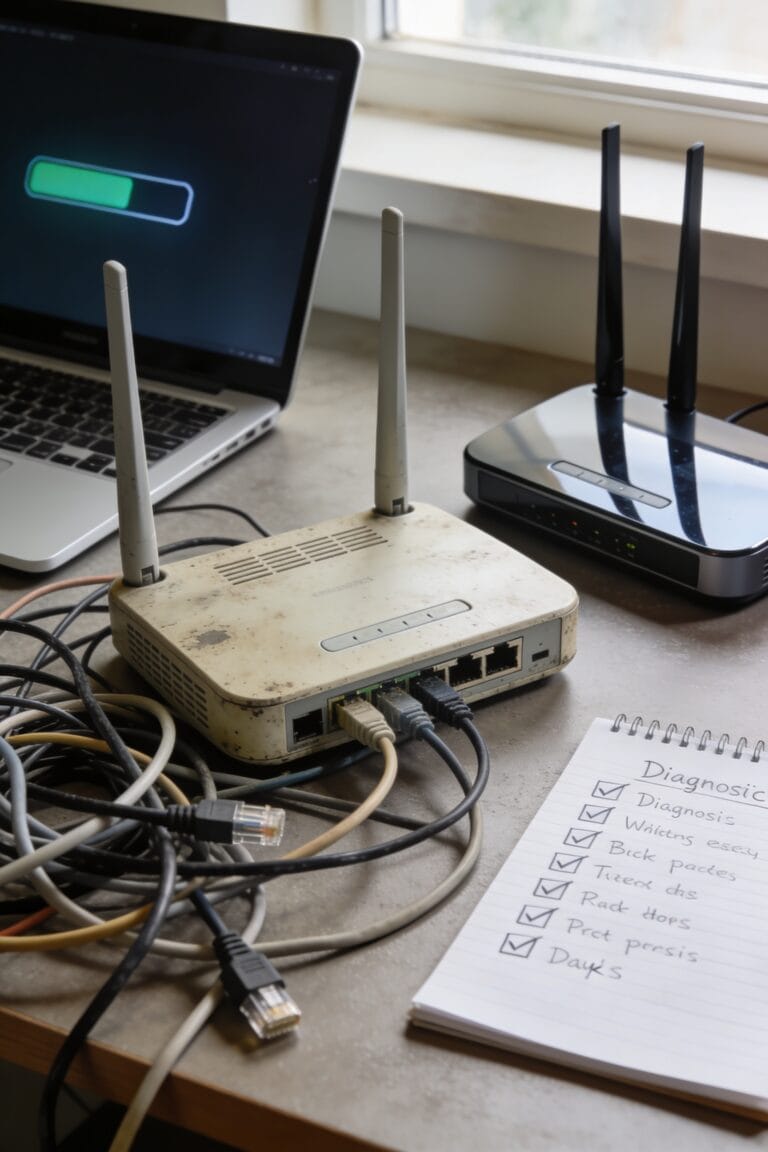
Your router might be throwing a fit, and you’re not even realizing it’s the culprit. Here’s the thing: your WiFi signal weakens mysteriously despite solid incoming internet speeds. You’re experiencing dead zones—spots where the signal barely reaches—often caused by poor router placement or signal reflections bouncing off walls and metal objects.
Now, frequent dropouts where devices disconnect without warning? That’s a red flag. You can’t add another smart device without something else falling off the network. Your router also overheats during normal use, which shortens its lifespan fast.
Most telling: you haven’t received a firmware update—that’s the software patches keeping your router secure—in months or years. When manufacturers stop supporting your model, it’s genuinely time to upgrade. These symptoms don’t always mean replacement, but together they’re screaming for one.
Security Vulnerabilities: Why Outdated Routers Put You at Risk
When your router stops receiving firmware updates—those security patches that plug holes in your system’s defenses—you’re fundamentally running doors with broken locks. Manufacturers abandon older models, leaving you exposed to hackers who exploit known vulnerabilities. Here’s the thing: an outdated router often still has default passwords (the generic login credentials that come pre-set from the factory) that attackers know by heart. That’s bad enough. But it gets worse when you’re running IoT exposure—connecting smart home devices like cameras and thermostats through an unprotected network. Each connected gadget becomes a potential entry point. You’re not just risking your own data; you’re handing cybercriminals a skeleton key to your entire home network. Replacement isn’t optional anymore.
Compatibility Issues: New Devices and Internet Speed Upgrades
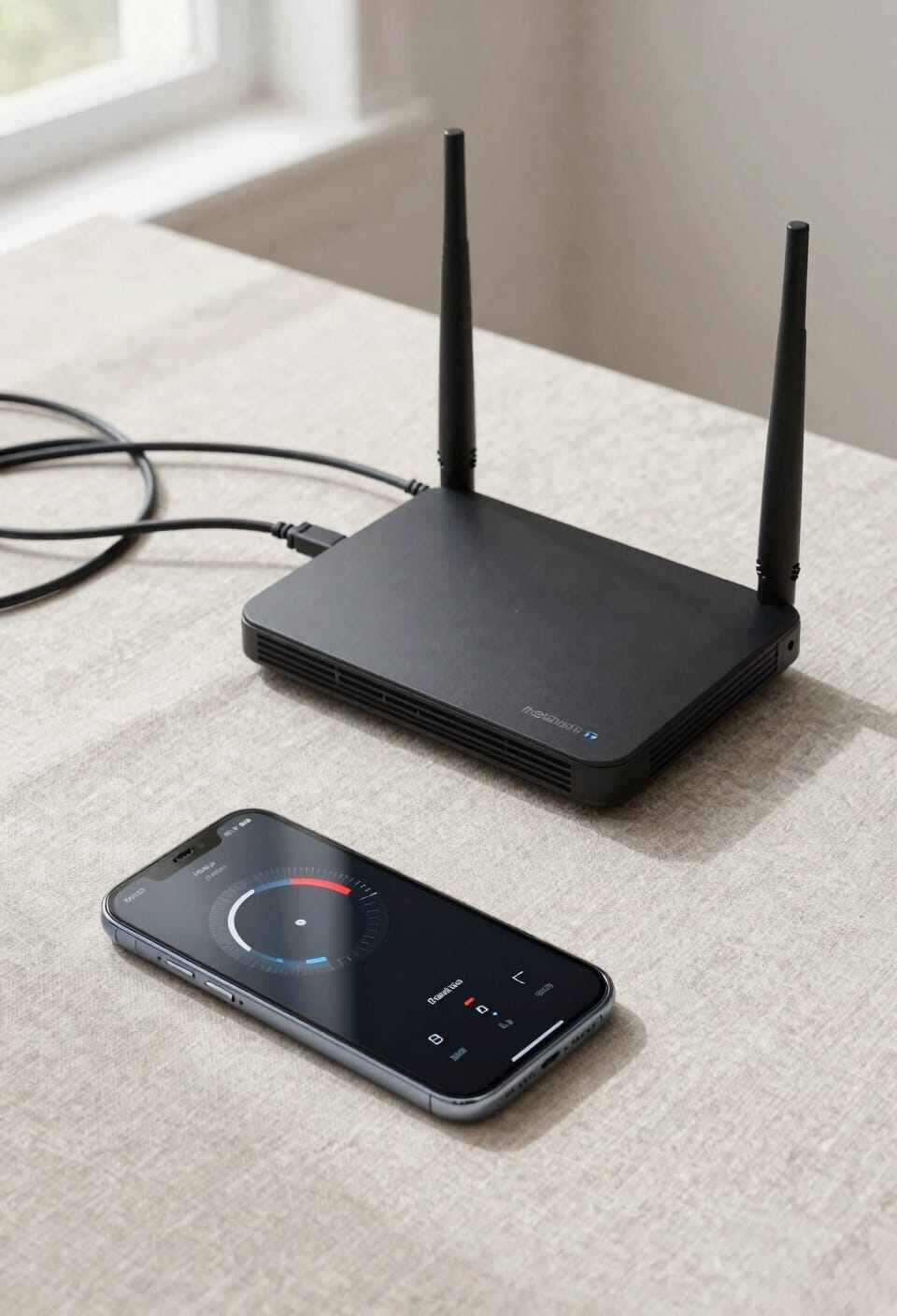
That shiny new WiFi 6E router you’re eyeing—the one that promises speeds three times faster than what you’ve got now—won’t do you a lick of good if your current router can’t even talk to it. Here’s the thing: older routers simply weren’t built for today’s demands. Your smart home devices multiply faster than rabbits, each one pulling bandwidth like it owes money. If you’ve upgraded your internet plan but your router’s still stuck in 2019, you’re paying for speeds you’ll never actually see. It’s like ordering a sports car but only driving it in first gear. New devices expect modern WiFi standards. Without them, you hit bandwidth caps instantly and watch everything slow to a crawl.
Gaming, Streaming, and Remote Work: Why 2–3 Years Is Your Deadline
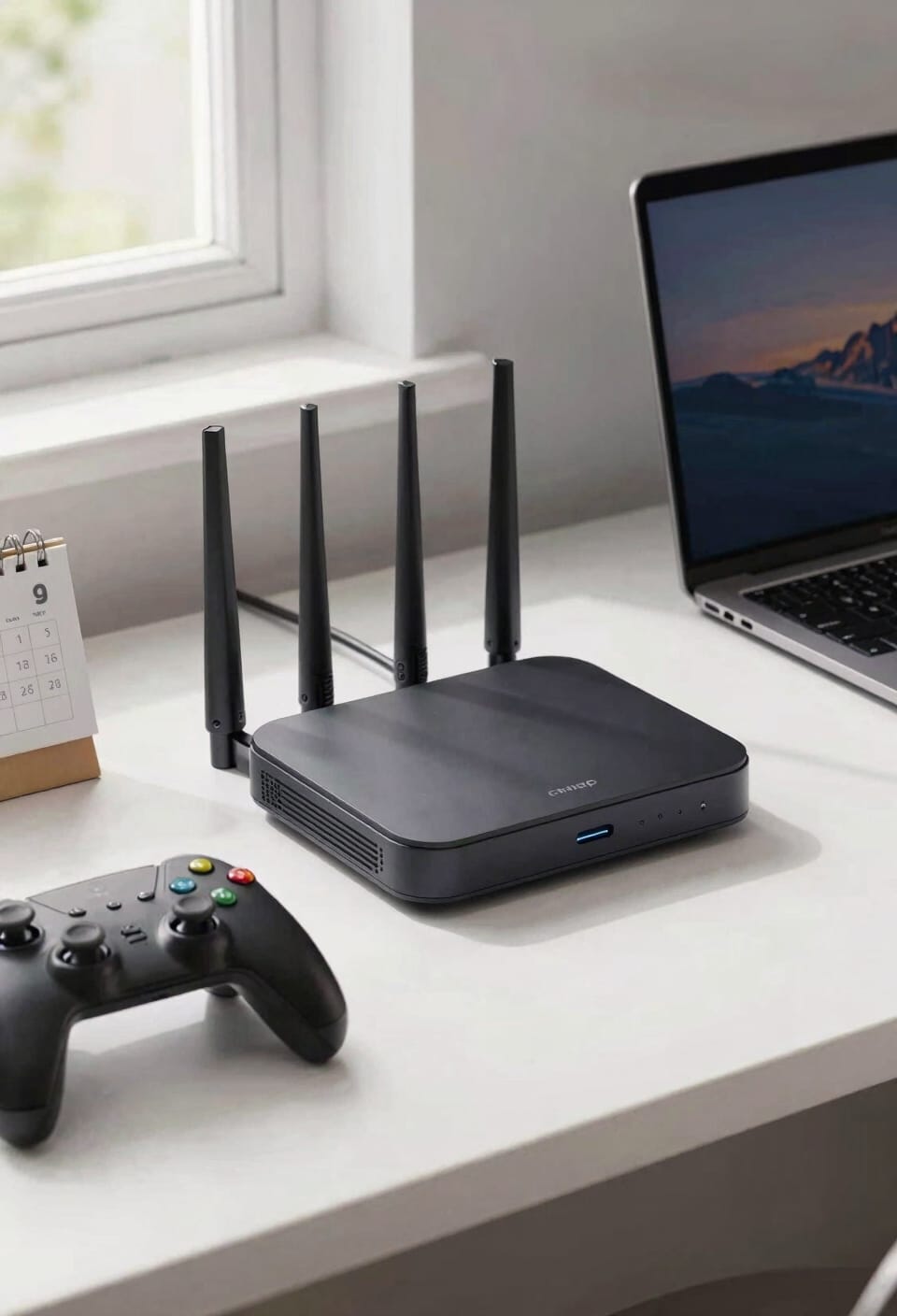
If you’re gaming competitively, streaming 4K video, or running back-to-back Zoom calls from your home office, I’ve got some hard truth: that router you bought three years ago is basically a liability now.
Here’s the thing: modern work and entertainment demand routers built for serious multitasking. Your older model wasn’t designed to handle this traffic volume. You need latency optimization—that’s the ability to prioritize which data packets get sent first so your game doesn’t lag while someone’s uploading files. Good routers now include device prioritization, letting you tell the network “Zoom calls come first.”
If you’ve noticed stuttering during streams or connection drops during competitive matches, replacement isn’t optional. Upgrade now before your internet life becomes a frustrating highlight reel of disconnects.
Firmware Support Ends: The Real Replacement Trigger
Most of us don’t think about firmware—that’s the software running inside your router that keeps it secure and functioning—until the manufacturer stops releasing updates for our model. Here’s the thing: when a router reaches end of life, vendor communication dries up. No more security patches. No more fixes. Your router becomes a sitting duck for hackers.
Now, manufacturers typically support routers for around 3-5 years. Once that window closes, you’re vulnerable to threats that didn’t exist when you bought the thing. I know checking for end-of-life status sounds tedious, but honestly? It’s your clearest replacement trigger. Don’t wait for your router to fail spectacularly. Replace it before support ends, and you’ll sleep better knowing you’re protected.
WiFi 6 and 7: Why Your Old Router Can’t Keep Up
Your router’s WiFi standard—that’s the technical specification that defines how fast and efficiently your devices communicate wirelessly—becomes obsolete faster than you’d think. WiFi 6 and 7 aren’t just incremental upgrades; they’re fundamentally different beasts that handle bandwidth prioritization (basically deciding which devices get priority when everyone’s streaming) way better than older standards.
Here’s the thing: older routers can’t process the signal harmonics—the layered wireless frequencies—that newer standards use. Your pre-pandemic router simply wasn’t built for them. You’ve got newer devices expecting WiFi 6 performance, but your router’s stuck in 2018.
I get it. Your current setup works fine… until it doesn’t. That’s when you realize the gap between what you’ve got and what you actually need has become a real problem.
The Self-Assessment: Does Your Router Need Replacing Now?
Before you drop money on a new router, let’s figure out whether you actually need one—because I’ve seen plenty of people blame their equipment when the real problem is something simpler, and I’ve also seen people limp along with ancient hardware that’s quietly sabotaging their whole setup.
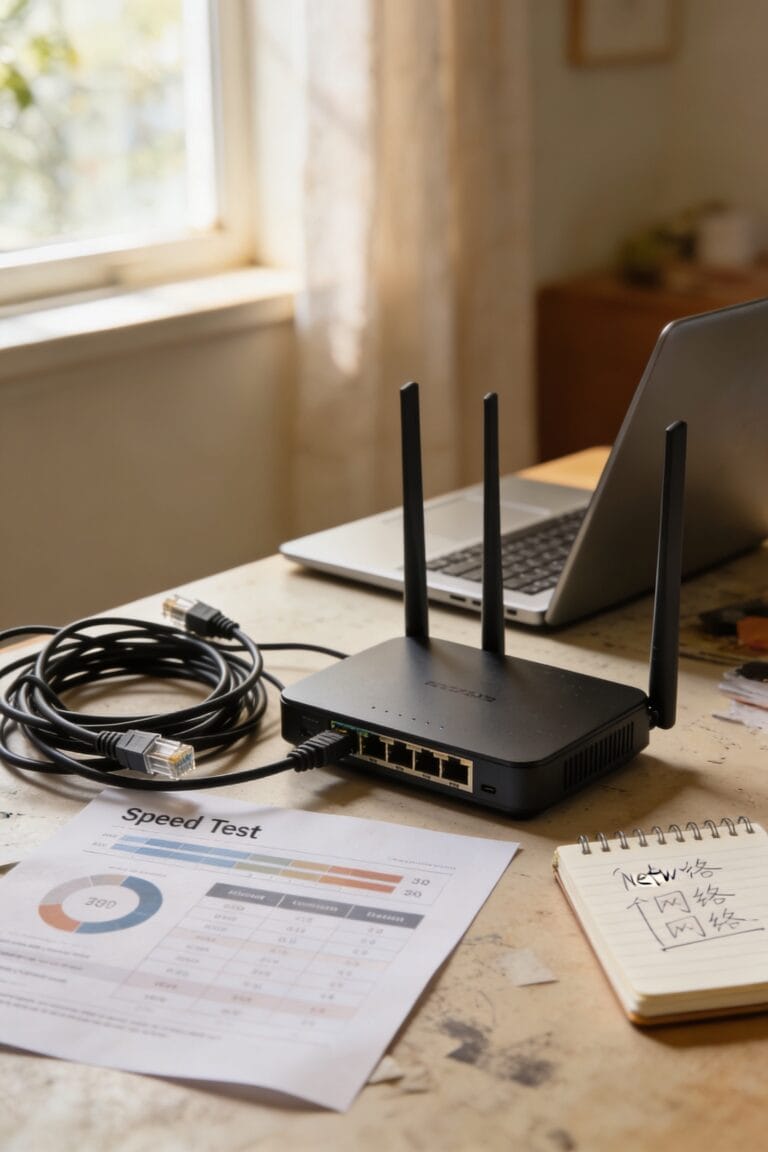
Start with signal diagnostics. Run a speed test from different rooms and compare results to your internet plan. Weak signals in certain spots? Try placement optimization first—move your router to a central, elevated location away from metal and water.
Check your router’s age. If it’s five years old or older, replacement is probably overdue. Notice overheating, frequent dropouts, or an inability to connect new devices? Those are your red flags. When multiple symptoms pile up together, your router’s likely ready for retirement.
Frequently Asked Questions
What Is the Average Cost of Replacing a Router Versus Repairing One?
I’d say replacement cost typically runs $75–$300 for quality models, while repair estimates often reach $100–$200. Since repairs rarely extend your router’s lifespan markedly, replacement usually offers better long-term value.
Can I Extend My Router’s Lifespan Through Regular Maintenance or Cleaning?
I’ll help you extend your router’s life through maintenance. Picture your device humming smoothly as dust clears away. Regular dust removal and firmware upkeep keep performance sharp, adding years to your investment’s importance.
How Do Mesh Systems Compare to Traditional Routers for Whole-Home Coverage?
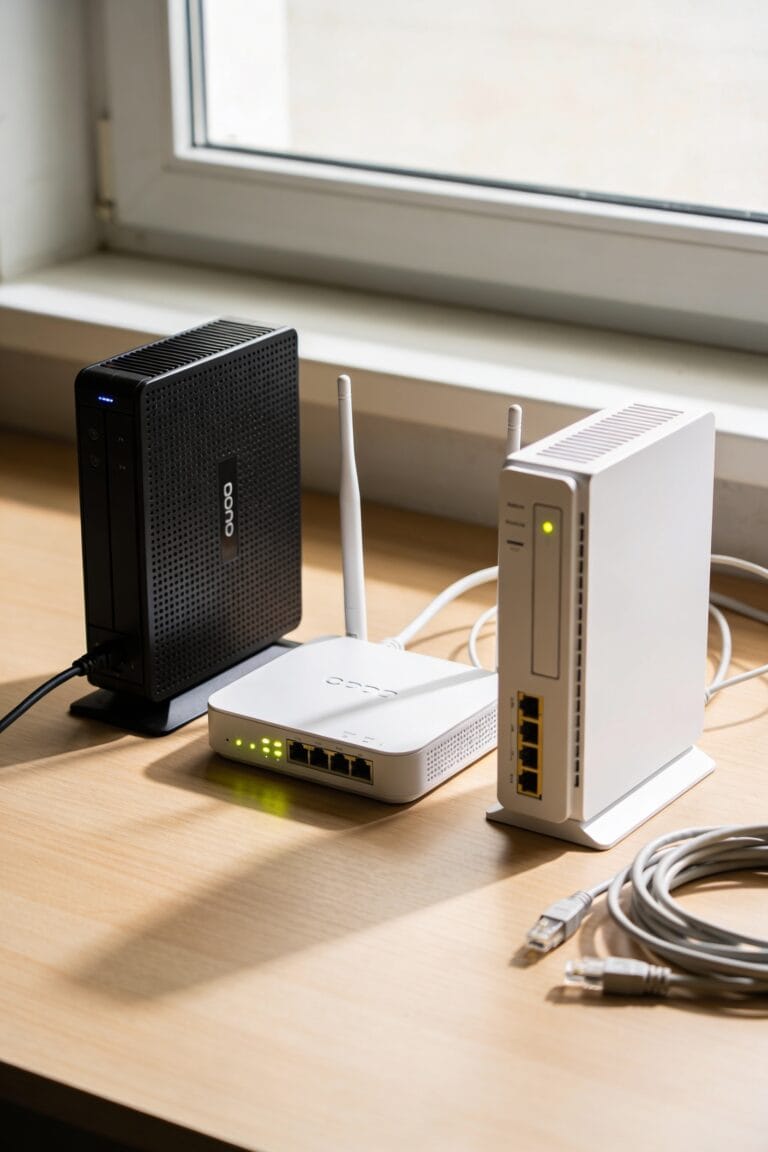
I’d say mesh systems outperform traditional routers through superior mesh advantages and signal reliability. You’ll enjoy seamless coverage across larger spaces with flexible node placement, plus better bandwidth management for multiple devices simultaneously.
What Should I Do With My Old Router After Replacing It?
I’d donate responsibly to schools or nonprofits, or repurpose it as a wireless hotspot in another room. You could also recycle it through manufacturer programs to guarantee proper e-waste handling and environmental responsibility.
Does Router Placement and Environmental Factors Affect Its Replacement Timeline?
Placement profoundly impacts your router’s lifespan. I’d recommend keeping it away from heat exposure and obstacles causing signal degradation. Poor positioning accelerates deterioration, potentially cutting replacement timelines from five years to three.
Conclusion
Look, here’s the irony: you’re probably going to ignore this entire article and keep using that router until it literally catches fire. But here’s the thing—replacing it every three to five years isn’t some conspiracy by router manufacturers. It’s actually cheaper than dealing with security breaches, buffering during your big presentation, or explaining to your family why Netflix won’t work. Your future self will thank you.