As an Amazon Associate, we earn from qualifying purchases. Some links on this site are affiliate links at no extra cost to you. Our recommendations are based on thorough research and editorial judgment.

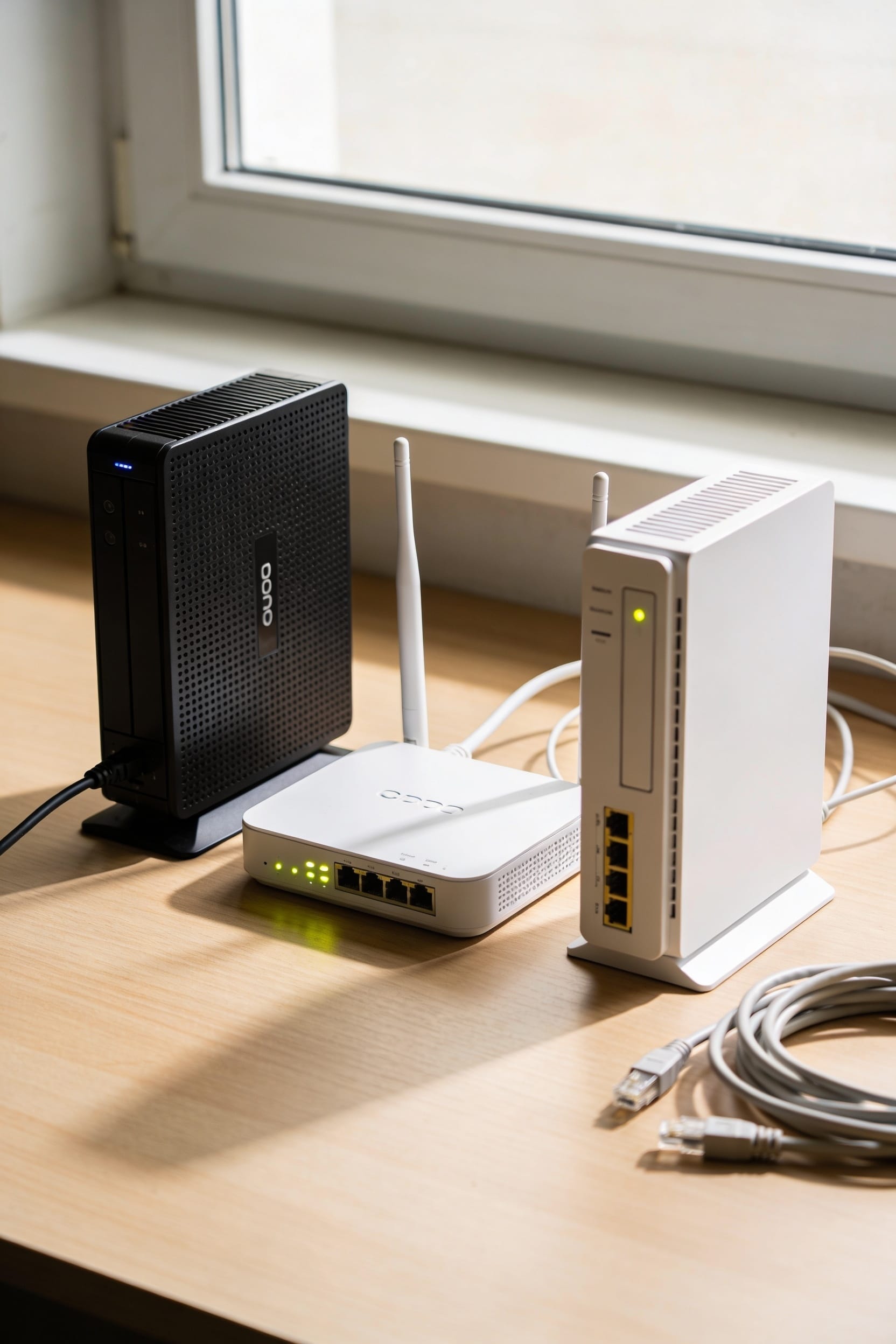
Modem vs Router vs Gateway: What’s the Difference?

A modem translates your ISP’s signal into data your home can use. A router then distributes that internet to your devices via Wi-Fi and ethernet cables. A gateway? It’s both rolled into one box. You trade flexibility and upgrade options for convenience with a gateway, since you can’t swap out just the router if it gets slow. Most of us benefit from separate units, but gateways work fine if you want fewer cables and don’t mind limited control over your setup’s performance tweaks.
Key Takeaways
- A modem translates ISP signals into usable home network data; a router distributes that internet to devices.
- A gateway combines modem and router functions into one device, prioritizing convenience over customization and control.
- Separate modem and router units allow independent updates, better performance tuning, and individual component replacement.
- Gateways offer automatic ISP-managed updates with limited user control; separate equipment enables greater firmware flexibility.
- Routers provide expandable Ethernet ports and wireless optimization, while gateways typically offer only two to four ports.
What’s the Difference Between a Modem, Router, and Gateway?
if you’ve ever stared at the tangle of equipment behind your TV and wondered what each box actually does, you’re not alone. Let me break it down for you.
Modem basics: Your modem is the gateway to the internet itself. It converts the signal coming from your internet service provider into something your home network can actually use. Think of it as a translator between two languages.
Router roles: A router takes that signal and spreads it around your home—wirelessly and through cables. It’s the brain that manages which devices get internet and how they all talk to each other.
A gateway? That’s just both devices stuffed into one box. Simpler setup, less flexibility.
How Your Internet Flows Through These Three Devices
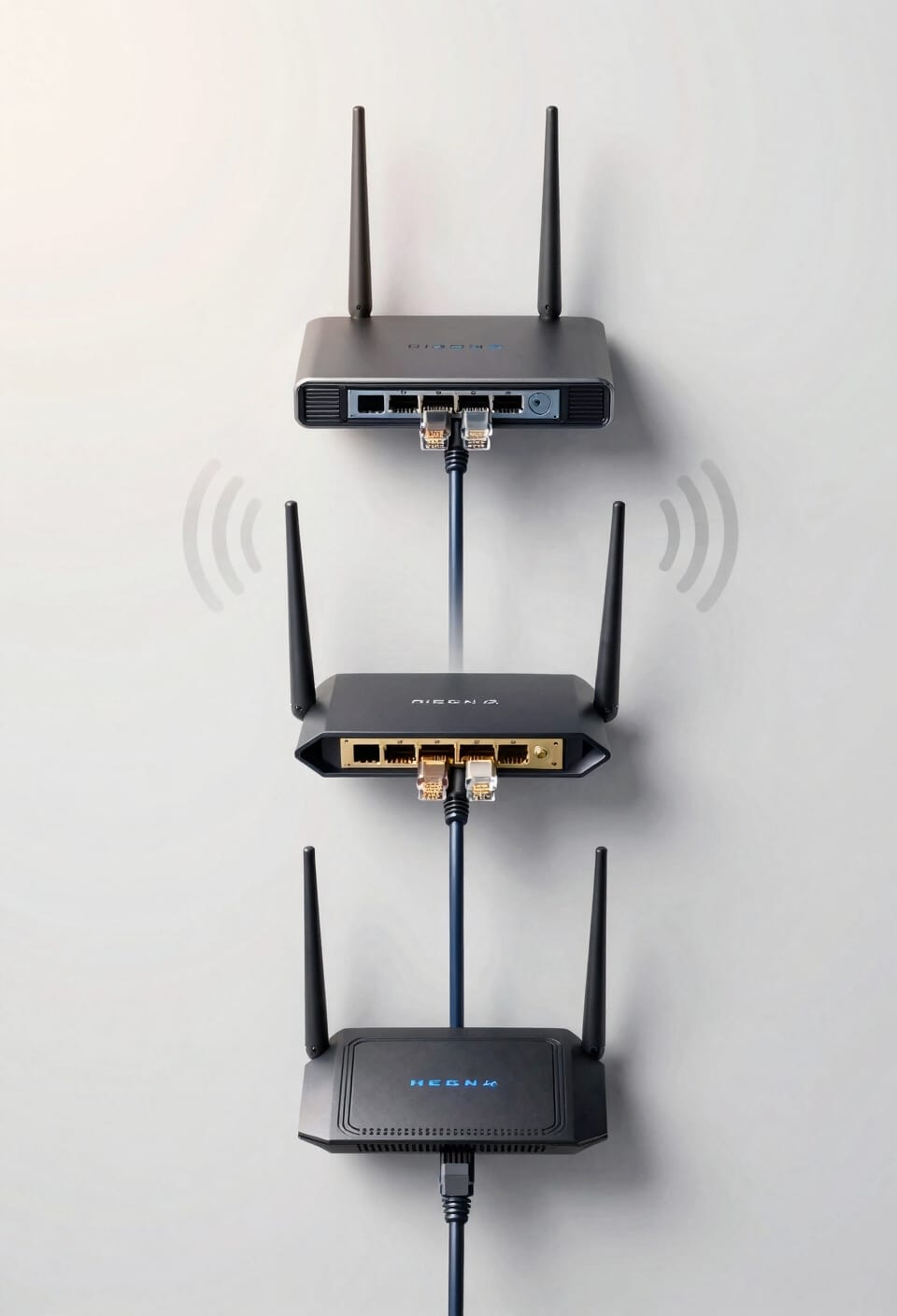
Now that you know what each device does, let’s follow your internet signal on its actual journey through your home. Your packet journey starts when the modem receives data from your ISP—that’s your internet service provider, the company sending signals through cables or fiber to your house. The modem handles signal conversion, transforming that incoming data into a format your home network understands. Next, that converted signal travels to your router, which is basically your network’s traffic cop, directing internet to all your devices via Wi-Fi or ethernet cables. If you’re using a gateway instead, well, that device skips the middleman entirely—it converts and distributes everything in one box. Either way, you’re getting online. That’s the flow.
Router and Modem Performance vs. Gateway: What You Trade
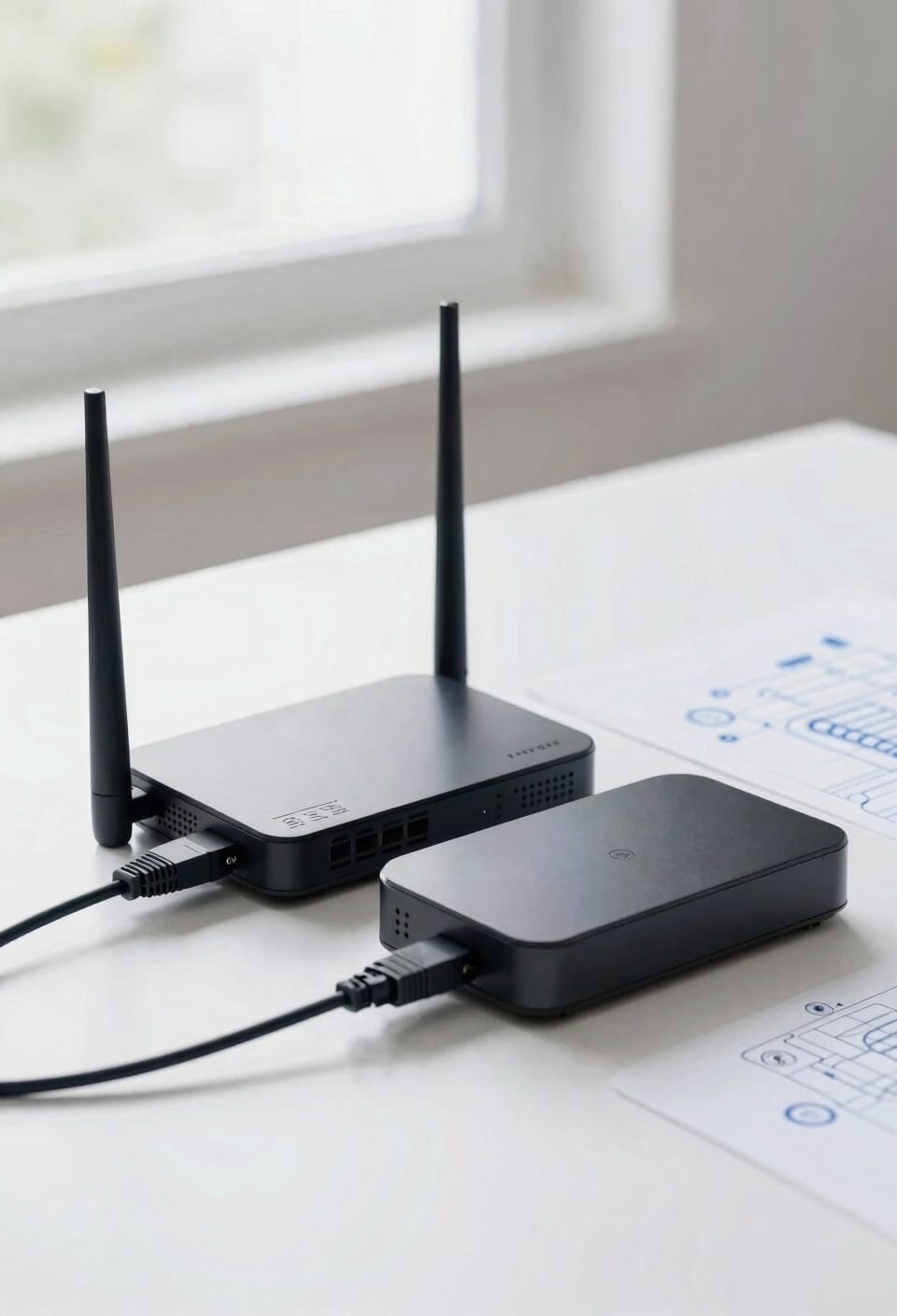
When you’re choosing between a separate modem and router versus an all-in-one gateway, you’re really deciding what matters more to you: flexibility or simplicity. With separate devices, you get firmware flexibility—meaning you can update and customize each piece independently, tweaking settings to squeeze out better performance. Gateways handle updates automatically through your ISP, which sounds convenient until you realize you’ve got limited control over throughput trade offs. A dedicated router lets you optimize your wireless speeds and manage your network like it’s actually yours. Gateways work great if you want set-it-and-forget-it convenience. But if you’re someone who likes tinkering and wants maximum performance control, separate equipment gives you that power.
Choosing by Design and Connectivity Needs
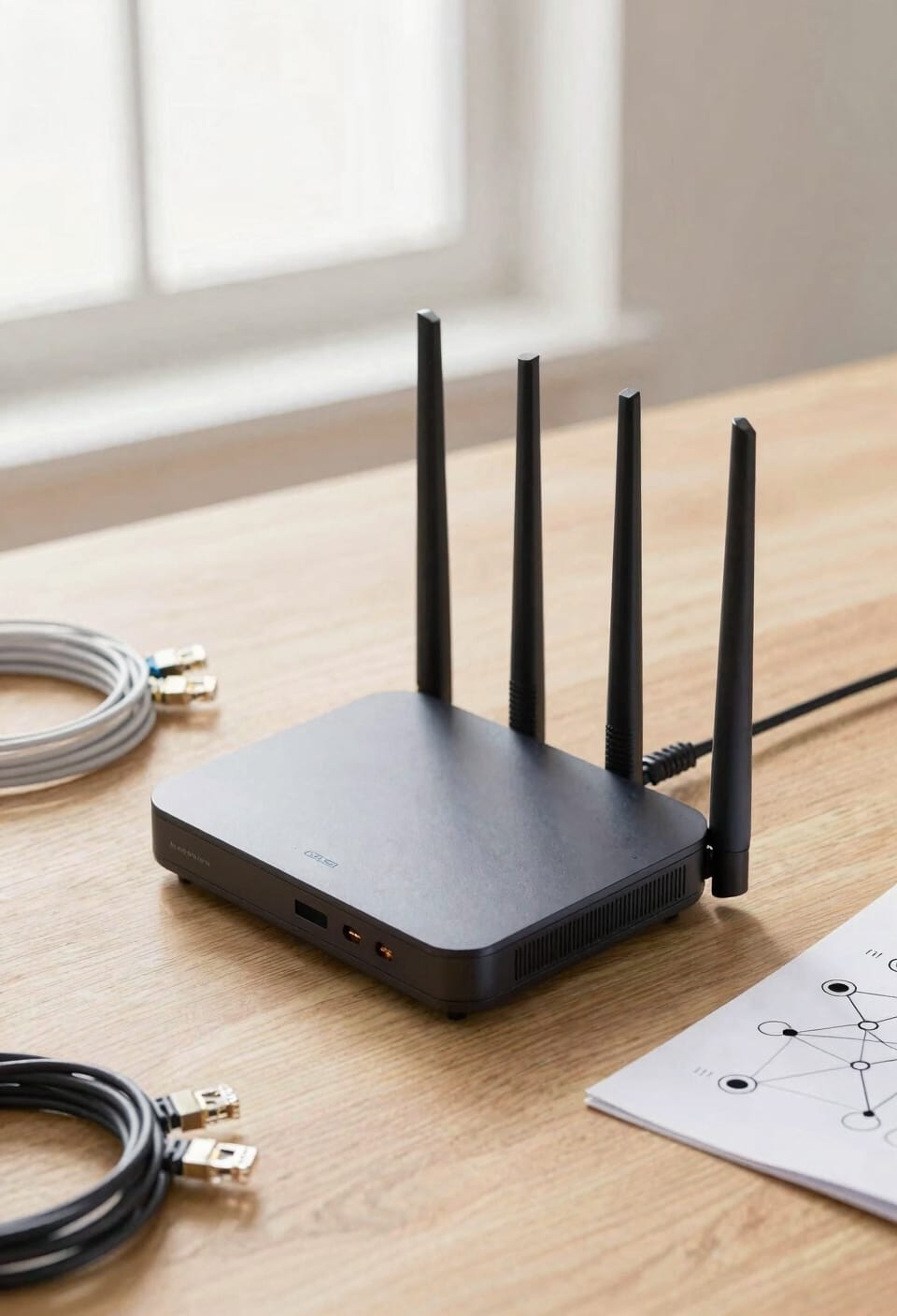
Before you settle on either a gateway or a separate modem-and-router combo, take a hard look at your actual living situation and what you’re trying to plug in. Your aesthetic preferences matter more than you’d think—gateways tend to be sleeker and tower-like, while separate units take up shelf space. Consider your port selection needs too. If you’re running wired connections to a gaming console, NAS drive, or desktop computer, you’ll want multiple Ethernet ports. Gateways typically offer two to four, but routers give you more flexibility to add extra ports if needed. Think about your space, your style, and honestly, how many cables you’re willing to manage. That’s your answer.
When to Pick a Modem and Router Over a Gateway
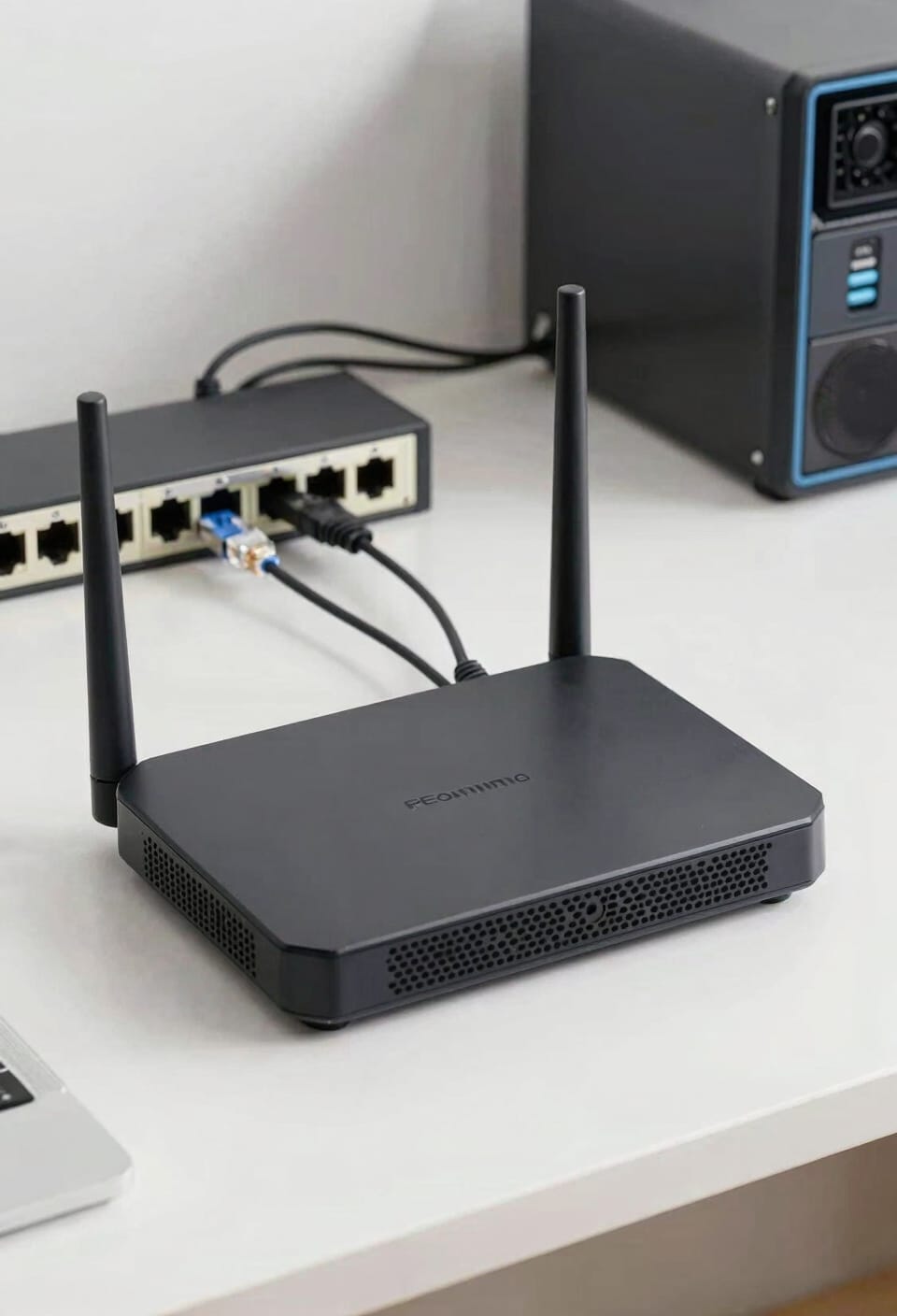
Despite all the convenience a gateway offers, there are genuinely solid reasons why you might want to stick with separate modem and router units instead. Here’s the thing: you’ve got more control and flexibility. If your ISP compatibility changes or you want to upgrade just your router without replacing everything, separate units let you do that. There’s also the buy vs. rent situation. You’ll own your modem outright instead of paying monthly rental fees to your ISP, which adds up fast over time. Plus, if one device fails, you’re not stuck replacing your entire setup. You can swap out whichever piece broke without the headache or expense of a complete overhaul.
Setup Mistakes That Slow Your Network
I’ve seen plenty of people get their modem, router, and gateway all set up correctly, only to watch their network sputter like it’s running on fumes—and honestly, it’s usually not the equipment’s fault.
Your wrong placement is often the culprit. Stick your router in a closet or basement corner, and you’re basically asking for dead zones throughout your home. Position it centrally and elevated for better signal spread.
Now, outdated firmware—that’s the silent killer nobody thinks about. Your devices receive software updates constantly, but many folks never update their modem or router. Check your equipment settings monthly and install any available updates. It takes five minutes and can seriously boost performance.
Frequently Asked Questions
Can I Use a Gateway if My ISP Doesn’t Provide One, or Must I Buy Separately?
You can buy a gateway separately if your ISP doesn’t provide one. I’d recommend purchasing your own to avoid ISP rental fees. Alternatively, you can use a modem in Bridge mode with a separate router for more customization.
How Often Do Gateway Firmware Updates Occur, and Can I Schedule Them Manually?
I can’t provide specific update frequencies since they vary by ISP and model. Most gateways handle automatic updates without manual scheduling. You’ll receive update notifications, but I’d recommend checking your gateway’s settings for firmware lifecycle details.
What Internet Speeds Can Modems and Routers Realistically Handle Before Bottlenecking Occurs?
Like a highway with narrow lanes, I’d tell you modems typically handle up to 1 Gbps before bottlenecking, while routers depend on their chipset limits. Check your modem’s DOCS link speed specifications for exact thresholds.
Are Gateways Compatible With Mesh Wi-Fi Systems, or Do They Require Separate Routers?
I’ll tell you that gateways aren’t typically compatible with mesh systems without network bridging. You’d need to disable the gateway’s Wi-Fi and connect a separate mesh router for peak mesh compatibility.
How Do I Diagnose Whether My Network Problems Stem From Modem, Router, or Gateway?
I’d diagnose your network issues by starting with signal testing and port diagnostics on each device. Try device swapping to isolate problems, then check firmware versions. This method helps me pinpoint whether your modem, router, or gateway’s causing trouble.
Conclusion
you’ve now got the knowledge to stop guessing and start deciding. So what’ll it be—do you want the flexibility of separate devices or the simplicity of an all-in-one gateway? Either way, you’re armed with real understanding instead of marketing jargon. That’s the win. Set up your network with confidence, and enjoy faster, more reliable WiFi. You’ve got this.