As an Amazon Associate, we earn from qualifying purchases. Some links on this site are affiliate links at no extra cost to you. Our recommendations are based on thorough research and editorial judgment.

Is a Cheap Router Worth It? What You Actually Get

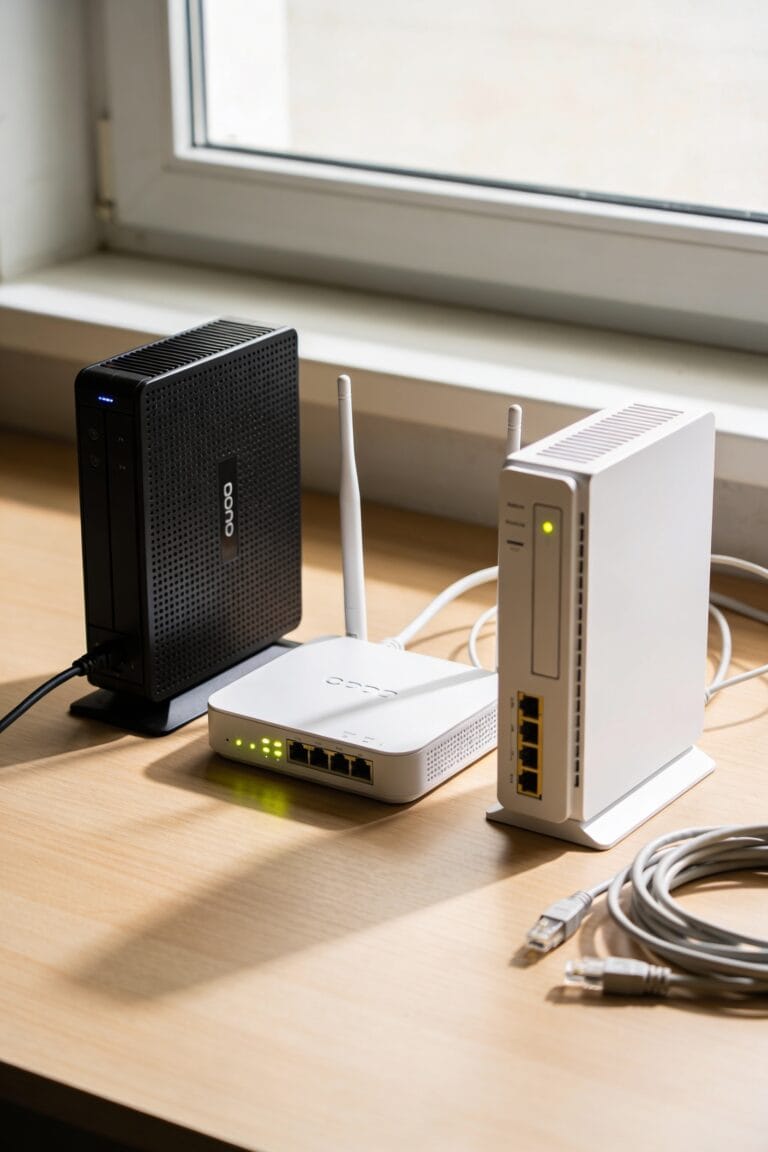
A cheap router works fine if you’ve got a small space, a modest internet plan under 100 Mbps, and you’re okay replacing it in a couple years. But here’s the catch: budget models use older Wi-Fi standards and weaker components that degrade fast under constant use. You’ll hit speed bottlenecks, reliability issues, and limited firmware updates. The real math? Frequent replacements often cost more than one solid premium router. Your ISP plan speed matters more than you’d think, and there are cheaper fixes—like repositioning your router—before you upgrade.
Key Takeaways
- Budget routers suit small households with modest ISP speeds (≤100 Mbps) and light usage; they’re cost-effective for short-term or occasional use only.
- Performance bottlenecks occur when budget routers have 100 Mbps ports but your ISP plan exceeds that speed; match router specs to your plan.
- Lower-grade components degrade within 1–2 years under constant use, causing slower speeds, restarts, and signal drops; premium routers offer better durability and firmware support.
- Weak coverage often stems from poor router placement, not capability; try relocating the router centrally or using affordable Wi-Fi extenders before upgrading.
- Advanced features like QoS and ad-blocking on cheap routers are underpowered or subscription-locked; frequent replacements can cost more long-term than one premium unit.
When Budget Routers Actually Make Sense
Look, I’m not going to tell you that a $50 router is going to change your life—because it won’t. But here’s where cheap routers actually earn their keep: small households with modest internet speeds. If your ISP plan tops out at 100Mbps and you’re just browsing, streaming one show, and checking email, a budget model handles that fine. You’re not maxing out its capabilities.
Travel routers fall into this camp too. They’re compact, affordable backups for temporary setups or on-the-go connectivity. You’re not expecting miracles from something that fits in a backpack.
The real question isn’t whether budget routers work—they do, technically. It’s whether you’re actually using one long enough to justify keeping it around.
The Performance Gap: Speed, Standards, and Your ISP
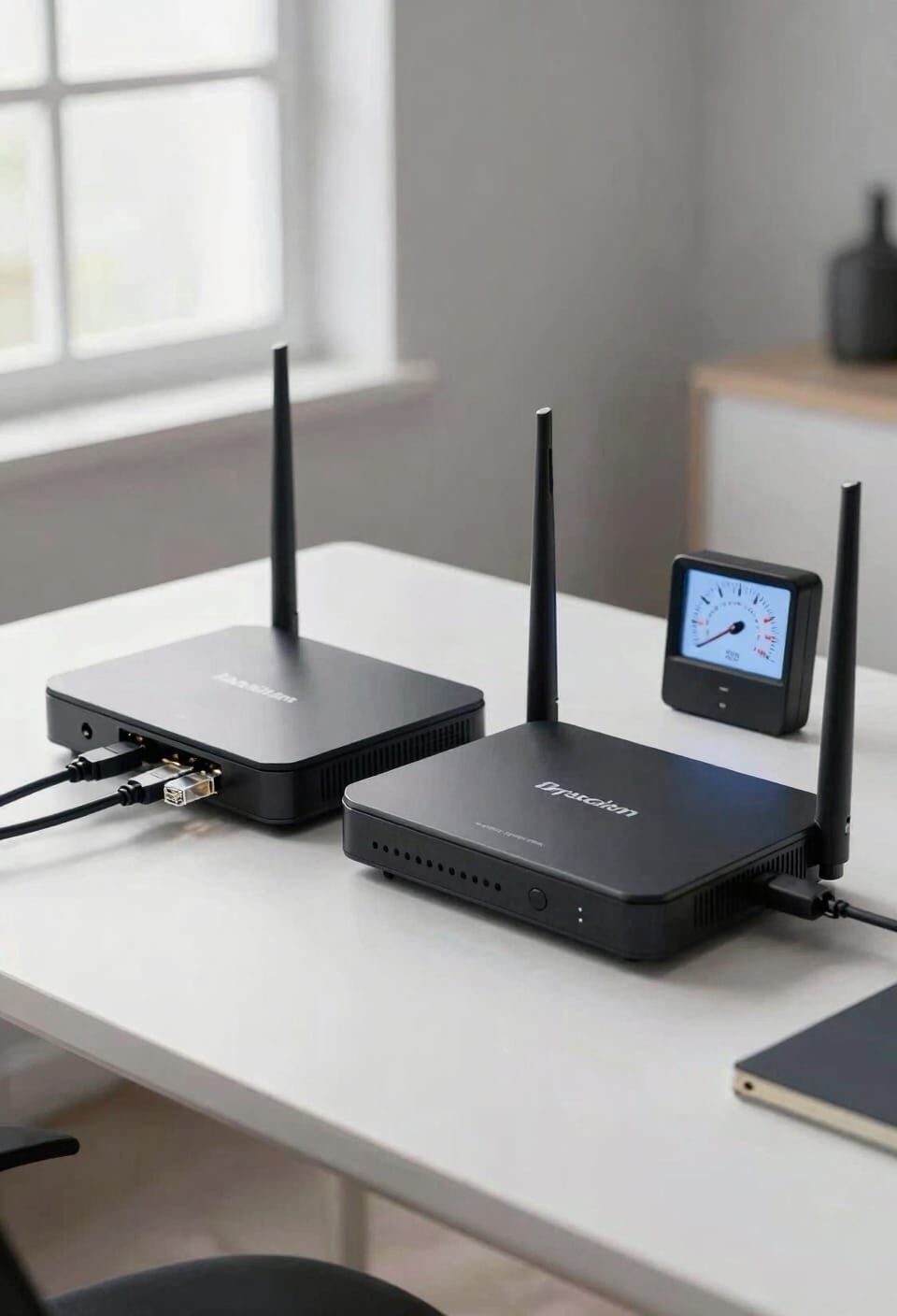
A budget router with a wimpy 100Mbps port and older Wi-Fi 5 standards will struggle to deliver even the speeds you’re already paying for, while a better router gets closer to your plan’s actual potential. Here’s the thing: your internet speed isn’t really capped by your router—it’s capped by your ISP. But a cheap router with that bottleneck port can’t even reach what you’re paying for. Premium models use signal shaping and channel bonding—fancy ways of organizing data traffic more efficiently—to squeeze better performance from the same connection. If you’ve got gigabit speeds from your provider, a budget router’s 100Mbps port becomes your hard limit. You’re literally throwing money away. Match your router to your plan, not the other way around.
Reliability and Longevity: What Cheap Components Really Cost

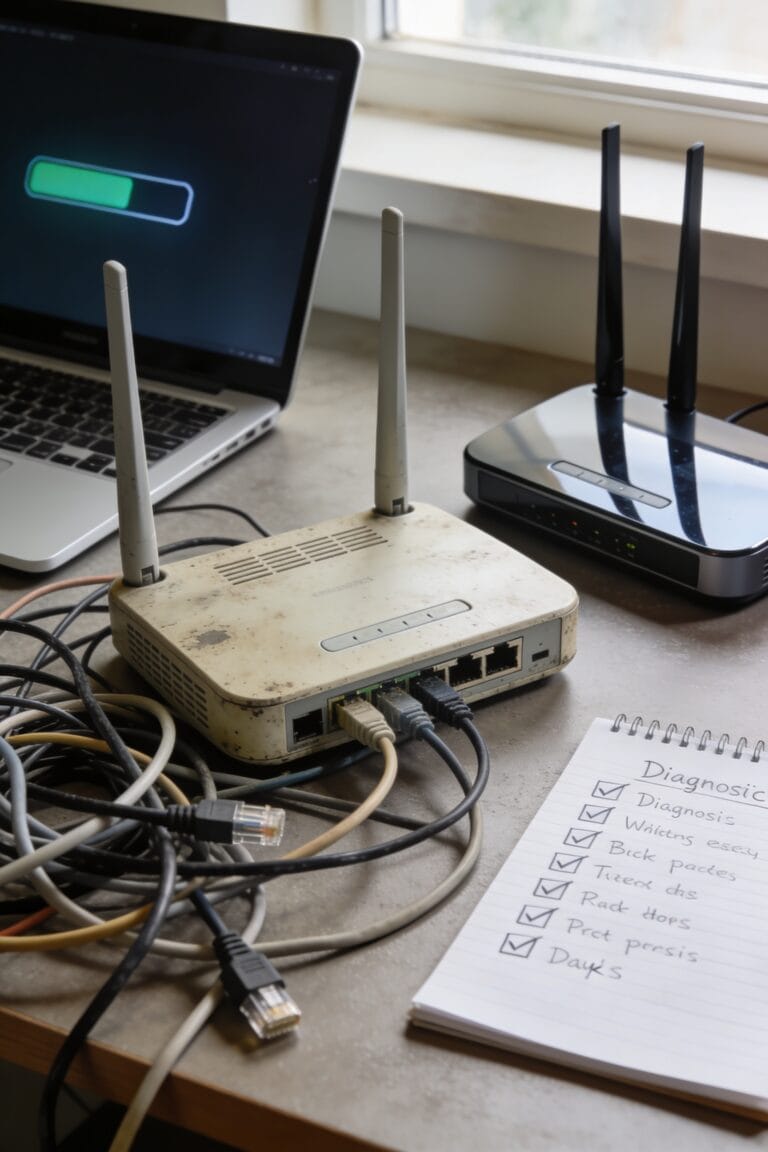
So you’ve got the speed math figured out—now here’s where the real bill comes due. Cheap routers often cut corners on component sourcing, using lower-grade materials that struggle under constant use. Thermal degradation—that’s when heat breaks down electronics over time—hits budget models hard because they lack proper cooling. You’ll notice slower connections, random restarts, and signal drops within a year or two.
Here’s the thing: premium routers come from manufacturers who actually stand behind their gear with consistent firmware support. Budget models? You’re lucky to see three updates before they’re abandoned. Even worse, that repairability score on cheap routers is basically nonexistent. When something fails, you’re replacing the whole unit, not just swapping a part. That’s expensive in the long run.
Coverage Problems You Can Fix Without Upgrading
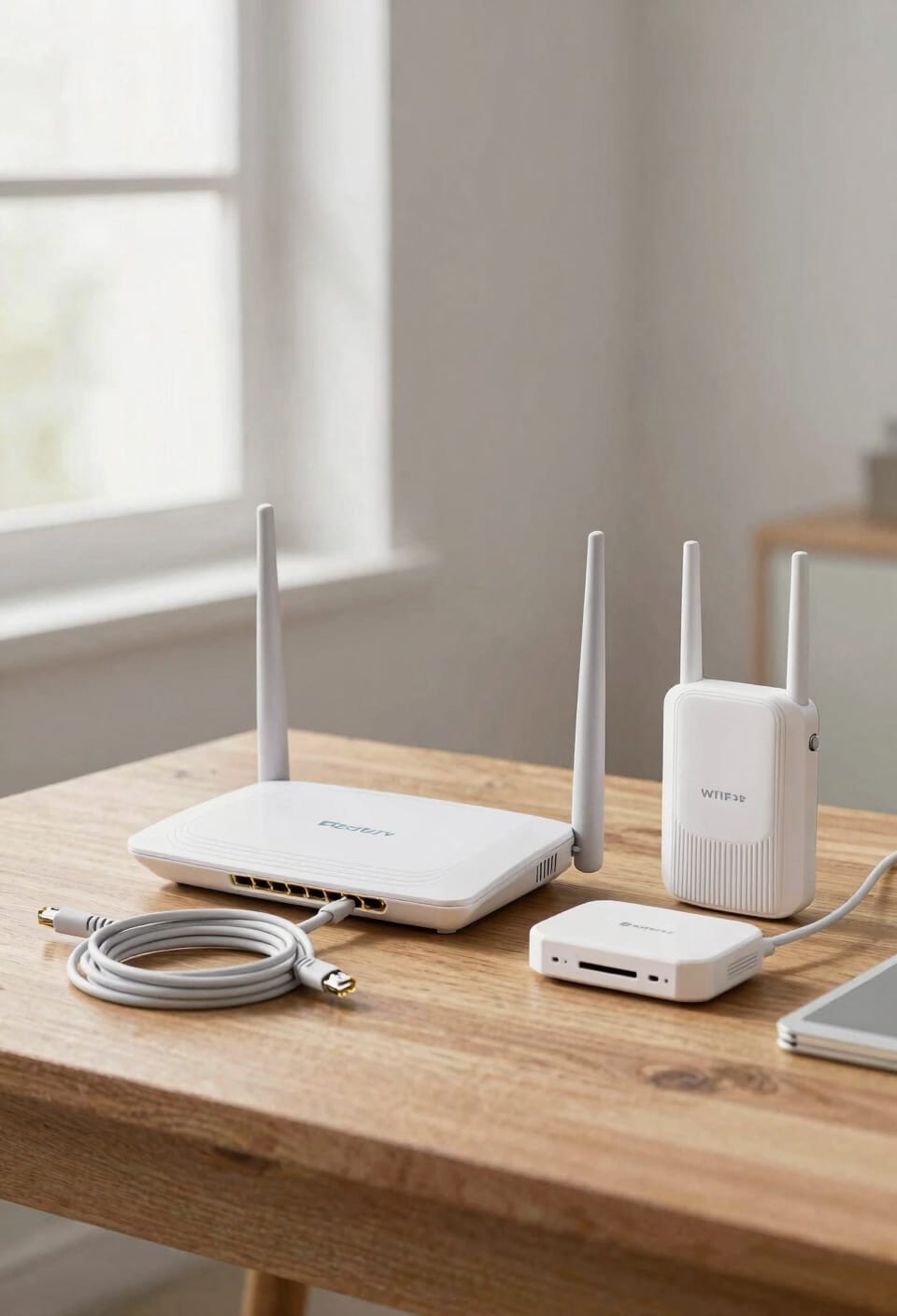
Before you panic about that dead zone in your bedroom or the kitchen where your signal turns into digital soup, consider this: a weak router placement might be the real villain here, not necessarily your router itself.
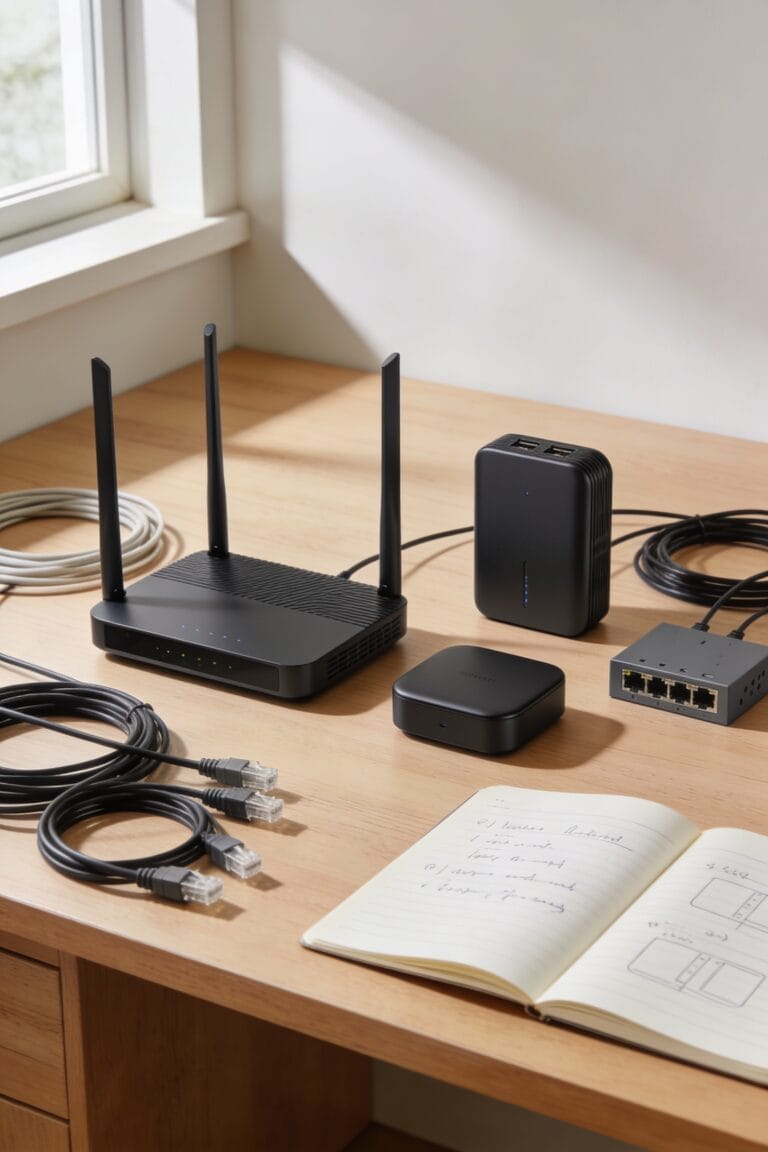
I’ve found that simply moving your router to a central location and adjusting antenna orientation—that’s the physical direction your antennas point—can dramatically improve coverage. Walls and distance kill signals faster than you’d think. If repositioning doesn’t cut it, a Wi-Fi extender (a device that picks up your signal and rebroadcasts it) costs way less than replacing your router entirely. Some newer models even support EasyMesh, which lets multiple devices work together seamlessly. You’d be surprised how often this fixes everything without spending a dime on upgrades.
Budget Router Features: What QoS and Ad-Blocking Really Cost

When you’re shopping for a budget router, you’ll notice that cheaper models often advertise features like QoS (Quality of Service—basically traffic management that prioritizes important tasks like video calls over background downloads) and built-in ad blockers, which sounds great until you realize these features either don’t work well or come locked behind subscription paywalls.
Here’s the thing: QoS tradeoffs on budget models mean the traffic prioritization barely functions. You’ll pay less upfront, then hit a paywall for ad blocking fees when you want real protection. Most cheap routers lack the processing power to handle these features smoothly anyway. Basic browsing and email work fine without them. If you need actual QoS controls and ad blocking, you’re better off saving for a mid-range router where these features actually deliver.
Wi-Fi 5, Wi-Fi 6, and Future-Proofing Your Network
you’ve probably noticed that budget routers max out at Wi-Fi 5 (that’s 802.11ac, the standard that tops out around 1.2 Gbps of combined speed), while the pricier models are already shouting about Wi-Fi 6 and Wi-Fi 6E.
Now, here’s where it gets tricky. Wi-Fi 6 routers handle way more devices without choking, and they’re built for the future. But your device compatibility matters—older laptops and phones won’t benefit from Wi-Fi 6 anyway. If you’re upgrading timelines are slow and your current gadgets are still Wi-Fi 5, a budget router might hold you fine for now. The real question isn’t the standard itself; it’s whether you’re planning to stick around for three years or eight.
ISP Speed Limits: Why Your Router’s Specs Don’t Always Matter
Imagine dropping $300 on a premium Wi-Fi 6 router that promises blazing speeds—only to discover it can’t go faster than your internet provider allows. Your ISP sets a hard ceiling on what you’ll actually experience, and no router specs change that. Here’s the thing: network throttling happens when your provider limits bandwidth, and data caps further restrict what flows through your connection. Even fancy router firmware won’t bypass peering agreements between your ISP and content providers. You’re bottlenecked by your plan, not your equipment. If you’re paying for 100 Mbps, that budget router handles it just fine. Splurging on premium hardware only matters once your internet plan can actually deliver the speeds it promises.
The Real Math: Budget vs. Premium Over 5 Years
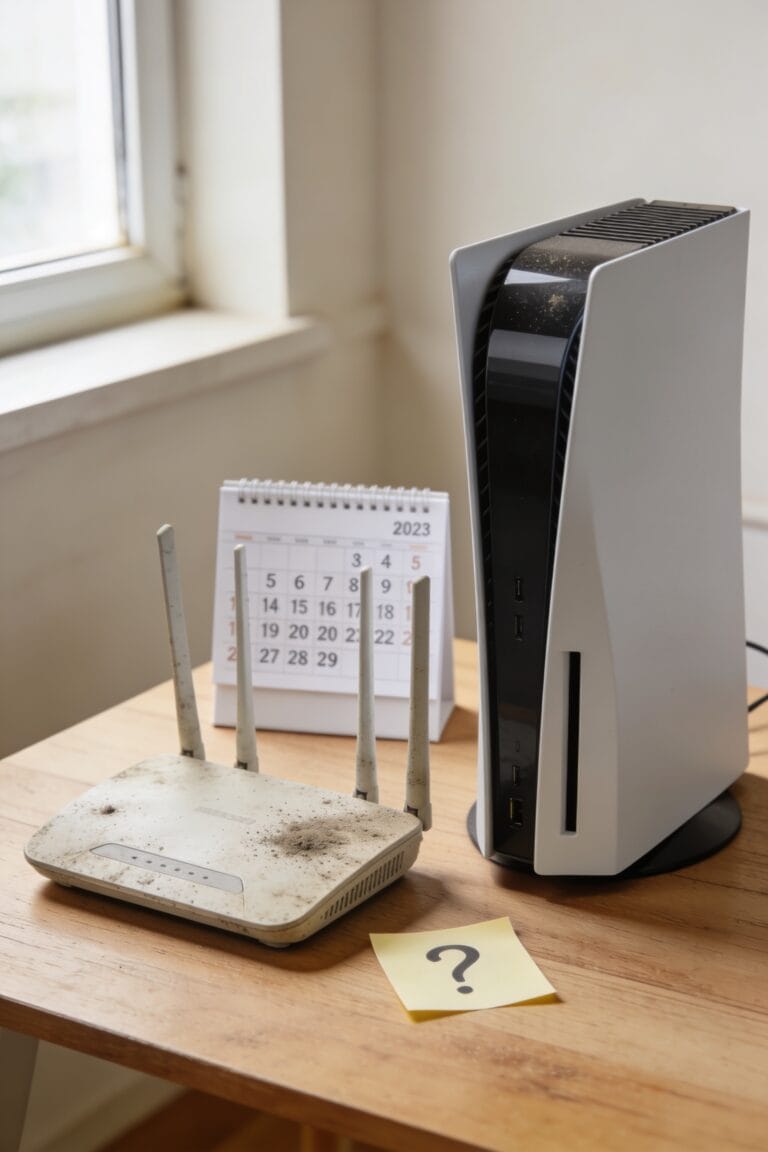
Let’s break down what actually happens when you do the math over five years instead of just looking at the price tag in the store. A budget router at $60 might seem like a steal until it crashes every six months and you’re buying replacements. That’s three routers instead of one. A premium model costs more upfront—maybe $200—but lasts longer with better components and consistent firmware updates. Your long term costs actually favor the expensive option. Plus, resale value impact matters. That budget router? Worthless after two years. Premium routers hold value better if you eventually upgrade. For heavy users in large homes, spending more now saves you money, frustration, and replacement headaches down the road.
Frequently Asked Questions
Can I Upgrade My Cheap Router’s Firmware to Improve Security and Performance Over Time?
You can upgrade your cheap router’s firmware, but I’d warn you that budget models rarely receive consistent automated patches. Premium routers get more reliable updates, and firmware rollback options are often limited on budget hardware.
What Specific Wi-Fi Standards Should I Prioritize for My Household’s Current and Future Device Needs?
I’d prioritize Wi-Fi 6E and Dual-Band AX for your household. Wi-Fi 6E future-proofs you against evolving device demands, while Dual-Band AX handles today’s connectivity needs reliably without overspending on premium options you won’t fully utilize.
How Do Wi-Fi Extenders Compare to Mesh Networks in Solving Coverage Without Replacing Routers?
Wi-Fi extenders offer economical expansion through easy placement, while mesh networks provide superior scalability for seamless coverage. I’d say extenders work well for targeted trouble spots, but mesh systems serve sprawling spaces better if you’re willing to invest more.
Are Subscription-Based Router Features Like VPNS and Ad Blockers Worth the Recurring Monthly Costs?
I’d say they’re rarely worth it. You’re better off using standalone VPN services and free ad blockers elsewhere. The cost-benefit doesn’t justify recurring router subscriptions when cheaper alternatives handle privacy tradeoffs effectively.
Which Budget Router Models Have the Best Track Record for Consistent Firmware Update Support?
Finding reliable budget routers is like hunting for needles in a haystack. I’d recommend the Asus RT-AC and Synology RT2600ac—they’re your best bets for consistent firmware updates among budget models, though you’ll still face limitations compared to premium options.
Conclusion
Look, here’s the thing: a budget router‘s worth depends on what you’re doing. You don’t need premium performance if your internet provider’s already throttling your speeds. But balking at the bargain basement option? Smart move. You’re better off buying a mid-range model that’ll last longer, perform properly, and won’t become obsolete before you’ve paid it off. Spend sensibly, save substantially.