As an Amazon Associate, we earn from qualifying purchases. Some links on this site are affiliate links at no extra cost to you. Our recommendations are based on thorough research and editorial judgment.

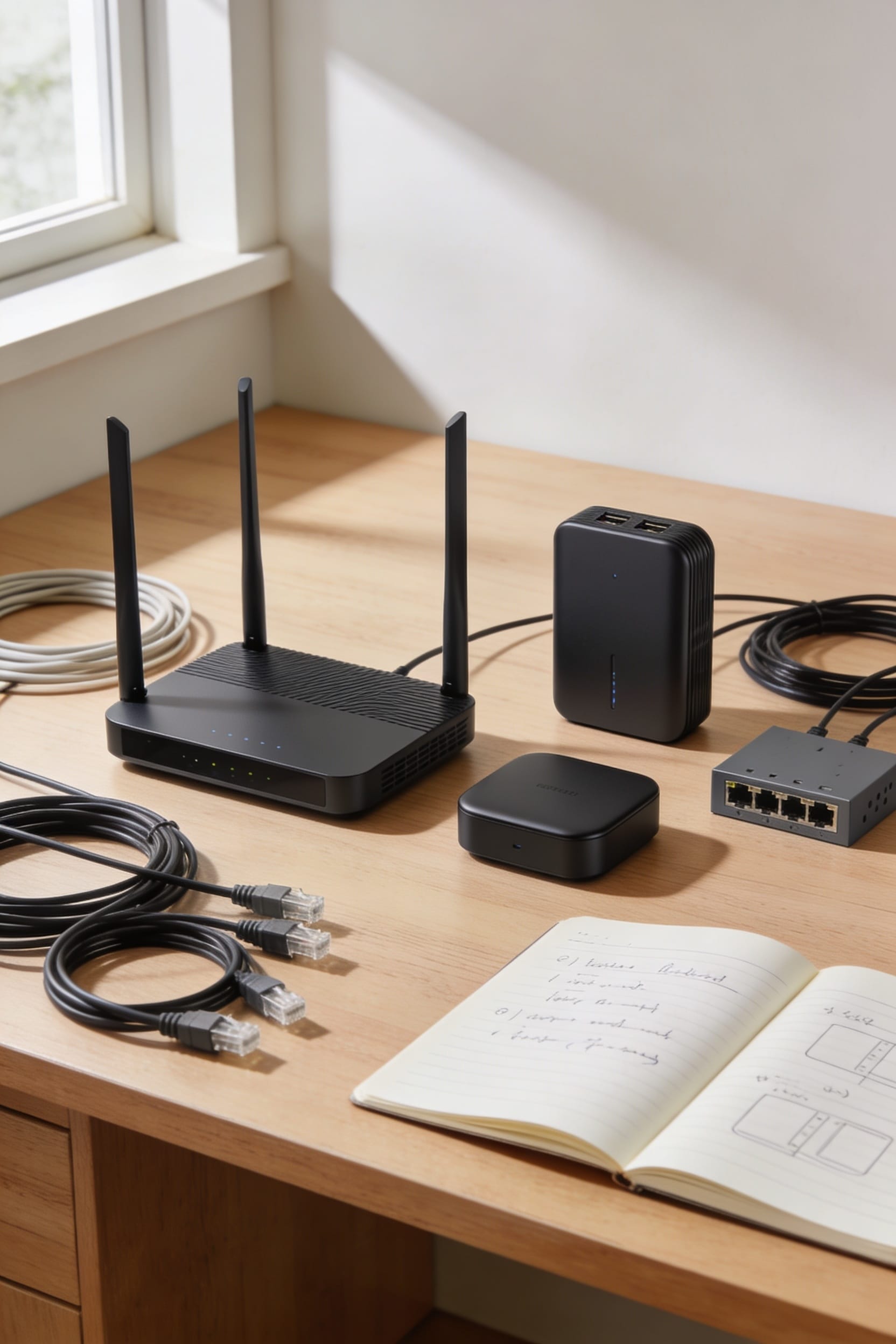
Router vs Access Point: Which Is Better for Your Home?

Look, here’s the thing: a router manages your internet connection and handles all the heavy lifting, while an access point just extends that signal without doing the brain work. You’ll want a quality router first—it reaches about 150 feet indoors—then add access points only if dead zones still plague you after setup. For most homes, one solid router does the job. But if you’re juggling 4K streaming and video calls simultaneously, that router’s traffic management becomes your best friend. Stick around and we’ll map out exactly what you actually need.
Key Takeaways
- A router manages internet and handles security independently; an access point extends Wi‑Fi but requires an existing router to function.
- Single routers cover about 150 feet indoors; add access points only if dead zones persist after initial setup and testing.
- Routers provide bandwidth prioritization and beamforming optimization for high‑demand activities; access points primarily extend coverage without enhancing performance features.
- Routers cost more upfront but complete setup alone; access points cost less per unit but require an existing router investment.
- Start with a quality router for small to modest homes; scale up with access points for multi‑floor coverage using mesh systems.
Router vs. Access Point: What’s the Real Difference?
Look, if you’ve ever found yourself staring at networking equipment in a store aisle (or worse, reading product descriptions online), you’ve probably noticed that routers and access points sound like they do basically the same thing—they both broadcast Wi-Fi, right? Here’s the thing: they’re fundamentally different in their device roles. Your router is the command center—it manages your internet connection, assigns IP addresses, handles security, and controls traffic. An access point, meanwhile, is more like a team player. It extends your Wi-Fi signal through wireless bridging, connecting your devices to an existing network without managing the internet itself. Think of it this way: a router is independent and self-sufficient, while an access point needs a router to function at all.
Do You Need a Router, Access Point, or Both?
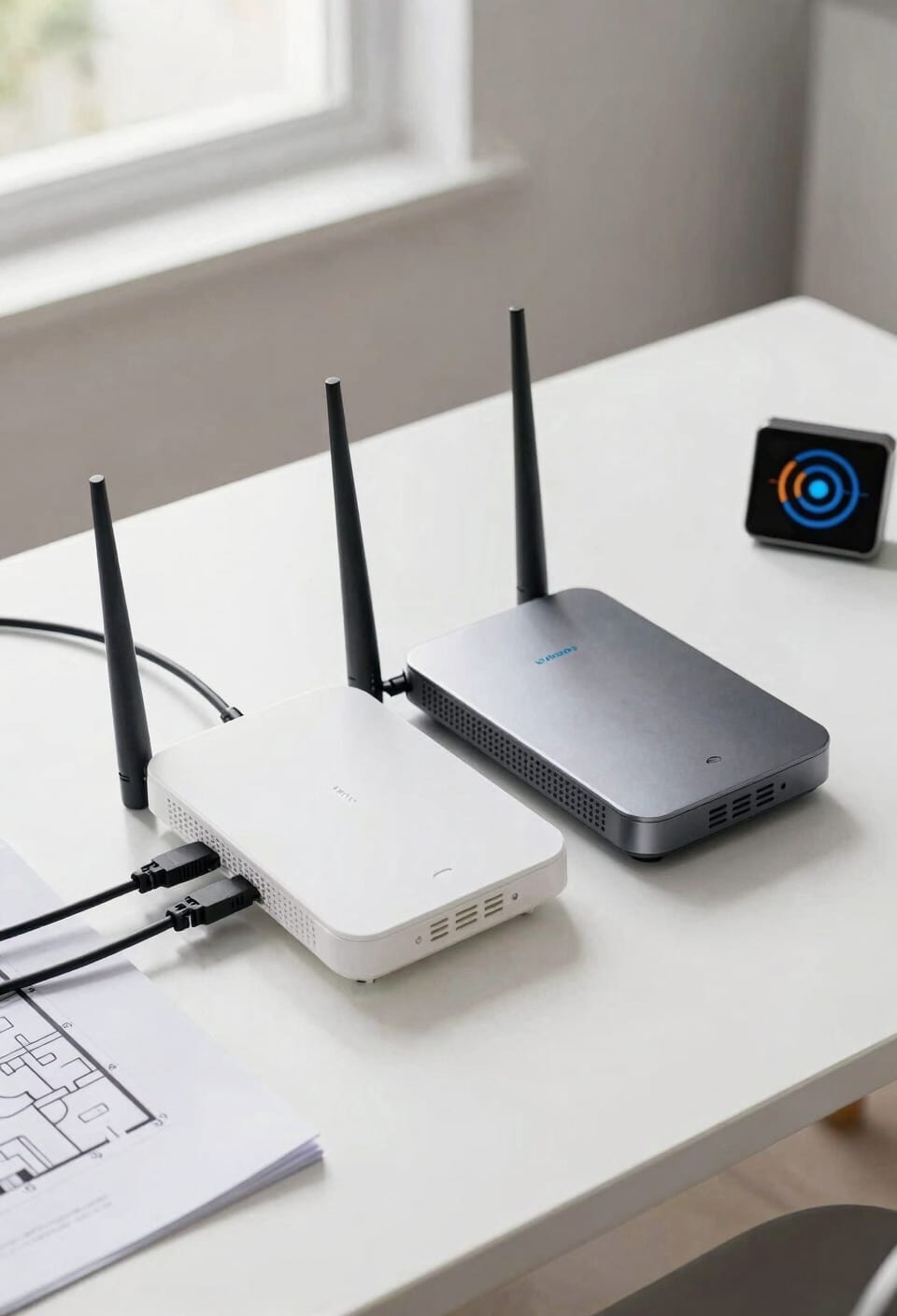
Now that you know what each device actually does, the real question is figuring out what your home actually needs—and I promise it’s simpler than it sounds. If you’re living in a small apartment or modest house, a single router handles everything. You get internet access, Wi-Fi coverage, and basic security all wrapped up. But if you’ve got a sprawling home with dead zones or multiple floors, adding an access point extends your coverage without losing performance. For serious internet redundancy and seamless roaming, mesh-compatible systems let you add units strategically. Here’s my take: start with a quality router. If you’re still frustrated by weak signals six months later, grab an access point. You’ll know you actually need it.
Coverage and Range: Router vs. Access Point for Your Home
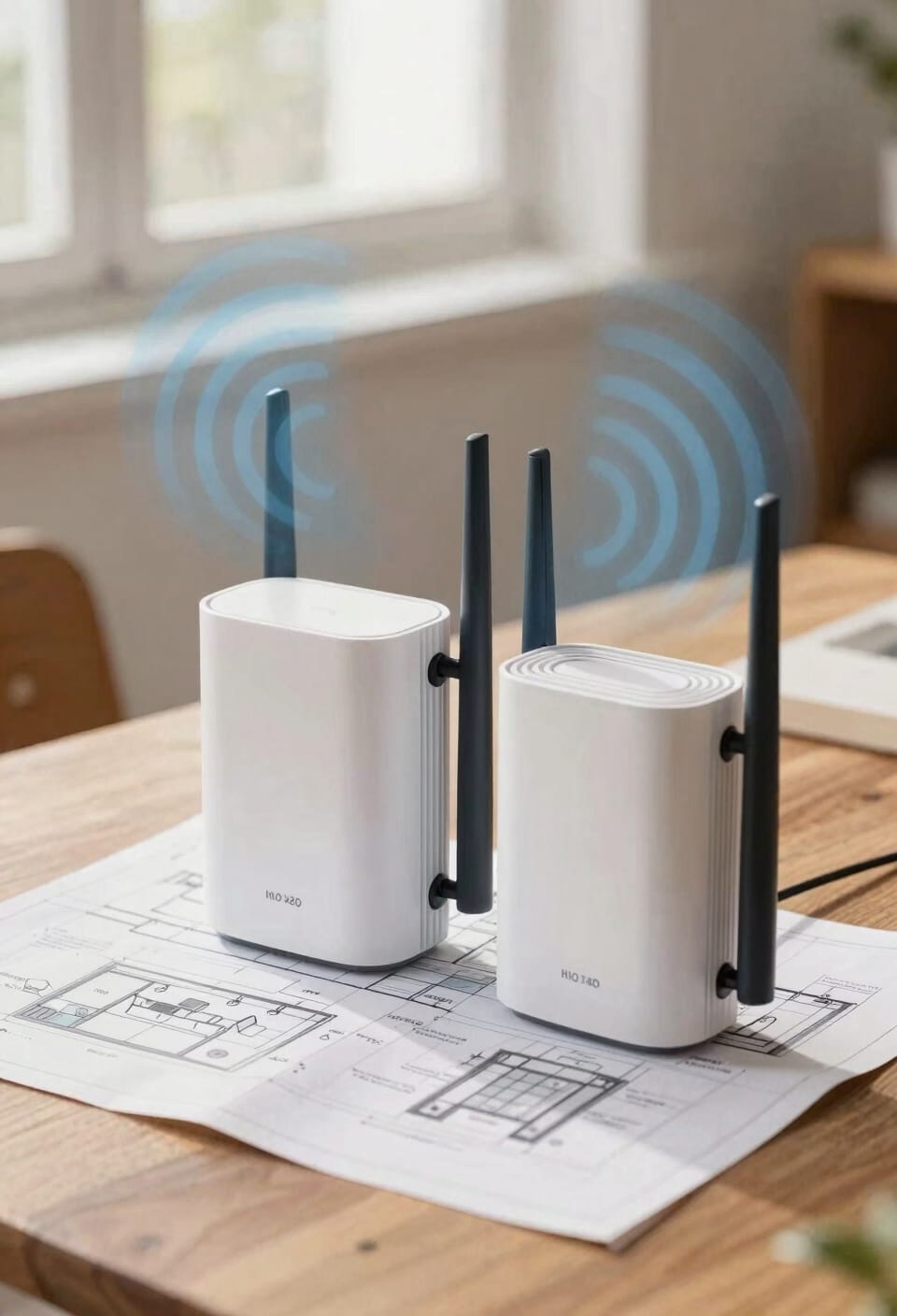
The distance your Wi-Fi signal travels is probably the biggest reason you’re even reading this article. Here’s the thing: a single router typically reaches about 150 feet indoors, which sounds great until you’re standing in your kitchen and the signal barely crawls through two walls. Access points, by contrast, can blanket up to 2,000 square feet per unit, making them absolute game-changers for larger homes.
Now, signal mapping—basically testing where your Wi-Fi actually reaches versus where you hoped it would—reveals dead zones that routers simply can’t handle alone. Antenna placement matters too. I’ve seen people dramatically improve coverage just by pointing antennas vertically instead of horizontally.
For bigger spaces, combining a router with access points eliminates those frustrating drop-offs. You get seamless roaming and actual usable signal everywhere.
Performance Features That Matter: Router and Access Point Capabilities
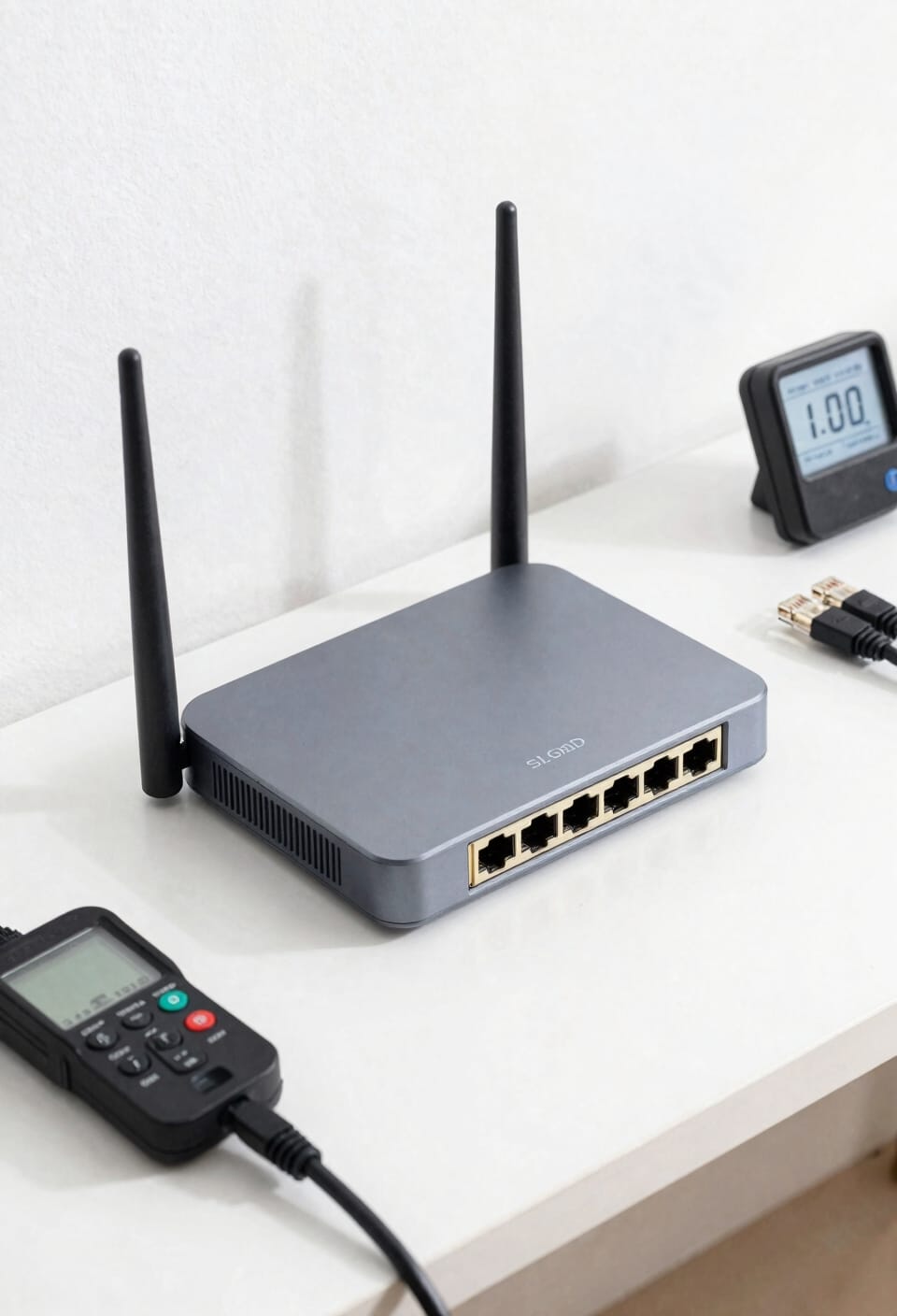
Once you’ve got your coverage sorted, you’ll realize that having signal everywhere doesn’t mean much if that signal can’t actually *do* anything. Here’s the thing: routers pack serious performance features. They handle bandwidth prioritization—basically deciding which devices get the fastest speeds first—and beamforming optimization, which focuses your Wi-Fi signal like a spotlight instead of scattering it everywhere. Access points? They’re simpler. They rely on your router upstream to handle that heavy lifting. Now, if you’re streaming 4K video while someone’s gaming and another person’s on a video call, you’ll want a router that can juggle all that traffic smoothly. Access points just extend what’s already there. For most homes, a quality router with strong prioritization features beats out multiple access points any day.
Cost, Setup, and Maintenance Comparison
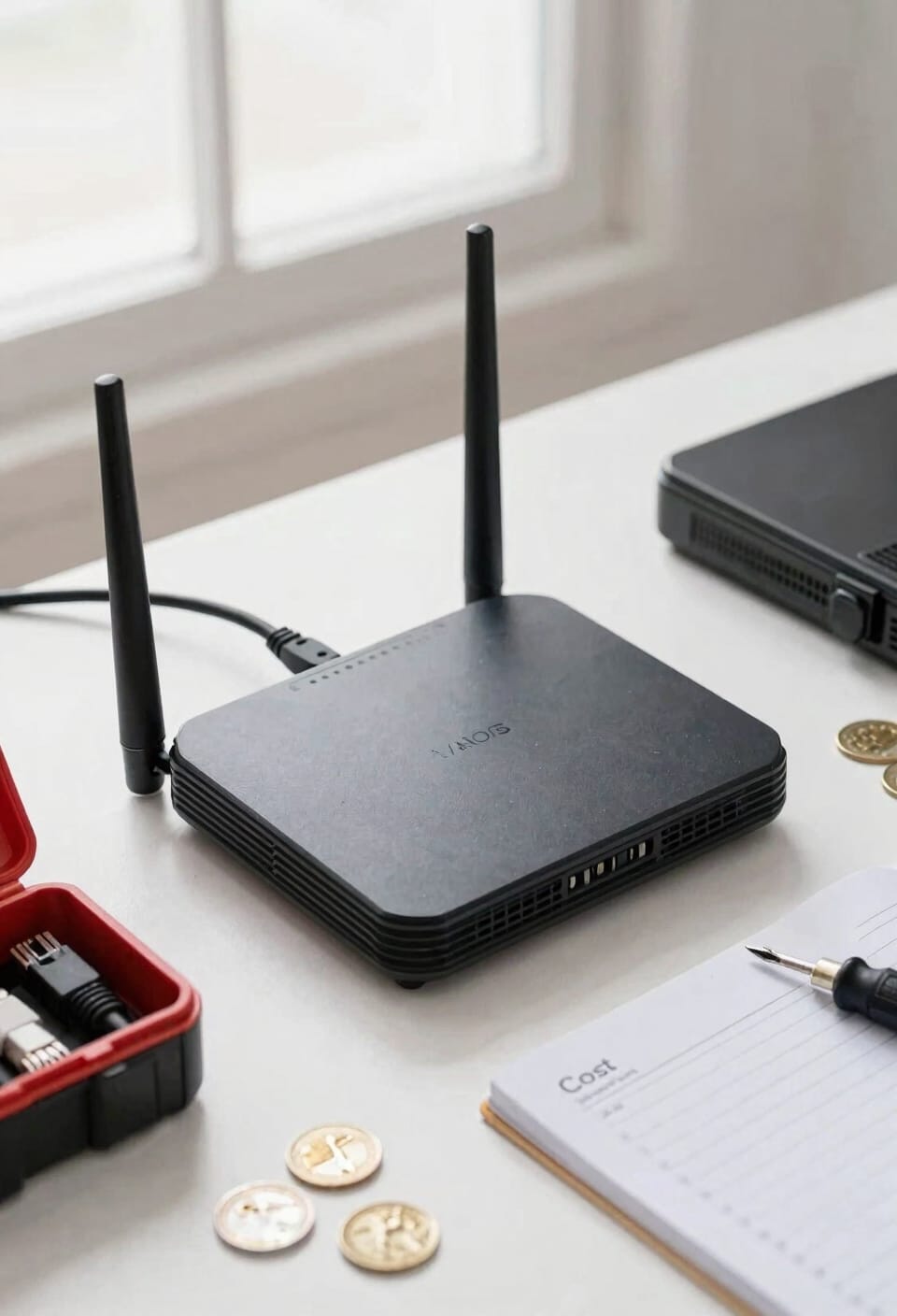
When it comes to actually getting one of these devices into your home and keeping it running, your wallet and your patience are going to have very different things to say about routers versus access points.
A router‘s initial expense is higher—you’re paying for all-in-one functionality. But here’s the thing: you’re done. No additional hardware needed. Access points cost less upfront, yet they demand an existing router, which means your true initial expense climbs fast if you’re starting from scratch.
Now, ongoing upkeep differs too. Routers handle everything solo; you update firmware occasionally. Access points? You’re managing multiple units, more devices to monitor, more potential headaches. For most homes, a single router remains simpler and cheaper long-term.
Which Option Fits Your Space and Budget?
Now that you’ve got a sense of what routers and access points cost upfront and what they’ll ask of you down the line, it’s time to actually figure out which one makes sense for your specific situation. If you’re working with a small apartment or a one-story home under 2,000 square feet, a single router handles everything without breaking the bank. But if you’re dealing with a bigger space, dead zones, or signal interference from walls and floors, you’ll want access points. They scale beautifully—just add more units as needed. Consider mesh compatibility too; many modern systems blend router and access point features seamlessly. Match your choice to your layout, not your neighbor’s setup. Your wallet and your WiFi will thank you.
Scaling Up: When to Add Access Points to Your Router
As your home grows or your WiFi frustration peaks, you’ll hit a moment where your single router just can’t cut it anymore. When dead zones start multiplying—that corner bedroom, the garage, upstairs bathroom—it’s time to think about adding access points, which are basically Wi-Fi extenders that connect to your existing router to spread coverage.
Here’s the thing: good network planning saves you headaches later. Map out your problem areas first. Most homes benefit from adding one access point per 2,000 square feet. Look for models with controller integration, meaning they work together through one app instead of requiring separate logins. This keeps everything manageable and your sanity intact.
Frequently Asked Questions
Can I Use an Access Point Without a Router in My Home Network?
No, you can’t use an access point alone—it needs a router to function. However, I’d recommend exploring mesh alternatives, which eliminate dead zones and offer guest network features without requiring separate devices.
Do Routers and Access Points Work Together on the Same Wi-Fi Network Name?
Yes, I’ll configure your router and access points to share the same SSID for seamless roaming. When you enable SSID synchronization, I make sure they’re on identical networks, giving you consistent roaming performance throughout your home.
What Happens to My Internet if My Router Fails in a Multi-Ap Setup?
Your internet stops completely during a router outage because access points can’t function without it—they rely on the upstream router for DHCP and internet management. Unfortunately, there’s no seamless failover in typical home setups.
Can I Convert My Old Router Into an Access Point for Better Coverage?
Yes, I can convert your old router into an access point. Most routers include AP mode—check your firmware upgrade options. I’d recommend ethernet backhaul for reliability and strategic placement tips to eliminate dead zones effectively.
How Many Devices Can a Single Access Point Handle Simultaneously Before Slowing Down?
A single access point typically handles 50-100 devices comfortably, though performance depends on client density and bandwidth sharing. I’d recommend adding another access point if you’re exceeding these numbers to maintain speed.
Conclusion
All right, here’s the thing: choosing between a router and access point isn’t about picking a winner—it’s about building the WiFi foundation that actually works for *your* home. You’ve got the knowledge now, so stop spinning your wheels and make a decision. Whether you’re going solo or scaling up, you’ll sleep better knowing you’ve got coverage that doesn’t quit.