As an Amazon Associate, we earn from qualifying purchases. Some links on this site are affiliate links at no extra cost to you. Our recommendations are based on thorough research and editorial judgment.

Signs You Need a New Router Right Now

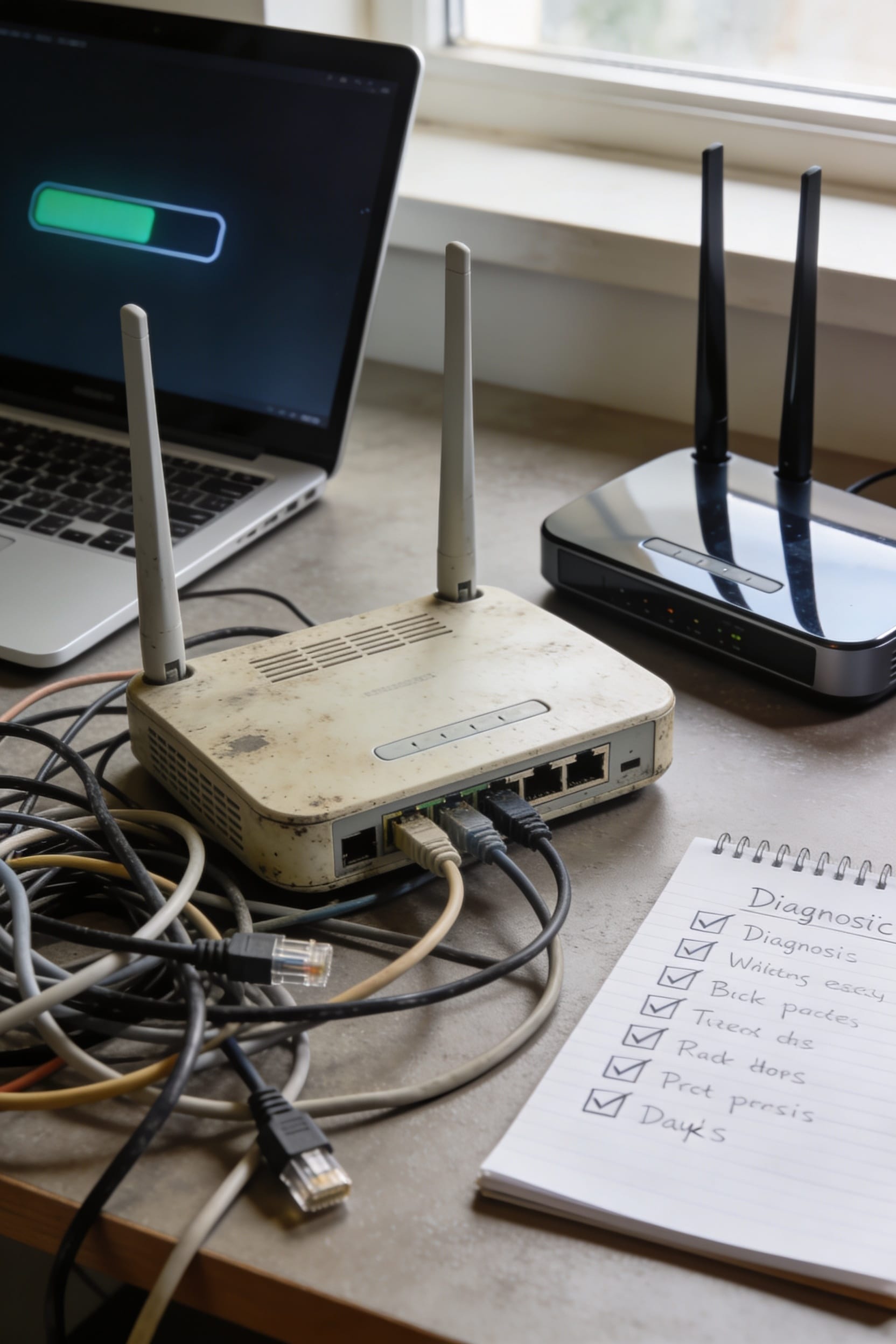
Look, if your router’s got cracked casing, unresponsive buttons, or indicator lights that’ve gone dark, it’s telling you something—hardware doesn’t last forever. When it’s constantly booting devices offline, demanding daily restarts, or delivering a fraction of your paid gigabit speeds, that’s your sign. Add overheating shutdowns or an inability to connect your newer devices, and you’re not looking at a troubleshooting problem anymore. Sometimes a router just ages out, especially past five years, and no amount of rebooting fixes what’s actually broken inside. Stick around to learn exactly which of these red flags demand immediate action.
Key Takeaways
- Your router’s buttons are unresponsive, lights are dark, or the casing shows visible cracks and damage.
- The device constantly disconnects devices, requires daily manual restarts, and troubleshooting fails to resolve instability.
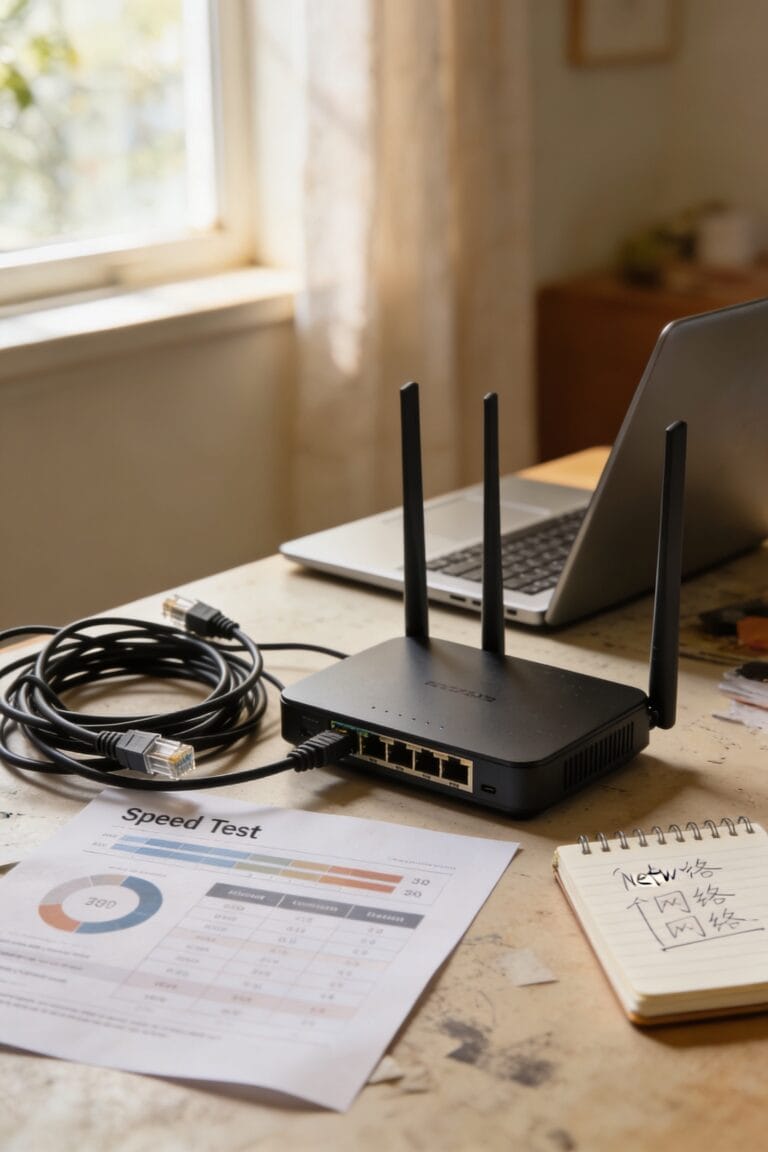
- Internet speeds drop significantly without configuration changes despite paying for gigabit service.
- The router becomes very hot during normal use and drops connections after extended operation periods.
- Your router is older than five years and lacks support for modern WiFi standards like WiFi 6.
Physical Damage or Broken Buttons Indicate Hardware Failure
Look, if you’re noticing that buttons on your router aren’t responding when you press them, or the little indicator lights that normally glow to show everything’s working have gone dark, that’s your router basically waving a white flag. When the physical components start failing, it’s usually a sign the whole device is on its way out. Check for a worn casing—cracks, discoloration, or visible damage on the outside almost always means trouble inside. Unresponsive ports where cables should connect? That’s hardware deterioration talking. These aren’t just cosmetic issues you can ignore. They point to internal component failure that’ll only get worse. Your router’s trying to tell you something: it’s time to upgrade.
Your Router Keeps Disconnecting or Needs Daily Reboots
If your router constantly boots you offline or demands a manual restart every single day just to limp back into service, that’s not a quirk—it’s a cry for help. You’re likely dealing with failing internal components or firmware corruption—basically, corrupted software instructions that make your router unstable.
Look, when you’re troubleshooting and nothing sticks, when even mesh troubleshooting can’t save things, that’s your sign. A healthy router shouldn’t need babysitting. If you’re restarting daily, your hardware’s probably stressed beyond recovery. The processor can’t handle your device load anymore, or the memory’s simply overstuffed.
Here’s what matters: constant disconnections combined with daily reboots point to a router that’s genuinely dying. It’s not worth fighting. Time for a replacement.
Internet Speeds Have Dropped Significantly Without Explanation
Beyond connection drops and daily reboots, there’s another telltale sign your router’s running on fumes: your speeds have tanked for no apparent reason. You’re paying for gigabit internet, but you’re getting a fraction of that. The culprit? Your aging router’s processor and memory are maxed out. When too many devices demand bandwidth simultaneously—think streaming, gaming, and smart home gadgets all at once—network congestion happens. Your router can’t keep up, so it throttles performance for everyone. Older hardware simply wasn’t built for today’s demands. If your speeds dropped without you changing anything, and rebooting temporarily fixes it, your router’s struggling to handle the load. Time to upgrade.
The Device Runs Hot and Shuts Down During Use
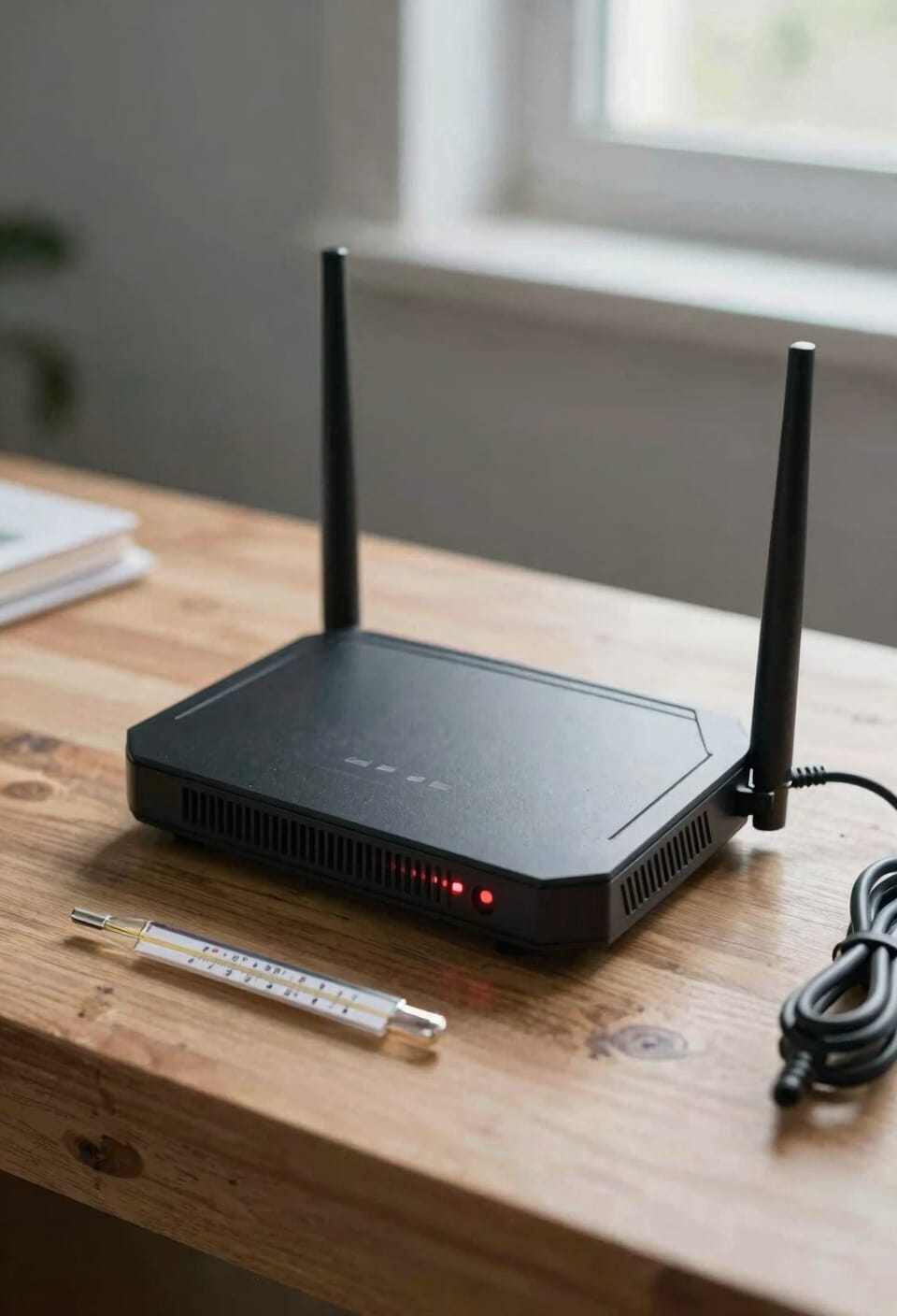
Overheating doesn’t announce itself with a warning label—it just sneaks up on you until your router’s basically a space heater that’s also supposed to be managing your WiFi. If you’re noticing your device running hot to the touch or suddenly dropping your connection after an hour of use, thermal throttling is likely happening. That’s when your router intentionally slows itself down to avoid cooking its own circuits.
Here’s the thing: proper cooling solutions matter. Make sure your router has breathing room, isn’t crammed in a closet, and sits on a solid surface rather than carpet. But if it’s still overheating despite good ventilation, the internal components are probably degrading. When a router can’t handle today’s internet demands without literally shutting down to cool off, it’s telling you something loud and clear—it’s time for an upgrade.
Your Router Is Older Than 5 Years
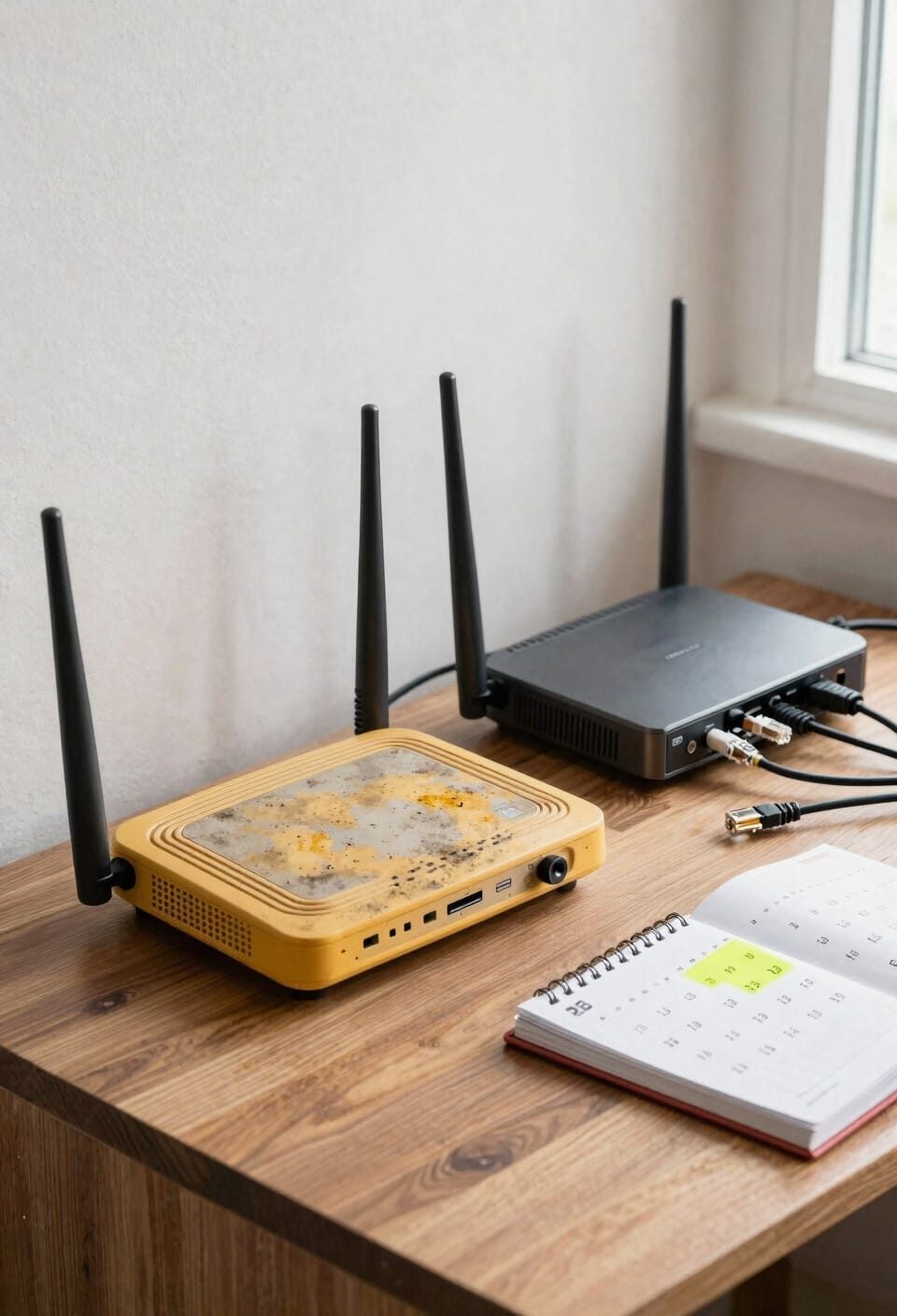
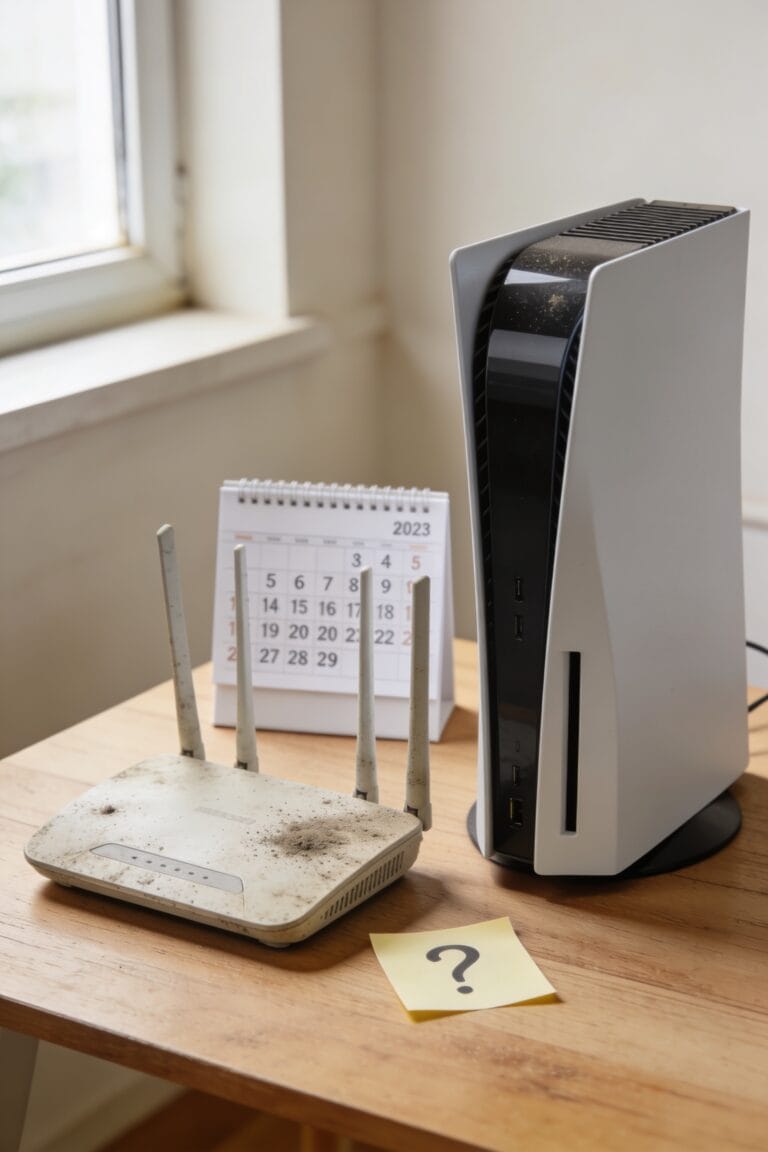
Your router’s age matters way more than you’d think, and not in a “fine wine” kind of way. Once your router hits five years old, it’s basically running on borrowed time. Here’s why: manufacturers stop pushing firmware updates—those software patches that fix security holes—which leaves you vulnerable to hackers who’ve discovered new exploits.
Now, older routers also can’t handle modern WiFi standards that newer devices expect. Your phone or laptop wants WiFi 6E speeds, but your ancient router’s stuck on WiFi 5. You’re bottlenecked before you even start.
Look, if your router’s older than 2019, replacement isn’t optional anymore. Technology shifted hard during the pandemic, and your router probably didn’t keep up. You deserve better speeds and actual protection.
New Devices Won’t Connect or Keep Dropping Off
When your shiny new phone or laptop can’t seem to stay connected to your WiFi network, or it takes forever to even find your router in the available networks list, that’s often a red flag that your router’s getting too old for the job. Newer devices use advanced WiFi standards that older routers simply don’t support. You might also hit firmware incompatibility issues—your router’s software can’t communicate properly with modern tech. Guest network conflicts can pile on too, causing fresh devices to drop repeatedly. If you’re constantly reconnecting the same gadget while others work fine, your router probably doesn’t understand your device’s language. That’s your cue: it’s time for an upgrade.
Frequently Asked Questions
How Many Devices Can an Older Router Safely Handle Before Performance Degrades?
I’d say older routers typically handle 5-10 devices before hitting throughput limits. Once you exceed that device count, you’ll notice performance degrading markedly. Modern homes with smart systems need newer routers supporting higher capacity.
What Security Risks Come With Using a Router That No Longer Receives Firmware Updates?
When your router stops receiving firmware updates, you’re exposed to outdated vulnerabilities that hackers exploit. Your compromised encryption becomes susceptible to interception, putting your personal data and online activity at serious risk.
Can a Router’s Wifi Range Shrink Over Time Without Physical Damage Occurring?
Yes, I’m telling you your router’s range can shrink like a deflating balloon. Over time, signal degradation and firmware wear degrade internal radios, causing weaker coverage even without physical damage visible to your eye.
Is Overheating the Only Reason a Router Randomly Restarts or Reboots Unexpectedly?
No, overheating isn’t the only cause. I’ve found that random restarts often stem from failing power supplies, unstable hardware, firmware corruption, or power cycling issues from stressed processors and degraded internal components.
Will Upgrading to Wifi 6E Devices Improve Speeds on Older Wifi 4 Routers?
Like pouring premium fuel into an old engine, upgrading to WiFi 6E devices won’t help you on older WiFi 4 routers. You’ll face compatibility limitations and signal bottlenecks that prevent faster speeds from materializing.
Conclusion
Look, I know replacing your router feels about as fun as rewinding a VCR, but here’s the thing—your internet’s trying to tell you something. If you’re seeing any of these signs, you’re not fixing a problem anymore; you’re just postponing the inevitable. A new router isn’t an expense; it’s an investment in not losing your mind. Trust me, your future self will thank you.